
Introduction
The Rotary Club of Roseville App is a mobile tool designed to connect club members, streamline event management, and simplify communication for community service projects. It centralizes calendars, contacts, and resources in a single interface so members can stay informed, collaborate, and participate without friction.
What the app brings to club organizers
The Rotary Club of Roseville App acts as a digital hub for local Rotarians and volunteers. It focuses on organizing meetings, tracking service activities, and managing membership tasks. Administrators can post announcements, share documents, and coordinate schedules, while members receive timely updates and can RSVP quickly from their devices.
Core features at a glance
- Event calendar: A consolidated view of upcoming meetings, service projects, and social gatherings with RSVP and reminder capabilities.
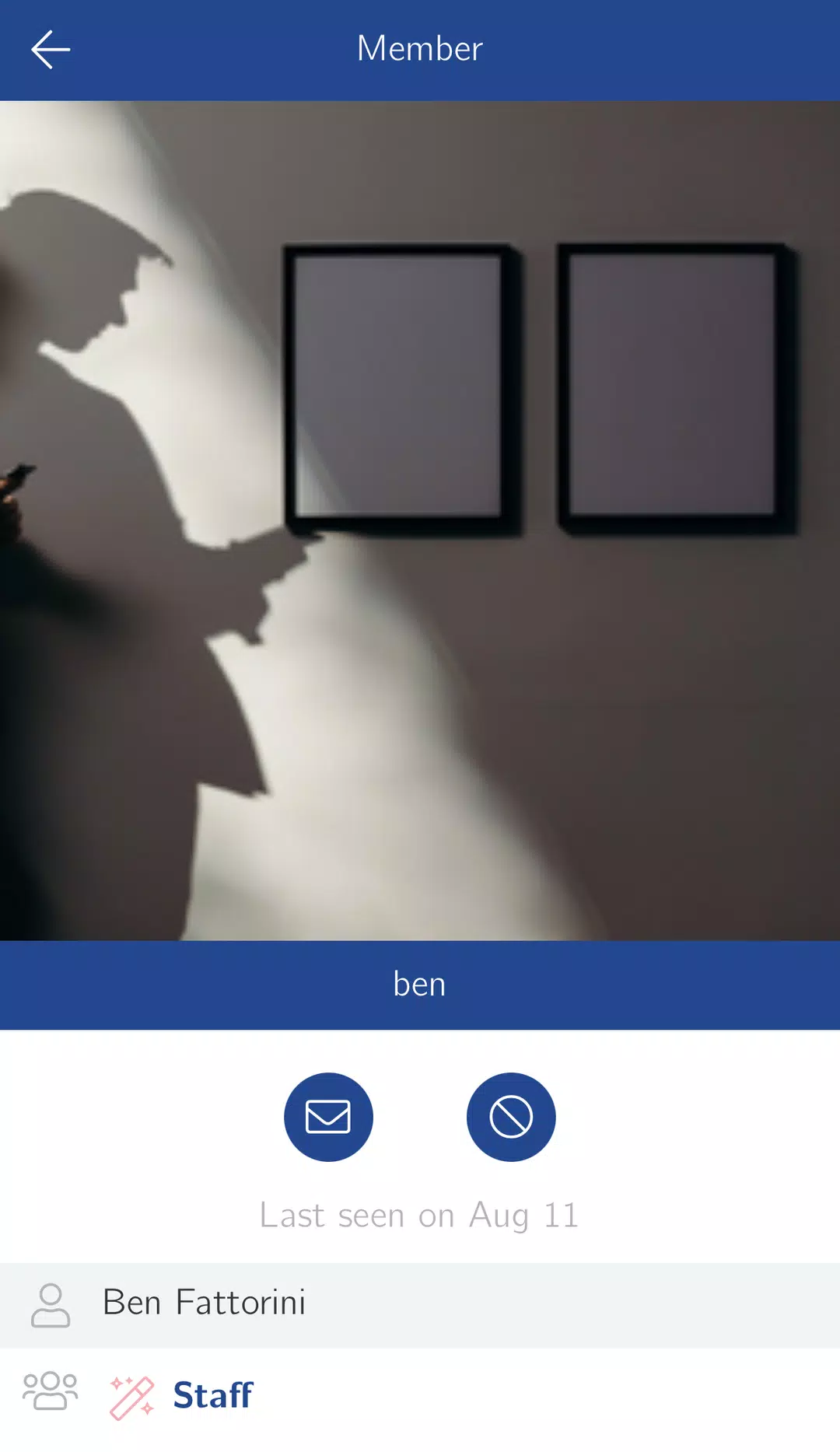
- Member directory: Contact details and roles for easy networking and outreach.
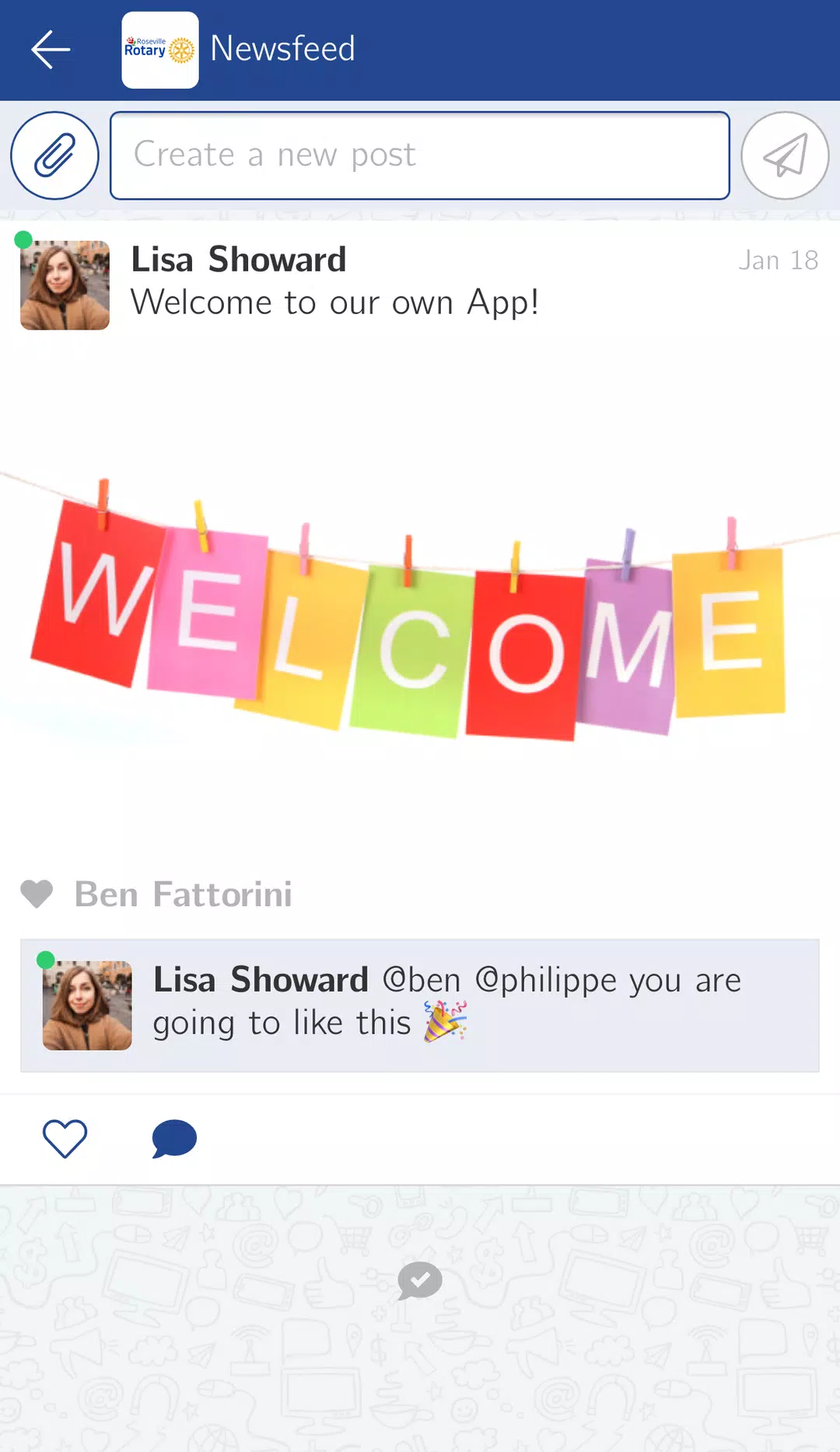
- Announcements: Push notifications and bulletin-board style updates to highlight urgent items or news.
- Document sharing: Agendas, minutes, and project plans stored for quick access.
- Volunteer check-in: Tools for tracking participation and logging service hours.
How it works in everyday use
Getting value out of the Rotary Club of Roseville App requires minimal setup. Club leaders populate events and upload essential documents. Members download the app, create a profile, and choose notification preferences. From that point, interactions are straightforward: RSVP for an event, view the agenda, message a colleague, or record hours after a project finishes.
User interface and navigation
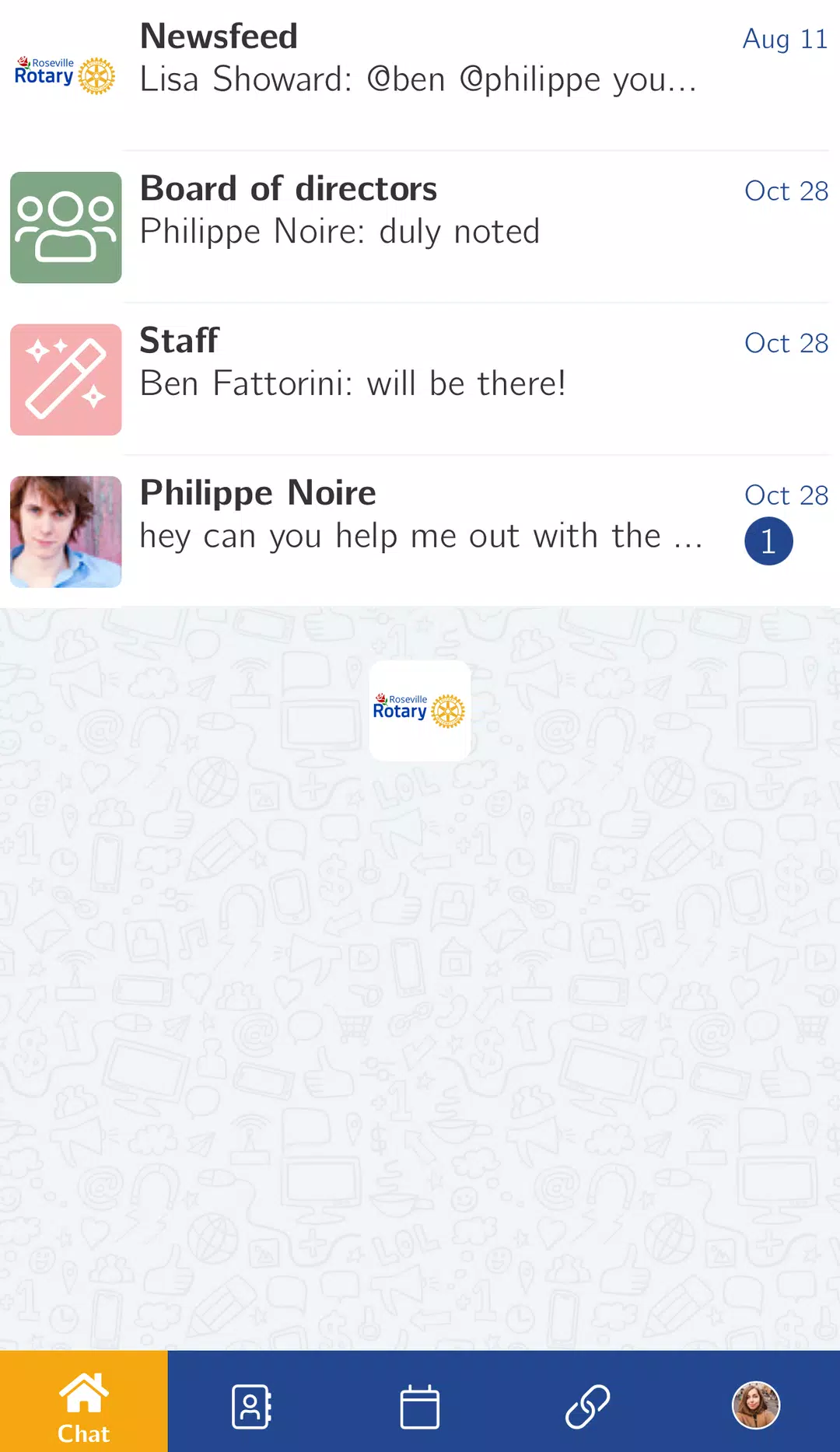
The layout emphasizes clarity: a home dashboard surfaces upcoming events and unread announcements, while a bottom or side menu gives quick access to member lists, resources, and settings. Visual cues such as badges for unread items and color-coded event types make it easy to scan information at a glance. The interface is designed to minimize taps between discovery and action.
Performance and reliability
Performance is important for an organizational app. The Rotary Club of Roseville App focuses on fast load times for calendars and directories, offline viewing of previously downloaded documents, and optimized synchronization that reduces data usage. Push notifications are handled reliably so critical updates reach members promptly.
Security and privacy considerations
Because the app stores member details and organizational documents, it includes standard protections like authentication and role-based access. Administrators can manage who sees specific resources. For added security, the app supports encrypted document storage and optional two-factor authentication through common authentication apps.
Customization and administrative controls
Clubs often have unique workflows; the app accommodates that with configurable event categories, custom notification templates, and permission levels. Administrators can assign event coordinators, approve content before publication, and export attendance reports for record-keeping or reporting to district leadership.
Tips for new users
- Complete your profile with a photo and role to improve networking and recognition.
- Set notification preferences to receive only essential alerts and avoid overload.
- Use the document repository to store meeting agendas and community partner contacts for easy offline access before events.
- Encourage members to log service hours promptly to maintain accurate participation records.
Why members appreciate it
Members value the Rotary Club of Roseville App for reducing email clutter and centralizing club activity. Quick access to schedules and resources makes participation easier, particularly for volunteers balancing full schedules. The app also fosters engagement by providing clear calls to action and simplifying the process of joining service projects.
Getting started and setup
Installation is straightforward: download the app from the usual app store, create an account using your club email, and follow the guided setup to connect to your Rotary chapter. Administrators should allocate a short onboarding session during a meeting to show members where to find key features and how to use volunteer tracking.
For clubs aiming to increase member involvement, reduce administrative overhead, and keep service work organized, the Rotary Club of Roseville App is a focused tool built to support those goals while providing a clean, dependable user experience.
- No virus
- No advertising
- User protection
Information
- File size: 20.90 M
- Language: English
- Latest Version: 1.0
- Requirements: Android
- Votes: 338
- Package ID: com.minsh.rosevillerotary
- Developer: Minsh
Screenshots
















Explore More
Make your house a home with our suite of helpful home apps. Discover clever tools to organize closets, streamline chores, and simplify cooking. Take the stress out of cleaning and maintenance with handy checklists and schedules. Enhance security and control appliances and lighting with our smart home integrations. Design, visualize, and renovate like a pro using our 3D planning software.

Metro Micro

All Recovery - Photos & Videos

Tax Calculator India 2024-2025

ClassPass: Fitness, Spa, Salon

Park4Me

Scary sound effects

Home Workouts - Lose Weight

Juice Recipes