


Introduction
Uydurma Kelime Sözlüğü is a creative language utility that helps users invent, collect, and organize original words with definitions and usage. Designed for writers, educators, and hobbyists, it combines a simple interface with tools for tagging, export, and version history to make wordcrafting faster and more structured.
What the app does
At its core, Uydurma Kelime Sözlüğü functions as a personal lexicon where you can invent new vocabulary, attach meanings, and note pronunciation. Rather than being a passive dictionary, it encourages iterative refinement: entries can grow with examples, etymology notes, and synonyms you invent or adopt. The app stores everything locally and provides basic backup options.
Key capabilities
- Entry creation: Add a word, definition, usage examples, and optional pronunciation hints.
- Tagging and categorization: Organize words by genre, mood, or project to quickly find related terms.
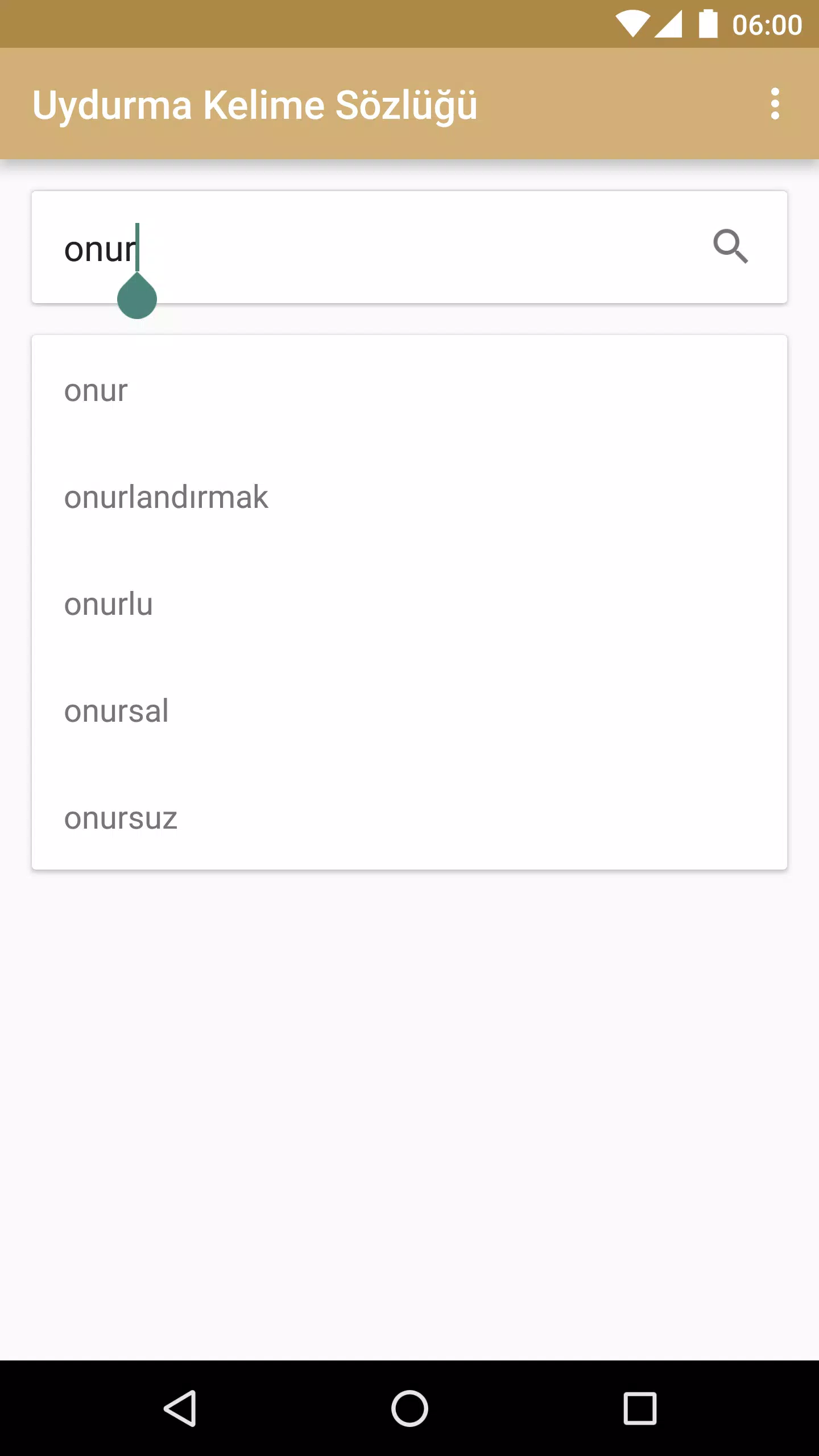
- Search and filters: Fast lookup by substring, tag, or recently added items.
- Export: Save your collection as plain text or CSV for use in writing tools or spreadsheets.
- Revision history: Track edits so earlier versions of a made-up word are not lost.
How it fits into a creative workflow
Writers and game designers will find Uydurma Kelime Sözlüğü useful for worldbuilding. The app acts like a lightweight database: you can seed a fictional language during a brainstorming session, attach contextual notes, then retrieve consistent spellings and meanings later. Teachers can use it for classroom exercises that push students to invent vocabulary while following morphological rules.
User interface and navigation
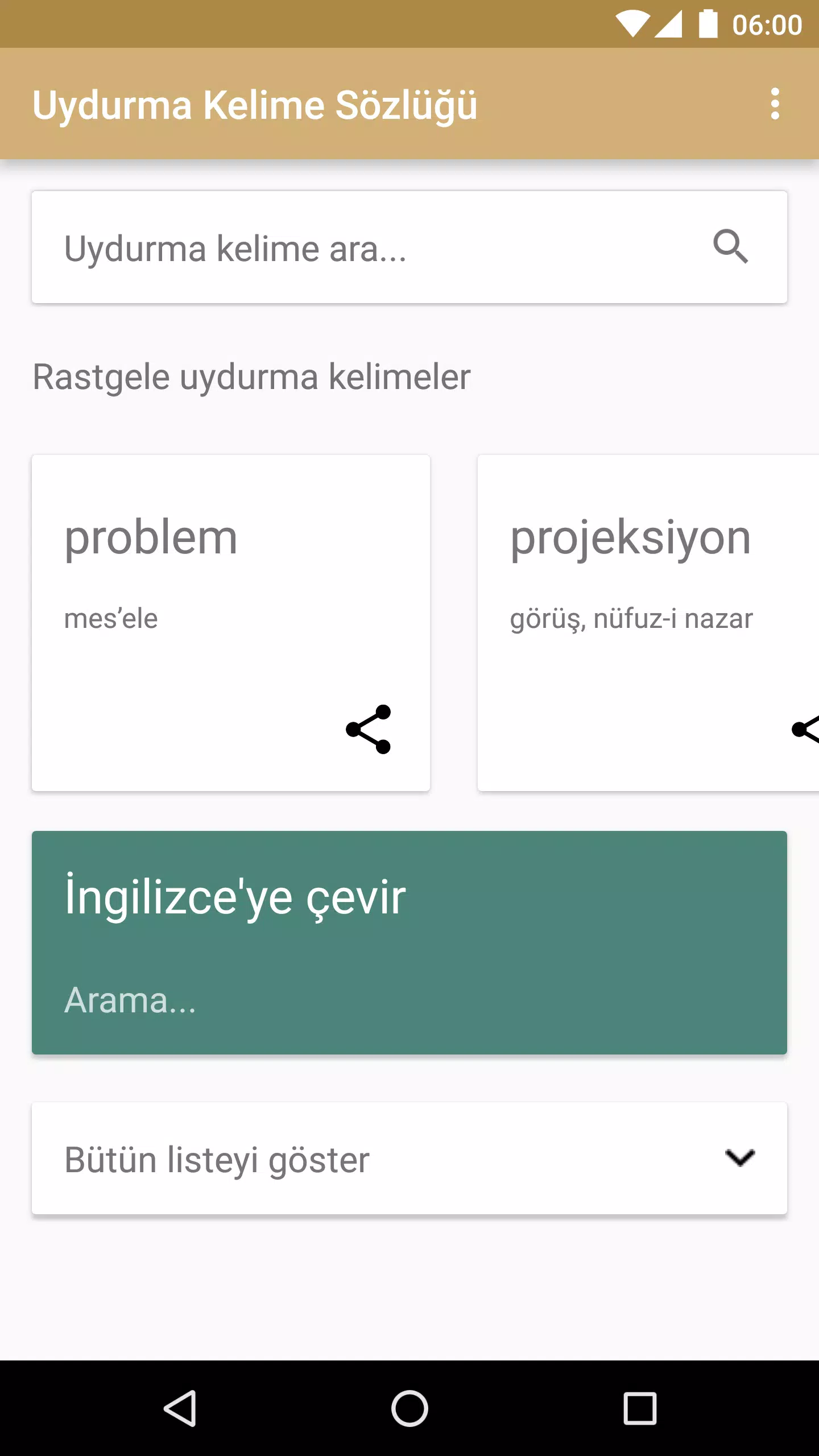
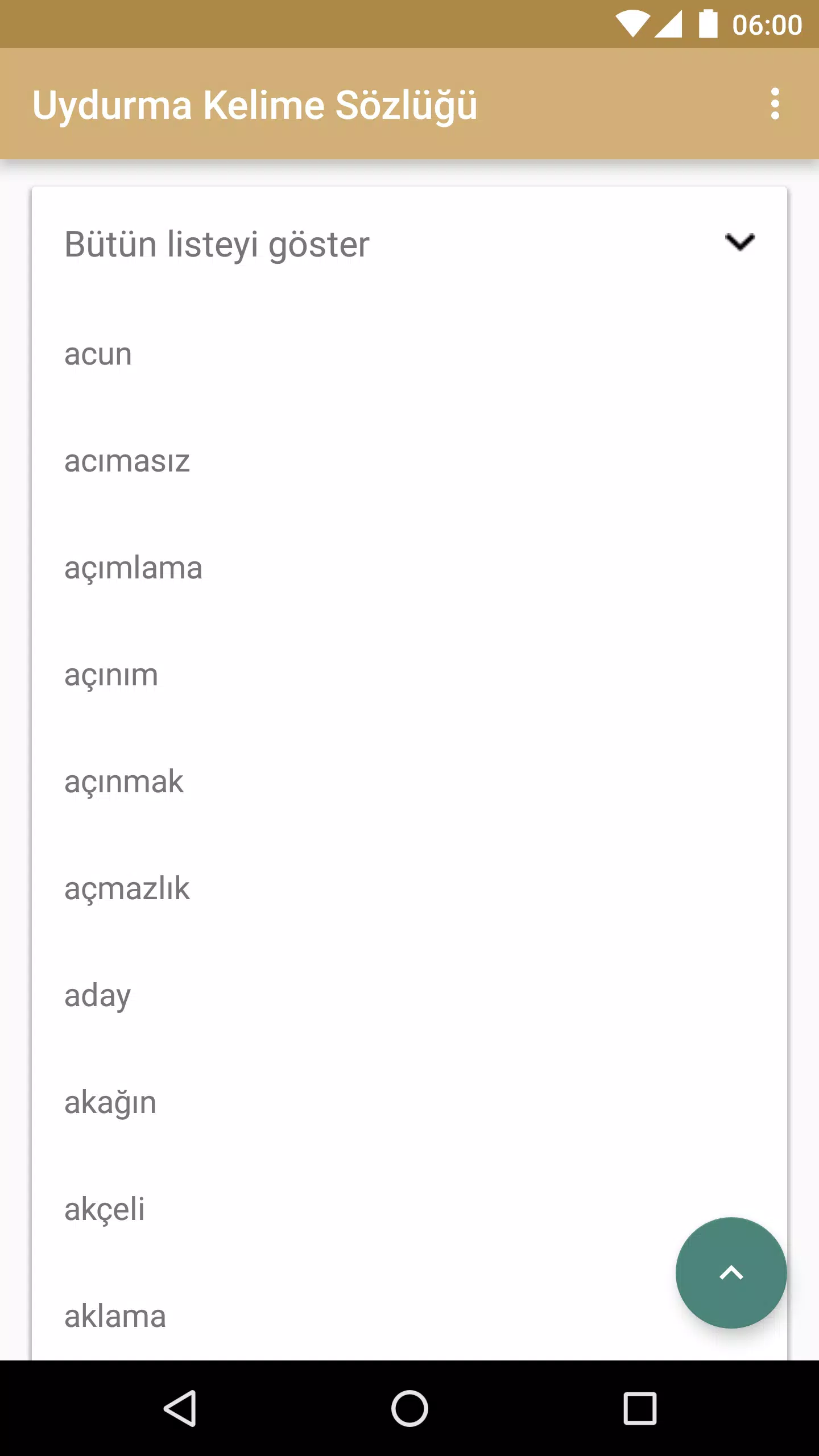
The interface focuses on clarity. A main list view shows entries with thumbnails of tags and a short definition preview. Tapping an item opens a detailed editor. The editor uses inline fields rather than modal dialogues, so edits feel immediate. Performance remains snappy even with hundreds of entries because the app minimizes heavy rendering and keeps file I/O efficient.
Practical tips for new users
- Start with themes: Create tags like "flora," "religion," or "slang" to give your vocabulary cohesion.
- Use example sentences: A word becomes believable when you place it in context; add one or two sentences for clarity.
- Export regularly: Use the CSV export before major edits to keep an external backup.
- Leverage revision history: Revert or compare earlier versions if a definition evolves away from your original intent.
Customization and settings
Uydurma Kelime Sözlüğü includes several settings to match your workflow. You can toggle autosave, change sort order (alphabetical, date created, or custom priority), and enable dark theme for low-light writing sessions. These options help the app integrate into varied creative practices without forcing a single way to work.
Performance and compatibility
The app is designed to be lightweight and compatible with a wide range of Android devices. It handles offline usage cleanly and keeps storage footprints modest by using plain text exports and compact internal databases. Sync options are intentionally simple, focusing on local backups and manual export rather than complex cloud integrations.
Why users adopt it
People choose Uydurma Kelime Sözlüğü because it bridges the gap between a freeform notebook and a strict database. It preserves the spontaneity of invention while offering enough structure to make collections reusable. For role-playing groups, indie authors, and language hobbyists, the app reduces friction in the creative process.
Getting started
Installation is straightforward: after downloading, open the app and create your first entry. Spend a few minutes setting up tags and a preferred sort order. Within an hour you can have a curated list of invented words ready to drop into a manuscript or game design document.
Whether you need a lightweight tool to capture flashes of inspiration or a practical repository for a constructed language, Uydurma Kelime Sözlüğü offers an efficient, focused environment to record and refine new words.
- No virus
- No advertising
- User protection
Information
- File size: 5.40 M
- Language: English
- Latest Version: 1.3.1
- Requirements: Android
- Votes: 364
- Package ID: com.onuroemeryavuz.uydurmakelimesoezluegue
- Developer: Onur Ömer Yavuz
Screenshots
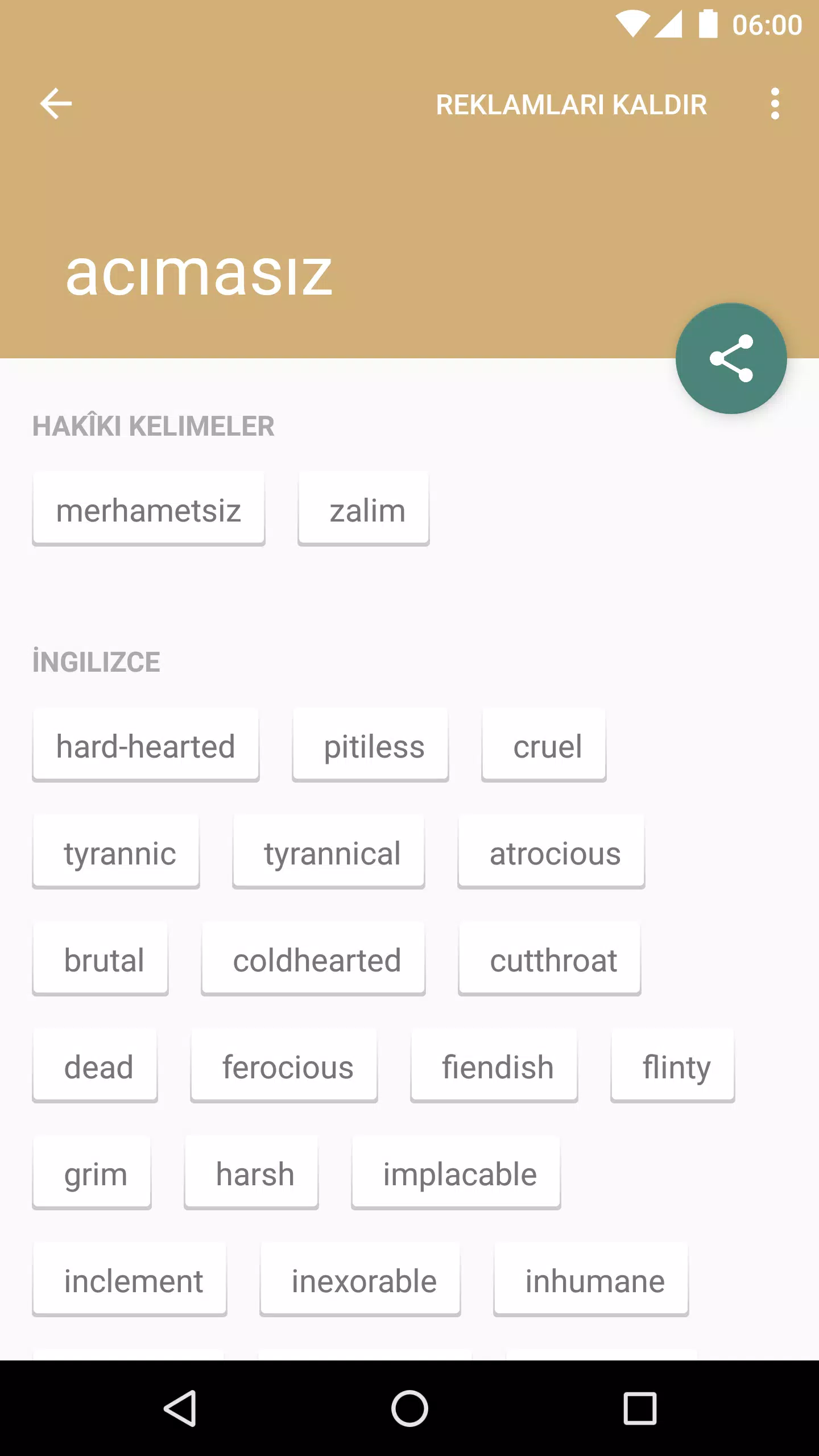
















Explore More
Discover your next great read with our innovative book apps. Access millions of ebooks, audiobooks, and comics on any device. Get personalized recommendations from our advanced algorithms so you always have your next great story lined up. Track your reading habits and browse curated lists for inspiration. Join online book clubs to connect with fellow bibliophiles. Listen to samples and download seamlessly with our integrated stores.

MEXC Global: BTC, ETH, Gamefi

Metro Micro

IZI: play, listen, watch, call

ClassPass: Fitness, Spa, Salon

Park4Me

Juice Recipes

Virink

69ers





























