


Introduction
Time Management Tips is a compact productivity app that teaches practical scheduling habits, task prioritization, and focused work sessions through bite-sized lessons and tools. The app blends clear guidance with simple timers and templates to help users form sustainable routines and reduce daily friction around planning and execution.
What the app does
At its core, Time Management Tips is designed for people who want actionable strategies rather than abstract advice. It breaks down common productivity frameworks into step-by-step guidance and pairs them with in-app tools so you can practice techniques on the same device where you plan your day.
Primary tools and systems
- Task prioritization matrix: a simple visual that helps you sort tasks by impact and urgency.
- Focus timer: configurable sessions that promote concentrated work and scheduled breaks.
- Daily templates: morning and evening routines you can adapt to your schedule.
- Progress tracking: basic analytics for streaks and completed focus sessions.
How it works in practice
Using Time Management Tips starts with a quick setup that asks about your goals and typical workday. From there, the app recommends a short plan—often a single habit to try for a week. Each habit is explained in plain language with examples, then reinforced with timers, checklists, and reminders so you can apply the method immediately.
Workflow and daily use
The app encourages users to plan in small increments: review the day, pick two priority tasks, and run focused work intervals. Notifications nudge you gently rather than interrupting. If a habit doesn’t fit, the app suggests an alternative approach so the plan stays personalized.
Interface and performance
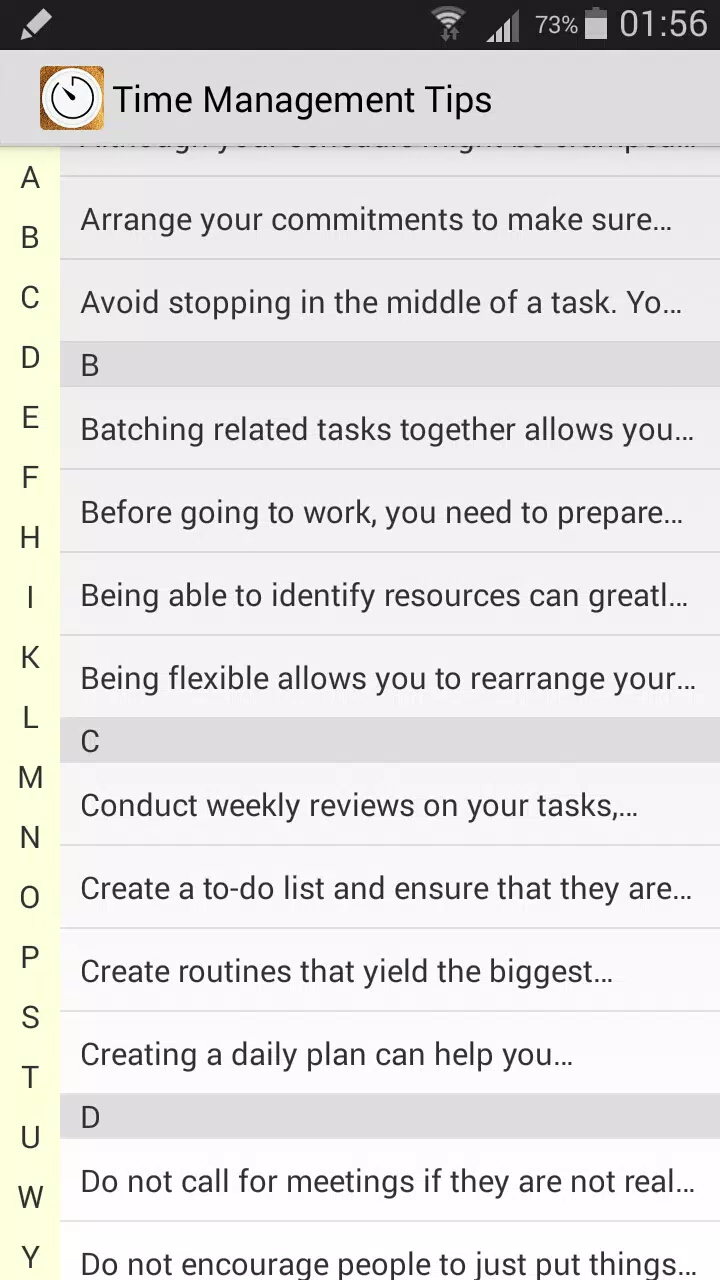
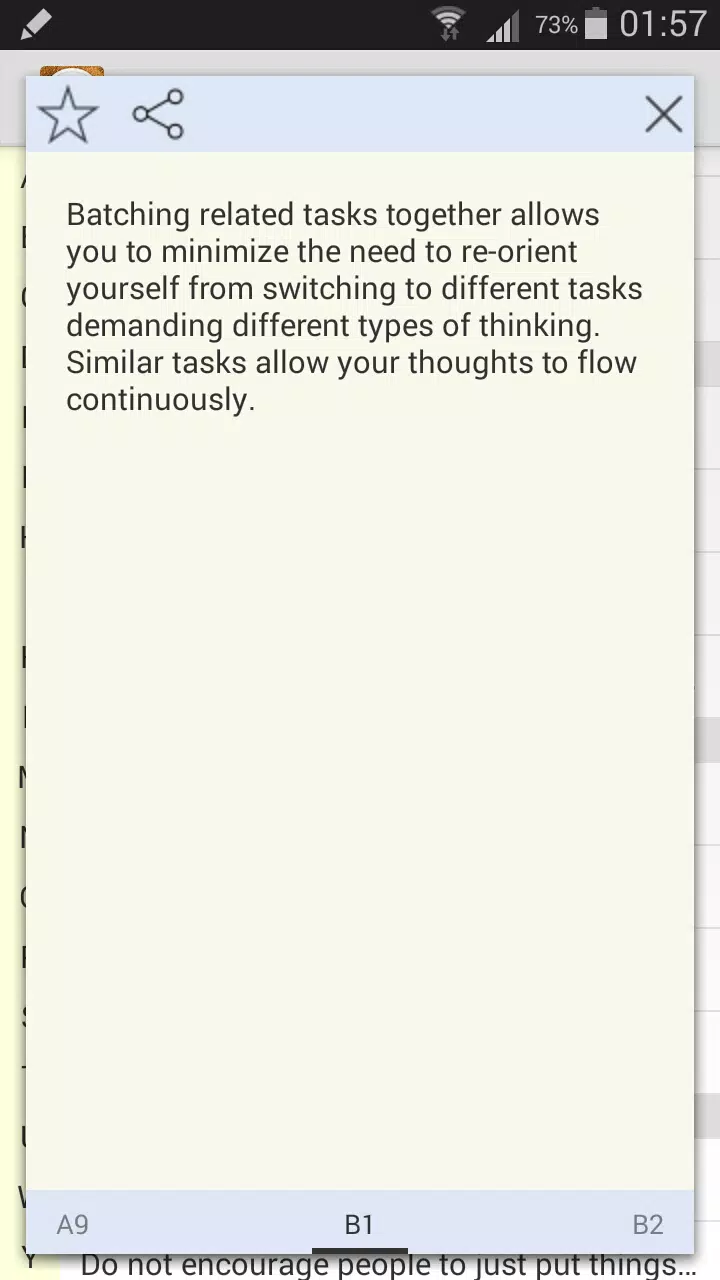
Time Management Tips keeps the interface minimal to avoid decision fatigue. Controls are accessible, fonts are legible, and colors are used sparingly to highlight priorities. Performance is smooth on modern Android devices; animations are subtle and don’t distract from the main content.
Customization options
- Timer length: choose from preset intervals or set custom focus and break durations.
- Template editing: adjust daily routines and save them as reusable templates.
- Notification behavior: decide how often reminders appear and what they say.
Suitable for different users
Whether you’re a student handling coursework, a professional juggling deadlines, or someone managing household tasks, Time Management Tips adapts to varied needs. Its bite-sized lessons make adoption easier for beginners and the configurable timers and templates satisfy more experienced users who want to refine their systems.
What newcomers should try first
- Start with one habit: commit to a single daily habit for a week to build momentum.
- Use the priority matrix: pick two important tasks each morning and protect that time with the focus timer.
- Review weekly: check the built-in progress tracker to see which routines stuck and where to adjust.
User experience and feedback
The feedback loop in Time Management Tips is straightforward: try a method, track results, and iterate. Many users appreciate how the app turns abstract advice into repeatable actions. The short lessons are helpful for maintaining motivation, and the app’s simplicity reduces the overhead of planning, which can often be a barrier to consistent productivity work.
Strengths and limitations
- Strengths: low learning curve, practical templates, and focused tools that encourage habit formation.
- Limitations: it’s not a full-featured project manager; users who need complex task hierarchies or team collaboration may need additional apps.
Getting started and installation
Installing Time Management Tips is quick. After download, expect an onboarding flow that helps you choose a first habit and set up reminders. The app keeps initial prompts brief so you can start using tools immediately rather than spend time on lengthy configuration.
Final observations for prospective users
If you’re looking to improve how you plan and execute daily work, Time Management Tips provides a pragmatic, low-friction way to build better habits. It pairs instruction with hands-on tools, making it easier to convert intention into routine and, over time, measurable improvements in focus and productivity.
- No virus
- No advertising
- User protection
Information
- File size: 1.30 M
- Language: English
- Latest Version: 1.0
- Requirements: Android
- Votes: 260
- Package ID: com.androiderapps.timemanagementtips
- Developer: Glover Sacenri
Screenshots
















Explore More
Equip yourself with our all-in-one toolbox app for everyday tasks and projects. Instantly convert between units, calculate tips, scan documents, manage files, and more with handy productivity tools. Includes a level, compass, QR code reader, ruler, speedometer, decibel meter, and flashlight. Save frequently used tools to your customizable dashboard for one-tap access. Track billable hours, wages, budgets, and invoices. Annotate screenshots, magnify labels, and sign PDFs on the go.

MEXC Global: BTC, ETH, Gamefi

Text Art - Write Text On Photo

MERA PROXY PRO

Domino's Pizza Sri Lanka

Hatekhori Shongkha

Halloween Photo Editor -Makeup

Connecting - Friends Near Me

Cartola





























