


Introduction
KloseApp is a compact productivity tool designed to streamline daily workflows by bringing essential utilities into one intuitive interface. The app emphasizes fast access, customizable shortcuts, and lightweight performance, making it suitable for users who need reliable functionality without unnecessary complexity.
What KloseApp Does
KloseApp consolidates common tasks—file management, quick notes, and app switching—into a single hub. The goal is to reduce friction between opening apps, searching for content, and completing routine operations. It targets users who prefer efficiency: professionals juggling multiple tasks, students managing study materials, and anyone who values time-saving tools on Android.
Key Capabilities
- Unified launcher for frequently used apps and documents.
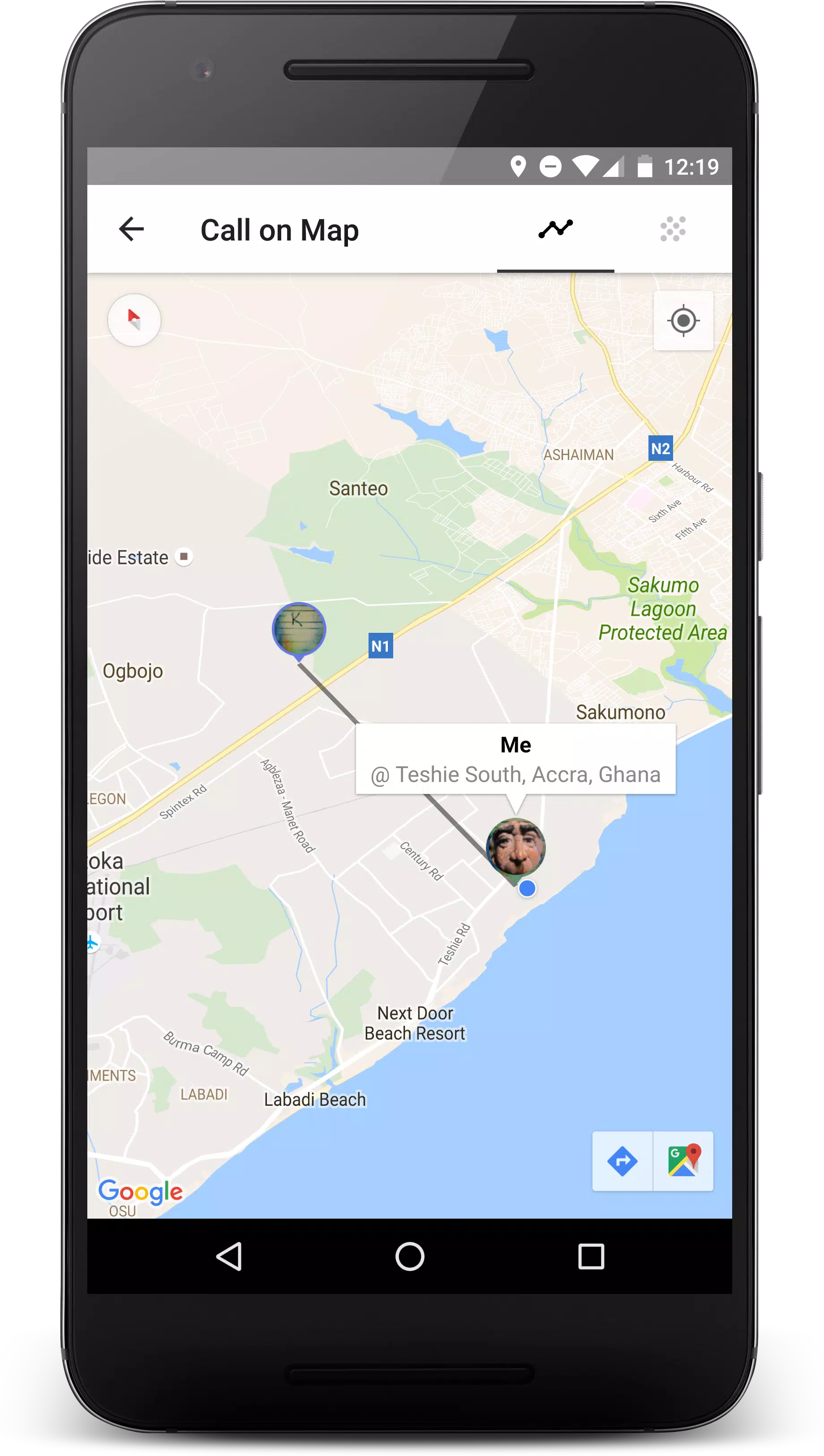
- Context-aware shortcuts that change based on time and location.
- Lightweight note-taking with quick export and cloud sync options.
- Integrated file browser with basic editing and sharing tools.
- Custom gesture support to trigger actions in one swipe.
How It Works
KloseApp sits as a floating component or home screen widget, depending on user preference. Tap the icon to reveal a configurable panel where shortcuts, recent files, and suggested actions appear. The app uses simple machine learning rules to offer relevant items—most-used apps move up the list while seldom-used entries fade, creating a personalized experience that adapts over time.
Workflow Examples
- Open the panel and launch your commute playlist or navigation in two taps.
- Create a quick note during a meeting and send it to cloud storage with one gesture.
- Switch between work apps and communication tools without hunting through menus.
User Interface and Performance
KloseApp keeps the interface clean. The design favors legible typography and clear icons, avoiding clutter. Themes let users switch between light, dark, and high-contrast modes. Animations are minimal to preserve battery life and responsiveness. Because the app is optimized for low CPU and memory usage, it performs well on a wide range of devices.
Customization Options
- Adjustable panel layout: grid, list, or compact mode.
- Personalized gesture assignments for double-tap, long-press, and swipe actions.
- Pin favorite items to the top of the panel for instant access.
Security and Syncing
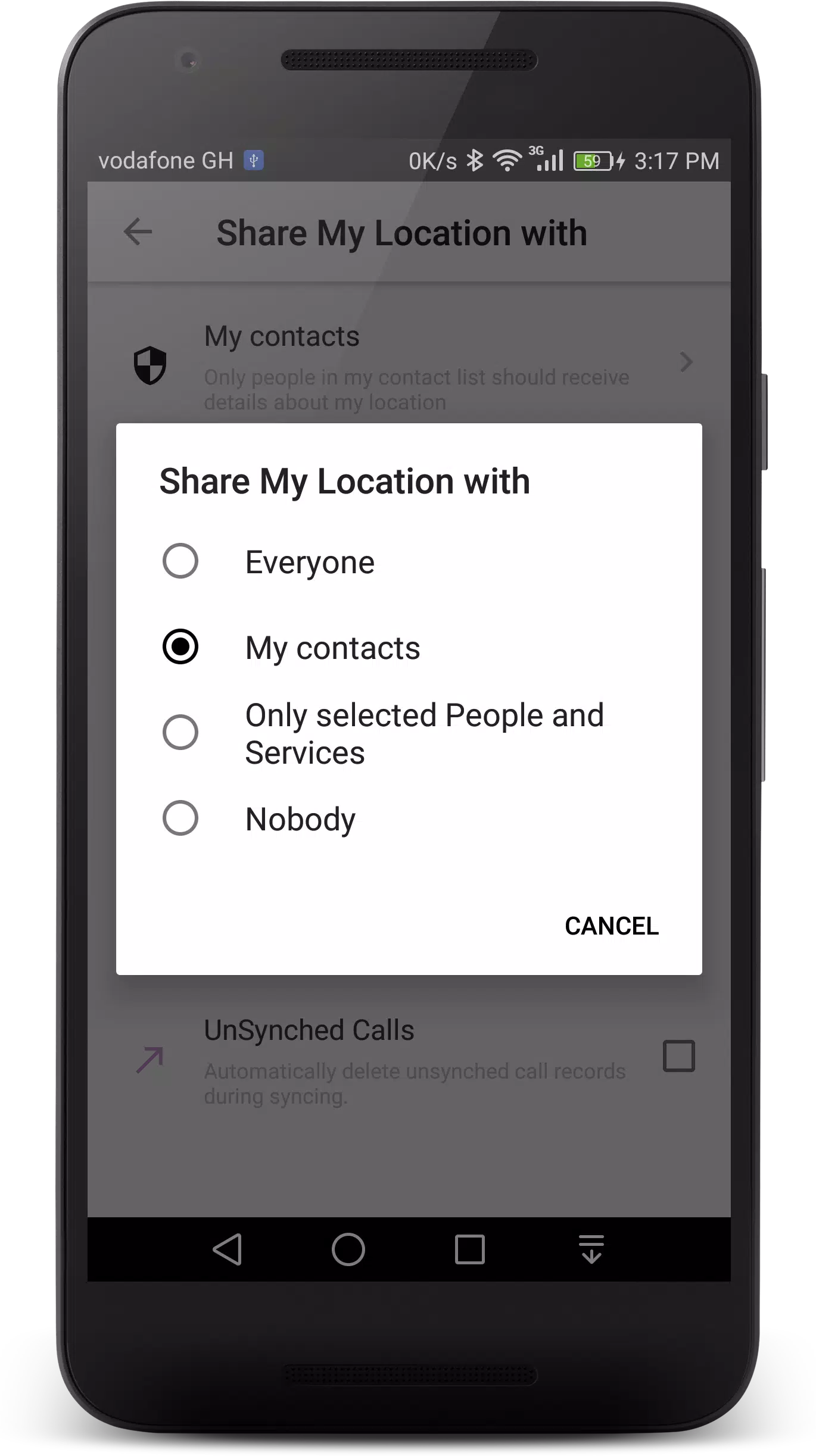
Security in KloseApp is focused on user control. Local data is stored securely, with optional encryption for notes and sensitive files. Cloud sync is available through popular providers, allowing seamless access across multiple devices. Users choose which folders to sync and can disable syncing entirely for privacy-conscious workflows.
Practical Tips for Beginners
- Start with a small set of shortcuts to avoid overwhelming the panel.
- Use themed layouts to match your daily routines—work vs. home configurations are especially helpful.
- Enable gesture shortcuts gradually: assign one or two actions, then expand as you get comfortable.
Why People Adopt It
Users appreciate the balance between utility and simplicity. KloseApp avoids feature bloat while providing genuinely helpful tools that reduce repetitive taps. Power users gain time through gestures and smart suggestions; casual users enjoy a tidier home screen and faster access to essentials.
Compatibility and Installation
The app installs like any Android package and requests only the permissions necessary for its functions—storage for file access, overlay permission for the floating panel, and optional access to cloud accounts for syncing. Setup includes a short walkthrough that helps configure the home panel and select default behaviors, so first-time users can be productive within minutes.
Final Observations
KloseApp is best for people who want a focused productivity boost without heavy configuration. It works well alongside existing apps rather than replacing them, which makes adoption low-risk. With sensible defaults, straightforward customization, and efficient performance, it delivers a practical toolkit for everyday mobile productivity.
- No virus
- No advertising
- User protection
Information
- File size: 14.30 M
- Language: English
- Latest Version: 2.0.4
- Requirements: Android
- Votes: 163
- Package ID: com.knexis.kloseapp
- Developer: Nana Kwame Nyantakyi [ Knexis ]
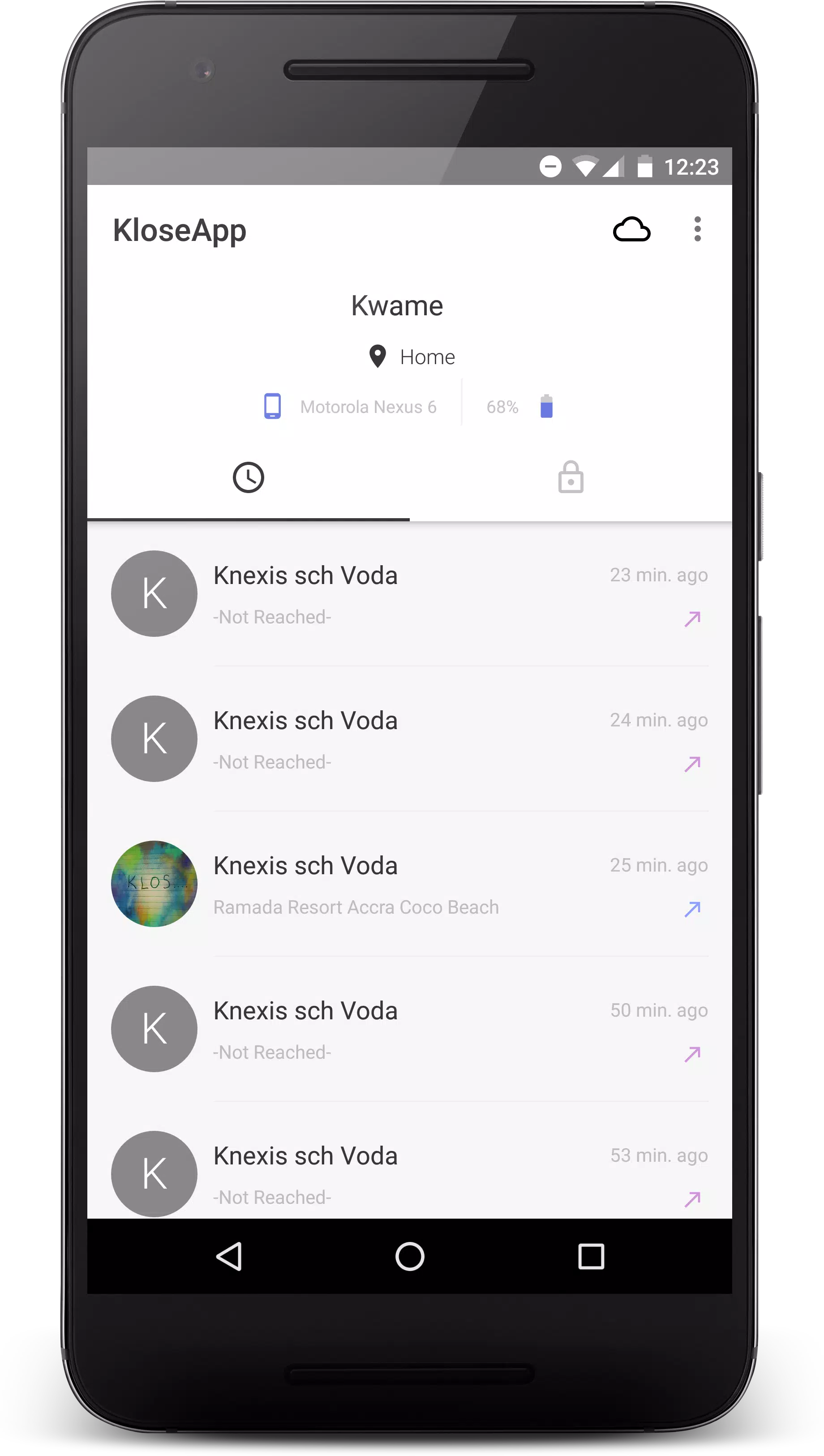
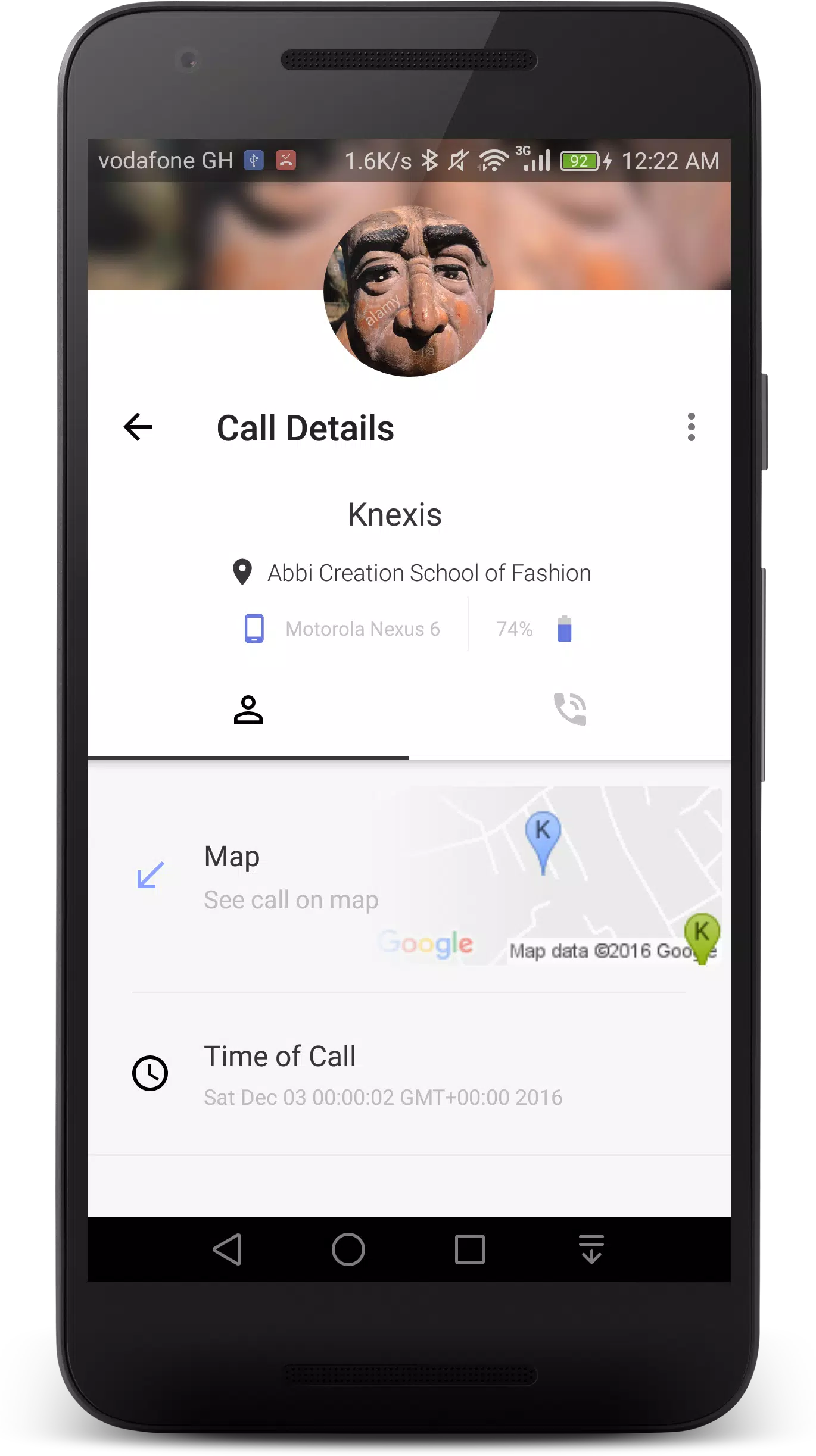
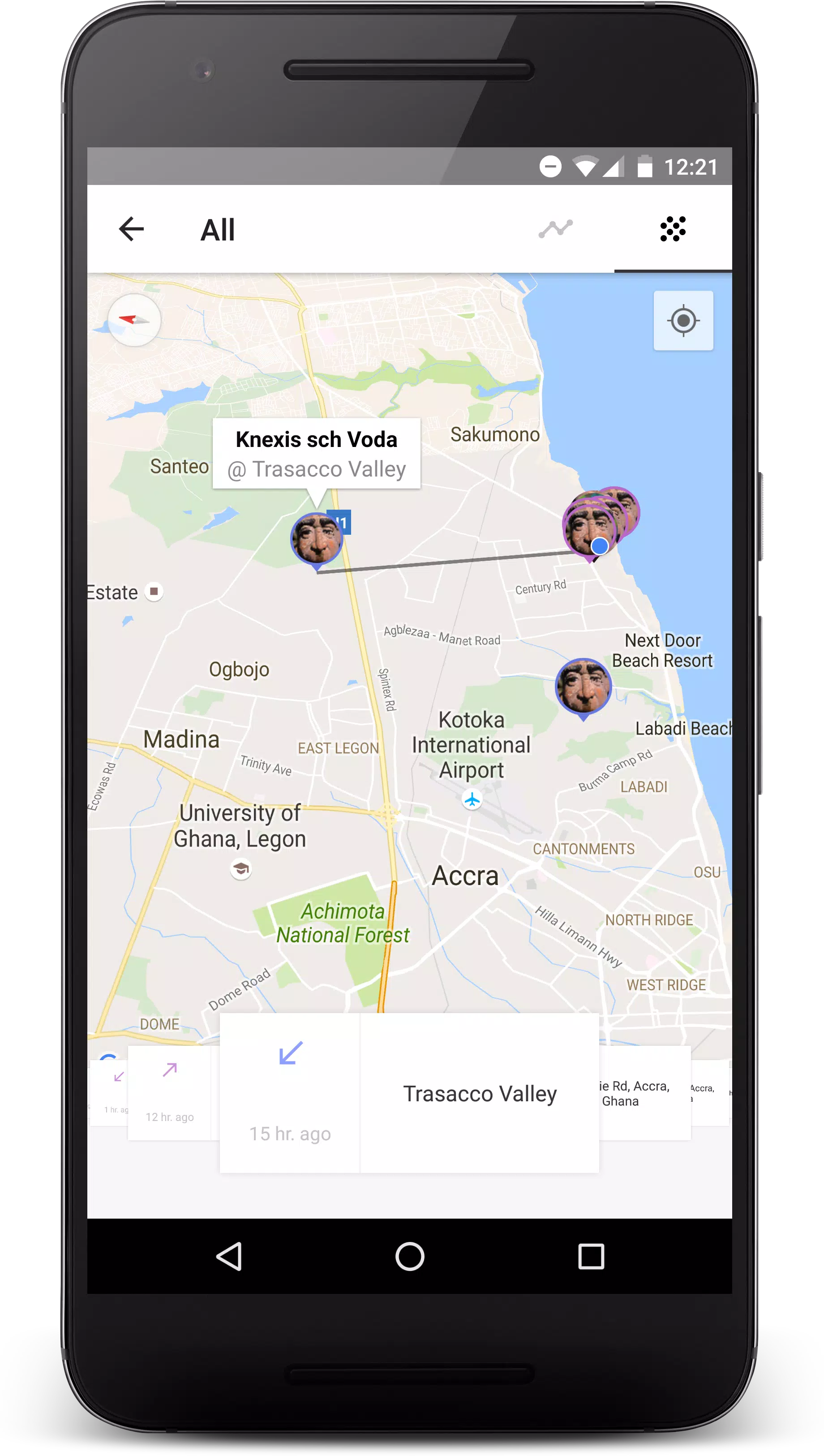
Screenshots
















Explore More
Make your house a home with our suite of helpful home apps. Discover clever tools to organize closets, streamline chores, and simplify cooking. Take the stress out of cleaning and maintenance with handy checklists and schedules. Enhance security and control appliances and lighting with our smart home integrations. Design, visualize, and renovate like a pro using our 3D planning software.

All Recovery - Photos & Videos

Tax Calculator India 2024-2025

OnDjoss

Park4Me

Scary sound effects

Home Workouts - Lose Weight

Juice Recipes

HFonts - font & emoji manager





























