Introduction
Mob10 - Motorista is a streamlined driver app designed to simplify daily routes, job assignments, and trip tracking for professional drivers. It centralizes ride requests, route optimization, and earnings summaries into one interface, helping drivers stay organized, reduce idle time, and improve on-the-road efficiency without unnecessary complexity.
What Mob10 - Motorista Does
At its core, Mob10 - Motorista functions as a productivity hub for drivers. It connects route planning, job dispatch, and real-time navigation while preserving a minimal learning curve. The app prioritizes quick access to active jobs, clear turn-by-turn directions, and concise performance metrics so drivers can focus on driving rather than managing fragmented tools.
Primary Capabilities
- Live job management: Accept or decline assignments, view passenger details, and update trip status in seconds.
- Route optimization: Integrated routing reduces travel time and fuel consumption by suggesting efficient paths between multiple stops.
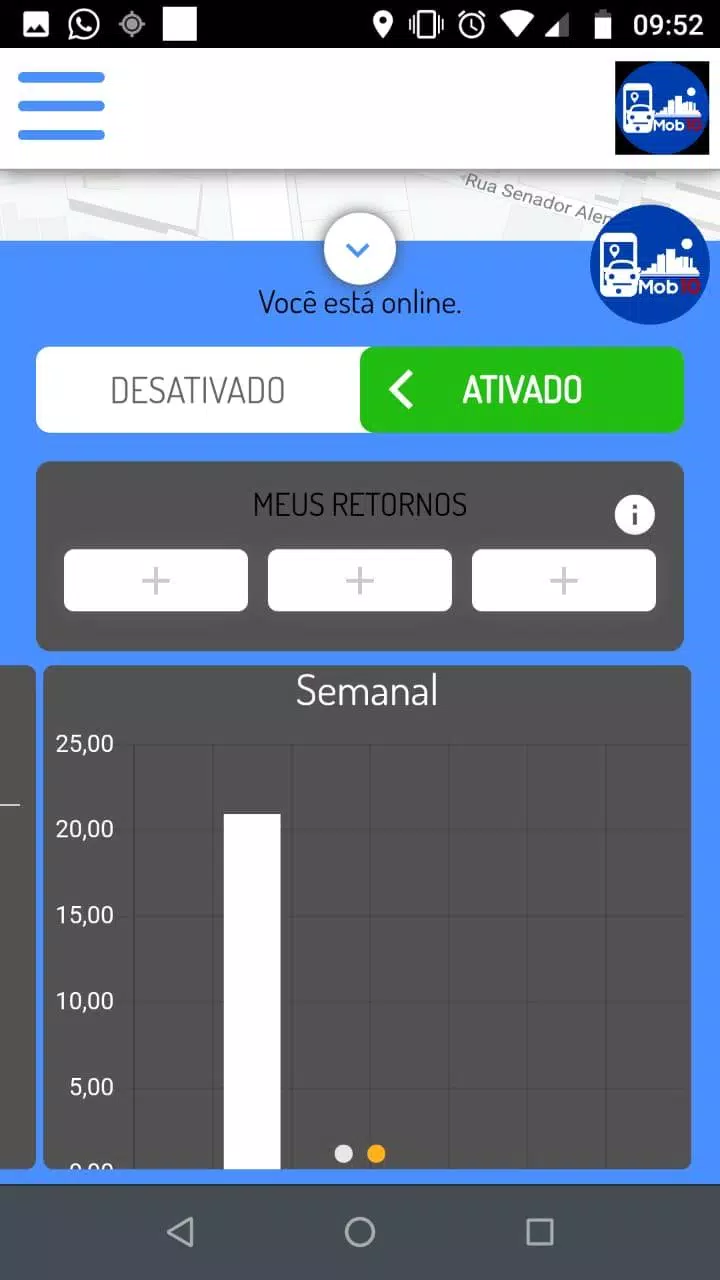
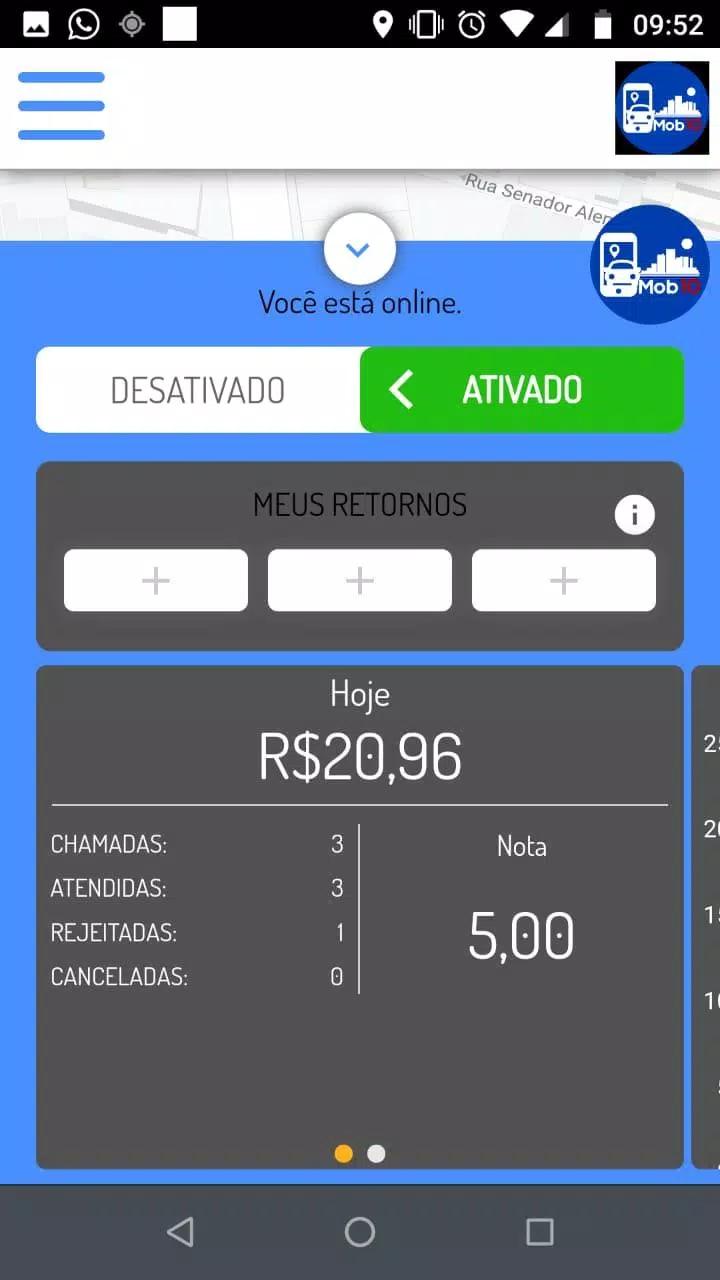
- Earnings overview: Track daily and weekly income, including per-trip breakdowns and incentives.
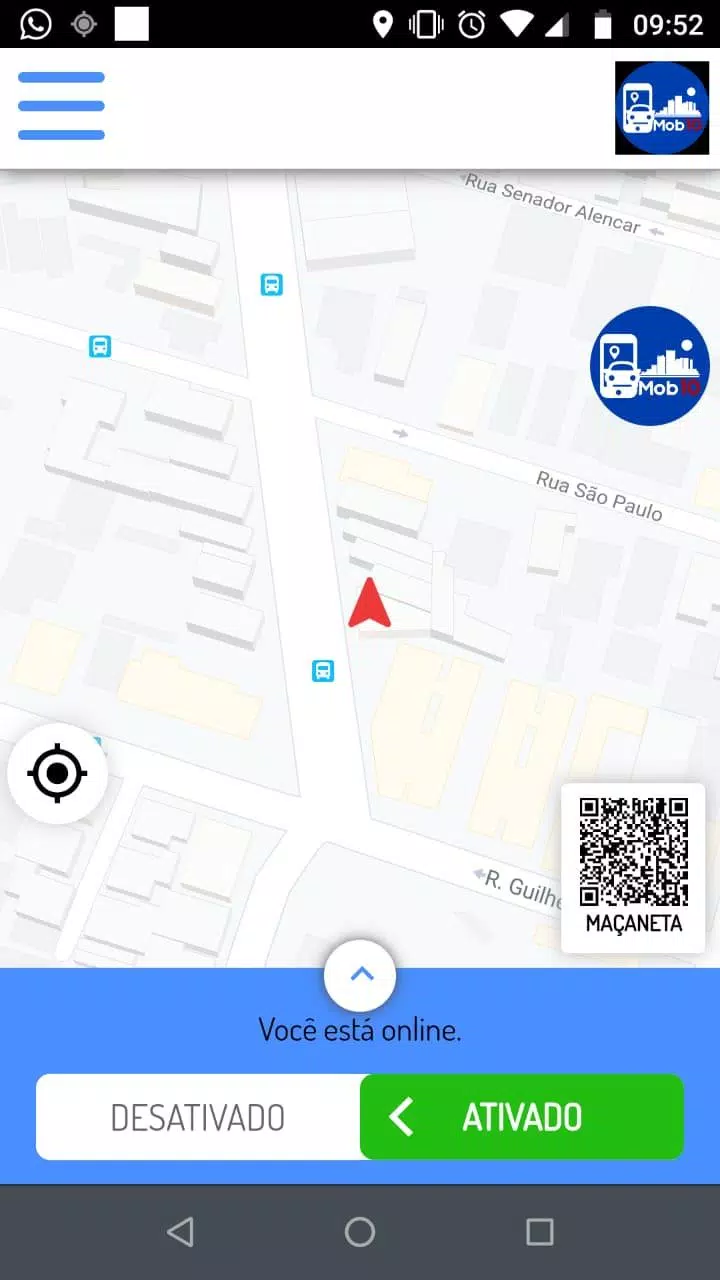
- Driver dashboard: A compact summary screen gives an at-a-glance view of current earnings, pending tasks, and next pickups.
How It Fits into a Driver's Workflow
Mob10 - Motorista integrates into existing routines with minimal disruption. Drivers receive notifications for nearby jobs and can accept assignments directly from the notification panel. The app hands off navigation to built-in mapping or third-party map apps while keeping route progress and arrival estimates visible. That hands-on workflow reduces the need to switch between apps during a shift.
Step-by-step Usage
- Sign in and set availability.
- Monitor incoming job requests on the dashboard.
- Accept a job to lock in passenger details and pickup location.
- Follow optimized route guidance and mark milestones like pickup, drop-off, and completion.
- Review earnings and feedback after each trip.
Interface and Performance
The interface emphasizes clarity: large buttons for core actions, clear typography for addresses and times, and a subdued color palette that reduces distraction while driving. Performance is tuned for responsiveness on mid-range Android devices; screens load quickly and transitions remain fluid when switching from job list to navigation or earnings views.
Offline and Connectivity Resilience
Mob10 - Motorista caches critical data to handle brief network interruptions gracefully. Routes and active job details remain accessible when connectivity drops, and the app syncs changes when the connection recovers. This approach helps drivers maintain operations in spotty coverage areas without losing trip information.
Customization and Settings
Users can adjust notification preferences, availability windows, and map default options. The app also supports language and measurement settings to match regional conventions. For drivers who prefer different navigation tools, Mob10 - Motorista lets you choose which map app to open for turn-by-turn directions.
Security and Privacy Considerations
Driver and rider data are separated and transmitted with standard encryption measures. Sensitive information such as payment details is not stored locally. Permission requests are scoped to necessary capabilities like location and storage, and can be managed through the Android system settings.
Practical Tips for New Users
- Complete your profile: Add a clear photo and vehicle details to speed up verification and increase trust with passengers.
- Set availability intentionally: Use planned windows to avoid unexpected requests during off-hours.
- Use cached maps: Preload common areas before starting a shift to reduce reliance on live data.
- Review earnings daily: Make quick adjustments to hours or zones if you notice patterns in high-demand times.
Why Drivers Choose It
Mob10 - Motorista appeals to drivers who value simplicity and operational reliability. It avoids feature bloat while covering essential functions like trip management, route optimization, and straightforward earnings reporting. The result is an app that helps drivers stay focused, save time, and manage shifts with less administrative overhead.
Getting Started
Installation is straightforward: download from a trusted source, grant required permissions, and complete a brief onboarding that explains key screens. After initial setup, most drivers reach full productivity within a single shift. Regular updates keep the app aligned with mapping improvements and platform changes to Android devices.
Whether you drive part-time or professionally, Mob10 - Motorista provides a compact toolkit tailored to the needs of modern drivers: clear job flows, dependable navigation support, and concise earnings visibility to make every shift more predictable and productive.
- No virus
- No advertising
- User protection
Information
- File size: 16.10 M
- Language: English
- Latest Version: 1.49.1
- Requirements: Android
- Votes: 427
- Package ID: br.com.mob10.driver
- Developer: Mob10 - Mobilidade Urbarna
Screenshots
















Explore More
Empower learning and research with our innovative reference apps. Access dictionaries, thesauruses, encyclopedias, and more with our comprehensive databases. Get homework help, study tips, and writing guides from our academic resources. Learn new skills by browsing how-to videos and manuals. Stay up-to-date with latest news, data, and facts curated by our editors.

Bloomberg Connects

OnDjoss

Kyrgyz Russian Translation

Domino's Pizza Sri Lanka

Bollinger 1829

TANTRI : QR Menu & POS

Vi2Go

DATING SITES