

Introduction
Theme for Xperia X Dual HD transforms your Xperia X Dual interface with a polished high-definition skin, matching icons, status bar tweaks and elegant wallpapers. Designed for clarity and consistency, the theme refreshes system visuals while preserving performance and battery life on Xperia devices.
Design and Visual Elements
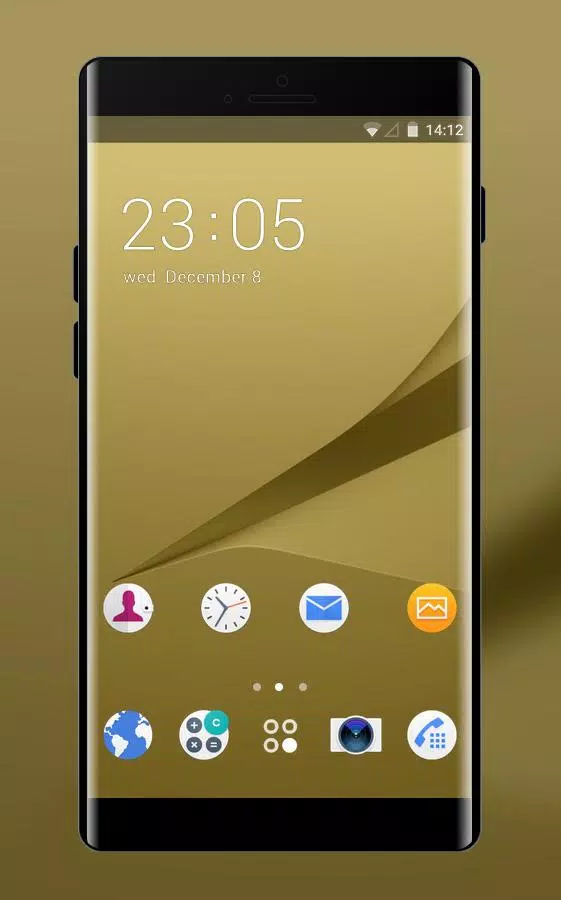
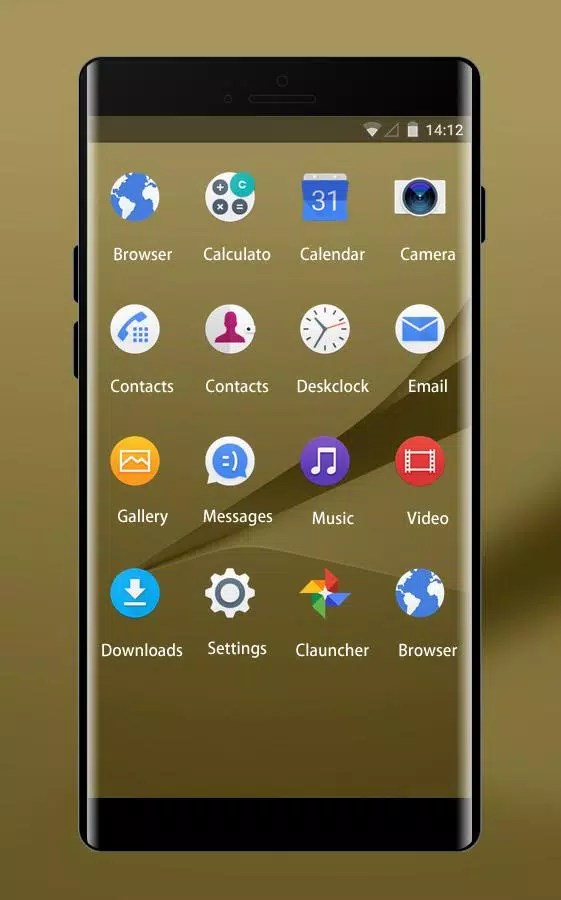
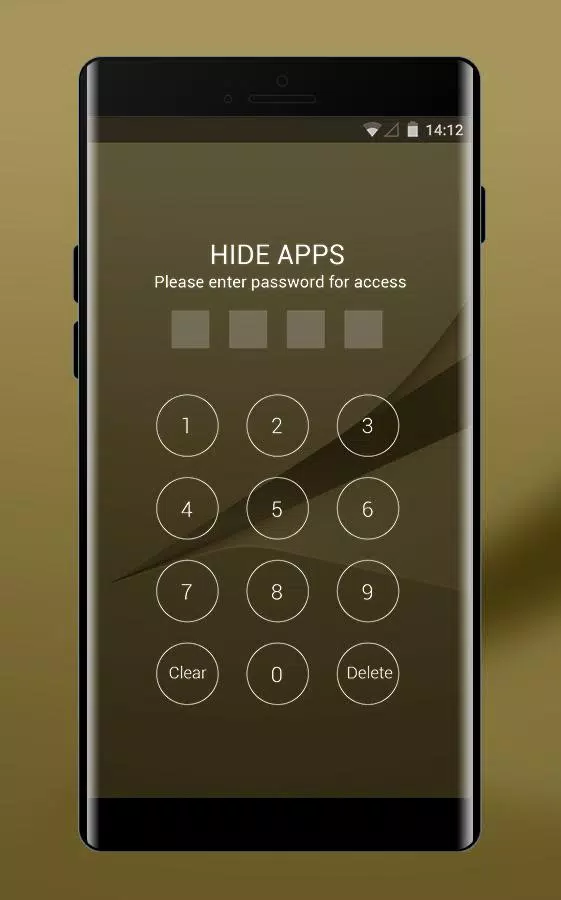
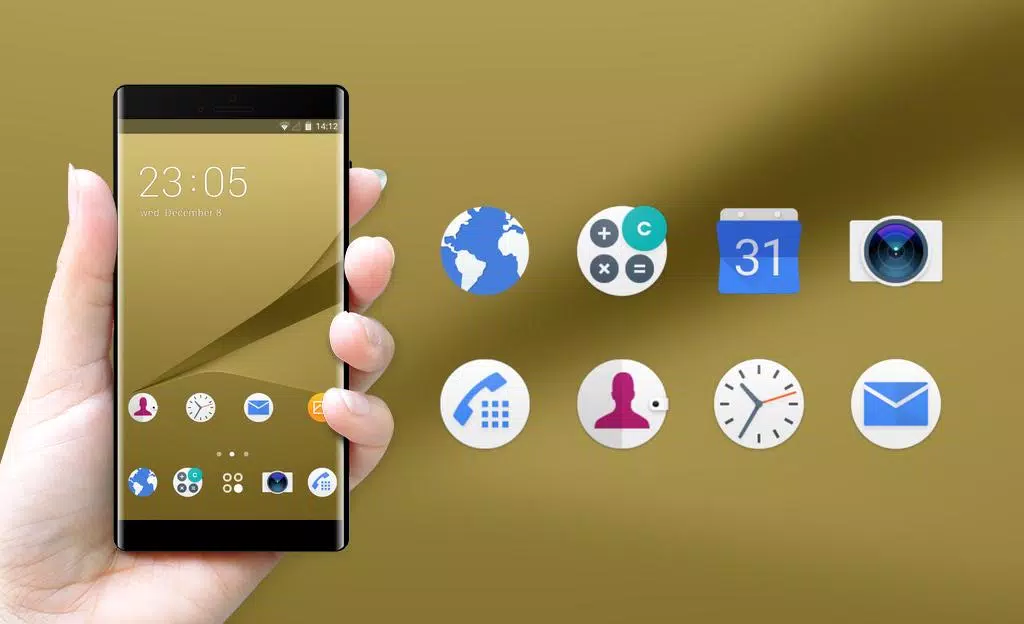
Every visual element in Theme for Xperia X Dual HD has been reworked to produce a unified appearance across home screens, app drawers and system menus. Icons are rendered at high resolution to keep edges sharp on large displays, while subtle gradients and muted color palettes reduce visual clutter. The lock screen and status bar adopt complementary hues so notifications and quick settings feel integrated rather than tacked on. A curated wallpaper collection provides coordinating backgrounds that emphasize readability and contrast with launcher elements.
Customization Options
The theme includes several adjustable components so you can tailor the look without installing multiple packages. Options include a selection of icon shapes, alternate accent colors, and a choice between minimal and detailed widget styles. You can toggle rounded corners, adjust translucency for notification panels, and choose a compact or spacious home layout. These controls are accessible from the theme preview interface, allowing you to see changes before applying them.
- Icon sets: Full HD icons with light and dark variants.
- Wallpapers: Multiple 1080p and higher backgrounds optimized for Xperia screens.
- Accents: Pick primary accent color for buttons and highlights.
- Layout modes: Compact or roomy home screen spacing.
Performance and Compatibility
Performance was a priority during development. Theme for Xperia X Dual HD was built to be lightweight and resource-conscious so animations remain smooth and battery draw stays low. The theme uses high-resolution resources without embedding unnecessary processes, ensuring it remains responsive even on devices with modest memory. Compatibility focuses on Xperia X Dual models and nearby Xperia series phones running supported Android versions; most elements rely on the system theme engine rather than invasive modifications, so installation and removal are straightforward and safe.
How to Apply the Theme
Applying Theme for Xperia X Dual HD is simple and requires no technical expertise. Visit your device's theme or personalization settings, choose the installed theme, and use the preview screen to confirm changes. If your launcher supports manual icon assignment, you can override individual app icons to fine-tune the look. For users who prefer a complete reset, uninstalling the theme restores the default system appearance without leaving residual files.
- Open Settings > Themes or Launcher settings.
- Select Theme for Xperia X Dual HD from the list.
- Tap Preview, then Apply to commit changes.
- Optional: adjust icon shape and accent color in theme options.
User Experience and Workflow
The intent behind Theme for Xperia X Dual HD is to streamline daily interaction through coherent visual cues. Buttons, toggles and notification badges follow consistent sizing and spacing rules, which improves tap accuracy and reduces accidental input. The visual hierarchy prioritizes content first—notifications and app labels remain legible even with denser layouts. Users report that the theme helps them focus on tasks because visual noise is reduced and screen elements are easier to scan.
Maintenance and Updates
Regular updates expand compatibility and add new wallpapers or minor refinements. Theme for Xperia X Dual HD receives patches to align with system updates and to refine color contrast for better accessibility. Because assets are modular, updates typically download quickly and apply without disrupting your personalized settings. The developer notes also include tips to pair the theme with third-party launchers or icon packs if you want an even more customized environment.
Tips for Best Results
For optimal display quality, enable native resolution in your display settings and avoid aggressive battery-saving modes that throttle background rendering. Combine Theme for Xperia X Dual HD with a matching icon pack or a minimalist widget set to preserve the intended aesthetic. Before making multiple changes, back up your current home setup so you can revert if you prefer an earlier configuration.
Theme for Xperia X Dual HD provides a refined visual overhaul tailored to Xperia devices, balancing style with utility. Whether you want a subtle refresh or a cohesive new look, the package offers flexible options that respect performance and system integrity while delivering a crisp, modern user interface.
- No virus
- No advertising
- User protection
Information
- File size: 1.30 M
- Language: English
- Latest Version: 2.0.50
- Requirements: Android
- Votes: 168
- Package ID: sony.xperia.x.dual.z3plus.xa.xa1.z3.nokia6.vivov5.
- Developer: Galaxy Theme Launcher
Screenshots
















Explore More
Explore the real potential of personalization with our exceptional mobile software downloads! Set your imagination free and customize your smartphone to perfectly reflect your unique personality. Our amazing assortment of options caters to a diverse range of tastes. Choose from trendy themes, exclusive wallpapers, inventive widgets, and personalized ringtones to truly make your phone your own. Elevate your mobile experience and make a statement.

Good Morning and Good Night

Tronsmart

Whatsapp News &Android Updates

AppLock Theme Universe

Gem Space

Orion TV

Crosshair & Nickname Generator

掌上KD





























