


Introduction
Gadzooks is a lightweight productivity app that centralizes notes, to-dos, and quick reminders into a single streamlined workspace for Android devices. It blends simple organization tools with fast search, gesture-driven navigation, and cloud sync so you can capture ideas and manage tasks without friction.
Core Functionality
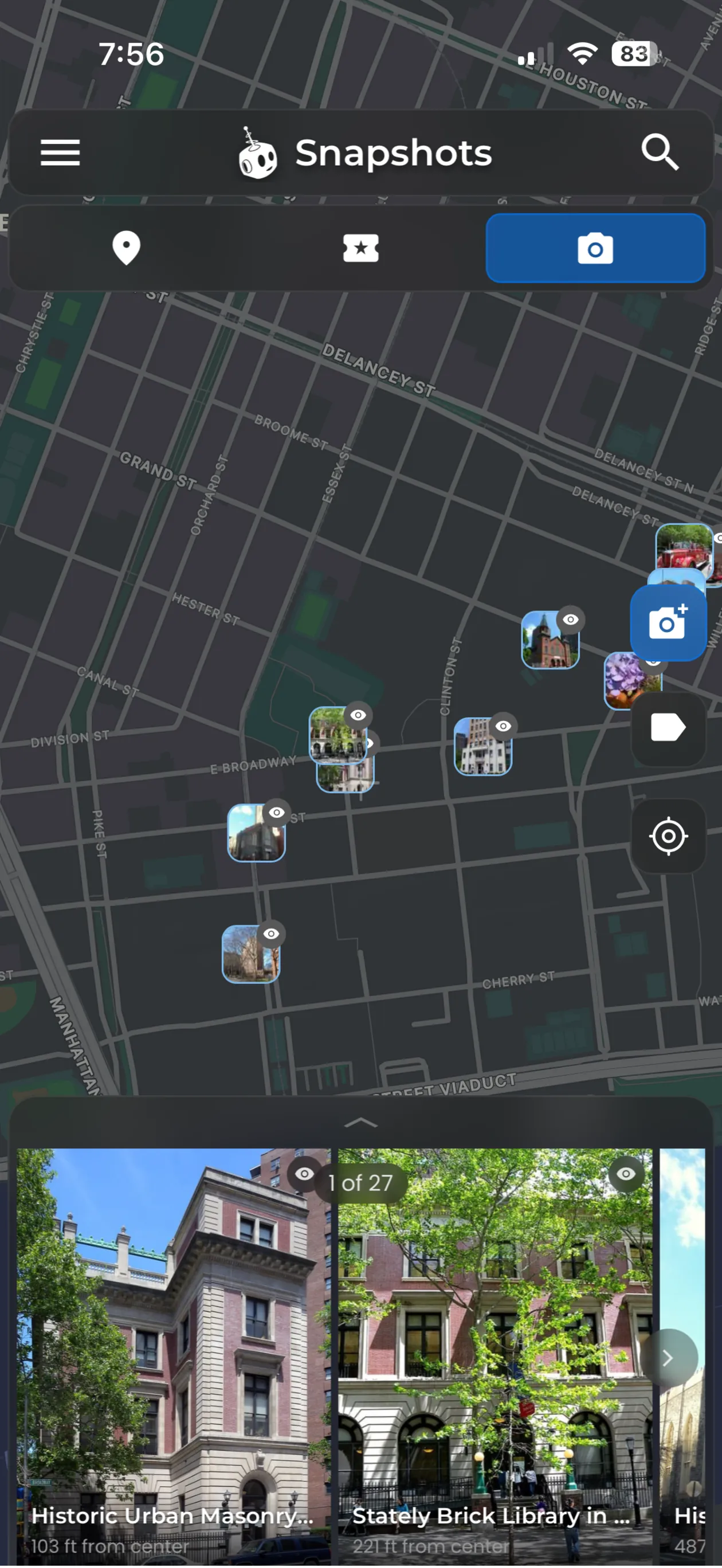
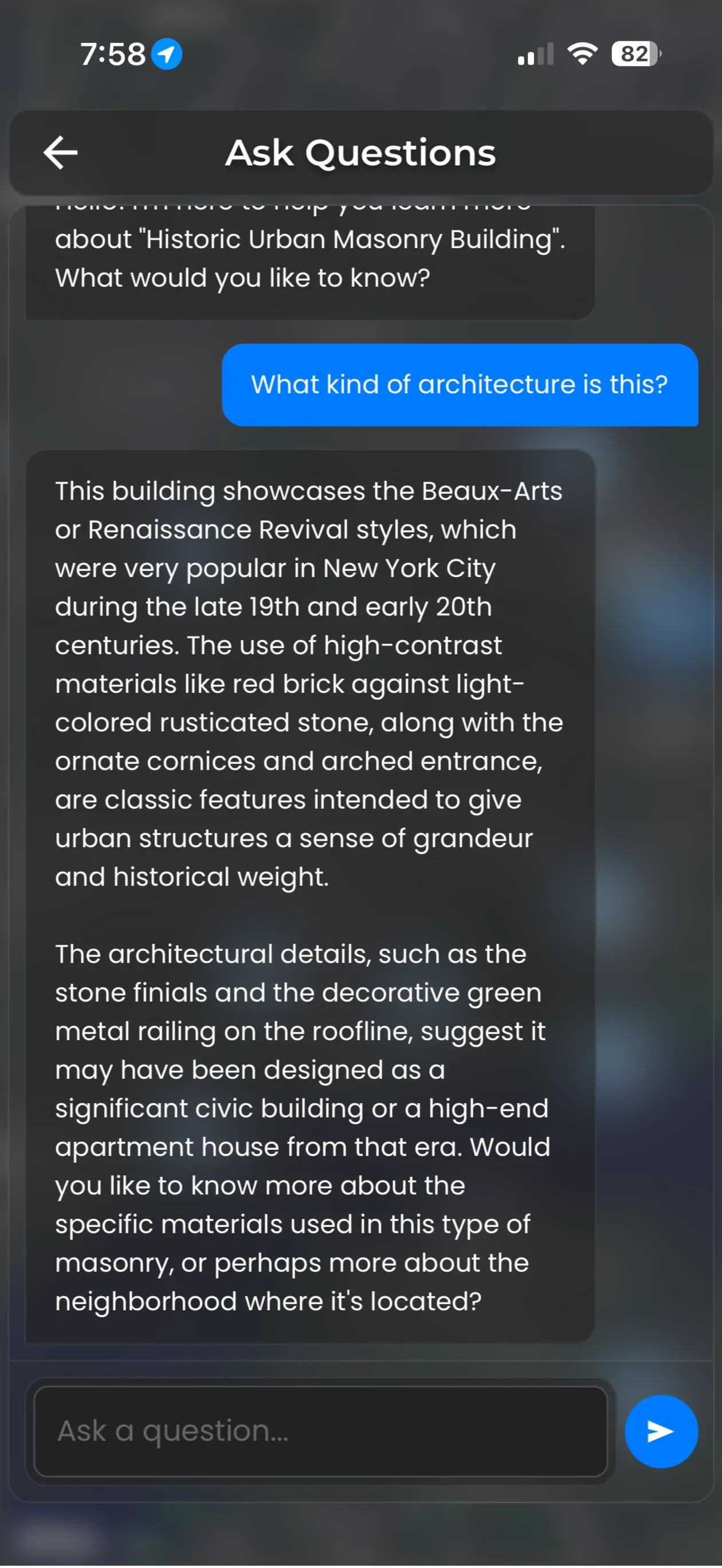
At its heart, Gadzooks focuses on rapid capture and easy retrieval. Create plain notes, checklists, and timed reminders in a few taps. Notes support basic formatting, images, and links, while checklist items can be reordered or nested to reflect subtasks. The built-in search indexes titles and content for instant results, so you spend less time hunting and more time doing.
Design and Interface
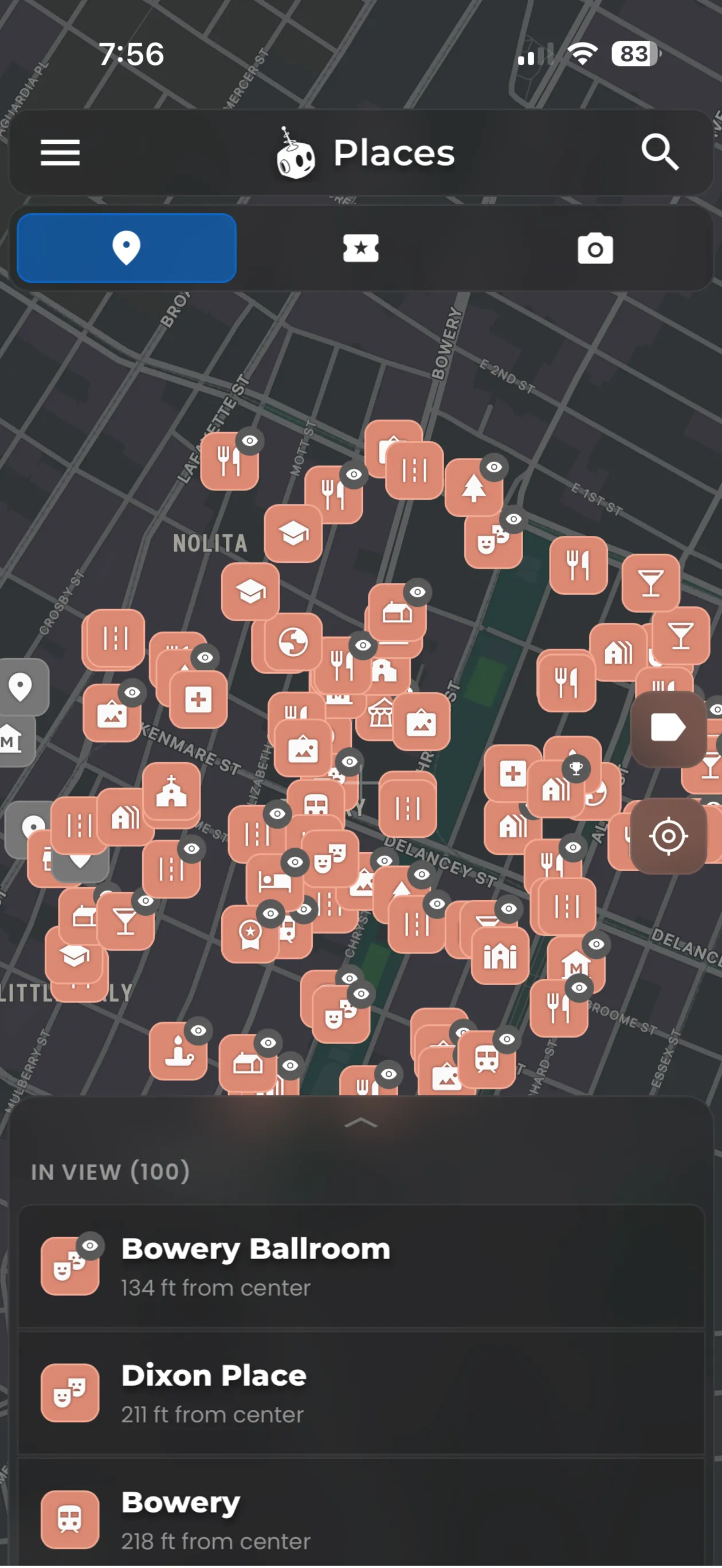
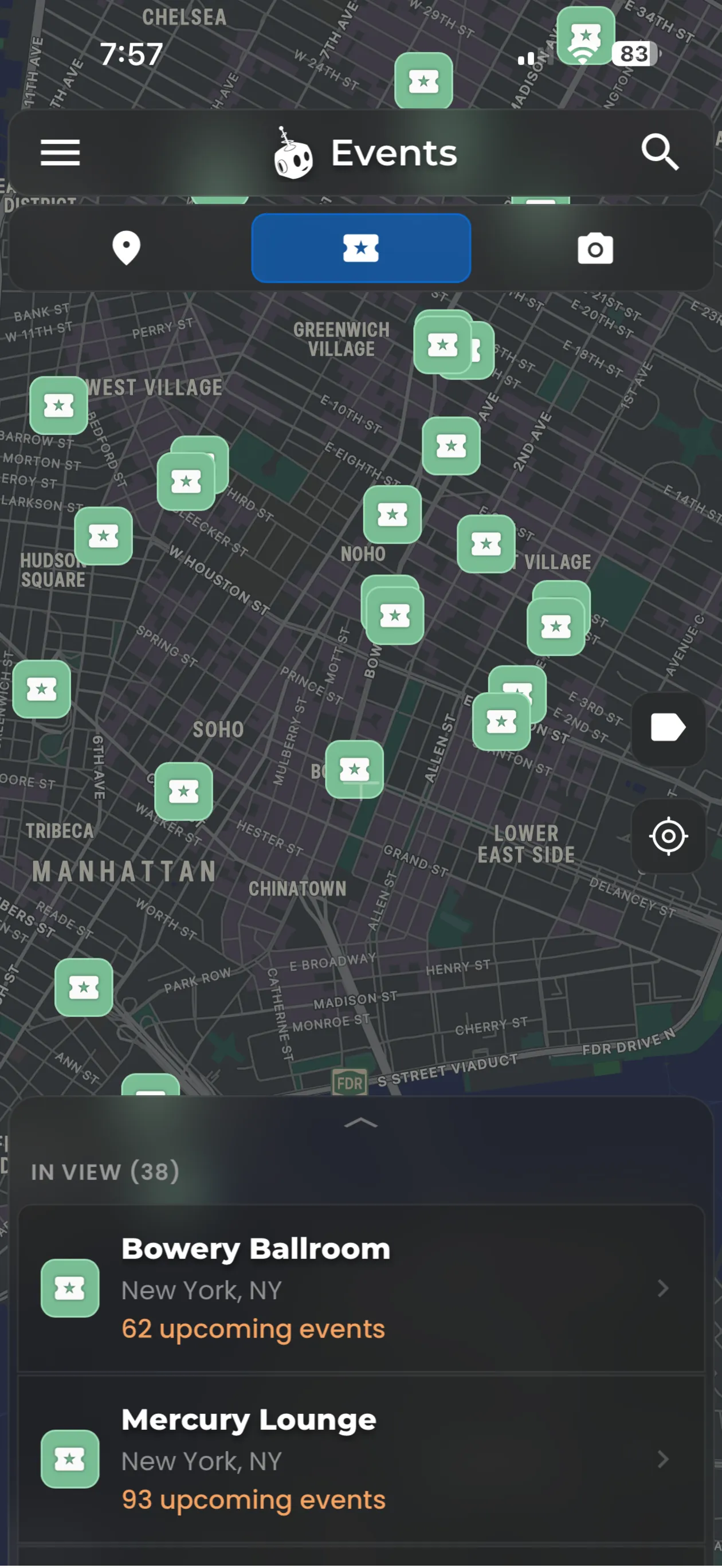
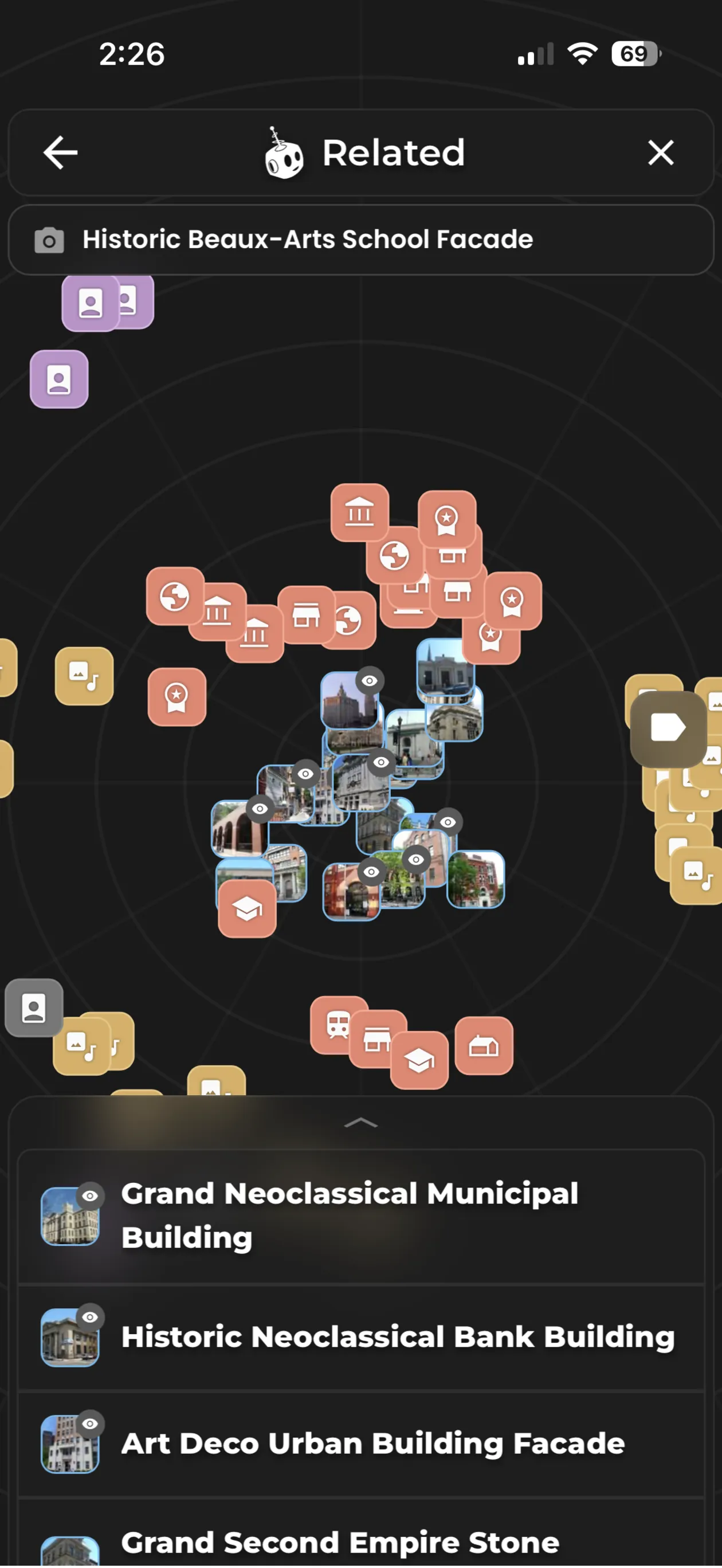
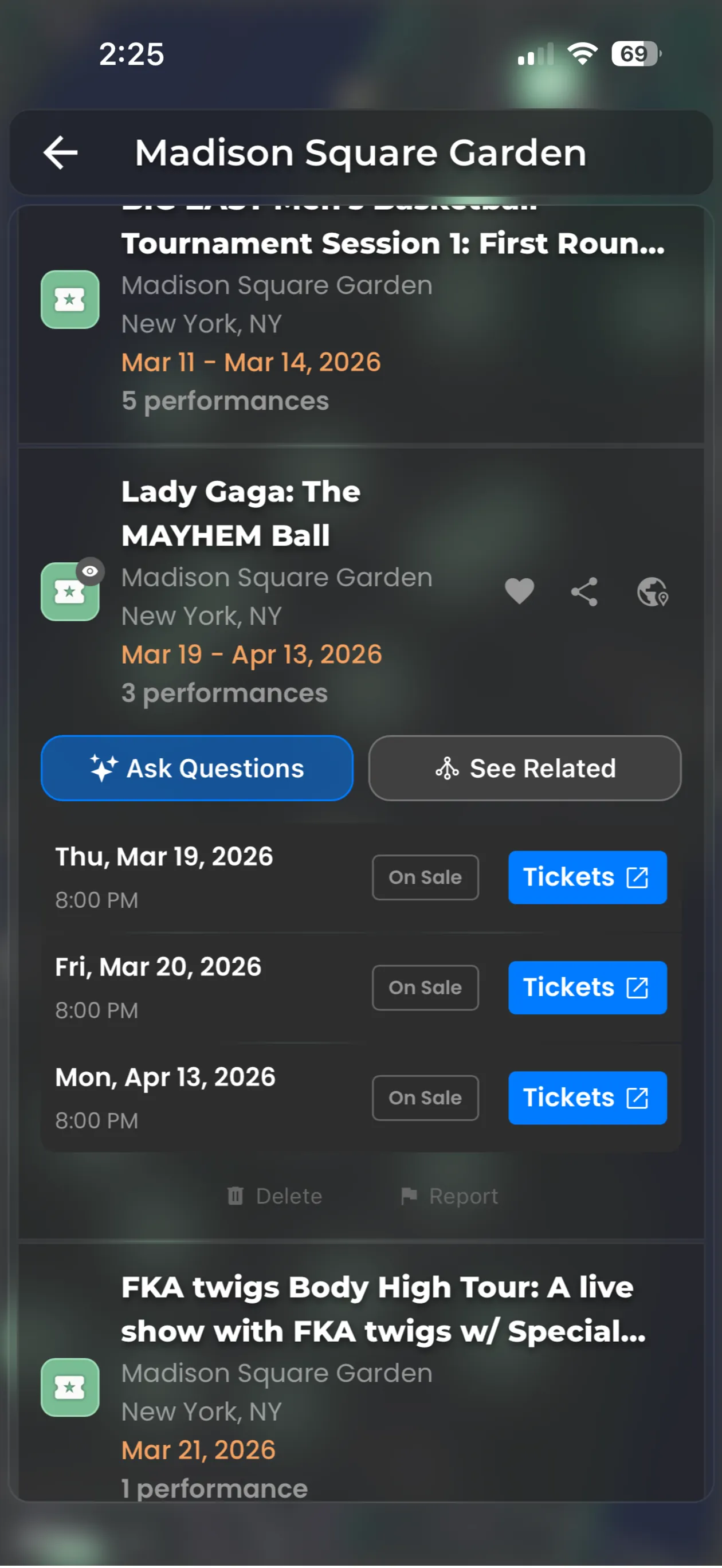
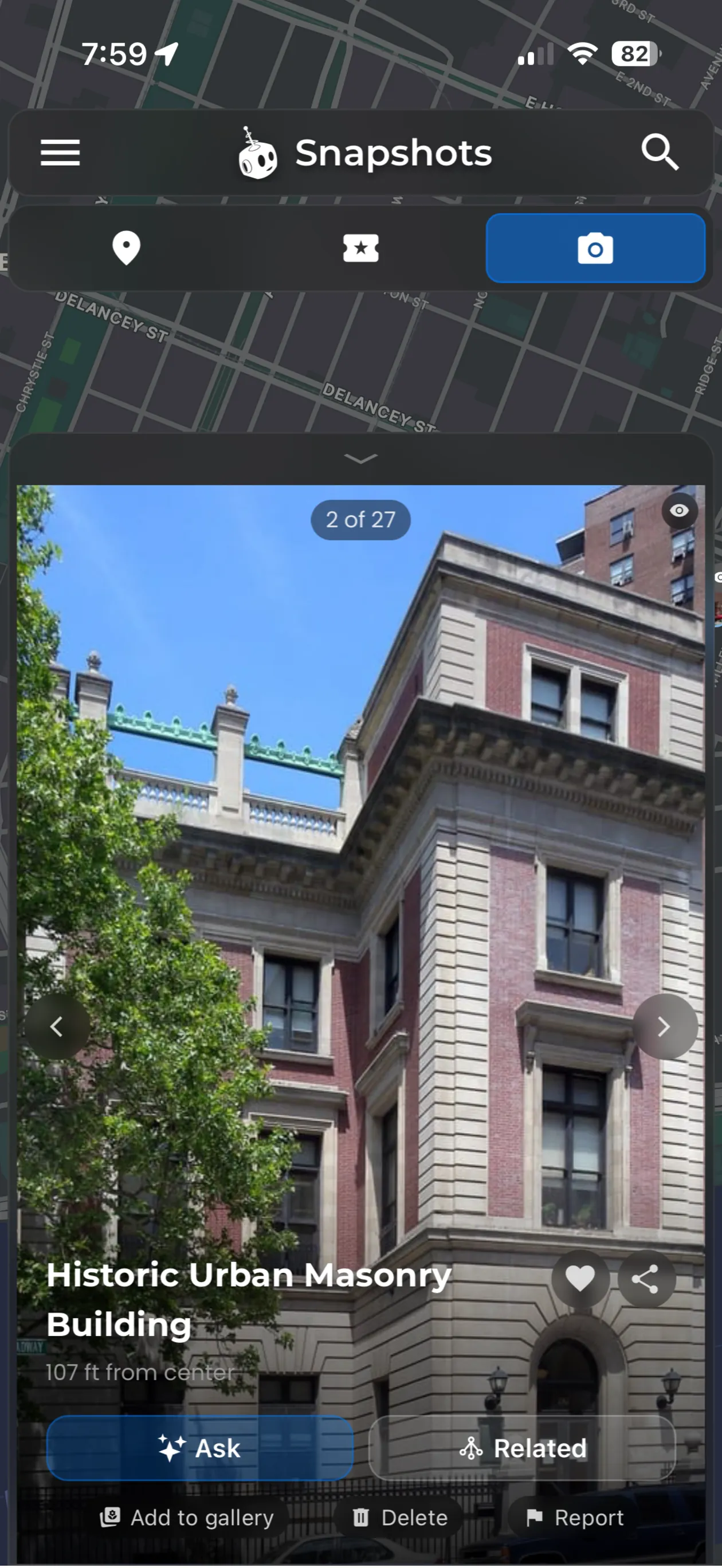
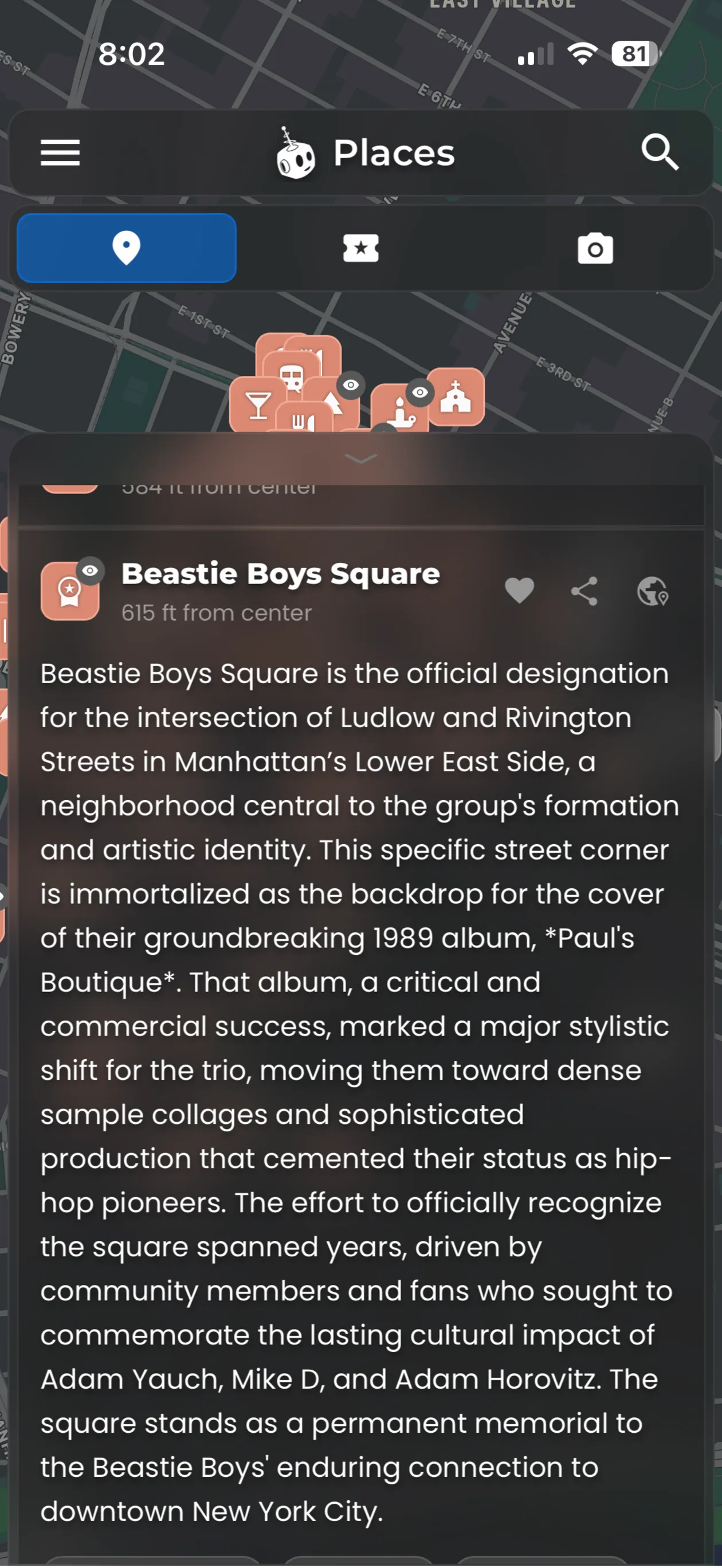
Gadzooks adopts a modern, clean interface that respects Android conventions. The layout uses cards for individual items, a floating action button for quick creation, and swipe gestures to archive or complete entries. Visual themes include a light and dark mode, and font size controls make the app comfortable on both phones and large tablets. Transitions are subtle, reducing distraction while maintaining a polished feel.
Organization and Workflow
Organization in Gadzooks is flexible: use tags, folders, or pinning to prioritize content. Tags let you group related notes across folders, while color-coding helps visually separate projects. The pin feature keeps essential notes at the top of the list, and smart filters let you view items by due date, tag, or type. A quick-add widget allows capturing ideas from the home screen without opening the app, speeding up the capture-to-action loop.
Synchronization and Backup
Reliable sync is a highlight of Gadzooks. You can choose cloud sync through established providers or keep data local for privacy-focused use. Automatic backups run on a schedule and can be exported as standard formats for migration or archiving. The app also supports conflict resolution tools when the same note is edited on multiple devices, presenting clear options to merge or keep versions.
Customization and Extensions
Gadzooks accommodates different working styles with customizable templates and reusable snippets. Save frequently used note structures as templates, then insert them with a single tap. Integration options include calendar linking for scheduled reminders and share targets that let other apps send text or media into Gadzooks. Developers will appreciate a documented API for reading and writing items if they want to connect third-party automation.
Performance and Compatibility
Performance is tuned for responsiveness on modern AND older Android builds. The app is optimized to minimize battery and memory use while maintaining smooth scrolling and fast search results. Offline mode keeps all features available without a connection; queued sync operations complete when connectivity is restored. Gadzooks also offers accessibility features such as adjustable contrast and support for screen readers.
Security and Privacy
Privacy controls let users decide where their data lives. End-to-end encryption is available for sensitive notes, and a local passcode or fingerprint lock protects the app interface. Gadzooks requests only necessary permissions and explains their purpose in-app, helping users make informed choices about access to storage, calendar, and notifications.
Who Benefits Most
Gadzooks fits a wide range of users: busy professionals who need quick capture and scheduling, students organizing coursework, and anyone who prefers a minimal but capable note and task manager. The combination of templates, tags, and smart filters makes it practical for managing recurring routines as well as one-off projects.
Getting Started Tips
- Start with a template: Create a project template for recurring workflows to save time.
- Use tags consistently: Apply a small set of tags for cross-folder searches.
- Enable backups: Turn on scheduled backups before migrating devices.
- Try widgets: Add a quick-add widget to accelerate capturing ideas.
Gadzooks blends usability with practical features, offering a balanced toolset for staying organized on Android. Whether you need a simple note keeper or a multipurpose task manager, the app provides the building blocks to shape a personal productivity system that works across devices.
- No virus
- No advertising
- User protection
Information
- File size: 23.10 M
- Language: English
- Latest Version: 1.0.51
- Requirements: Android
- Votes: 264
- Package ID: ai.gadzooks.app
- Developer: Very Machine, Inc.
Screenshots
















Explore More
Make your house a home with our suite of helpful home apps. Discover clever tools to organize closets, streamline chores, and simplify cooking. Take the stress out of cleaning and maintenance with handy checklists and schedules. Enhance security and control appliances and lighting with our smart home integrations. Design, visualize, and renovate like a pro using our 3D planning software.

All Recovery - Photos & Videos

Tax Calculator India 2024-2025

OnDjoss

Park4Me

Scary sound effects

Home Workouts - Lose Weight

Juice Recipes

HFonts - font & emoji manager





























