


Introduction
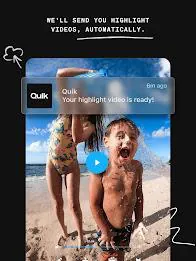
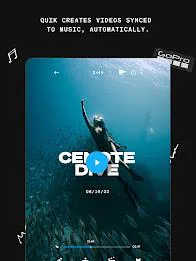
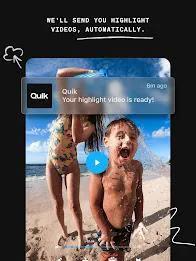
GoPro Quik: Video Editor is a compact, user-friendly mobile editor that helps you turn raw footage into shareable clips with minimal effort. The app analyzes recordings, selects highlight moments, matches cuts to music and applies cinematic transitions so you can produce polished videos quickly; with GoPro Quik: Video Editor you get a balance of automatic highlights and straightforward manual controls whether you film with a GoPro or a phone. This editor supports cloud backup and quick sharing to social platforms, plus direct camera pairing for remote control — features that make it useful for action sports, travel vlogs and everyday capture alike.
Key features and how they work
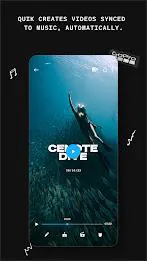
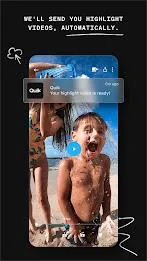
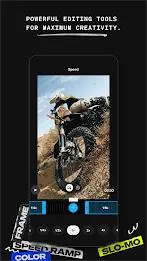
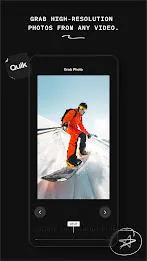
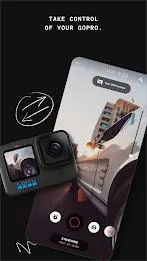
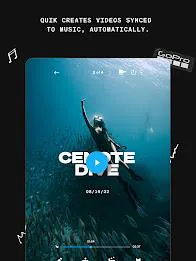
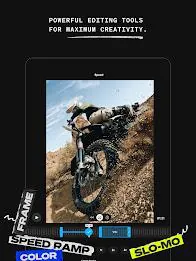
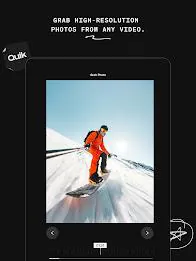
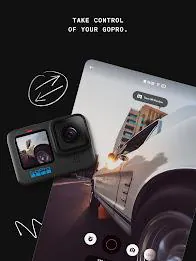
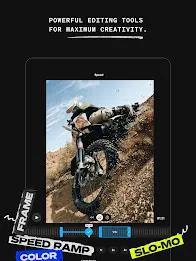
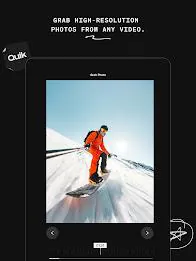
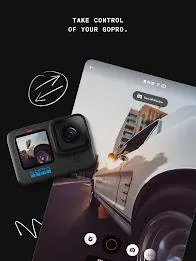
The automatic edit engine identifies strong clips, trims them to highlight points and aligns cuts to beat markers in your chosen soundtrack for fast, ready-to-share results. Manual tools include multi-selection timeline control for trimming several clips at once, precise beat sync to reposition cuts by audio cues, multi-segment speed adjustments to create slow-motion and time-lapse effects inside a single clip, and a frame-grab function to extract high-resolution stills from video. When paired with a GoPro camera you can preview content on your phone, transfer media directly, update firmware and use remote controls for start/stop and mode switching.
Controls and editing workflow
The editing workflow is designed for touch: select clips from camera roll or cloud, drag clip handles to trim, pinch the timeline to zoom into frames and use tap-and-drag gestures to reorder segments. Multi-select lets you apply a single adjustment across several clips at once, while split and join operations help shape narrative flow. Music selection and simple timing controls let you experiment by changing the soundtrack or shifting beat markers so edits follow different rhythms. The interface emphasizes quick previews so you can test variations and export when satisfied.
Project management, export and sharing
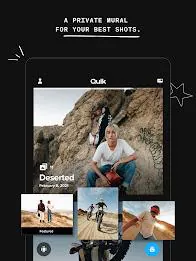
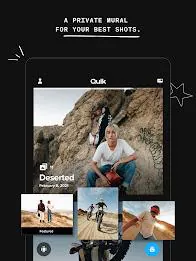
Projects are organized as editable timelines so you can return and rework edits or create alternate versions for different platforms. Export options prioritize social sharing speed and quality: choose common aspect ratios and presets optimized for Instagram, TikTok and YouTube, or export in higher resolutions when you need full-quality files. Cloud backup keeps originals and project edits safe when you subscribe, and the app’s sharing workflow supports direct posting to social accounts from inside the editor.
Visual style and customization
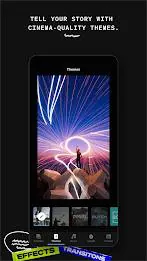
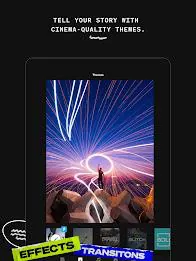
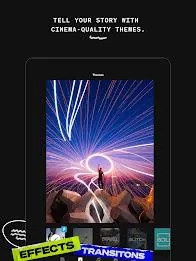
The app includes curated themes and environment-optimized filters for conditions such as snow and water to preserve highlights in contrast or color-rich scenes. Built-in transitions and stabilization algorithms smooth action footage and horizon leveling keeps shots steady and natural. Color and exposure tools let you refine the look after automatic correction, and presets speed up consistent looks across multiple videos so you can maintain a signature style without rebuilding settings for every clip.
User experience, progression and replay value
Quik is approachable for beginners who prefer one-tap edits but also supports a deeper workflow as your editing skills progress: start with an automatic highlight, then dive into the timeline to fine-tune pacing, adjust speed segments and tweak audio alignment. Experimenting with different themes, soundtracks and speed ramps gives high replay value — the same footage can produce completely different outcomes, encouraging creative iteration and practice. Regular use builds familiarity with beat syncing, clip pacing and color adjustments, so your edits improve over time without needing a steep learning curve.
Offline usage and accessibility
Basic editing functions work offline so you can trim clips and apply many filters without network access, but several automated features — such as auto-uploads for highlight creation and cloud backup — require a Wi‑Fi connection or the camera to be charging to initiate transfers. The app strives for clear controls and readable UI elements to help accessibility; large touch targets, contrast themes and preview playback make it easier to work in varied lighting. Subscriptions add unlimited backup and extended cloud services but are optional if you prefer to manage files locally.
Advantages and limitations
GoPro Quik: Video Editor excels at saving time with automatic highlights while still offering manual precision for users who want more control. The deep GoPro integration simplifies camera-to-phone workflows and remote operation, and export presets help share to social platforms quickly. Keep in mind some premium features require a Quik or GoPro subscription and that certain cloud services don’t support all camera formats, such as the Fusion format. Also, fully automatic workflows depend on network or charging conditions to perform background uploads and highlight creation.
If you want a mobile app that moves quickly from capture to a polished clip without sacrificing the ability to refine timing, color and pacing, GoPro Quik: Video Editor provides both speed and control in a single package.
- No virus
- No advertising
- User protection
Information
- File size: 114.64 M
- Language: English
- Latest Version: 12.8.1
- Requirements: Android
- Votes: 90
- Package ID: com.gopro.smarty
- Developer: GoPro
Screenshots

















Explore More
Unleash your inner filmmaker with our easy yet powerful mobile video editor! Trim, splice, and arrange clips with a simple drag-and-drop timeline. Easily apply stylish filters, text captions, transitions, visual effects, and audio tracks to customize your video. Built-in tools help stabilize shaky footage and adjust color and lighting. When your masterpiece is complete, export to popular formats and aspect ratios.
YouCut - Video Editor & Maker

VidStatus - Short Video Editor

AirPedal

FlashShort

StoryLab
PolloAi: Video Editor Hints

Video maker

Tempo





























