
Introduction
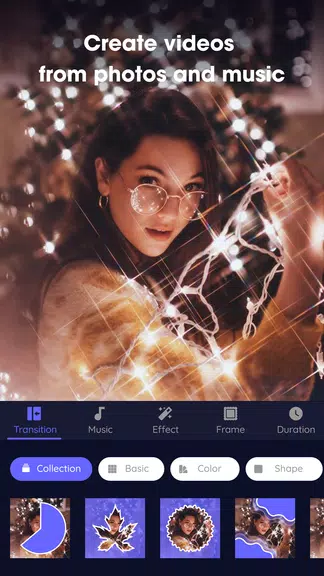
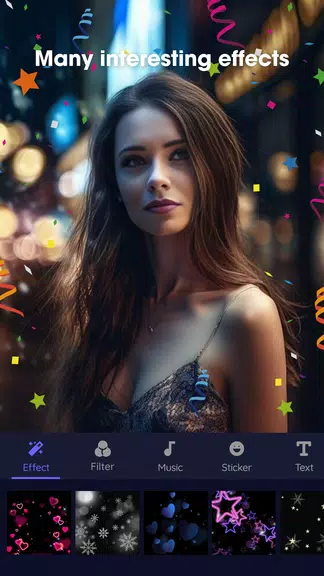
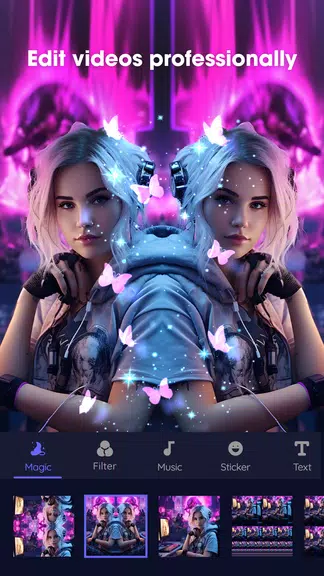
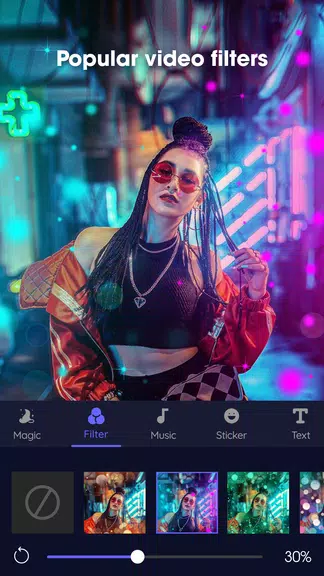
Video maker is a free mobile video editor that converts your photos and music into polished clips with minimal effort. Video maker helps you combine multiple images, add background tracks, apply film-style filters and FX, and export finished projects in HD, Full HD or QHD so your reels, vlogs and slideshows look good on social channels. The app is built for quick, on-the-go editing: trim and speed up or slow down clips, insert stickers and text, and choose from many transition effects to give photo sequences a cinematic feel.
Key Features
Video maker offers selection and arrangement of multiple photos with simple drag-and-drop controls and the ability to add any music from your device. It includes dozens of transition effects and film-style filters to create cinematic slideshows and supports high-resolution images with export options for HD, Full HD and QHD. Built-in sticker and frame collections plus text overlays let you personalize each scene, while fast audio tools let you import common formats such as mp3 and m4a, trim tracks and sync music to your video.
Advantages
Video maker saves edited videos without watermarks so finished clips look professional and ready to share. The interface is simple and approachable, making it easy to produce attractive videos without learning complex desktop software. Broad format support and quick audio extraction let you reuse sound from existing clips or create ringtones in one tap, and speed controls with one-tap trimming provide smooth slow-motion or fast-motion effects for dynamic storytelling.
Disadvantages
Video maker is not a full desktop-grade editor—advanced compositing, multi-track timelines and professional color grading are limited or absent. Users who need very fine-grained audio mixing or frame-by-frame editing may find the mobile workflow restrictive. Large projects with many high-resolution images can be demanding on older devices and may increase export times.
- No virus
- No advertising
- User protection
Information
- File size: 35.60 M
- Language: English
- Latest Version: 2.2.2
- Requirements: Android
- Votes: 428
- Package ID: com.lsla.videomaker
- Developer: lsla smart tool
Screenshots
















Explore More
Unleash your inner filmmaker with our easy yet powerful mobile video editor! Trim, splice, and arrange clips with a simple drag-and-drop timeline. Easily apply stylish filters, text captions, transitions, visual effects, and audio tracks to customize your video. Built-in tools help stabilize shaky footage and adjust color and lighting. When your masterpiece is complete, export to popular formats and aspect ratios.
YouCut - Video Editor & Maker

GoPro Quik: Video Editor

VidStatus - Short Video Editor

AirPedal

FlashShort

StoryLab

PolloAi: Video Editor Hints
Tempo