
Introduction
Mazar is a versatile productivity app that centralizes tasks, notes, and schedules into a single clean interface. Designed for busy professionals and students, Mazar helps organize projects, set reminders, and collaborate with teammates, all while keeping performance smooth and battery impact low.
Core Functionality
The app focuses on three pillars: task management, note-taking, and time planning. Tasks can be grouped into projects, subtasks can be added, and deadlines display in a unified timeline. Notes support rich text, images, and quick tagging so information stays searchable. A shared workspace allows teams to assign items and monitor progress without leaving the app.
Interface and Workflow
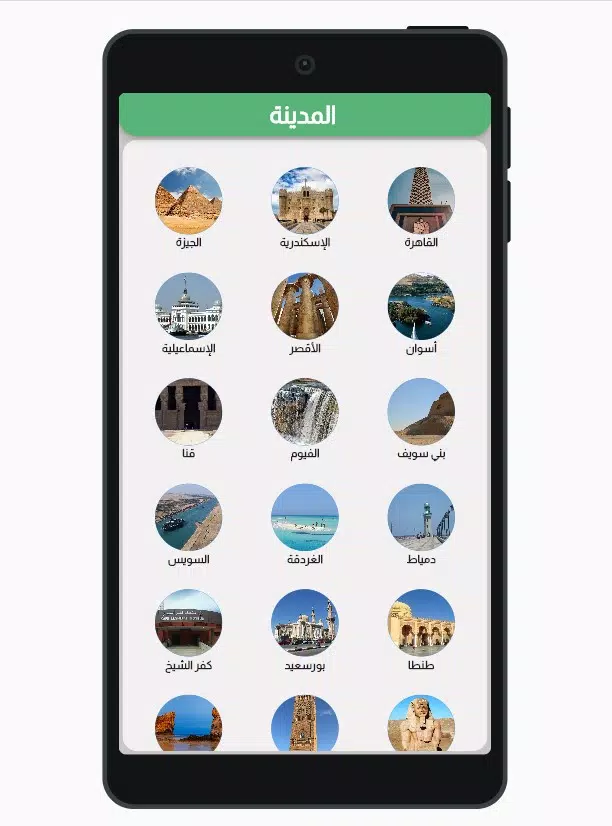
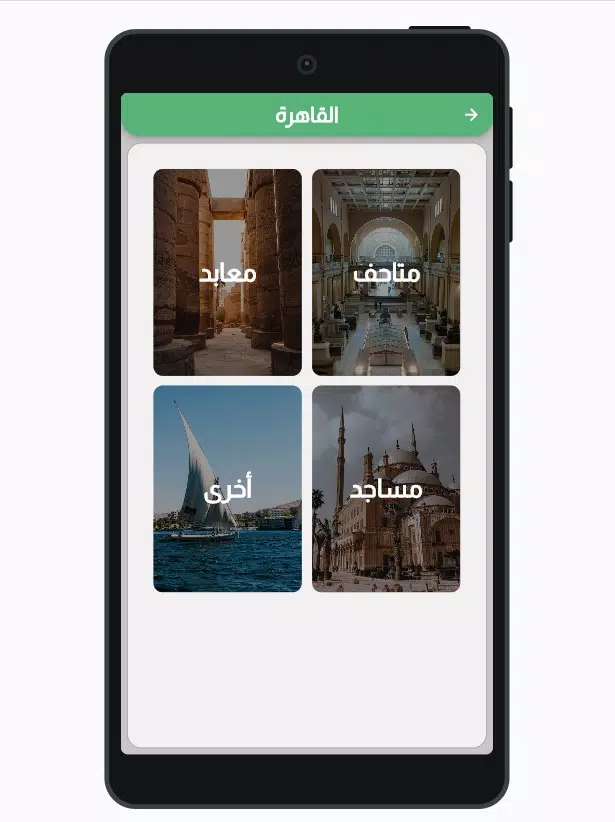
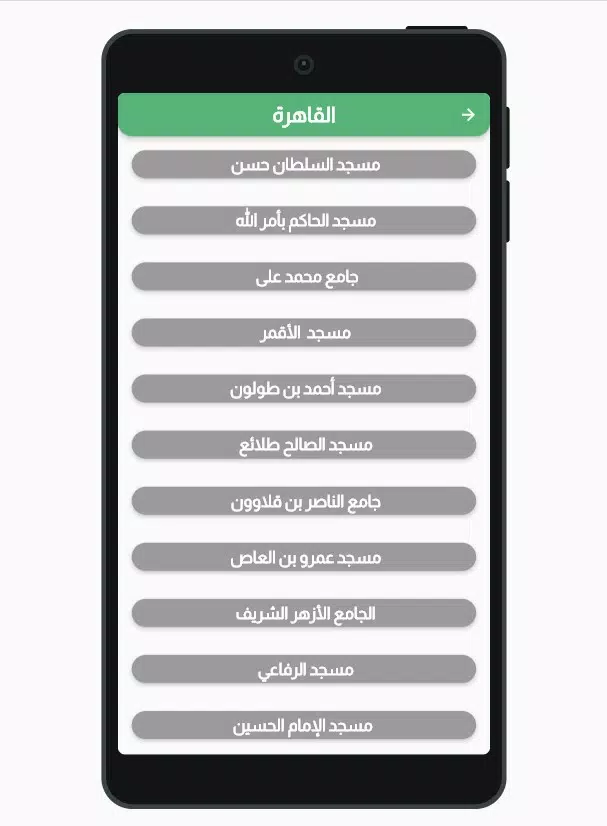
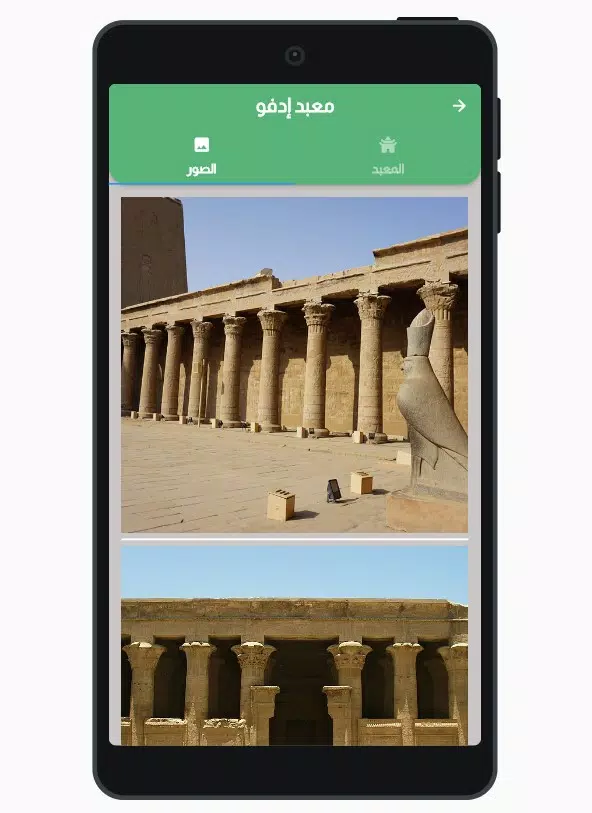
Mazar presents a minimal, customizable layout that adapts to different work styles. The main dashboard highlights today’s priorities, upcoming deadlines, and recent notes. Widgets provide one-tap access from the home screen, while swipe gestures speed up sorting and completion. Each section is modular, enabling users to hide elements they don’t need for a distraction-free experience.
Productivity Tools
Built-in tools streamline common tasks: recurring reminders, Pomodoro-style timers, and smart suggestions that surface unfinished items based on deadlines. The search function supports filters for date ranges, tags, and collaborators, making retrieval quick when you’re juggling multiple projects. Integration with the calendar view helps avoid scheduling conflicts and keeps personal and professional timelines in sync.
Collaboration Features
For teams, Mazar includes shared projects, comment threads, and permission controls. Assign roles to members, set watchers for high-priority items, and attach files directly to tasks. Activity logs track recent changes so managers and contributors can see who updated what and when. Notifications are configurable to reduce noise while keeping everyone informed.
Customization and Automation
The app supports custom templates for recurring workflows such as onboarding checklists or release plans. Automation rules can trigger actions—like creating follow-up tasks when a milestone completes or moving overdue items to a priority list. Color-coded labels and custom fields allow deeper categorization without cluttering the main views.
Performance and Compatibility
Mazar is optimized for low memory usage and fast load times across a wide range of Android devices. Offline access lets you view and edit content away from a reliable network, syncing changes automatically when a connection returns. The app is designed to work smoothly on both phones and tablets, and it respects battery-saving modes to minimize background activity.
Integrations and Export
Connect Mazar with popular calendars, cloud storage services, and communication tools to import events, attach files, or post updates into team chats. Export options include PDF and CSV for sharing reports or archives with stakeholders. API access is available for advanced workflows and enterprise setups that need deeper system integration.
Security and Privacy
Security features include optional passcode protection, end-to-end encryption for sensitive notes, and granular sharing controls. Regular backups and export functions make it simple to retain control over personal or company data. The privacy settings allow users to manage what is shared and with whom, keeping confidential information protected.
Getting Started
Begin by creating a workspace and adding your first project. Use templates to populate common processes quickly, then invite collaborators as needed. The tutorial offers guided steps for creating tasks, linking notes, and setting reminders, so you can customize Mazar to match your workflow in minutes.
Whether you’re managing solo objectives or coordinating a cross-functional team, Mazar provides a balanced set of features that emphasize clarity, speed, and control. Try the free tier to explore core capabilities before upgrading for advanced team tools and automation.
- No virus
- No advertising
- User protection
Information
- File size: 30.80 M
- Language: English
- Latest Version: 9.0.0
- Requirements: Android
- Votes: 319
- Package ID: com.mazar.flutter_application_museum
- Developer: koor techno
Screenshots




















Explore More
Make your house a home with our suite of helpful home apps. Discover clever tools to organize closets, streamline chores, and simplify cooking. Take the stress out of cleaning and maintenance with handy checklists and schedules. Enhance security and control appliances and lighting with our smart home integrations. Design, visualize, and renovate like a pro using our 3D planning software.

Metro Micro

All Recovery - Photos & Videos

Tax Calculator India 2024-2025

ClassPass: Fitness, Spa, Salon

OnDjoss

Park4Me

Scary sound effects

Home Workouts - Lose Weight