

Introduction
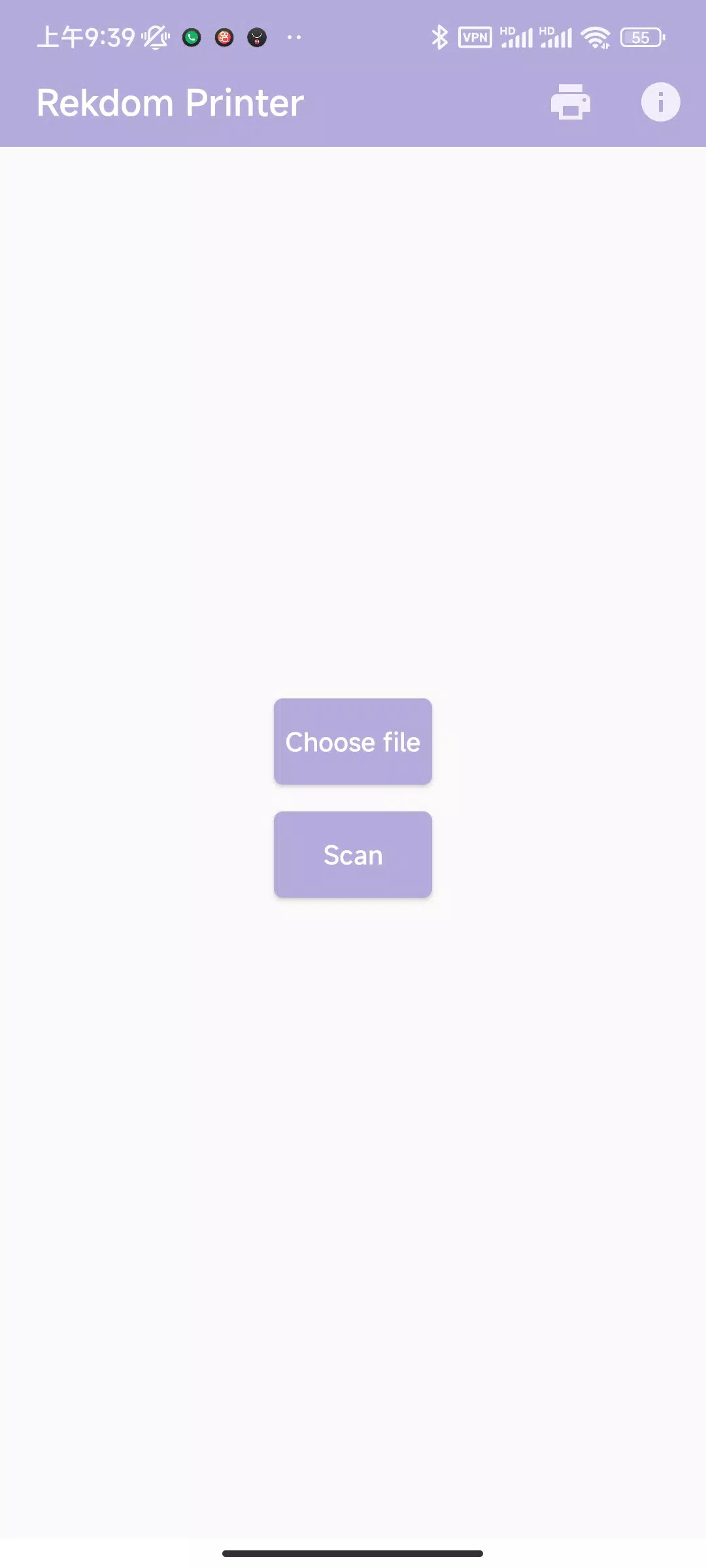
Rekdom Printer is a mobile printing utility that simplifies document and label printing from Android devices, offering fast setup, wide format support, and advanced print controls. It connects to network and Bluetooth printers, streamlines workflows, and puts common printing options directly in your pocket for on-the-go productivity.
Core functionality
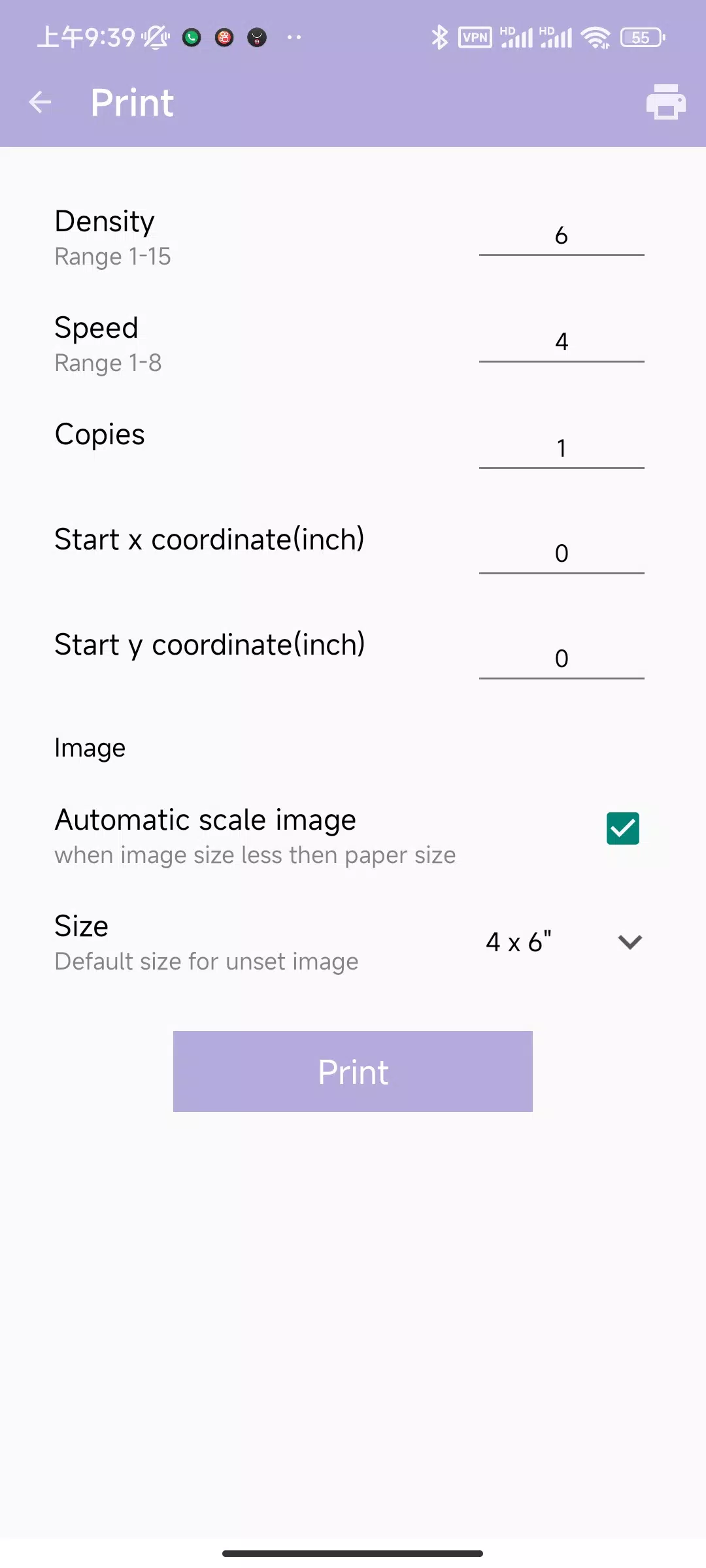
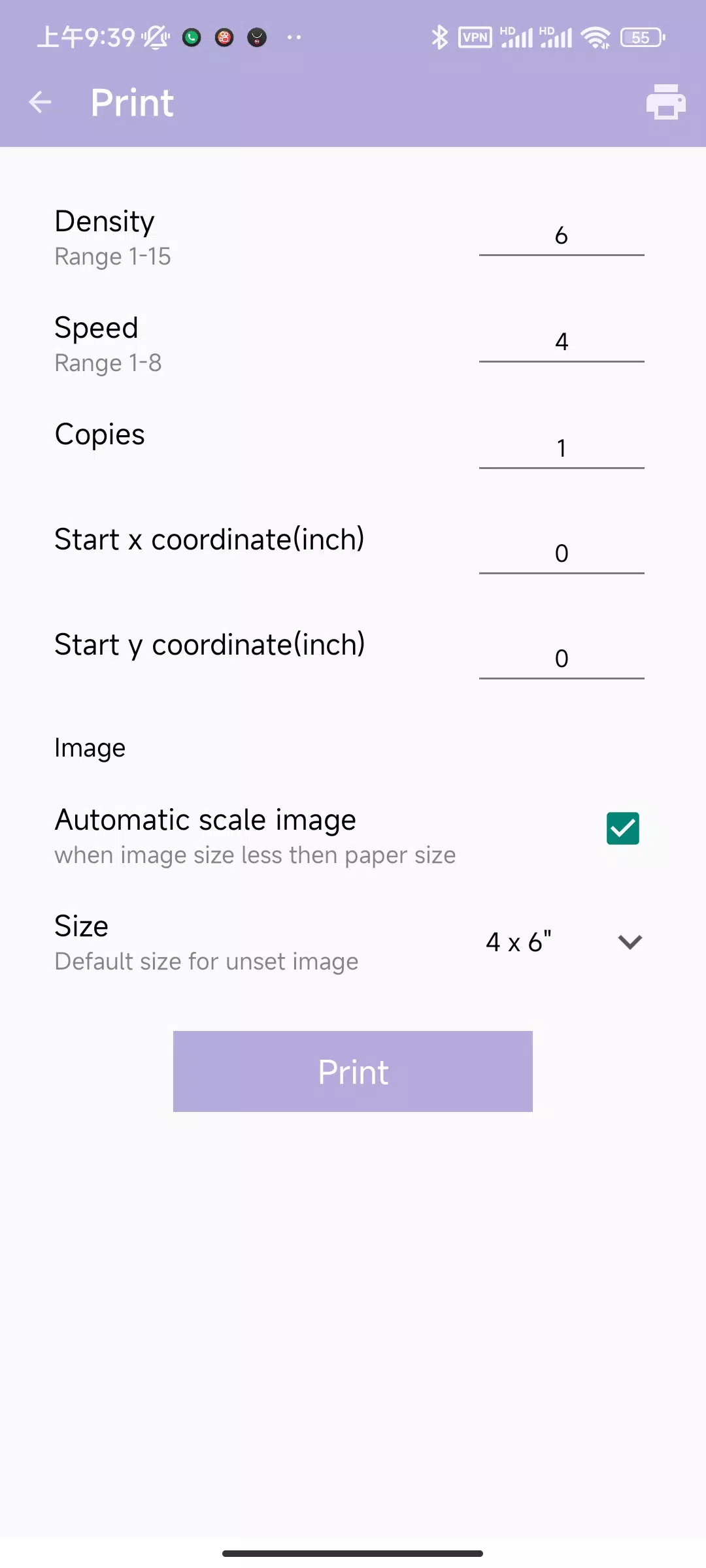
Rekdom Printer focuses on reliable output and a clear user interface. The app supports PDF, images, plain text, and common office formats. Users can select print quality, paper size, duplexing, and color profiles before sending jobs to a local network or paired Bluetooth printer. Batch printing and job queuing are available to handle multiple files without repeated configuration.
Key features
- Multi-protocol connectivity: Supports IPP, LPR/LPD, Raw Socket, and Bluetooth SPP for broad compatibility with enterprise and consumer printers.
- Format handling: Native rendering for PDFs and images, plus automatic scaling for unexpected paper sizes.
- Job management: Prioritize, pause, or cancel jobs from a concise queue view.
- Templates and labels: Save custom page templates and label layouts for repeat tasks.
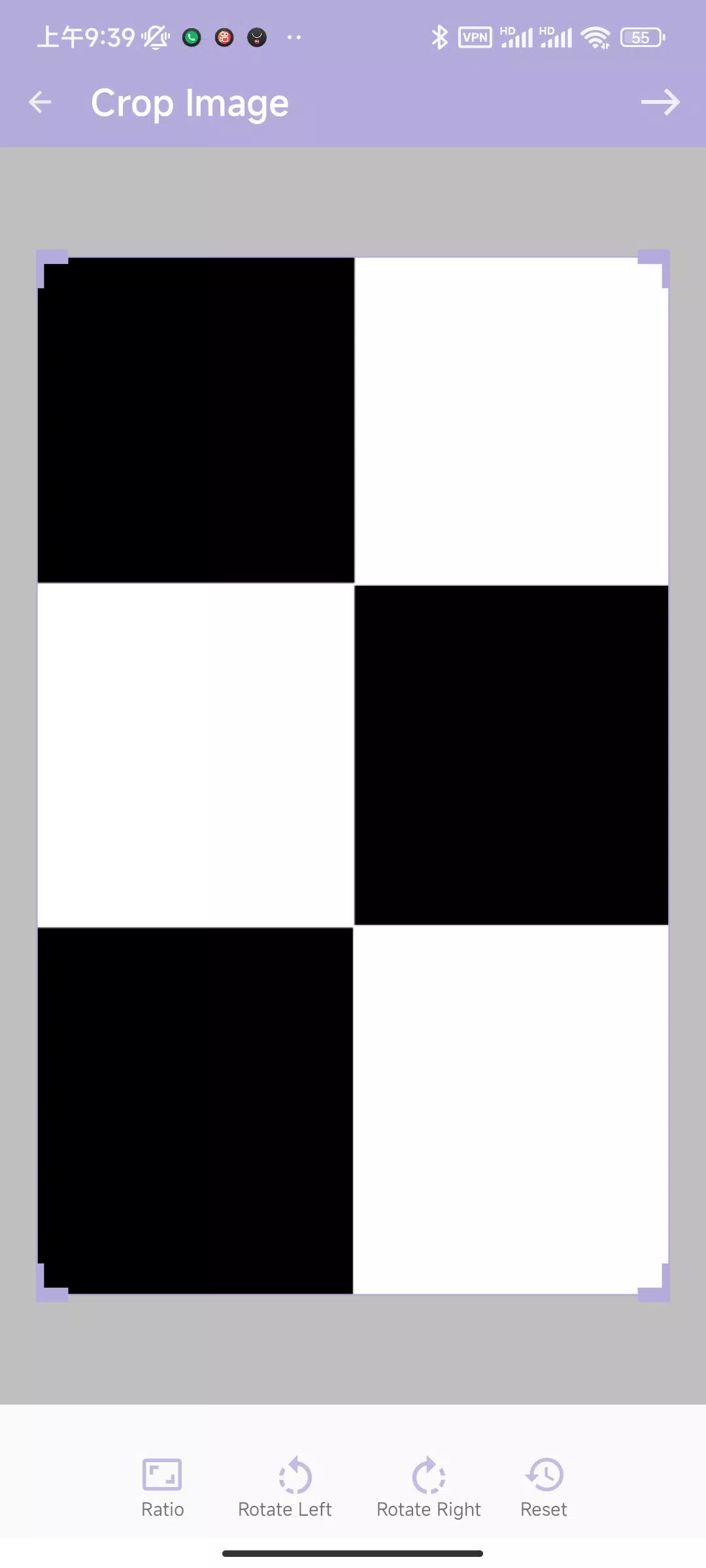
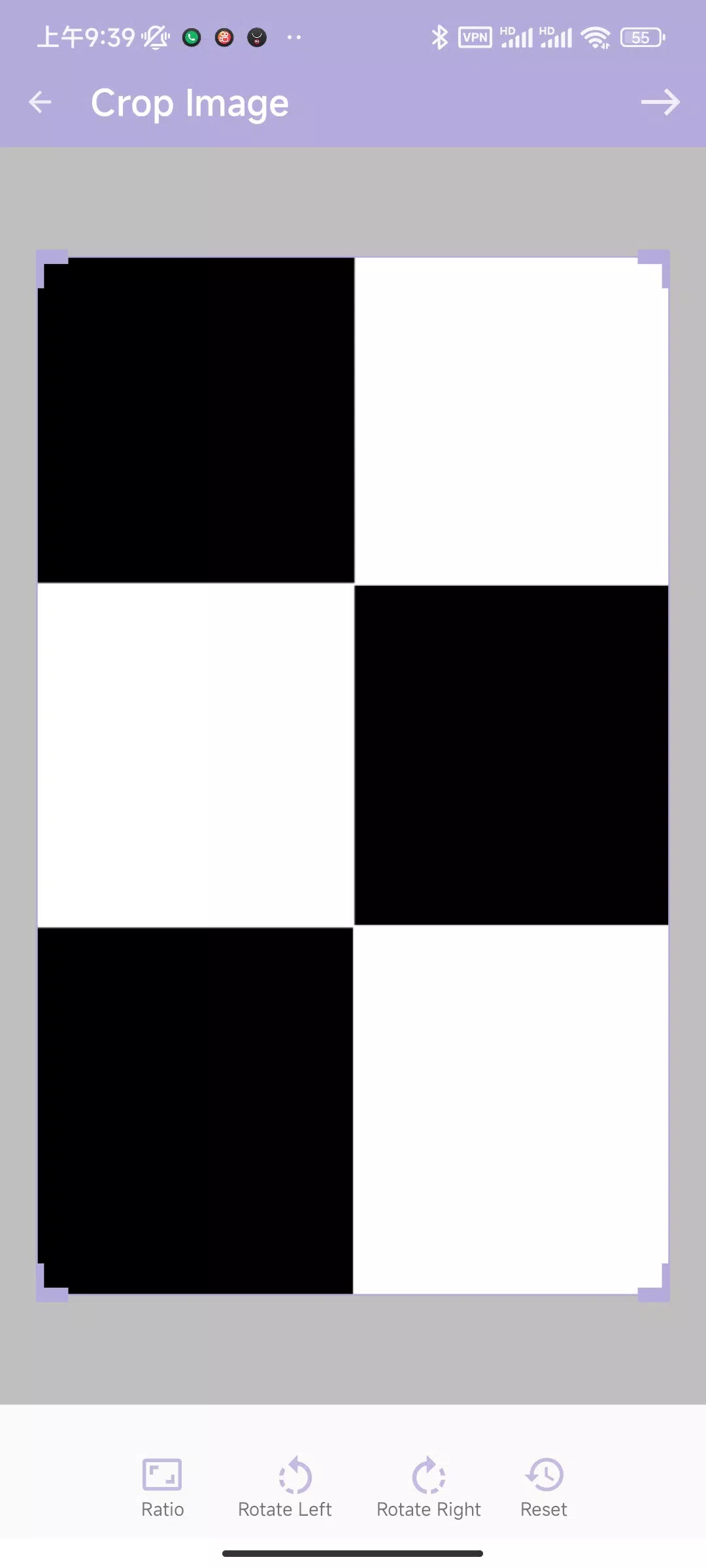
- Preview and annotations: Inspect a print preview, crop pages, and add simple annotations before printing.
Interface and workflow
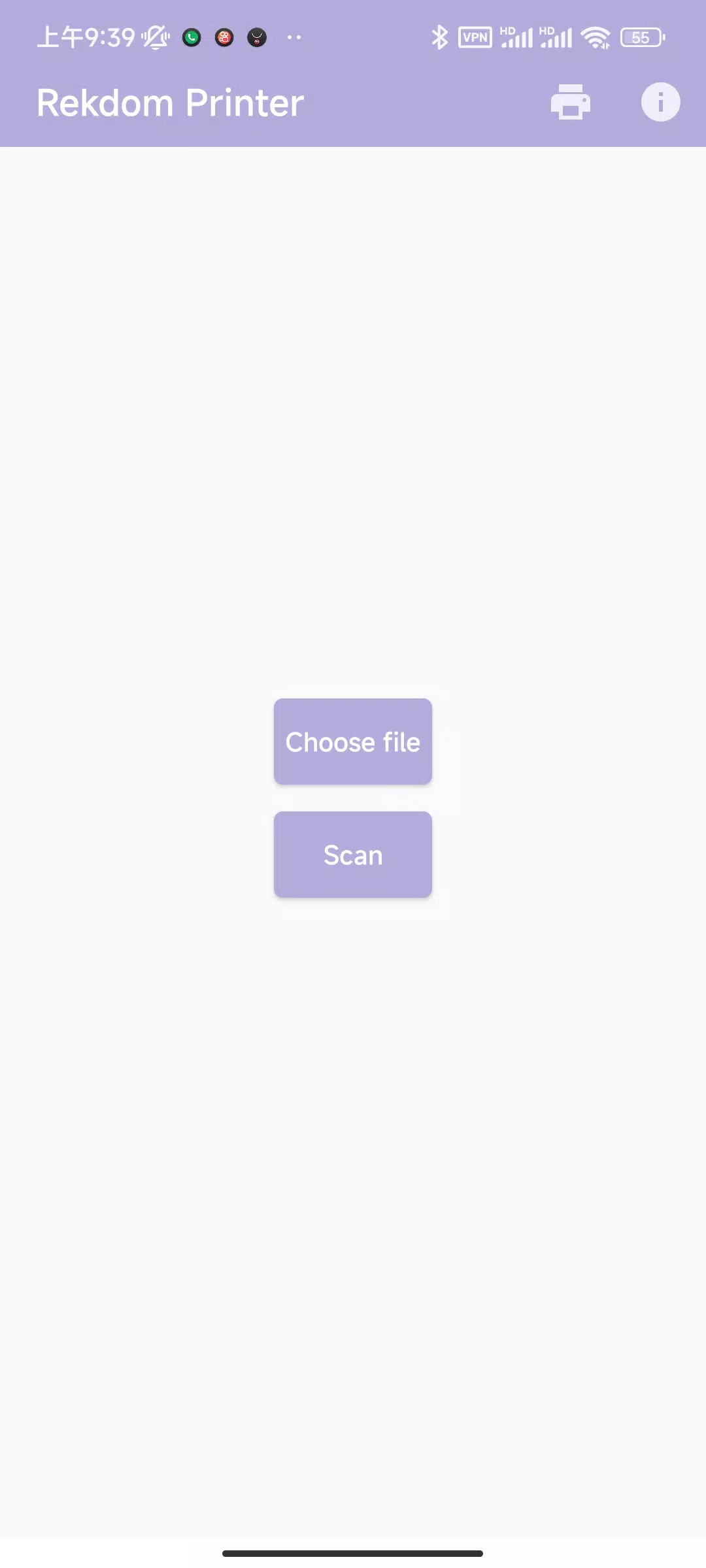
The app uses a guided setup that detects nearby printers and offers one-tap pairing for Bluetooth devices. Network discovery scans for IPP and LPD printers, listing them with manufacturer and model when available. The print dialog balances quick presets and advanced controls, so users can apply default settings for everyday jobs or tweak parameters for specific needs. Workflow features include folder watching and share-target integration so files from email, cloud storage, or other apps can be printed without manual downloads.
Customization and templates
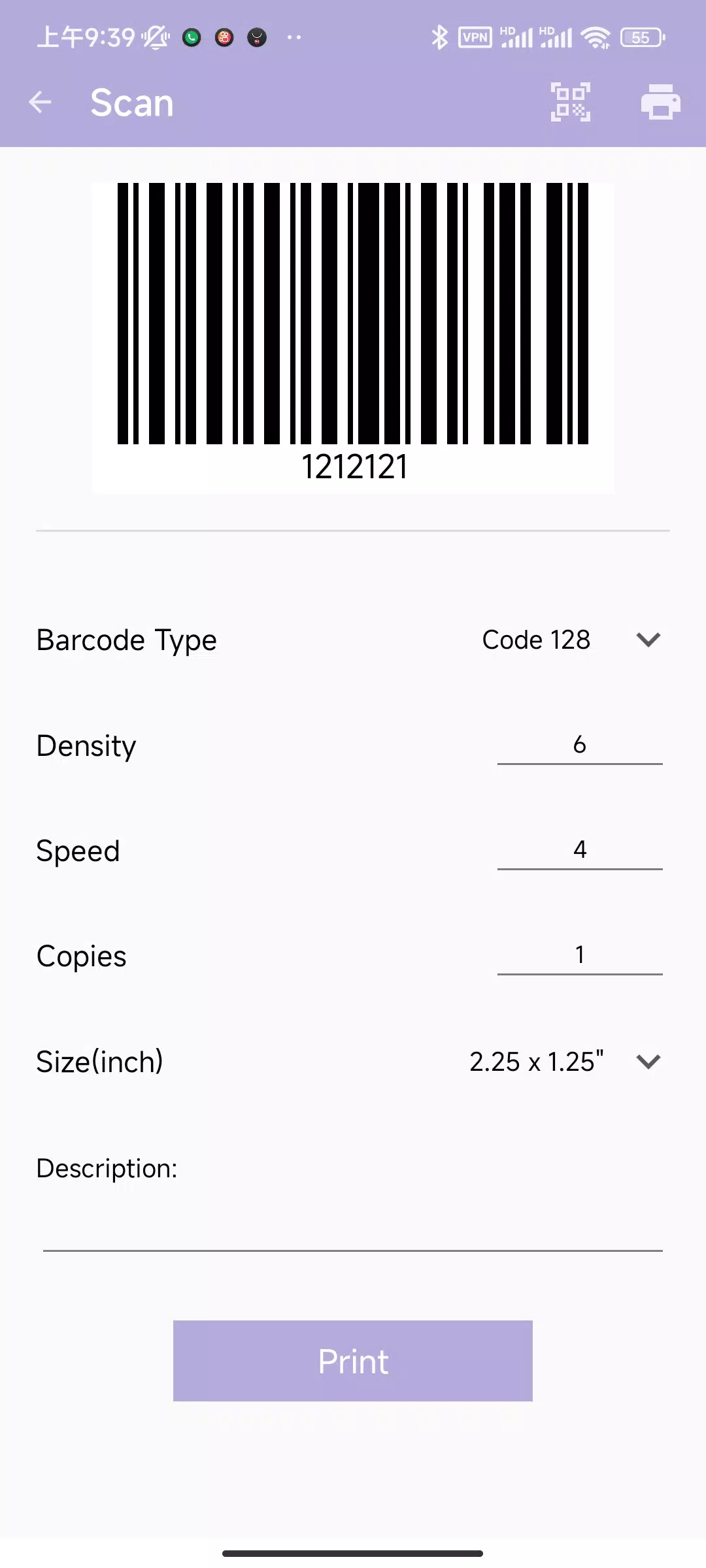
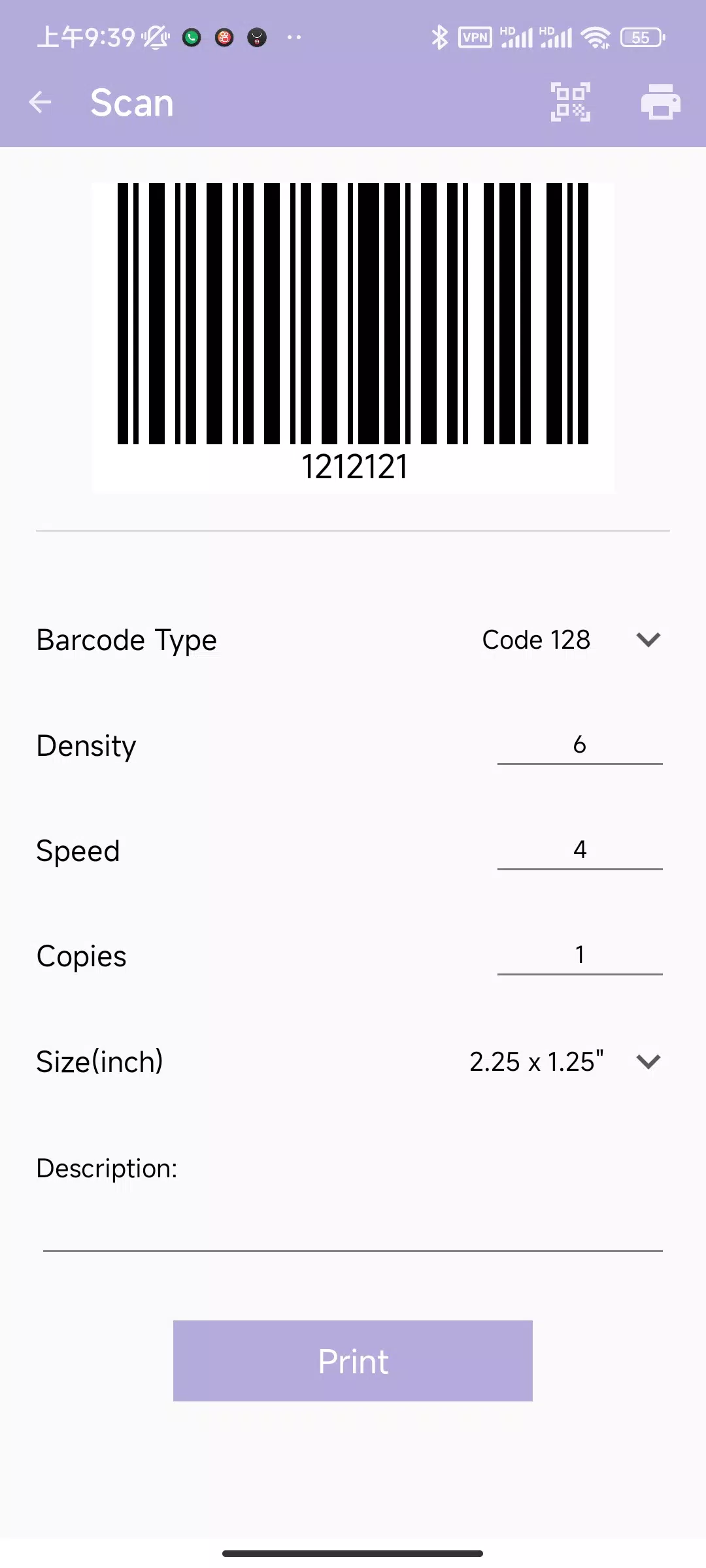
For businesses that produce labels, receipts, or recurring documents, Rekdom Printer offers a template editor. Create reusable templates that define margins, text blocks, barcode fields, and image placeholders. Templates can be saved locally or exported for distribution to other devices. This reduces manual layout work and ensures consistent output across multiple printers and users.
Performance and resource use
Performance is tuned for mobile environments. Rendering occurs on-device to limit network round trips, and large jobs are streamed to the printer in chunks to avoid memory spikes. Background printing allows the device to lock or run other apps while a job completes. Rekdom Printer also includes data usage controls for metered connections and an option to restrict high-resolution color printing when conserving bandwidth is important.
Compatibility and enterprise readiness
Rekdom Printer works with common printer brands and supports generic PostScript and PCL output where available. For IT teams, the app can be configured with static printer entries, authentication credentials, and secure print release workflows. Integrations with directory services and MDM solutions make it suitable for managed deployments in offices, retail environments, or field services.
Getting started with Rekdom Printer
Begin by granting the app necessary permissions for storage and Bluetooth. Use the discovery tool to add printers or enter an IP address for manual configuration. Save a test page to verify alignment and paper feed, then create a template for frequent tasks. The onboarding tips guide you through common printer settings so first prints match expectations without trial and error.
Practical tips and troubleshooting
- If a print fails, check the connection type and confirm the printer is on the same network segment.
- Use the preview mode to avoid wasted paper from scaling issues.
- For label printers, enable the dedicated label mode to apply correct margins and feed behavior.
- Update firmware on older printers to improve compatibility with modern mobile print protocols.
Rekdom Printer is designed to make mobile printing predictable and efficient, whether you handle occasional documents or run high-volume label jobs. Its combination of connectivity options, template tools, and performance-conscious design helps simplify printing workflows while keeping controls accessible for both casual users and IT administrators.
- No virus
- No advertising
- User protection
Information
- File size: 12.80 M
- Language: English
- Latest Version: 1.2.7
- Requirements: Android
- Votes: 153
- Package ID: com.xmls.labelrange
- Developer: REKDOM
Screenshots
















Explore More
Streamline operations and maximize productivity with our innovative business apps. Manage contacts, schedule meetings, and route calls seamlessly. Collaborate on documents and projects in real-time. Track inventory, finances, and analytics to inform smart decisions. Build customized proposals, invoices, and contracts to win clients. Stay on top of emails, tasks, and passwords for efficient work.

Tax Calculator India 2024-2025

ScanPro

Kyrgyz Russian Translation

Park4Me

7punches: Simple Time Clocking

69ers

Airble

MaaS360 MDM for Android





























