


Introduction
m.Ticket is a mobile ticketing app designed to simplify travel and event bookings by letting users buy, store, and validate tickets on their phones. It streamlines reservations, reduces paper usage, and provides quick access to digital passes with clear confirmations and easy management tools.
Overview of the app
Built for commuters and event-goers, m.Ticket centralizes ticket purchases and keeps all passes in one place. The app focuses on speed and reliability: fast checkout, secure storage of purchase history, and instant QR or barcode display for validation. It supports multiple ticket types and adapts to common transit and venue workflows.
Core functionality
At its heart, m.Ticket offers a straightforward purchase flow. Users select routes or events, choose ticket types, complete payment, and receive a digital pass that’s ready to scan. The app also offers user profiles to save frequent trips, quick-reorder options, and push notifications for validation reminders and schedule updates.
Key features that matter
- One-tap ticket retrieval: Your barcode or QR code appears instantly when you open the app, reducing gate delays and queues.
- Multi-ticket support: Store single rides, season passes, event tickets, and group bookings in one wallet.
- Secure payments: Multiple payment methods are supported and transactions are encrypted for safety.
- Purchase history: Access receipts, past trips, and refunds without contacting customer service.
- Offline access: Cached tickets can be shown even when a network connection is unstable.
How it works in daily use
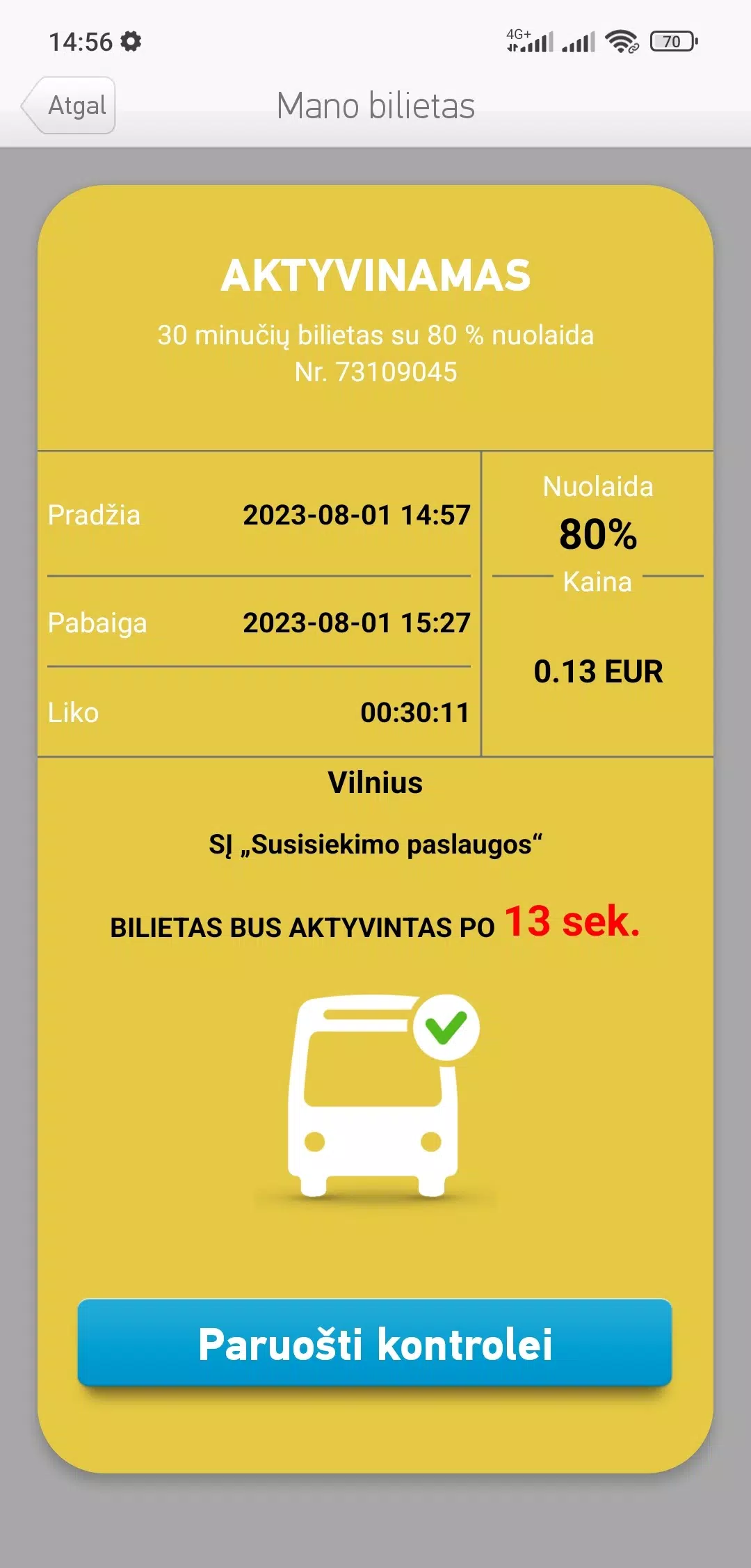
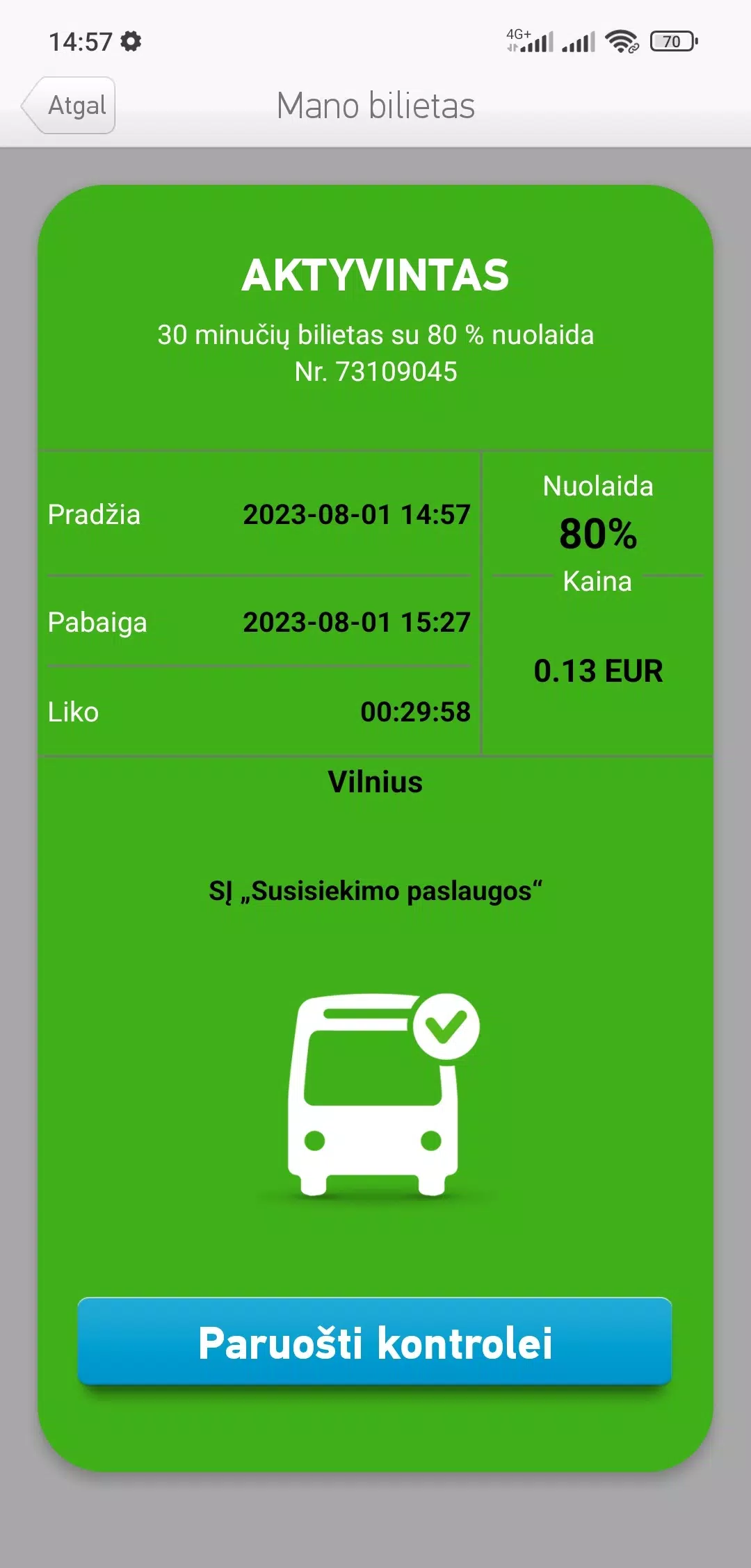
Using m.Ticket is straightforward. Open the app, choose the service or event, pick a fare or seat, and check out. After payment, your ticket appears in the app wallet with a clear expiration time, seat details, and validation instructions. Ticket inspectors scan the barcode or QR code directly from your screen, while the app logs the time of validation for your records.
Design and performance
The interface emphasizes readability and quick actions. Large buttons and clear ticket visuals reduce fumbling during rush hours. Performance is optimized for low CPU and memory usage, so the app runs smoothly on a wide range of Android devices. Updates focus on stability and compatibility with new payment methods and ticketing standards.
User workflows and integrations
m.Ticket integrates with schedules and maps so travelers can plan trips within the app. Calendar integration lets you add event tickets with reminders. For public transit systems, the app can show live service statuses and recommended routes based on your ticket type. These integrations make it easier to coordinate arrival times and seat reservations.
Tips for new users
- Create a profile: Save payment details and frequently used addresses to speed up purchases.
- Enable notifications: Get alerts for ticket expirations, platform changes, and boarding calls.
- Use saved tickets offline: Cache important passes before entering tunnels or areas with poor service.
- Check validations: Always verify the barcode displays correctly before approaching a gate to avoid delays.
Support and troubleshooting
Customer support in m.Ticket provides in-app help articles, chat support, and an option to request refunds or reissues when tickets fail to display. The app logs transactions for troubleshooting, which makes resolving payment or validation issues faster. For hardware-related scan problems, support suggests brightness adjustments and full-screen display modes.
Why commuters and organizers choose it
Reliability, simplicity, and integration are the main reasons people adopt m.Ticket. Commuters appreciate fast boarding and reduced paper clutter. Event organizers benefit from digital reporting and real-time attendance tracking. The platform scales well across individual users, groups, and whole transit agencies.
Getting started requires downloading the app, creating an account, and adding a payment method. From there, buying and storing tickets takes only a few taps, while the wallet keeps everything organized for later reference. Whether you travel daily or attend occasional events, m.Ticket aims to make every step from purchase to validation as seamless as possible.
- No virus
- No advertising
- User protection
Information
- File size: 20.80 M
- Language: English
- Latest Version: 2.2.3
- Requirements: Android
- Votes: 243
- Package ID: lt.sisp.itero.ticket.client
- Developer: Vilnius
Screenshots
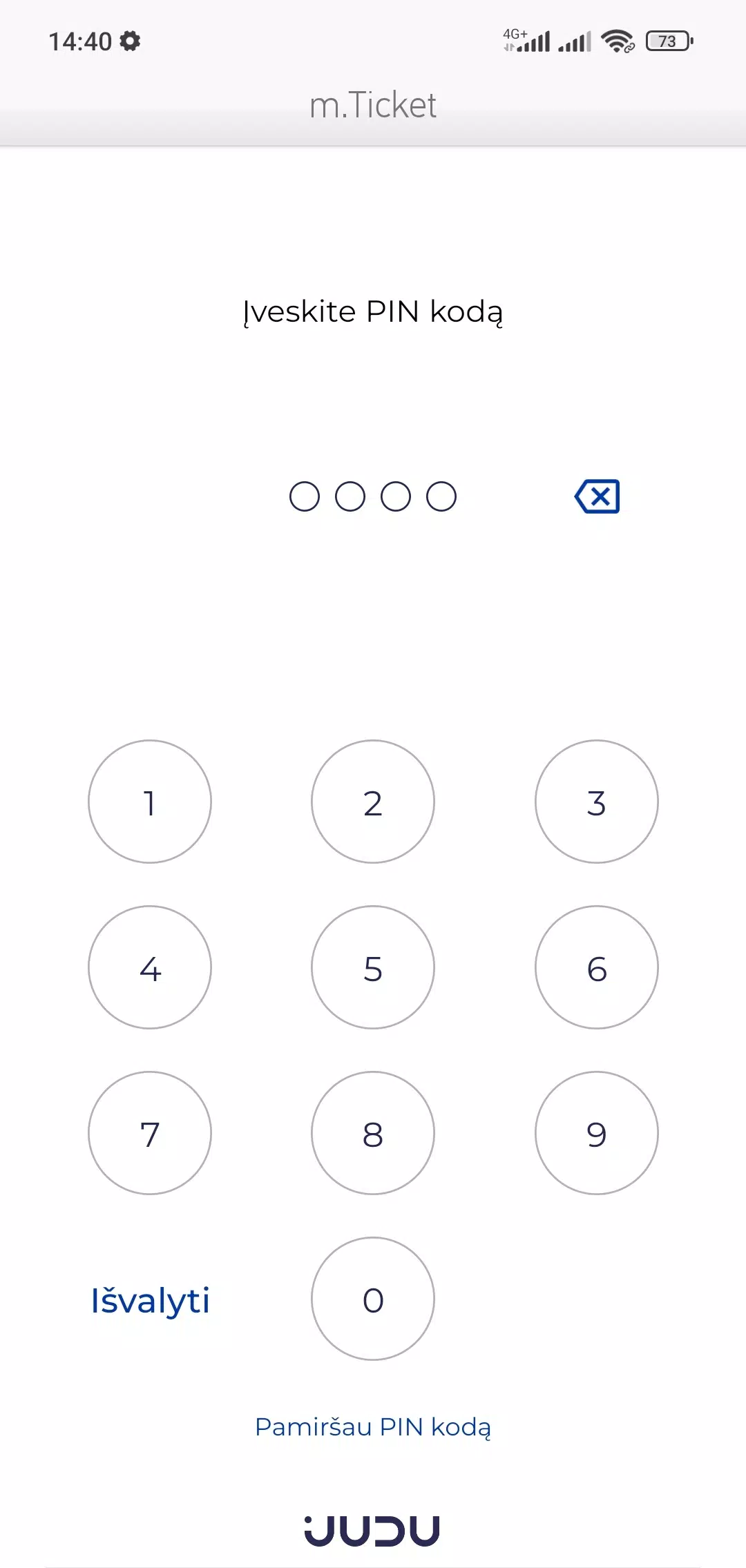
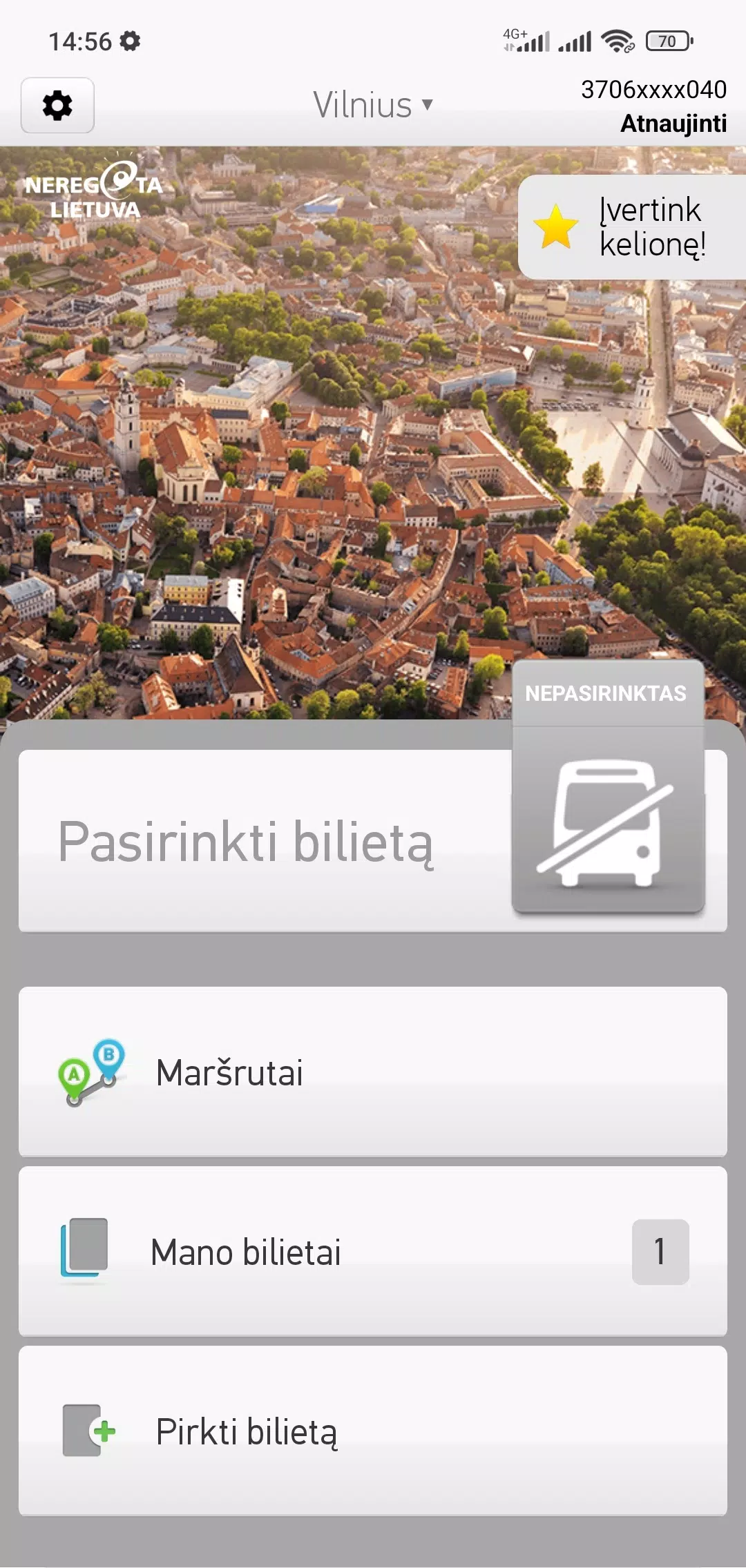
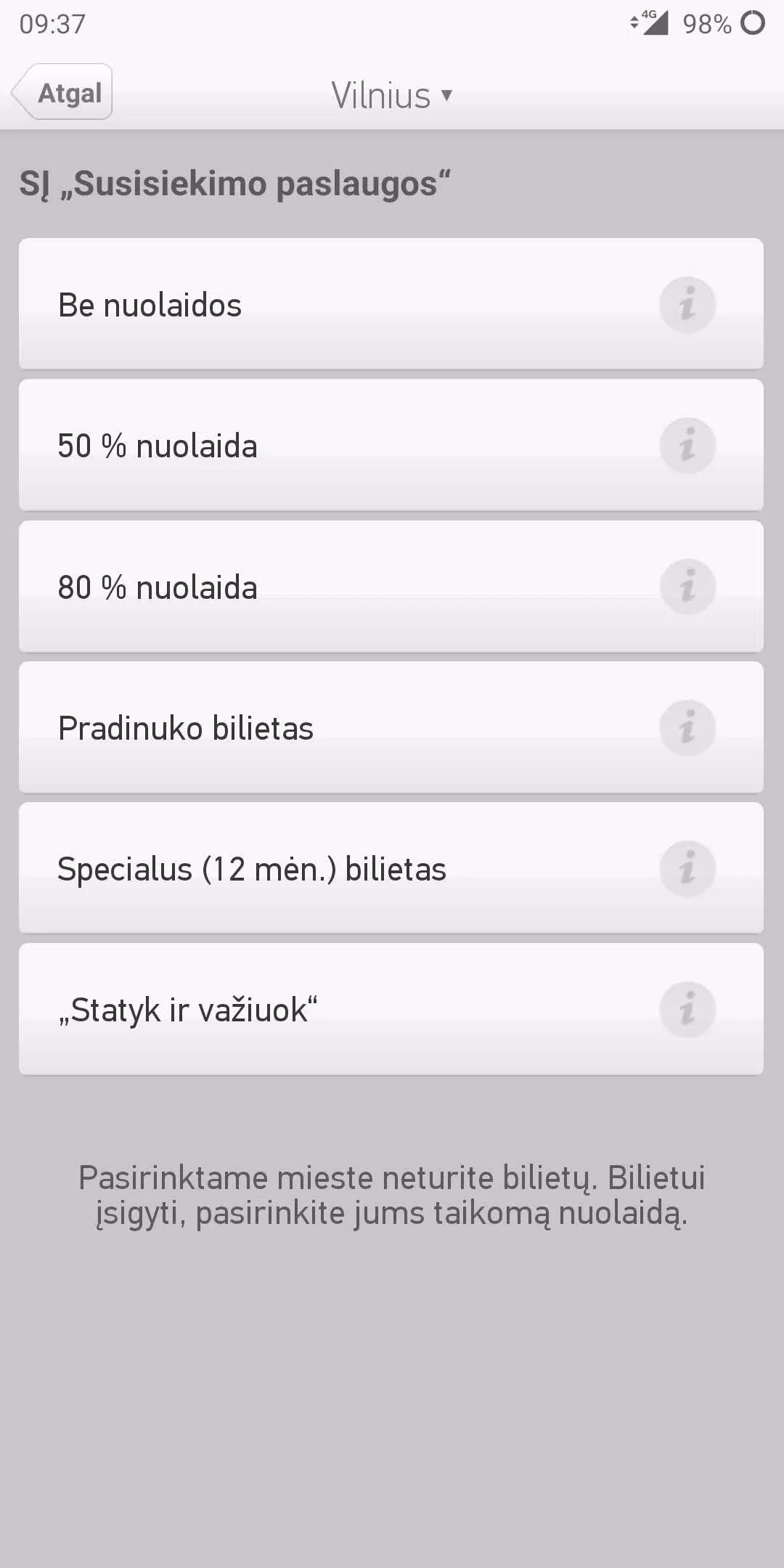
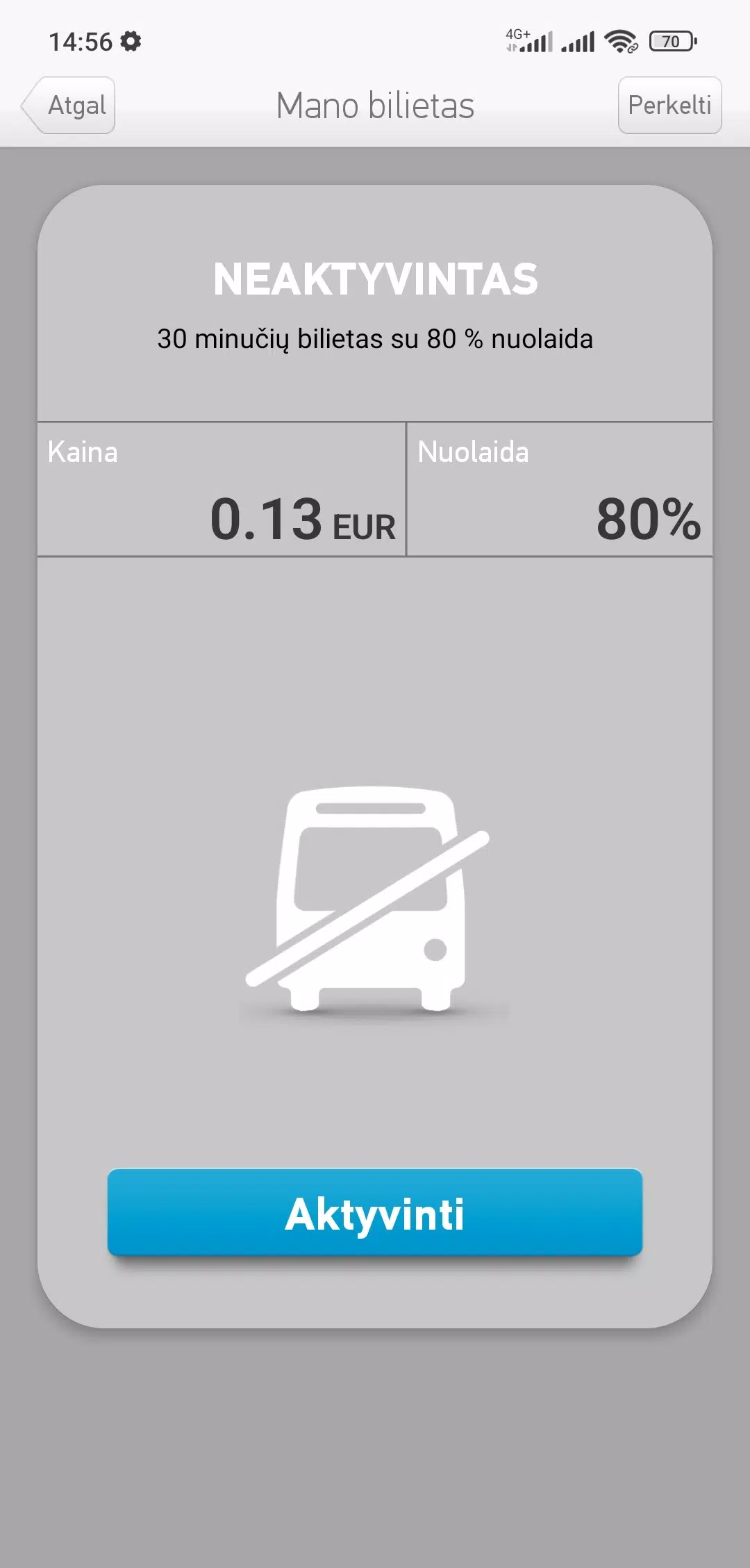
















Explore More
Discover and share the hottest events around with our intuitive apps. Find local concerts, festivals, shows, and more based on your unique interests. Create customizable calendars of upcoming events to coordinate schedules with friends. Purchase tickets seamlessly from our integrated platforms. Check real-time transit schedules to plan your trip. Access maps, directions, and parking information for any venue.

Board Game Stats

Bloomberg Connects

Metro Micro

TVSMILES

Tax Calculator India 2024-2025

OnDjoss

Park4Me

Scary sound effects





























