Introduction
Good Lock is a modular Android utility that expands device customization and productivity by adding deep interface tweaks, lock screen enhancements, and multitasking controls. Designed for power users, it provides granular control over appearance and behavior without requiring rooting or third-party launchers, keeping the core system intact.
Overview
Good Lock acts as a suite of small apps that integrate with your phone to adjust animations, notifications, and app layouts. Each module focuses on a specific function so you can pick only the tools you need. The result is a lightweight, flexible system-level customization package that feels native and responsive.
Core advantages
- Modularity: Install individual modules rather than a single monolithic app.
- System integration: Changes apply across the UI, including system panels and the lock screen.
- No root required: Most features work without advanced device modifications.
Key features explained
The most useful parts of Good Lock are its focused modules. Typical offerings include lock screen widgets and clock customization, taskbar and multi-window enhancements, notification panel redesigns, and gesture-based controls. Each module exposes toggles and sliders to tweak behavior precisely.
- Lock screen tools: Add widgets, change clock styles, and set shortcuts for quick access.
- Multitasking modules: Pin apps, split screens, or use a floating window layout for faster context switching.
- Quick panel and tone options: Reorder quick settings tiles, modify transparency, and change color accents.
Customization options in detail
Good Lock puts control into hands of users who care about interface polish. You can adjust animation speeds, choose new icon shapes, and configure how recent apps are displayed. Colors, transparency, and spacing are commonly available settings that let you refine the look without installing themes.
Interface and performance
The design is consistent with stock UI conventions while allowing significant personalization. Because modules only alter specific areas, performance impact tends to be minimal. Animations and UI tweaks rely on system APIs, minimizing unexpected battery drains or sluggishness when compared with full-theme engines.
Responsiveness and stability
Updates to Good Lock aim to maintain compatibility with system updates. Some features depend on OS version, so stability is best on supported devices. Where options are experimental, the app typically provides safe toggles to roll back changes quickly.
User workflow and productivity benefits
For users who juggle many apps, Good Lock refines multitasking. Configurable task switching and window controls let you keep important apps visible. Shortcuts placed directly on the lock screen or quick panel reduce the time spent navigating menus.
- Fewer taps: Put essential functions within reach.
- Better multitasking: Split-screen presets and floating windows speed up task completion.
- Consistency: Changes carry through notifications and system UIs for a unified feel.
Getting started
Begin by installing the base app and then choose modules that match your needs. Each module has its own settings page. Start with visual adjustments and then explore productivity tools. Back up preferred settings where the option is available to avoid repeating customizations after updates.
Installation tips
- Check device compatibility before enabling advanced features.
- Apply one change at a time and test for stability.
- Keep the app and modules updated to access new options and fixes.
Practical tips for newcomers
Experiment conservatively: enable one module at a time, note its effect, and revert if necessary. Use presets when available to get a polished look quickly. If you value battery life, avoid enabling multiple animation enhancements simultaneously.
Why fans prefer it
Users praise Good Lock for delivering meaningful control without sacrificing the underlying OS experience. The modular approach makes it approachable: beginners can adopt a single feature, while enthusiasts can assemble a highly customized setup. For anyone who wants deeper personalization without third-party launchers, it is a compelling option.
- No virus
- No advertising
- User protection
Information
- File size: 12.70 M
- Language: English
- Latest Version: 2.2.04.95
- Requirements: Android
- Votes: 302
- Package ID: com.samsung.android.goodlock
- Developer: Samsung Electronics
Screenshots
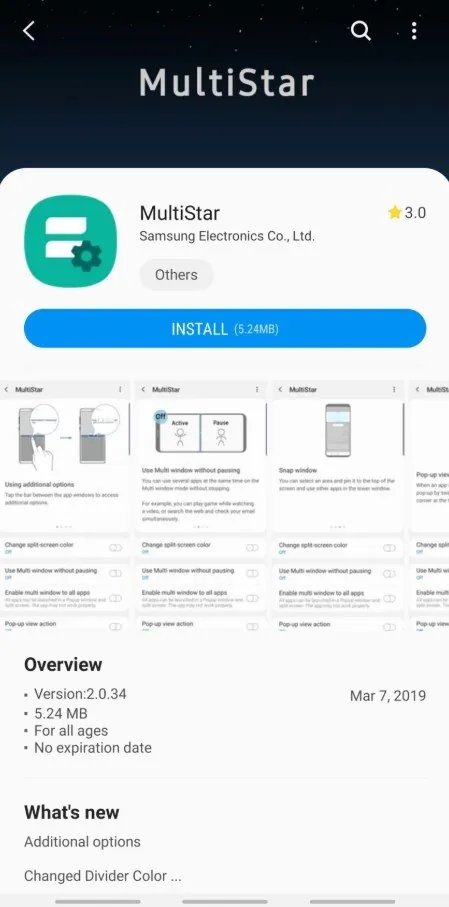
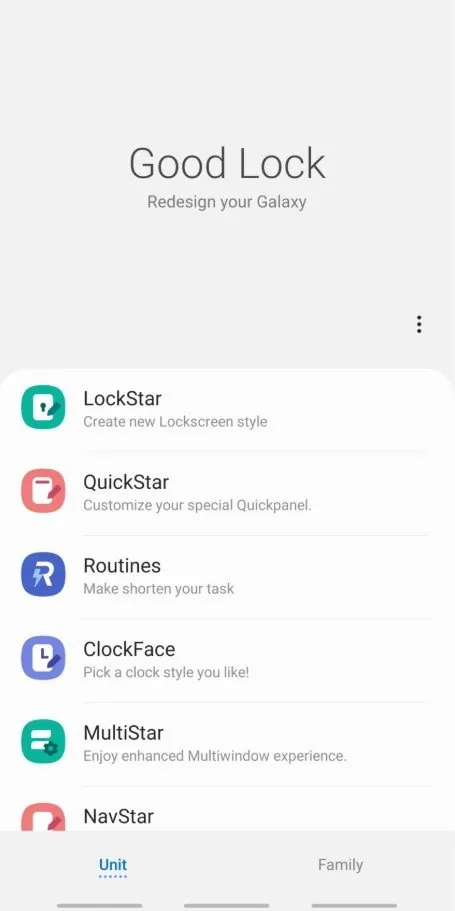
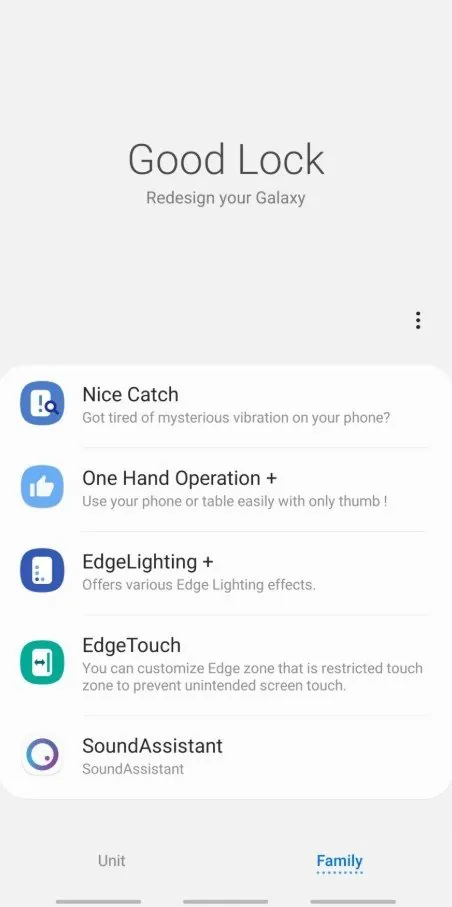
















Explore More
Equip yourself with our all-in-one toolbox app for everyday tasks and projects. Instantly convert between units, calculate tips, scan documents, manage files, and more with handy productivity tools. Includes a level, compass, QR code reader, ruler, speedometer, decibel meter, and flashlight. Save frequently used tools to your customizable dashboard for one-tap access. Track billable hours, wages, budgets, and invoices. Annotate screenshots, magnify labels, and sign PDFs on the go.

Board Game Stats

MEXC Global: BTC, ETH, Gamefi

MERA PROXY PRO

Domino's Pizza Sri Lanka

Hatekhori Shongkha

Connecting - Friends Near Me

Cartola

Virink