


Introduction
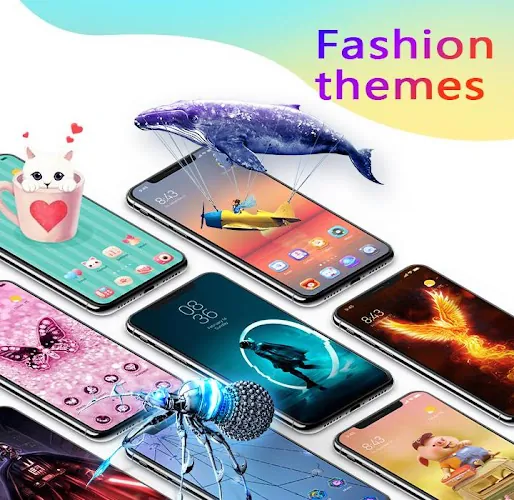
U Launcher 3D brings a layered, three-dimensional look to your Android home screen while keeping everyday controls simple and familiar. U Launcher 3D combines hundreds of 3D themes, parallax and live wallpapers, coordinated icon packs and a collection of smooth transition effects so you can create an expressive home that still feels intuitive. The first-run experience is designed to be low-friction: a guided preview shows how themes and icon sets will appear on your device and gives quick toggles to adjust grid size, dock behavior and animation intensity before you apply anything.
Visual style and theme system
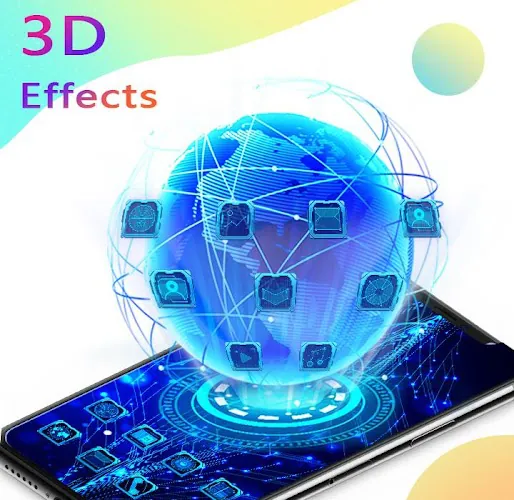
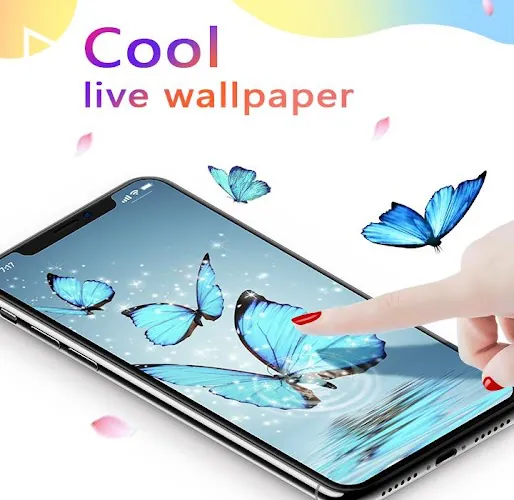
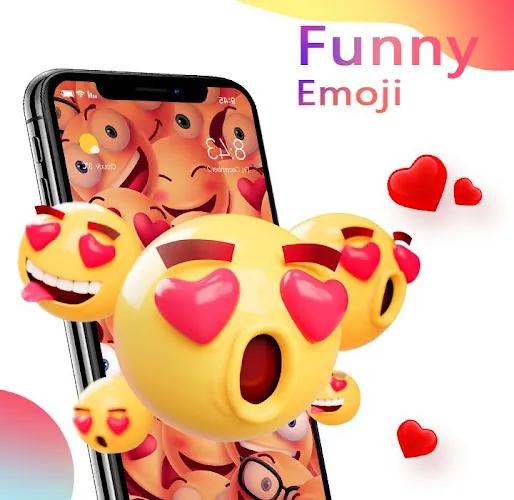
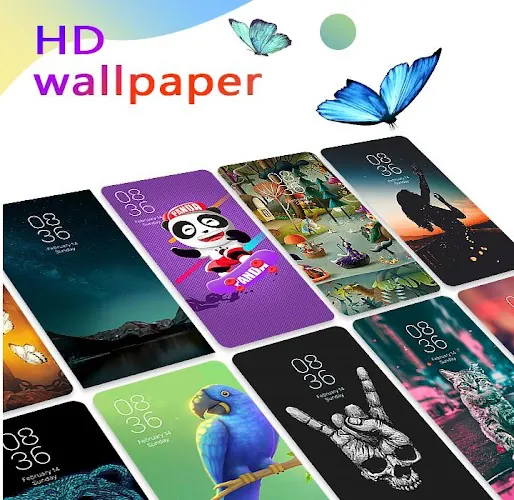
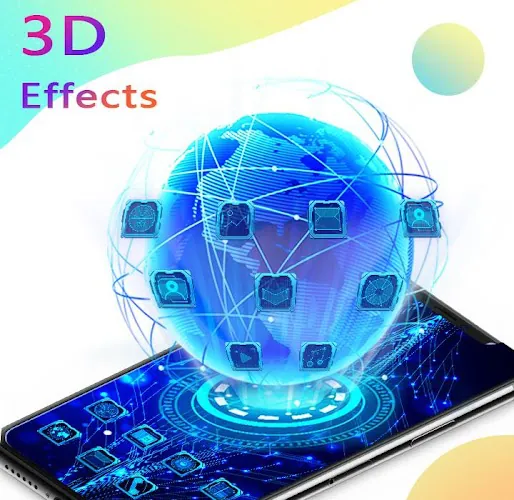
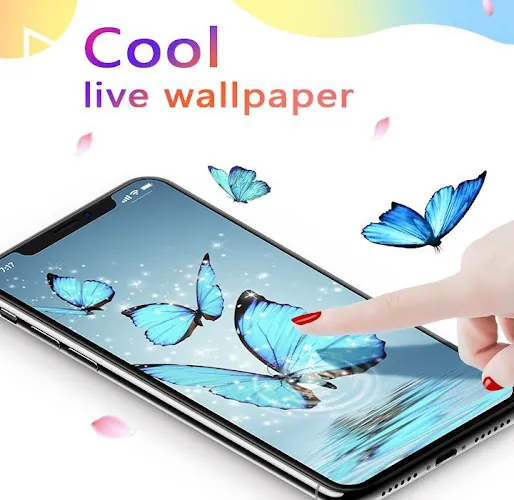
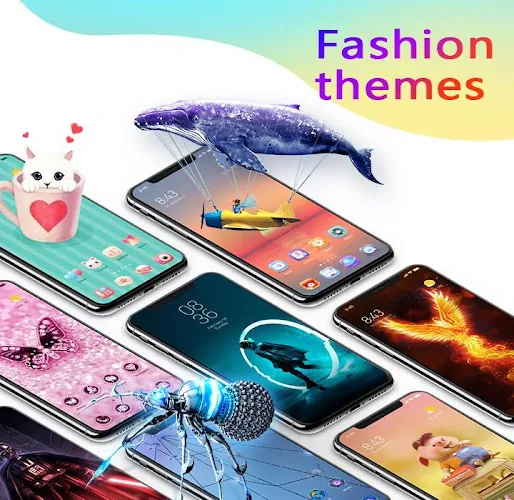
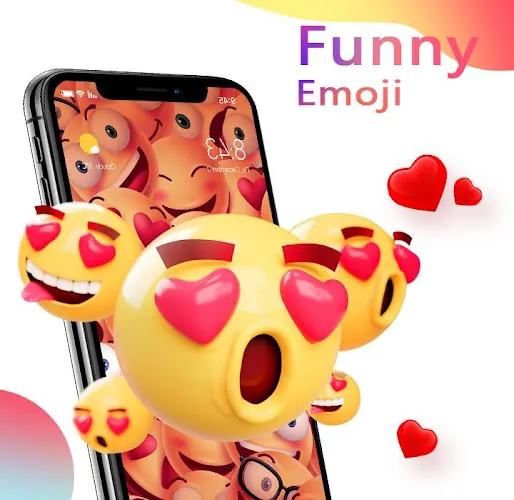
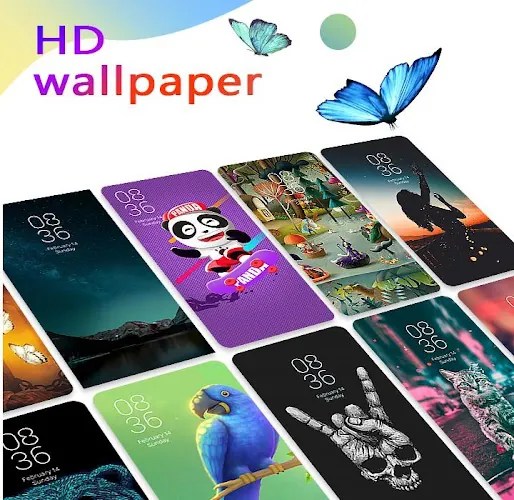
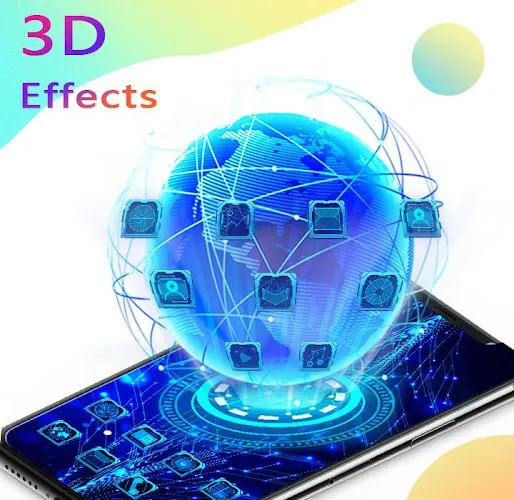
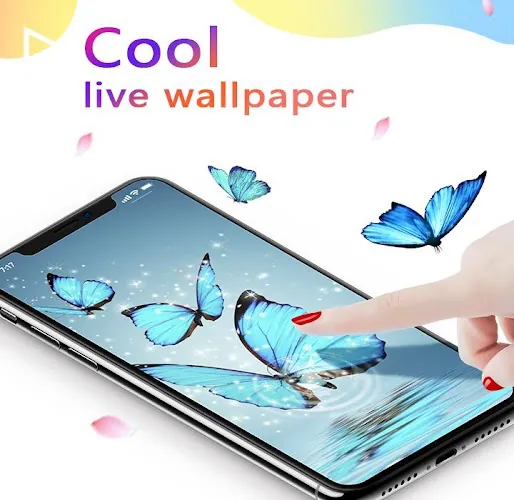
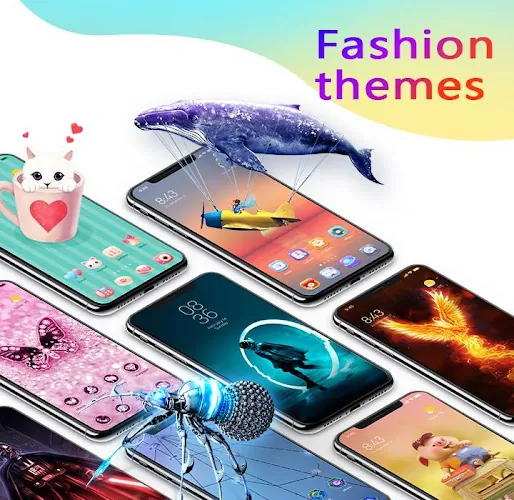
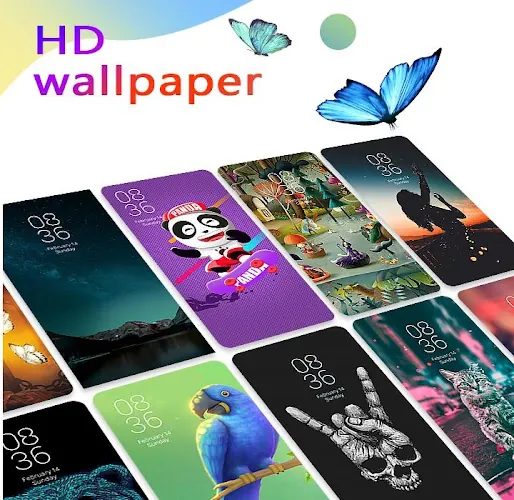
The visual focus of the launcher is depth and motion: high-resolution 3D wallpapers and parallax backgrounds create subtle perspective shifts as you swipe between pages, and multiple transition styles let you match the motion to your taste. Themes often include matched icon packs, color accents and widget placements so a single theme action can change wallpaper, icons and accent colors at once. The library includes both minimal, battery-friendly themes and richer animated designs; each theme page presents a preview and information about resource use so you can choose performance-friendly alternatives on lower-end devices.
Controls, gestures and simple setup
Customization is driven by direct, discoverable controls: long-press the home screen to open theme and widget options, tap icons to swap packs, or use the settings panel to tune dock, grid and folder layouts. Gesture support covers common shortcuts — swipe-up to reveal search, double-tap to lock the screen, pinch to change desktop scale — and every gesture can be reassigned so your most-used actions are one or two motions away. The app drawer features automatic sorting and simple folders that can be renamed; combined with gesture assignments this keeps navigation fast even after you add many apps.
Personalization progression and replay value
Rather than imposing a single setup, the launcher encourages gradual personalization: as you explore the theme library you build a small collection of favorite themes, icon packs and wallpapers that the launcher remembers for quick reapplication. Progression is non-linear — you aren’t leveling up, you’re refining an aesthetic — but the process provides replay value because small changes (new icons, a different transition, or a refreshed wallpaper) frequently renew the feel of the phone without a full overhaul. Favorites, recent themes and scheduled theme rotation are available so you can switch looks over time with minimal effort.
Productivity features and user experience
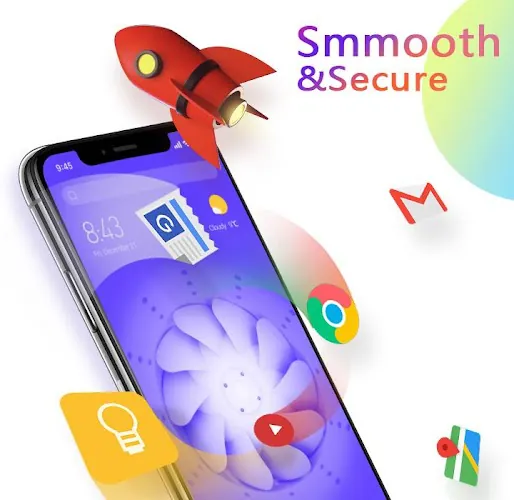
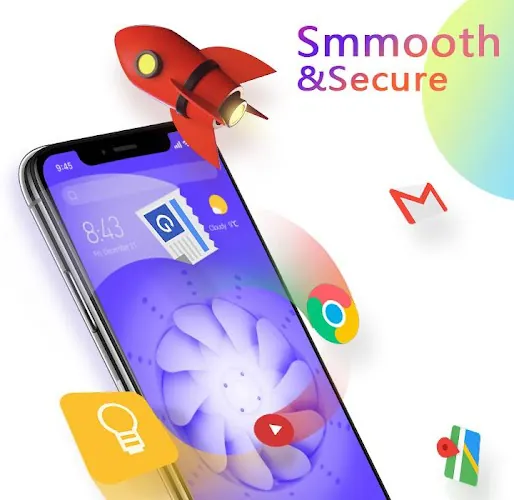
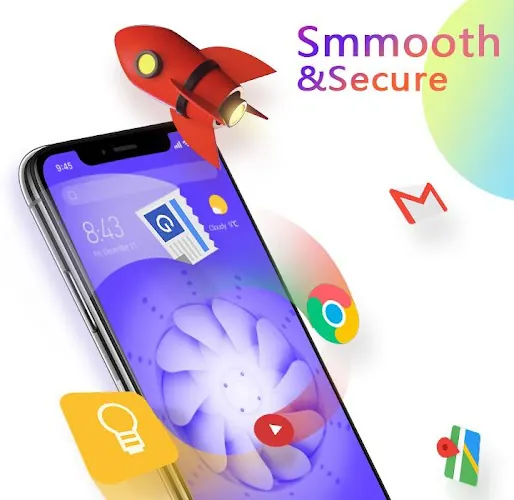
U Launcher 3D balances visual flair with practical tools: an integrated quick search finds apps and contacts without opening separate utilities, smart folders automatically group similar apps to reduce drawer clutter, and a one-tap speed booster clears background tasks to free memory. Shortcuts support app actions and widgets, and dock behavior can be tuned to keep your most-used apps reachable. The interface aims to reduce friction, not add it, so animated elements never block essential interactions like launching an app or accessing notifications.
Privacy, accessibility and offline use
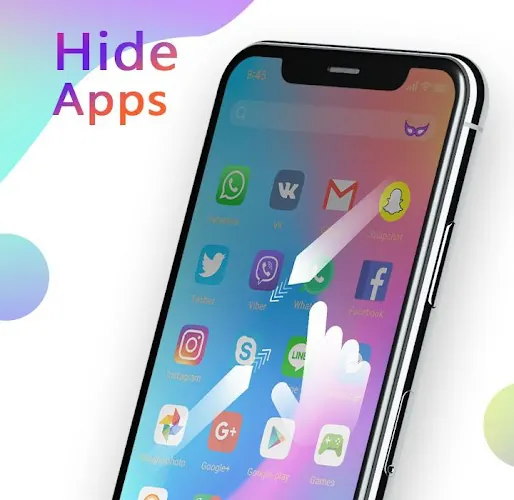
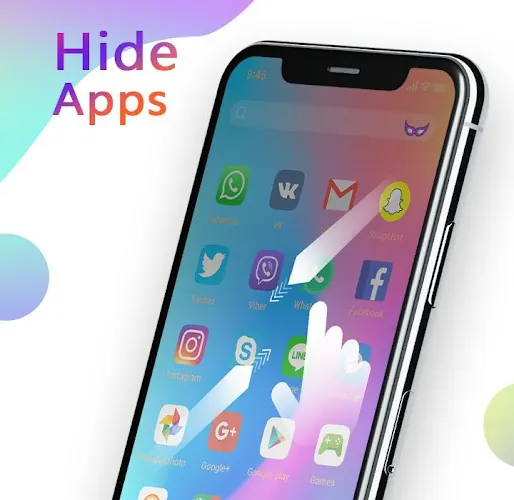
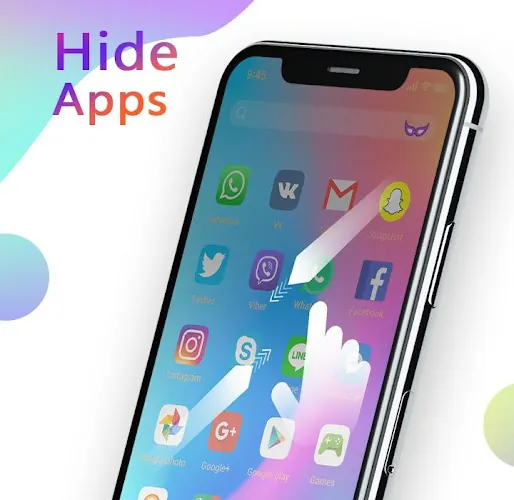
Privacy options include local PIN or pattern locks for individual apps so sensitive items can be hidden from the home screen without requiring an online account. Accessibility settings let you increase icon sizes, simplify layouts and adjust gesture sensitivity for single-handed use. Many themes and assets are cached locally to preserve your setup offline, so the launcher continues to present your chosen appearance and shortcuts even without a network connection; this local-first approach also minimizes background data use and helps with predictable performance.
Performance, device support and practical notes
The launcher adapts to a range of hardware: full animated effects are available on mid- and high-end devices while lighter theme variants and reduced animation intensity conserve battery and memory on lower-end phones. Settings allow you to disable background motion, limit frame rates for transitions or select static alternatives for live wallpapers. These controls make it straightforward to balance visual richness with reliability. Taken together, the blend of customization, sensible defaults and resource controls makes U Launcher 3D a flexible option for users who want a more expressive home screen without sacrificing everyday responsiveness.
- No virus
- No advertising
- User protection
Information
- File size: 15.99 M
- Language: English
- Latest Version: 2.10.10
- Requirements: Android
- Votes: 463
- Package ID: com.phone.launcher.android
- Developer: Moboapps Dev Team
Screenshots



















Explore More
Make your house a home with our suite of helpful home apps. Discover clever tools to organize closets, streamline chores, and simplify cooking. Take the stress out of cleaning and maintenance with handy checklists and schedules. Enhance security and control appliances and lighting with our smart home integrations. Design, visualize, and renovate like a pro using our 3D planning software.

Metro Micro

All Recovery - Photos & Videos

Tax Calculator India 2024-2025

ClassPass: Fitness, Spa, Salon

OnDjoss

Park4Me

Home Workouts - Lose Weight

Juice Recipes





























