Introduction
Philips Hue brings intelligent, color-capable lighting control to your Android device, letting you design scenes, schedule routines, and sync lights with media and activities. The app manages bulbs, lamps, and lightstrips through an intuitive interface, offering both simple automation and advanced customization for homes of any size.
Overview of the App
Philips Hue is a smart lighting platform that connects to compatible Hue hardware and cloud services. Users can quickly assign rooms, group lights, and control individual fixtures from a single hub. The app balances ease of use for newcomers with deeper options for power users who want scene chaining, conditional automations, and layered schedules.
Key Features and Tools
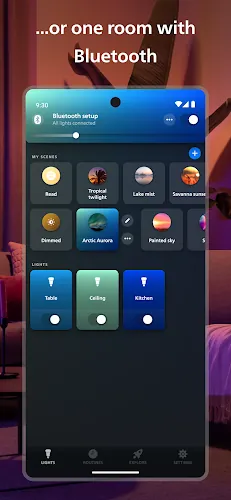
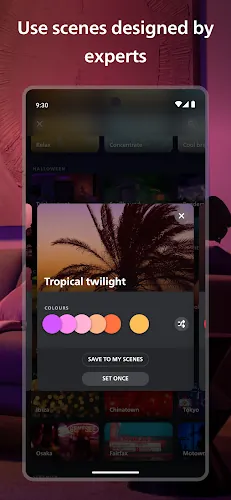
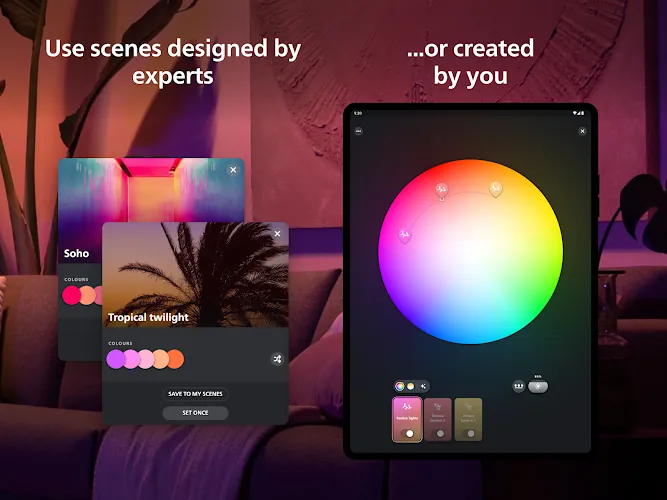
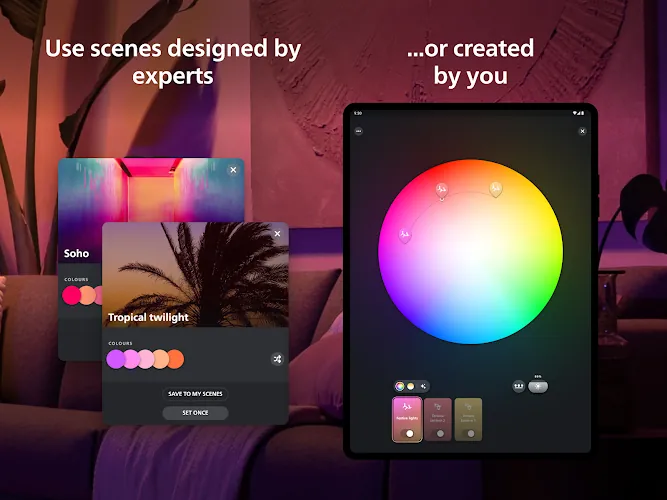
Lighting Scenes: Create and save mood presets with custom brightness and color temperature for living rooms, bedrooms, and outdoor spaces. Scenes can be triggered manually or on a schedule.
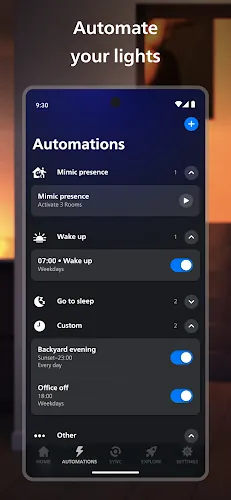
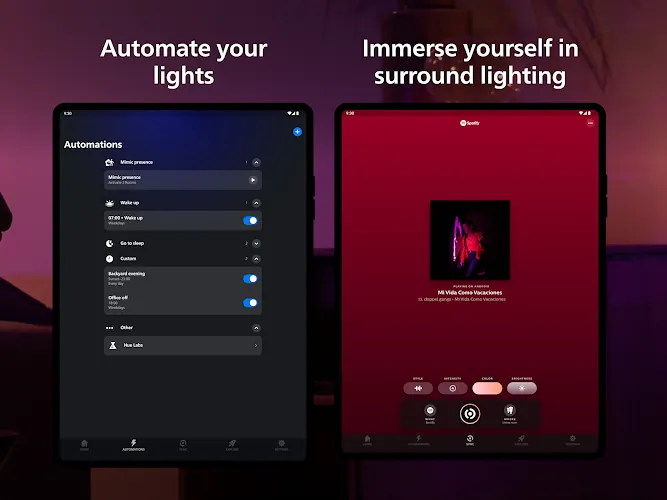
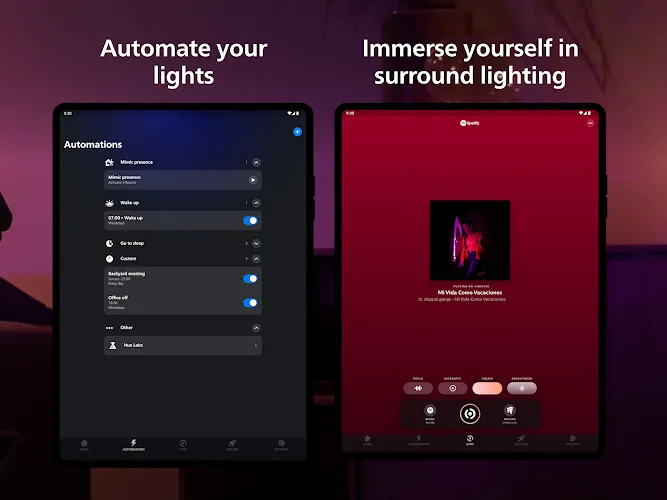
Routines and Schedules: Automate lights to match your daily rhythm, from wake-up routines to bedtime dimming. Sunrise and sunset automation adapts to local time so lighting follows natural light cycles.
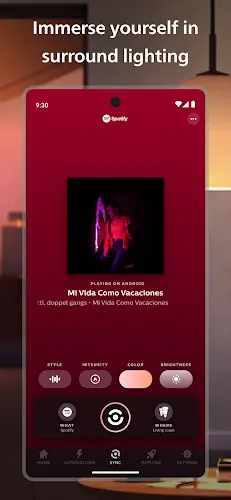
Entertainment Sync: Sync lights with movies, music, and games using the app’s entertainment areas to extend visuals beyond the screen. Adaptive effects enhance immersion while minimizing manual setup.
Interface and Workflow
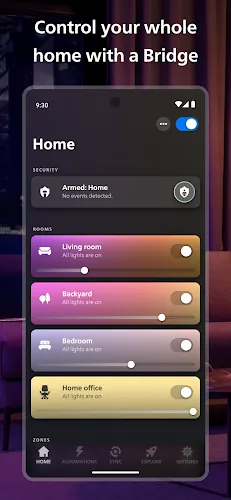
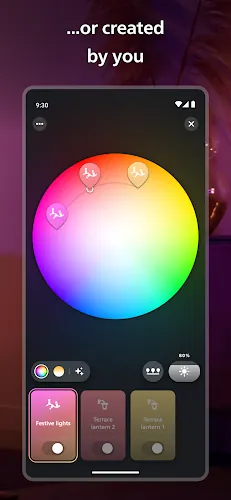
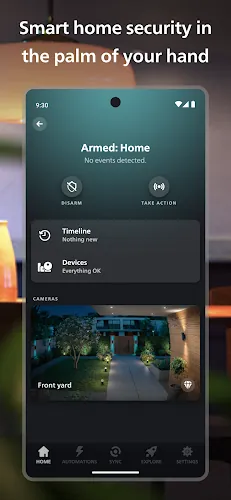
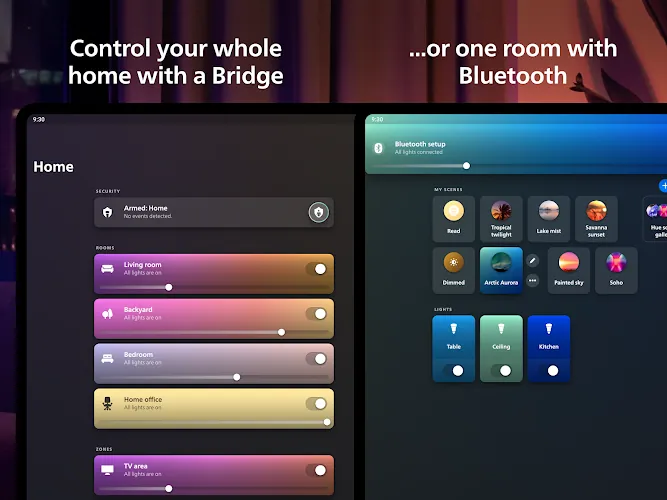
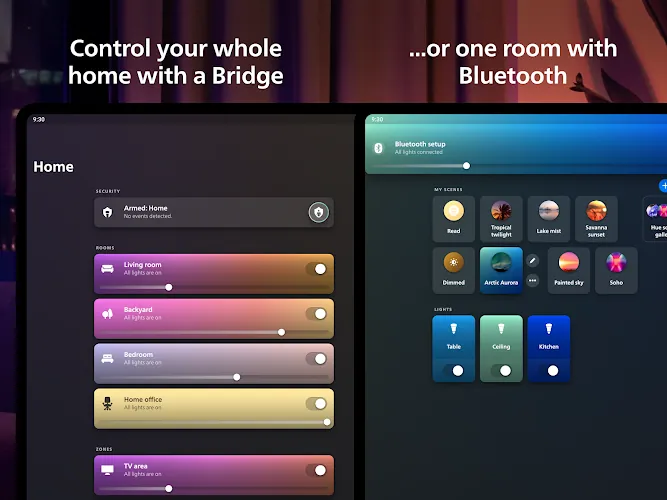
The app’s interface groups controls by Rooms and Zones for quick access. A visual editor allows dragging lights into virtual spaces, while sliders and color wheels offer precise adjustments. A bottom navigation bar keeps your most-used tools—Home, Routines, Explore, and Settings—accessible, helping you move from setup to control in seconds.
Setup and Compatibility
Getting started is straightforward: pair your Hue Bridge or connect directly to Bluetooth-enabled bulbs. The onboarding wizard detects devices automatically and guides you through firmware updates and placement tips. Philips Hue works with a wide range of Android versions and is compatible with many third-party smart home platforms, expanding its use with voice assistants and hubs.
Customization Options
Customization is where Philips Hue stands out. Mix white and colored lighting, adjust color temperature for productivity or relaxation, and combine multiple scenes into routines. Advanced users can use conditional automations based on motion sensors, geofencing, or time of day. The app also supports dynamic scenes that subtly move through color ranges for an ever-changing atmosphere.
Smart Home Integration
Philips Hue integrates with popular ecosystems such as Google Assistant, Amazon Alexa, and select smart home hubs. Link your voice assistant for hands-free control or embed Hue into broader home automations. The app also supports third-party services through APIs, enabling developers and enthusiasts to create unique interactions and triggers.
Performance and Reliability
Responsiveness depends on your network and hardware. When using a Hue Bridge, commands are typically fast and reliable even with dozens of bulbs. Bluetooth mode provides simple control for smaller setups but can be limited in range and multi-user scenarios. Regular firmware updates delivered through the app ensure stability and introduce new features over time.
Privacy and Security
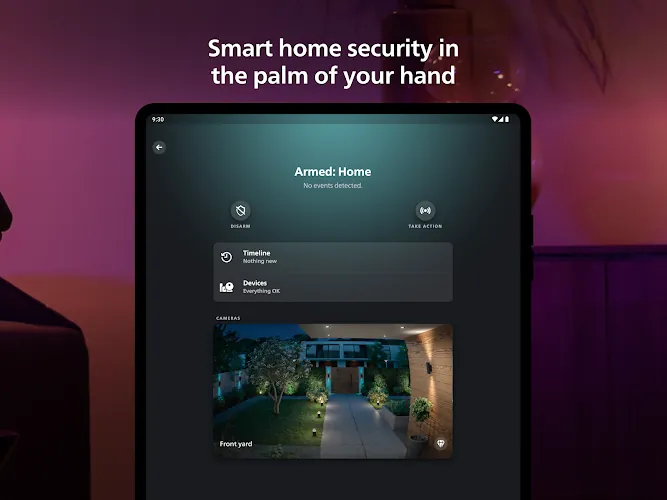
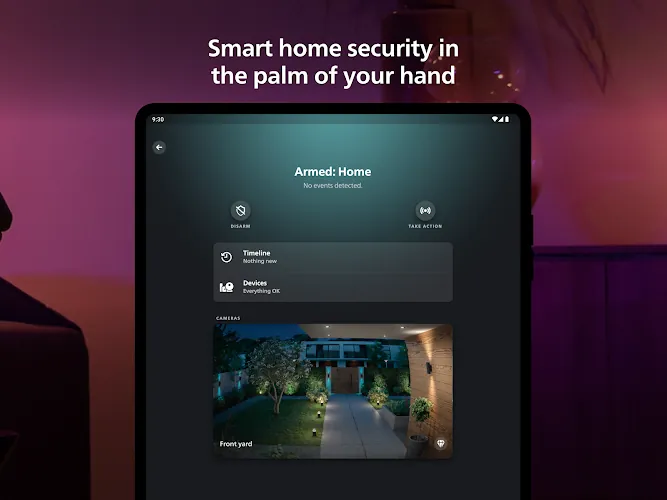
The app offers local control options and encrypted cloud features to protect data while enabling remote access. Permissions are kept to what’s necessary for operation—location for geofencing and network access for device communication. Users should keep firmware current and secure their home network for best protection.
Tips for Best Results
- Place the Hue Bridge centrally to improve mesh performance when using many wired bulbs or accessories.
- Use Scenes and Routines to reduce manual control—set lighting transitions rather than abrupt on/off changes.
- Group outdoor and indoor lights separately to simplify scheduling and avoid accidental triggers.
- Explore third-party apps for advanced effects and integrations if you want additional creative control.
Who Should Use It
Philips Hue suits anyone looking to elevate home lighting, from renters wanting simple Bluetooth control to homeowners building a full smart home ecosystem. Designers, streamers, and homeowners who value atmosphere and automation will find strong value in the app’s combination of usability and depth.
With frequent updates and a large accessory ecosystem, Philips Hue continues to expand its capabilities while keeping daily control approachable. Whether you want subtle wake-up lighting or full entertainment synchronization, the app provides the tools to make lighting an intentional part of your home experience.
- No virus
- No advertising
- User protection
Information
- File size: 64.00 M
- Language: English
- Latest Version: 5.6.0
- Requirements: Android
- Votes: 305
- Package ID: com.philips.lighting.hue2
- Developer: Signify Netherlands B.V.
Screenshots



















Explore More
Make your house a home with our suite of helpful home apps. Discover clever tools to organize closets, streamline chores, and simplify cooking. Take the stress out of cleaning and maintenance with handy checklists and schedules. Enhance security and control appliances and lighting with our smart home integrations. Design, visualize, and renovate like a pro using our 3D planning software.

All Recovery - Photos & Videos

Tax Calculator India 2024-2025

OnDjoss

Park4Me

Scary sound effects

Home Workouts - Lose Weight

Juice Recipes

HFonts - font & emoji manager