

Introduction
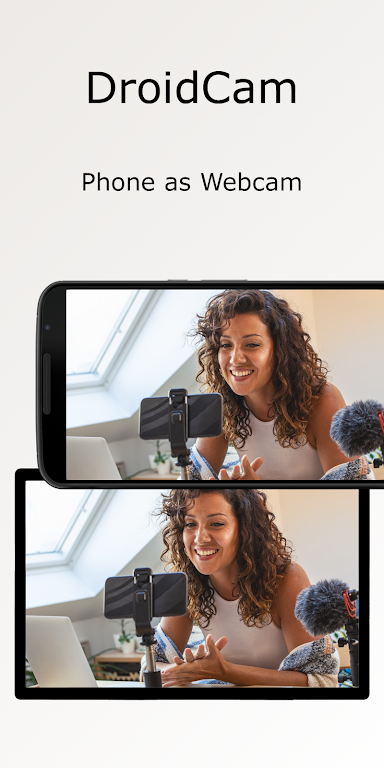
DroidCam Webcam & OBS Camera transforms your Android device into a high-quality webcam for video calls, streaming, and recording. The app connects via Wi-Fi or USB, offers low-latency video, and supports multiple resolutions and frame rates to meet different streaming and conferencing needs while avoiding the need for extra hardware.
Key features at a glance
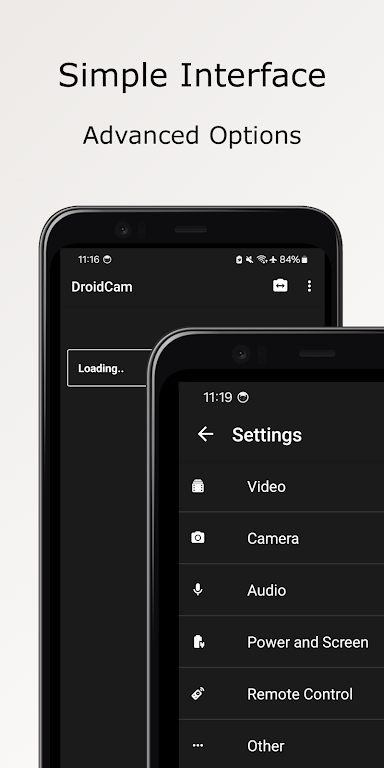
DroidCam Webcam & OBS Camera packs features designed for creators, remote workers, and educators. It provides both video and audio capture, adjustable resolution settings, and compatibility with popular desktop clients. The app includes settings for exposure and focus, supports portrait and landscape orientations, and can operate continuously for long sessions without dropping frames.
How the system works
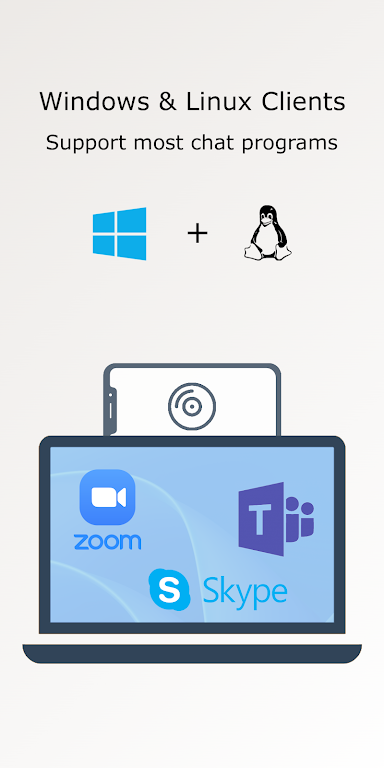
The app pairs your phone with a PC client or streaming software by establishing a local network link or a direct USB connection. Video is streamed from the device’s camera to the desktop application, where it appears as a standard webcam source. This makes it compatible with conferencing platforms, streaming suites, and recording utilities that accept webcam input.
Setup and connection steps
- Install the DroidCam Webcam & OBS Camera app on your Android device from the store.
- Download the corresponding desktop client to your Windows or Linux computer.
- Choose Wi-Fi or USB mode in the app and follow on-screen prompts to pair devices.
- Open your video or streaming program and select the DroidCam source as your webcam.
Most users find the pairing straightforward: the app displays the IP address and port for Wi-Fi mode, while USB mode requires enabling developer options and USB debugging on the phone. A stable local network or a reliable USB cable will minimize interruptions and improve video quality.
Integration with OBS and other tools
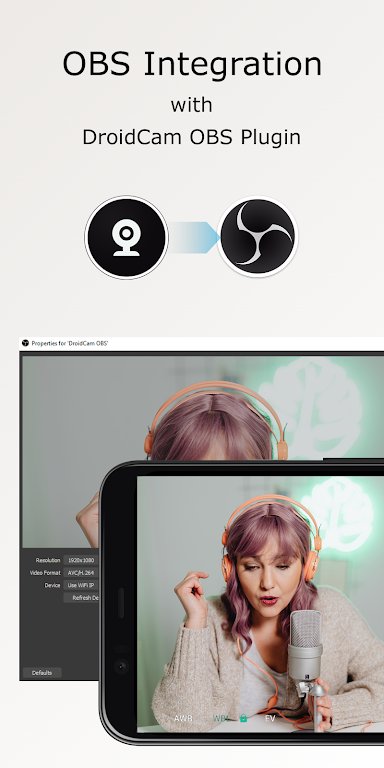
Streaming with OBS, XSplit, or similar platforms is simple because the desktop client exposes the camera feed as a standard video capture device. You can layer the mobile feed, crop, resize, or apply filters just like any other webcam. For multi-camera setups, multiple Android devices can run the app simultaneously and appear as separate sources in OBS for multi-angle streaming.
Performance and compatibility
DroidCam Webcam & OBS Camera supports a wide range of Android phones and tablets, with performance depending on the device camera hardware and network conditions. Higher-end devices can stream at 1080p or more, while lower-end models perform better at reduced resolutions to maintain smooth frame rates. The app is efficient with CPU and battery usage when configured properly, and USB mode typically yields the lowest latency.
Practical uses and workflows
The flexibility of using a smartphone as a webcam opens new workflows. Educators can use close-up shots for demonstrations, content creators can capture dynamic angles without extra equipment, and professionals can improve video quality for remote meetings. The app also works well for quick on-the-go streaming when a dedicated webcam is unavailable.
Tips for best results
- Use a tripod or phone mount for steady framing and consistent composition.
- Prefer USB mode for critical low-latency situations like live interviews or music performances.
- Choose well-lit environments; the app performs best with ample front lighting to reduce noise.
- Adjust camera settings inside the app before connecting to ensure correct exposure and focus.
- Test the setup with your desktop client ahead of live events to confirm resolution and audio sync.
When you need a fast, cost-effective webcam solution, DroidCam Webcam & OBS Camera offers a practical alternative to buying new hardware. With straightforward setup, broad software compatibility, and useful customization options, it makes it easy to turn an existing Android device into a versatile video source for meetings, streams, and recordings.
- No virus
- No advertising
- User protection
Information
- File size: 15.30 M
- Language: English
- Latest Version: 5.4
- Requirements: Android
- Votes: 354
- Package ID: com.dev47apps.obsdroidcam
- Developer: Dev47Apps
Screenshots
















Explore More
Equip yourself with our all-in-one toolbox app for everyday tasks and projects. Instantly convert between units, calculate tips, scan documents, manage files, and more with handy productivity tools. Includes a level, compass, QR code reader, ruler, speedometer, decibel meter, and flashlight. Save frequently used tools to your customizable dashboard for one-tap access. Track billable hours, wages, budgets, and invoices. Annotate screenshots, magnify labels, and sign PDFs on the go.

Board Game Stats

MEXC Global: BTC, ETH, Gamefi

Text Art - Write Text On Photo

Domino's Pizza Sri Lanka

Hatekhori Shongkha

Halloween Photo Editor -Makeup

Connecting - Friends Near Me

Cartola





























