Introduction
Step Counter – Pedometer is a lightweight walking tracker that records steps, distance, calories and active time with minimal battery use. Designed for daily activity monitoring, it runs in the background and provides clear summaries and badges to help you stay motivated and improve your fitness routine.
Key Features at a Glance
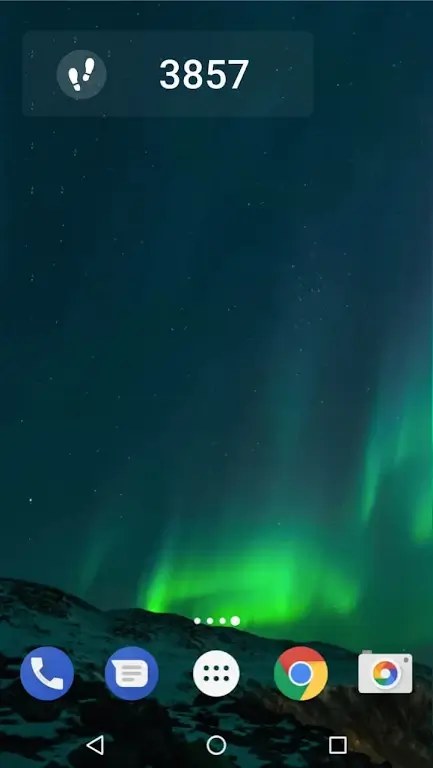
Step Counter – Pedometer focuses on core step-tracking essentials without unnecessary complexity. It provides an accurate step counter, distance estimation, calorie calculation, and daily activity timelines. The app also offers customizable goals, gentle reminders, and a simple home screen widget so you can check progress instantly.
How Step Tracking Works
The app uses your phone’s motion sensors to detect walking and running patterns. Data is processed locally to convert raw motion signals into steps and distance. Because the computations are optimized for mobile hardware, Step Counter – Pedometer keeps power consumption low while maintaining reliable tracking whether you carry your phone in a pocket, bag, or hand.
Interface and Daily Workflow
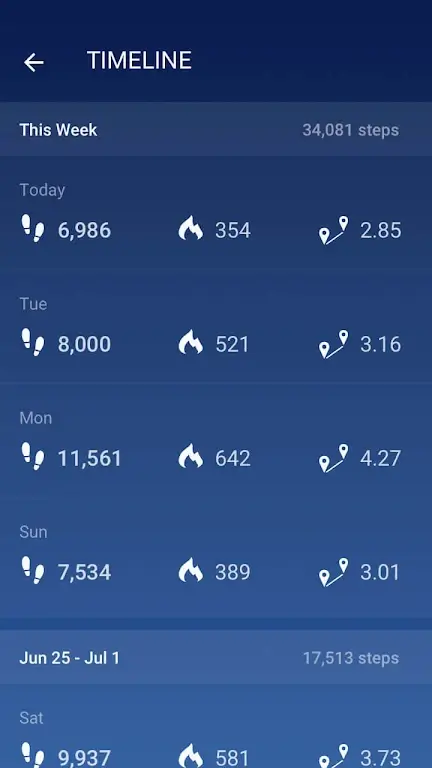
The user interface emphasizes clarity: a main dashboard shows today’s steps, active minutes, and calories burned. Navigation is straightforward, with tabs for history, goals, and settings. New users can set a daily target in seconds, and the app adapts notifications so updates arrive only when useful rather than constantly interrupting your day.
Personal Goals and Motivation
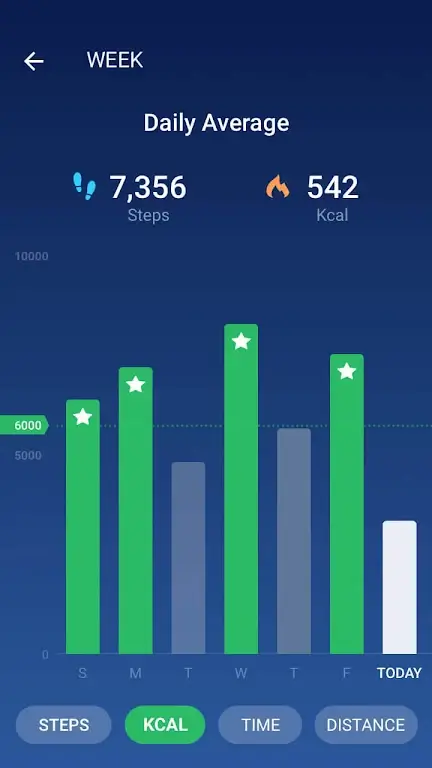
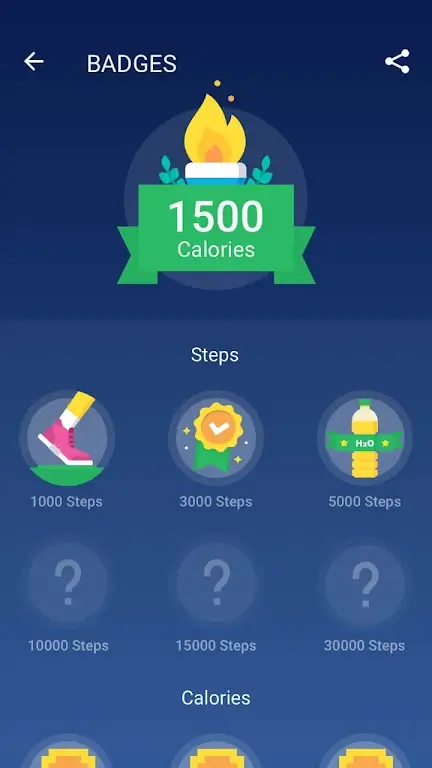
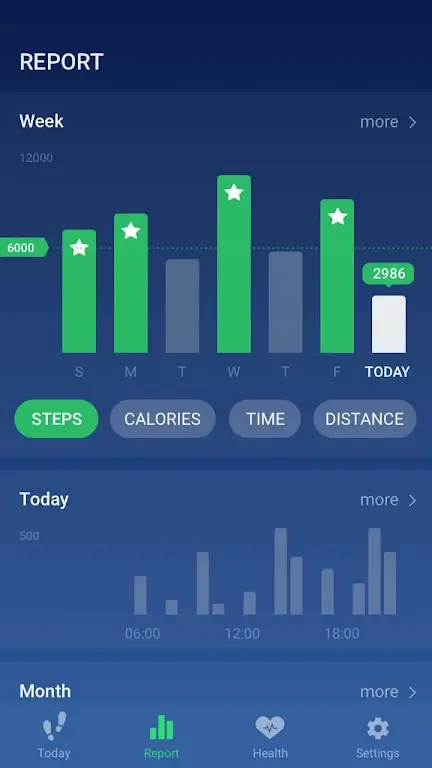
Setting and adjusting targets is intuitive. Choose a step goal or accept the recommended level based on general activity guidelines. The app celebrates milestones with onscreen badges and weekly summaries so you can spot patterns. Progress charts break down activity by day and week to help you plan longer-term improvements.
Reports and Insights
Step Counter – Pedometer includes compact analytics that highlight trends over time. Weekly and monthly reports show average steps, best days, and cumulative distance. These summaries are ideal for people tracking gradual progress or preparing for a fitness challenge. Exporting data is possible for deeper analysis or for sharing with a coach.
Customization Options
Tailor the experience with theme choices, metric units (kilometers or miles), and sensitivity adjustments for more precise step detection. Widgets can be resized and configured to show steps, distance, or both. Notification behavior is flexible: choose silent badges, brief alerts, or no reminders at all.
Battery and Performance Considerations
Energy efficiency is a priority. The app minimizes background processing and leverages the device’s low-power motion co-processor when available. Typical usage impact is small compared to GPS-based trackers. If you need long excursions with continuous mapping, pairing Step Counter – Pedometer with a GPS app is recommended, while the pedometer handles everyday activity tracking.
Compatibility and Device Support
The application supports a wide range of Android versions and adapts to different device sensors. On newer phones, hardware step counters improve accuracy and further reduce battery drain. For older hardware, sensitivity settings help fine-tune detection. No account registration is required for basic use, keeping setup fast and privacy-friendly.
Practical Tips for Best Results
- Carry your phone securely: placing it in a pocket near your hip yields the most consistent readings.
- Calibrate stride length: adjust settings if distance estimates seem off after a few walks.
- Use the widget: glance at progress without opening the app.
- Combine tools: pair with a dedicated workout app when you need GPS mapping or interval training.
Why Choose This App
Step Counter – Pedometer is ideal for users who want a straightforward, reliable daily activity tracker without the complexity of fitness suites. It balances accuracy, battery preservation, and clear feedback to help users build consistent habits and measure real progress day by day.
- No virus
- No advertising
- User protection
Information
- File size: 14.00 M
- Language: English
- Latest Version: 1.3.7
- Requirements: Android
- Votes: 243
- Package ID: pedometer.steptracker.calorieburner.stepcounter
- Developer: Leap Fitness Group
Screenshots
















Explore More
Make your house a home with our suite of helpful home apps. Discover clever tools to organize closets, streamline chores, and simplify cooking. Take the stress out of cleaning and maintenance with handy checklists and schedules. Enhance security and control appliances and lighting with our smart home integrations. Design, visualize, and renovate like a pro using our 3D planning software.

All Recovery - Photos & Videos

Tax Calculator India 2024-2025

OnDjoss

Park4Me

Scary sound effects

Home Workouts - Lose Weight

Juice Recipes

HFonts - font & emoji manager