Introduction
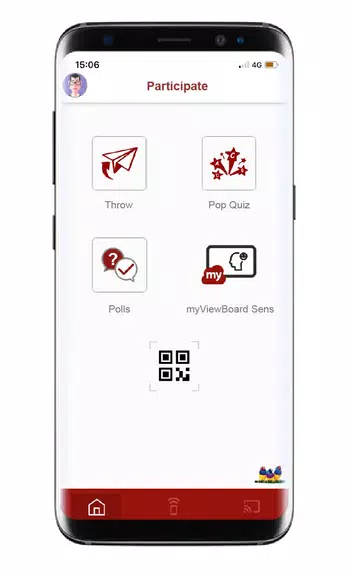
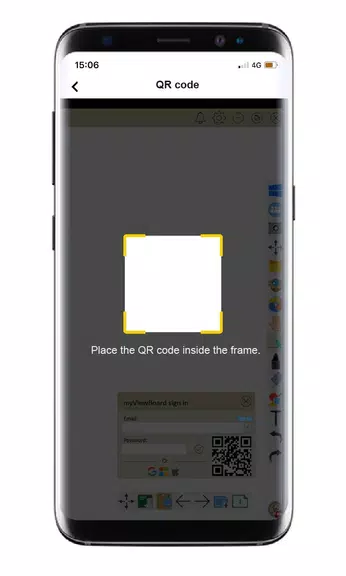
Interact effortlessly with ViewSonic® myViewBoard™ software using the myViewBoard Companion app. This user-friendly app allows you to sign in and remotely control the myViewBoard™ Whiteboard software, enabling you to easily flip pages, activate screen sharing, and more. Collaborate seamlessly with features like Throw, PopQuiz, and Poll/Quiz. The myViewBoard™ Whiteboard software is specifically designed for interactive displays and whiteboards, offering a secure and intuitive whiteboarding experience. Simply create a FREE account on myviewboard.com and download the software to get started. Enhance your interactive learning and presentations with the myViewBoard Companion app.
Features of myViewBoard Companion:
> Remote Control: Easily sign in and control myViewBoard™ Whiteboard software from anywhere.
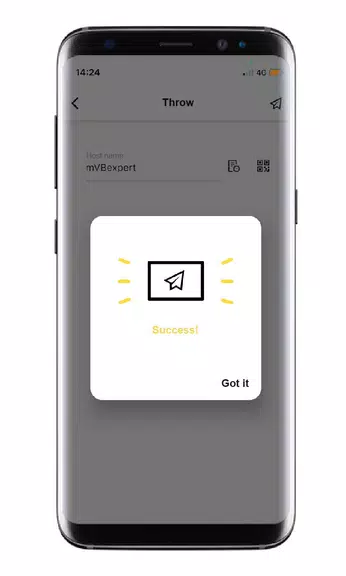
> Collaboration Features: Collaborate with others using Throw, PopQuiz, and Poll/Quiz features.
> User-Friendly Interface: Intuitive design makes it easy for users to navigate and use the app.
> Security: Incredibly secure whiteboarding software designed specifically for interactive displays and whiteboards.
FAQs of myViewBoard Companion
> Is my personal information safe when using the app?\
Yes, the app is designed with security in mind to protect your privacy and personal information.
> Can I access the app on multiple devices?\
Yes, you can access and control the whiteboard software from any device with the app installed.
> Do I need a paid account to use all features of the app?\
No, creating a free account on myviewboard.com allows you to download and use myViewBoard™ Whiteboard software.
Conclusion
The myViewBoard Companion app offers a convenient and secure way to interact with myViewBoard™ Whiteboard software remotely. With features like remote control, collaboration tools, and a user-friendly interface, users can easily enhance their whiteboarding experience. Download the app today to unlock a new level of productivity and creativity in your interactive displays and whiteboards.
- No virus
- No advertising
- User protection
Information
- File size: 4.20 M
- Language: English
- Latest Version: 2.52.7
- Requirements: Android
- Votes: 82
- Package ID: com.viewsonic.myviewboard
- Developer: ViewSonic Corporation
Screenshots

















Explore More
Equip yourself with our all-in-one toolbox app for everyday tasks and projects. Instantly convert between units, calculate tips, scan documents, manage files, and more with handy productivity tools. Includes a level, compass, QR code reader, ruler, speedometer, decibel meter, and flashlight. Save frequently used tools to your customizable dashboard for one-tap access. Track billable hours, wages, budgets, and invoices. Annotate screenshots, magnify labels, and sign PDFs on the go.

MEXC Global: BTC, ETH, Gamefi

Text Art - Write Text On Photo

MERA PROXY PRO

Domino's Pizza Sri Lanka

Hatekhori Shongkha

Halloween Photo Editor -Makeup

Connecting - Friends Near Me

Cartola