Introduction
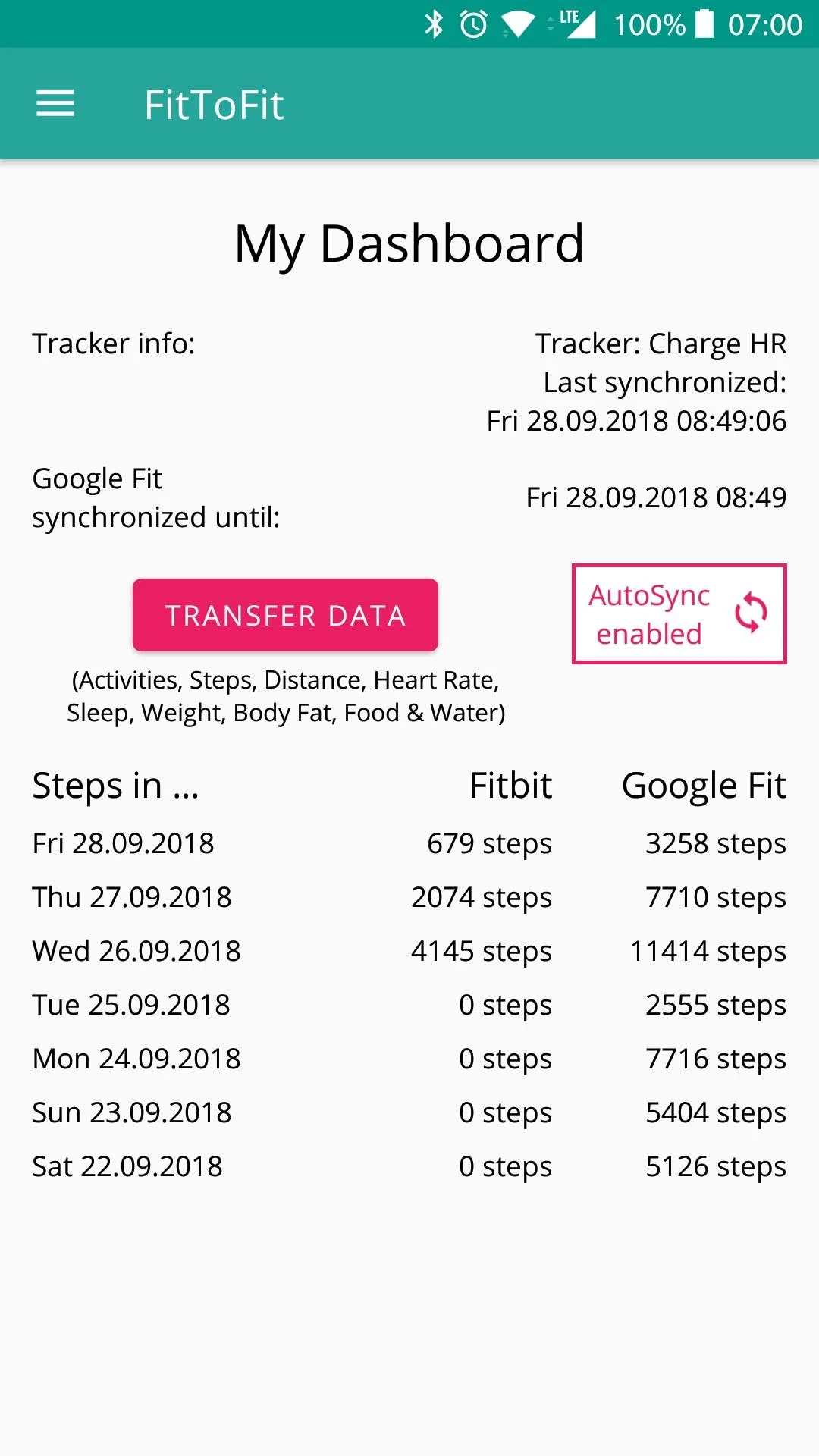
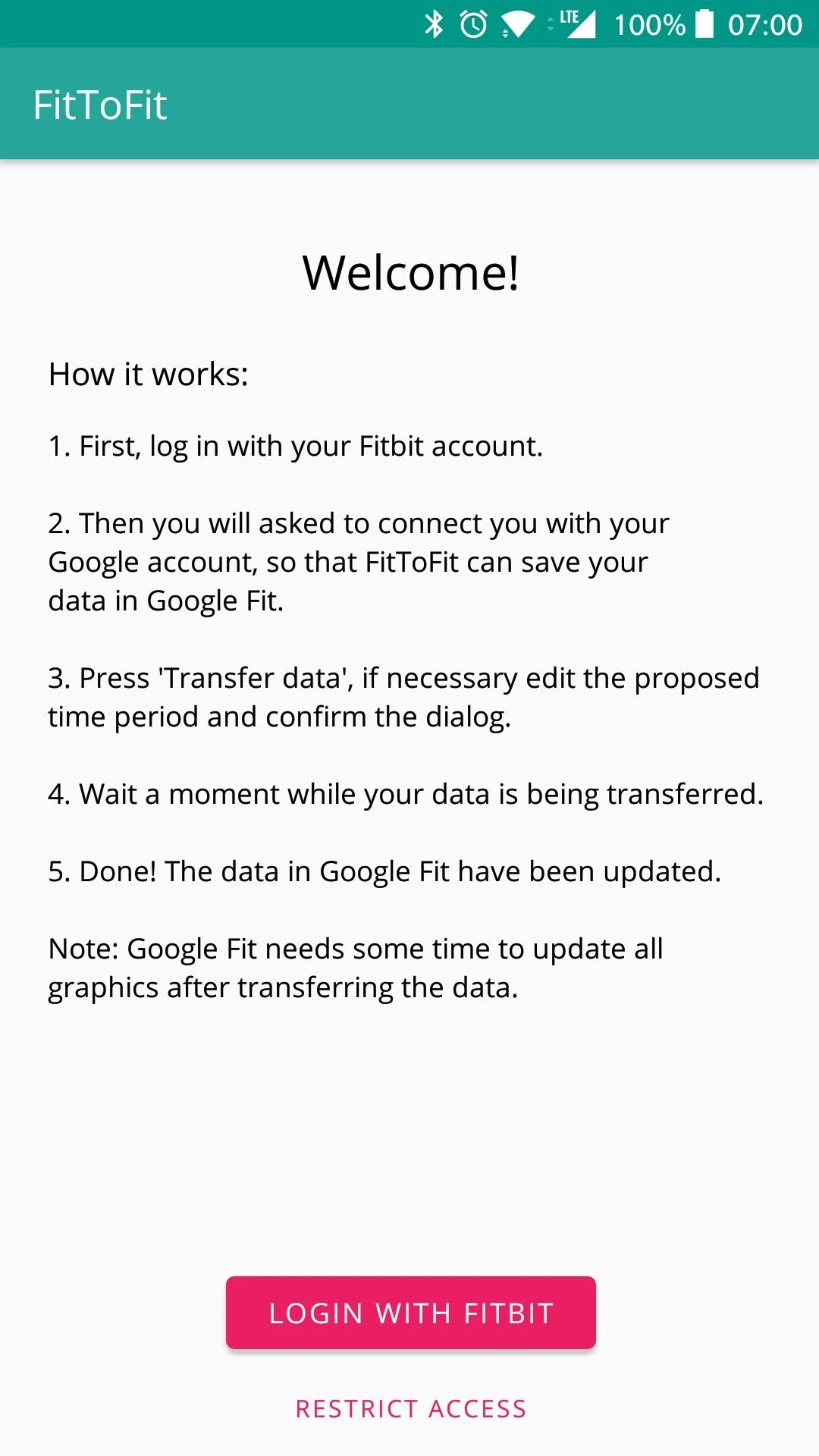
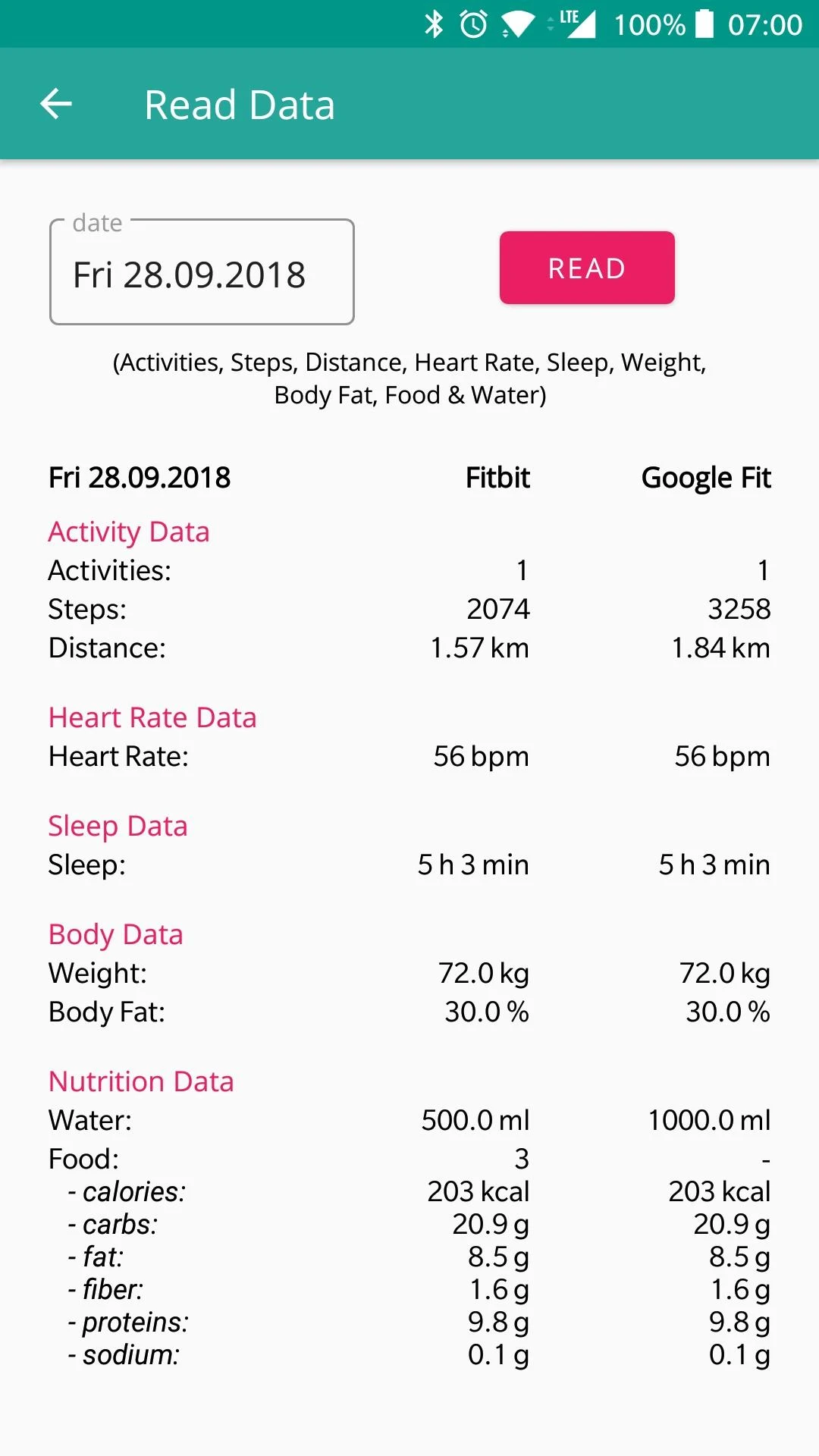
FitToFit: Your Fitness Data’s Seamless Bridge ?♂️⇄?FitToFit effortlessly bridges the gap between Fitbit and Google Fit, transforming fragmented health tracking into a unified, stress-free experience. As someone juggling multiple fitness platforms, I was stunned by how smoothly it migrated years of step counts, sleep patterns, and even nuanced metrics like oxygen levels and hydration logs—all without a single CSV export headache. The setup? A breeze: log into Fitbit, grant permissions (no shady data hoarding—just pure transfer intent), sync with Google, and watch your wellness narrative stitch itself together. The AutoSync feature is a silent hero. Whether syncing hourly steps to keep my Google Fit challenges alive or manually triggering a full-data dump before a doctor’s appointment, the flexibility kept me in control. Customizable intervals (15 mins? Daily? Your call!) meant my morning jog data hit Google Fit before my post-run coffee cooled. And for privacy hawks: FitToFit’s laser focus on only moving data—never storing it—felt like a digital handshake of trust. While occasional delays in data populating Google Fit had me refreshing like a kid checking a cookie jar, the app’s transparency about sync lags kept frustration at bay. Shoutout to the multilingual support (English + German) and Chris Stasonis’ API groundwork, which made this tool feel both globally accessible and developer-vetted. Verdict: A must-have for Fitbit refugees, data unification nerds, or anyone craving a holistic health snapshot. FitToFit isn’t just an app—it’s the missing link in your fitness ecosystem. ??✨ Pro tip: Tweak settings to prioritize metrics that matter most (RIP, obsessive body-fat tracking), and let AutoSync do the heavy lifting while you focus on actual lifting.
Features of FitToFit:
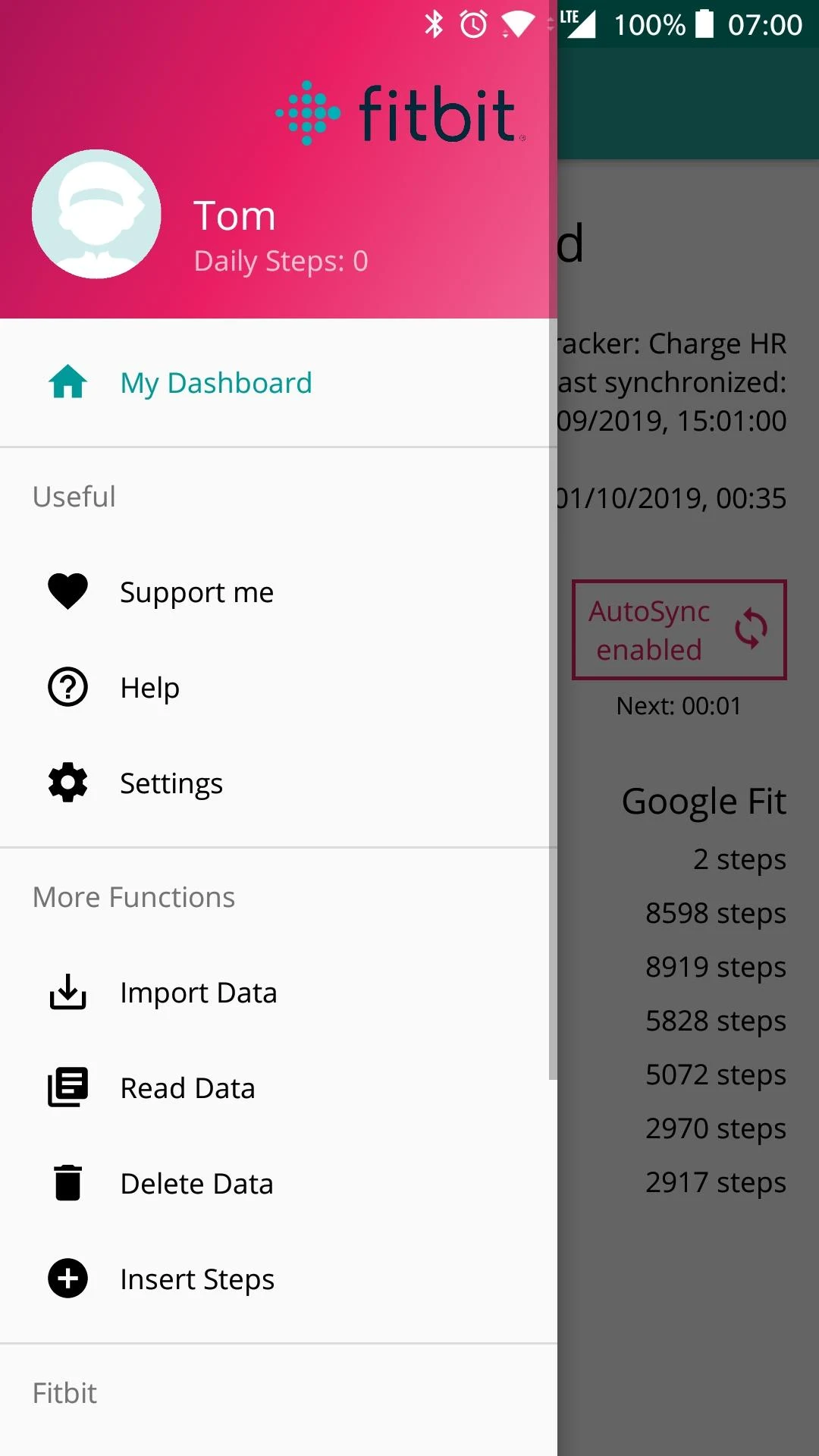
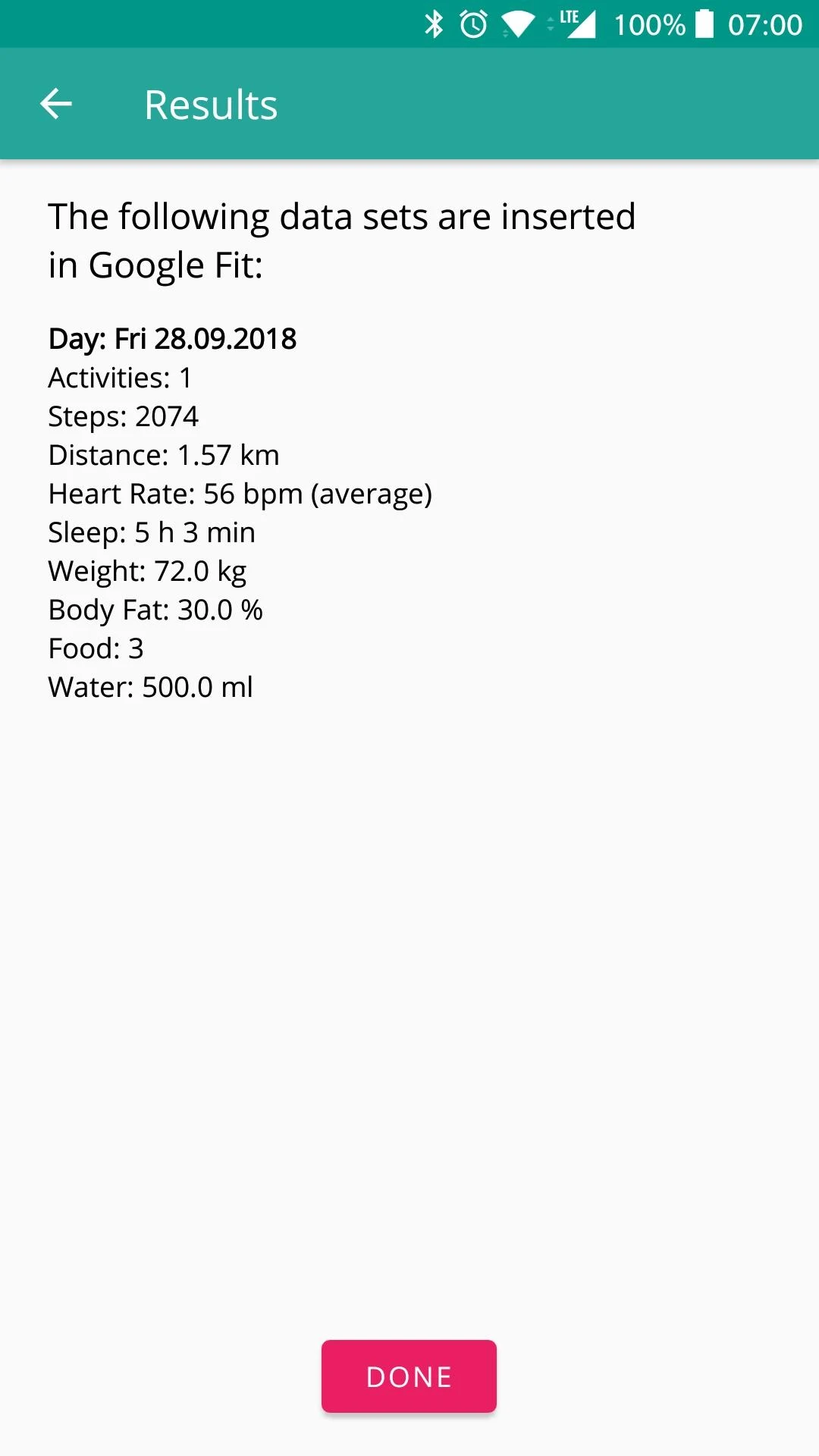
Data Management: FitToFit can handle a wide range of fitness information, including steps, activities, distances, heart rate, sleep, oxygen levels, weight, body fat, dietary intake, and hydration. Users have the flexibility to adjust the types of data they want to transfer through the app's settings.
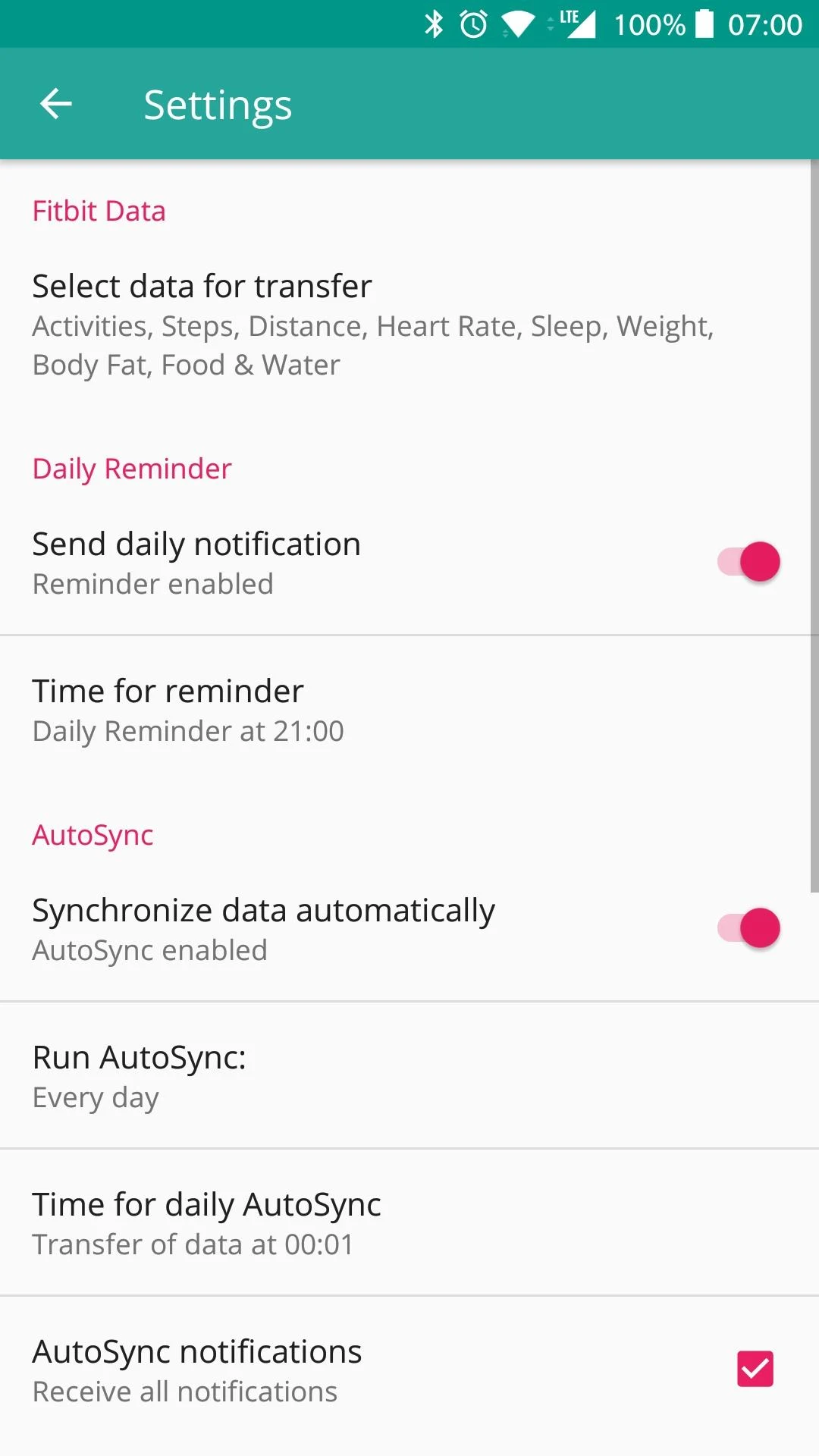
AutoSync Feature: The AutoSync feature allows for automatic transfer of steps from Fitbit to Google Fit. Users can also manually synchronize data and set reminders for syncing. Customizable intervals make it convenient to stay on top of fitness tracking.
Multilingual Support: FitToFit is available in both English and German, making it accessible to a global user base. This feature ensures that users from different regions can seamlessly use the app.
Playing Tips for FitToFit:
Customize Data Transfer: Take advantage of the app's settings to prioritize the fitness metrics that matter most to you. This customization ensures that you only transfer the information that is relevant to your health goals.
Utilize AutoSync: Enable the AutoSync feature to automate the transfer of steps from Fitbit to Google Fit. Set the intervals according to your preferences to ensure that your data is consistently updated.
Stay Patient with Data Population: In some cases, there may be delays in transferred data appearing in the Google Fit app. Be patient and allow time for all information to refresh properly. The app's transparency about synchronization lags helps manage expectations.
Conclusion:
FitToFit serves as a seamless bridge between Fitbit and Google Fit, simplifying the process of transferring fitness data across platforms. With features like AutoSync, customizable settings, and multilingual support, the app caters to a diverse user base seeking unified health tracking. By focusing on privacy and data transfer efficiency, FitToFit offers a reliable solution for individuals looking to streamline their fitness ecosystem. Download FitToFit today to experience a stress-free approach to managing your wellness journey.
- No virus
- No advertising
- User protection
Information
- File size: 6.20 M
- Language: English
- Latest Version: 6.7
- Requirements: Android
- Votes: 405
- Package ID: fitapp.fittofit
- Developer: Tom Tietze
Screenshots

















Explore More
Take charge of your wellbeing with our innovative health and fitness apps. Monitor your activity, sleep, nutrition and more using our advanced tracking tools. Access personalized insights to develop healthy habits. Check symptoms, manage medications, and connect with doctors through our telehealth services. Follow customized workout plans for any fitness level with our virtual coaching.

Tap vpn - fast and safe
Half Marathon Trainer 13.1 21K
DWP Fitness - Diet & Workout

MaaS360 MDM for Android

AD Program
Health Connect (Beta)

Kidcare – Parental Control App

Ultimate IPTV Playlist Loader