
Introduction
Enhance your text game with Faceboard: Font, Emoji Keyboard! This dynamic app offers a plethora of features like swipe typing, voice-to-text, and a vast array of emojis to spice up your messages and captions. But what truly sets Faceboard apart is its unlimited emoji selection, support for multiple languages, and innovative Autopaste feature. Customize your keyboard with different fonts and themes, express yourself with unique emojis and kaomojis, and easily manage your text with the clipboard manager. Say goodbye to boring texts and hello to a fun and efficient typing experience with Faceboard!
Features of Faceboard: Font,Emoji Keyboard:
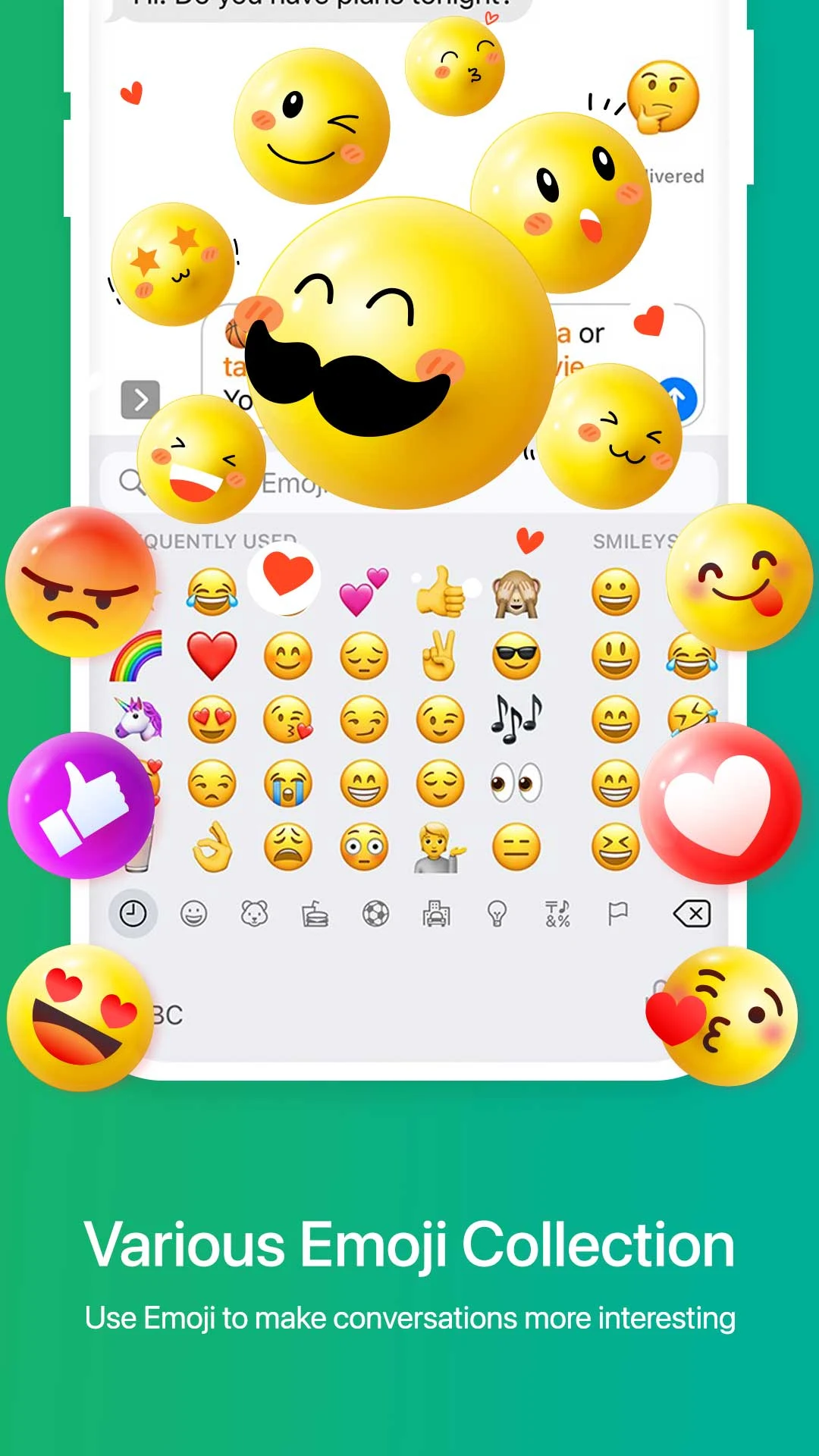
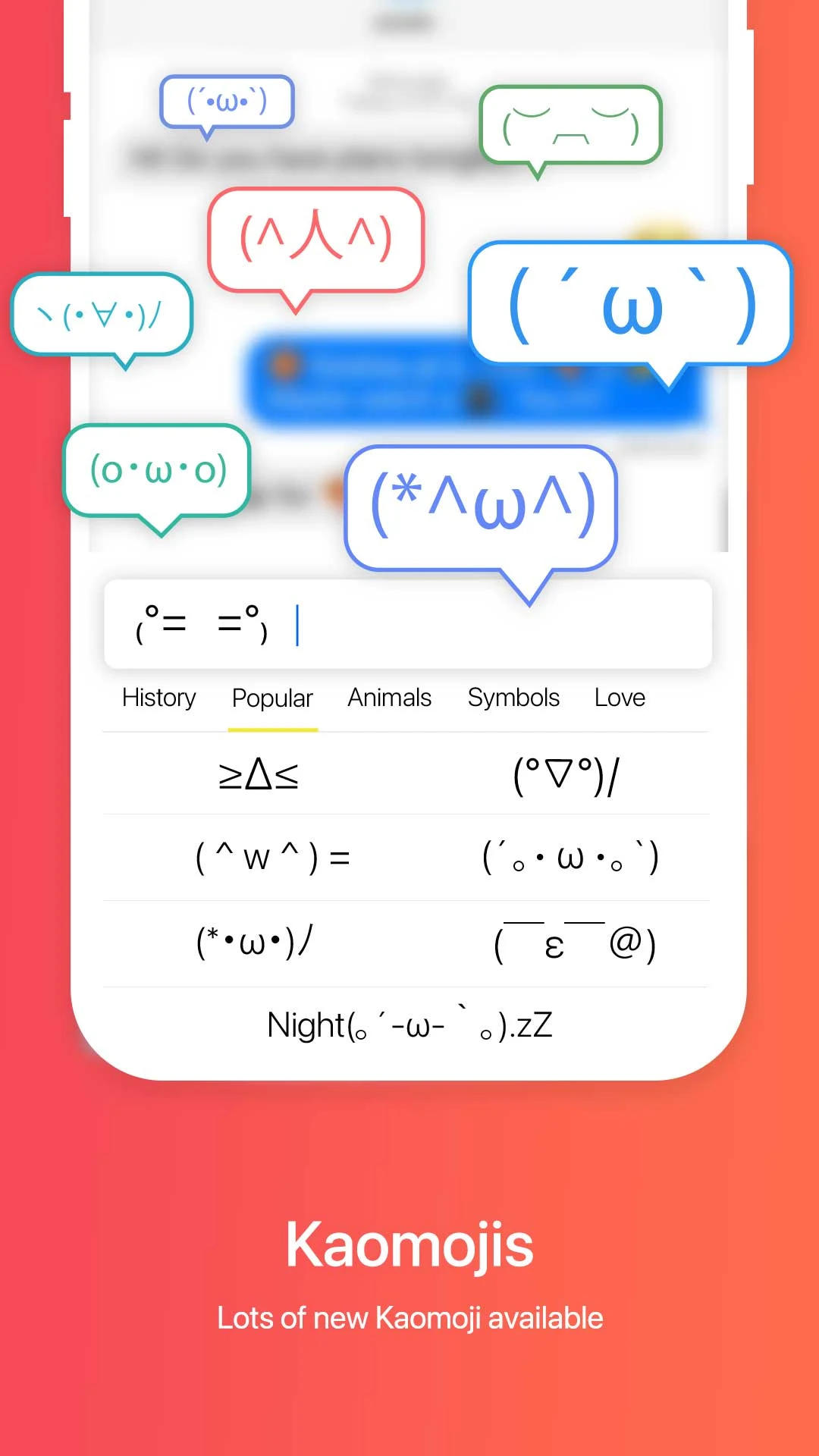
> Unlimited emojis, stickers, and symbols.
With a vast collection of emojis and easily searchable icon groups, you can personalize your messages with unique and fun emojis.
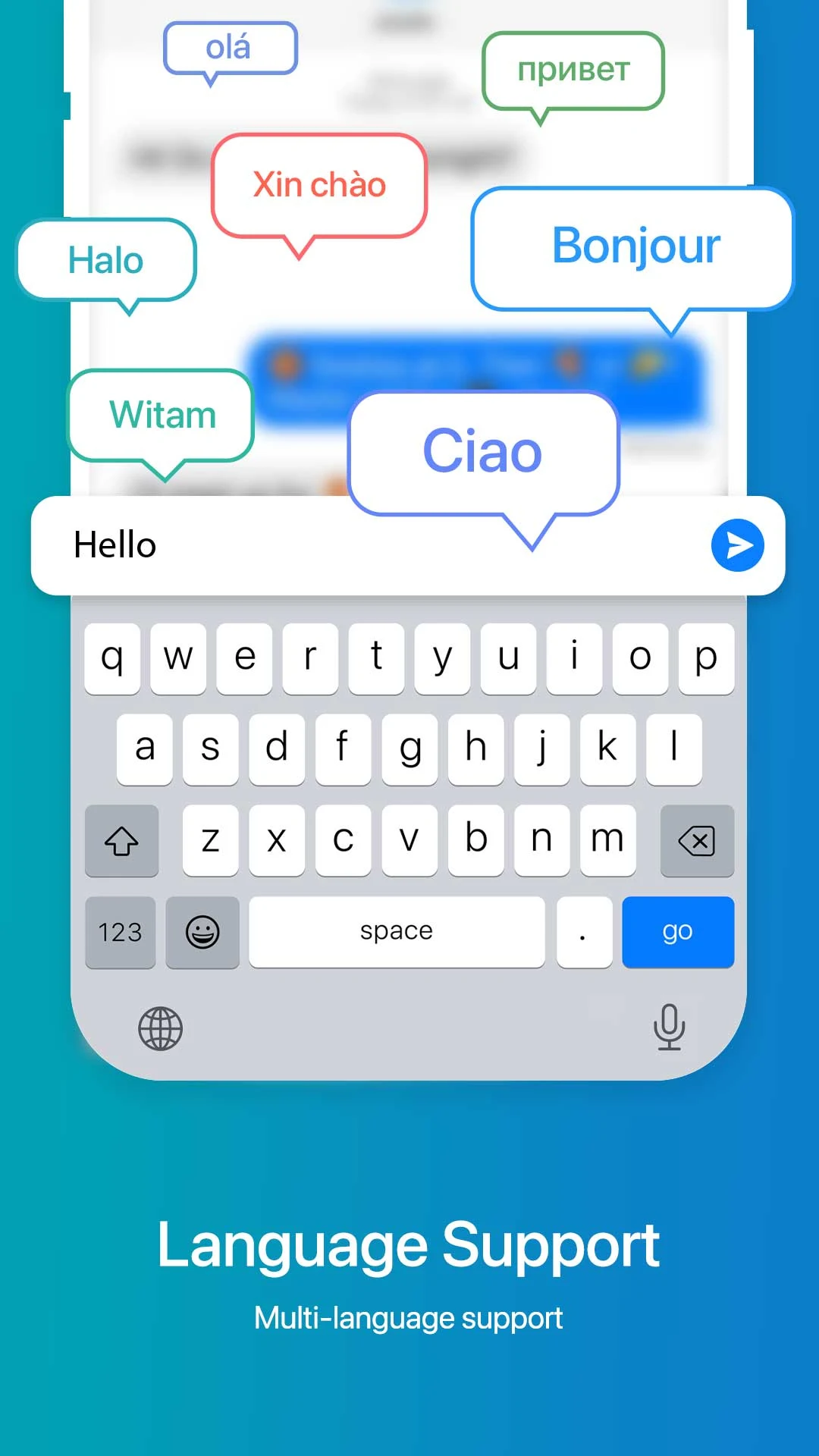
> Support for multiple languages.
Whether you speak English, Spanish, German, or Thai, our keyboard supports over 100 languages to cater to your communication needs.
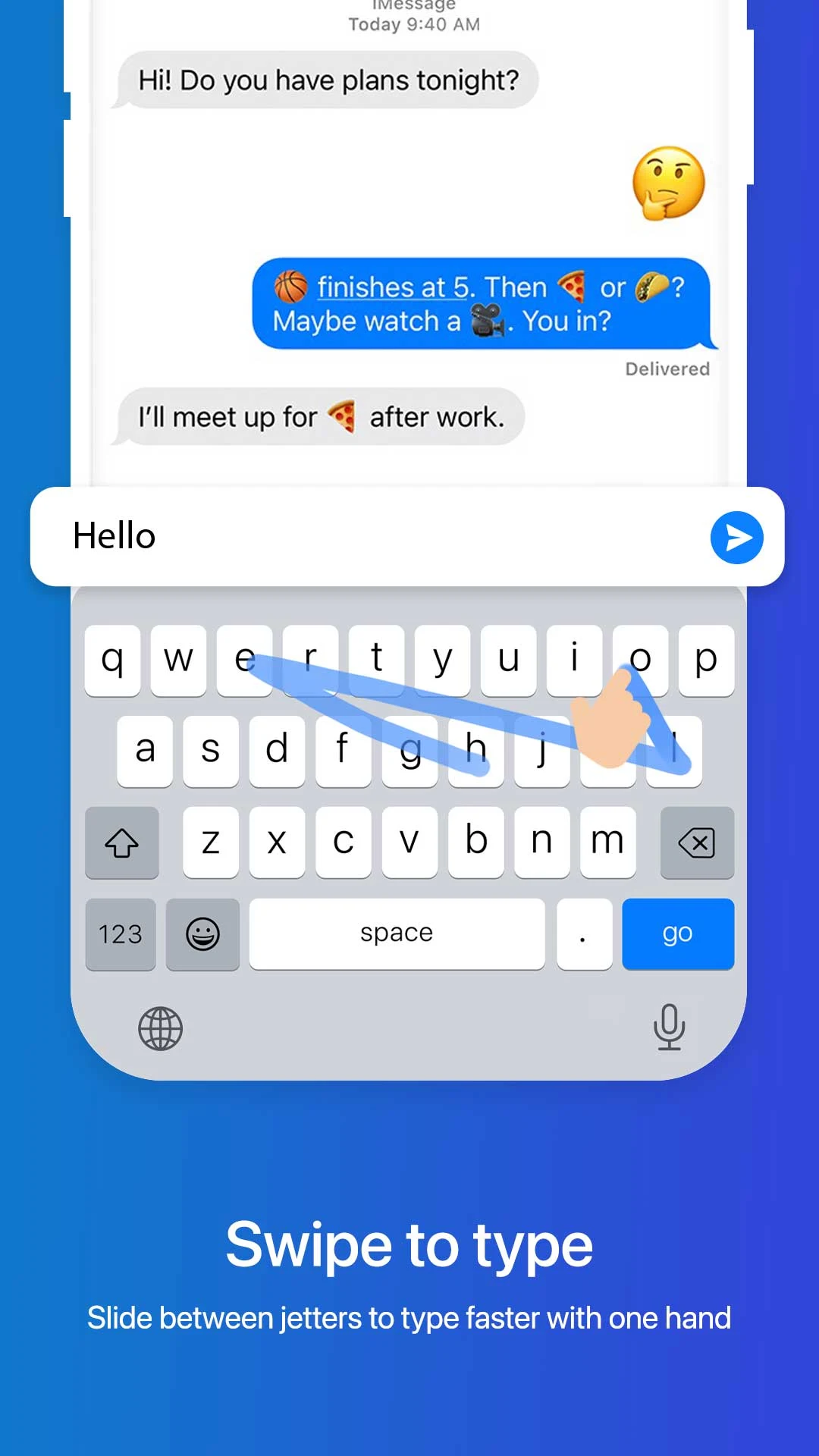
> Smart swipe typing.
Enhance your typing speed with the swipe-to-type feature. Glide your finger over the letters to effortlessly compose your messages.
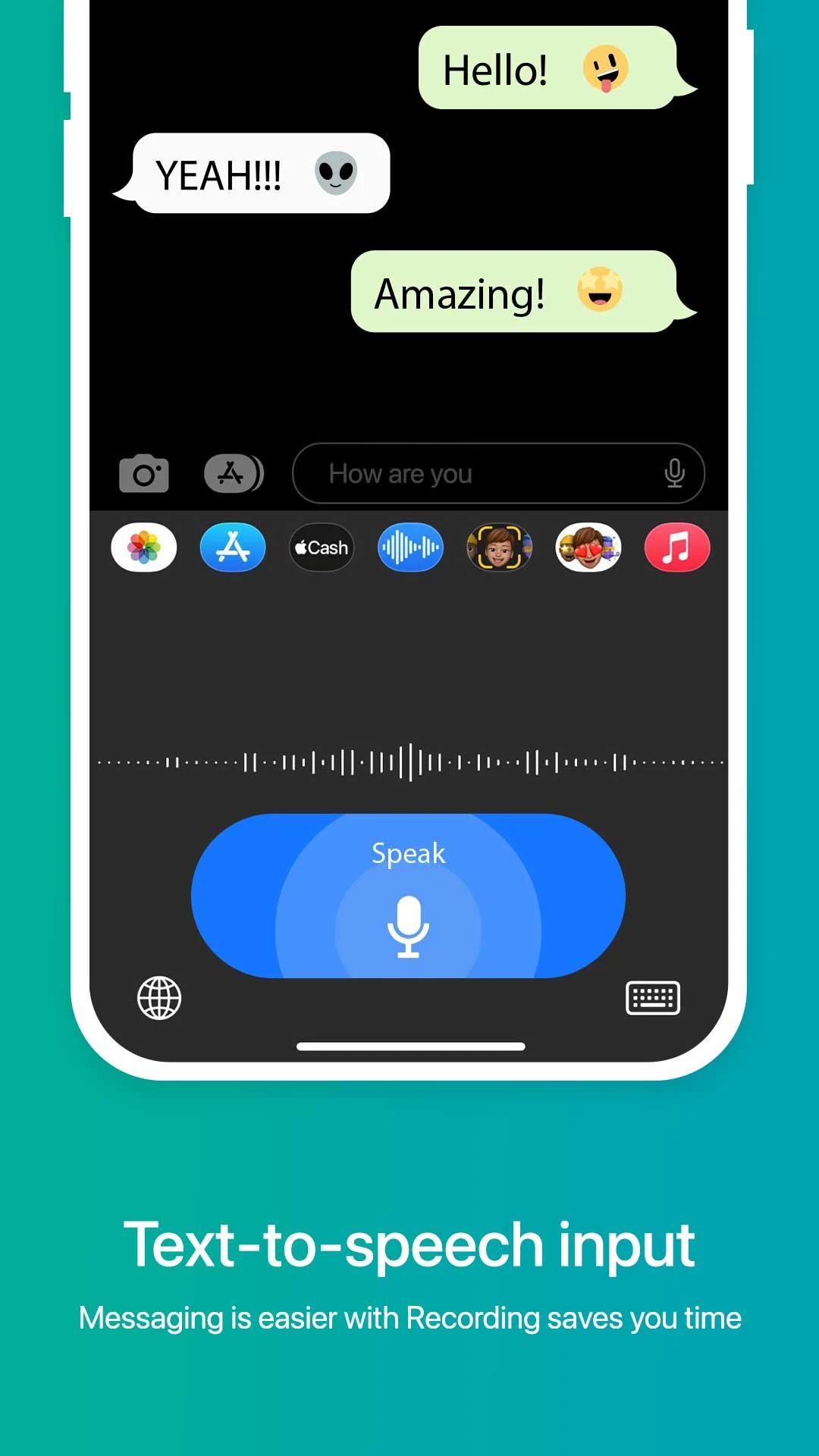
> Built-in voice-to-text capability.
Instead of typing, simply speak your message and let the keyboard convert your speech into text in an instant.
FAQs
> How do I switch between different languages?
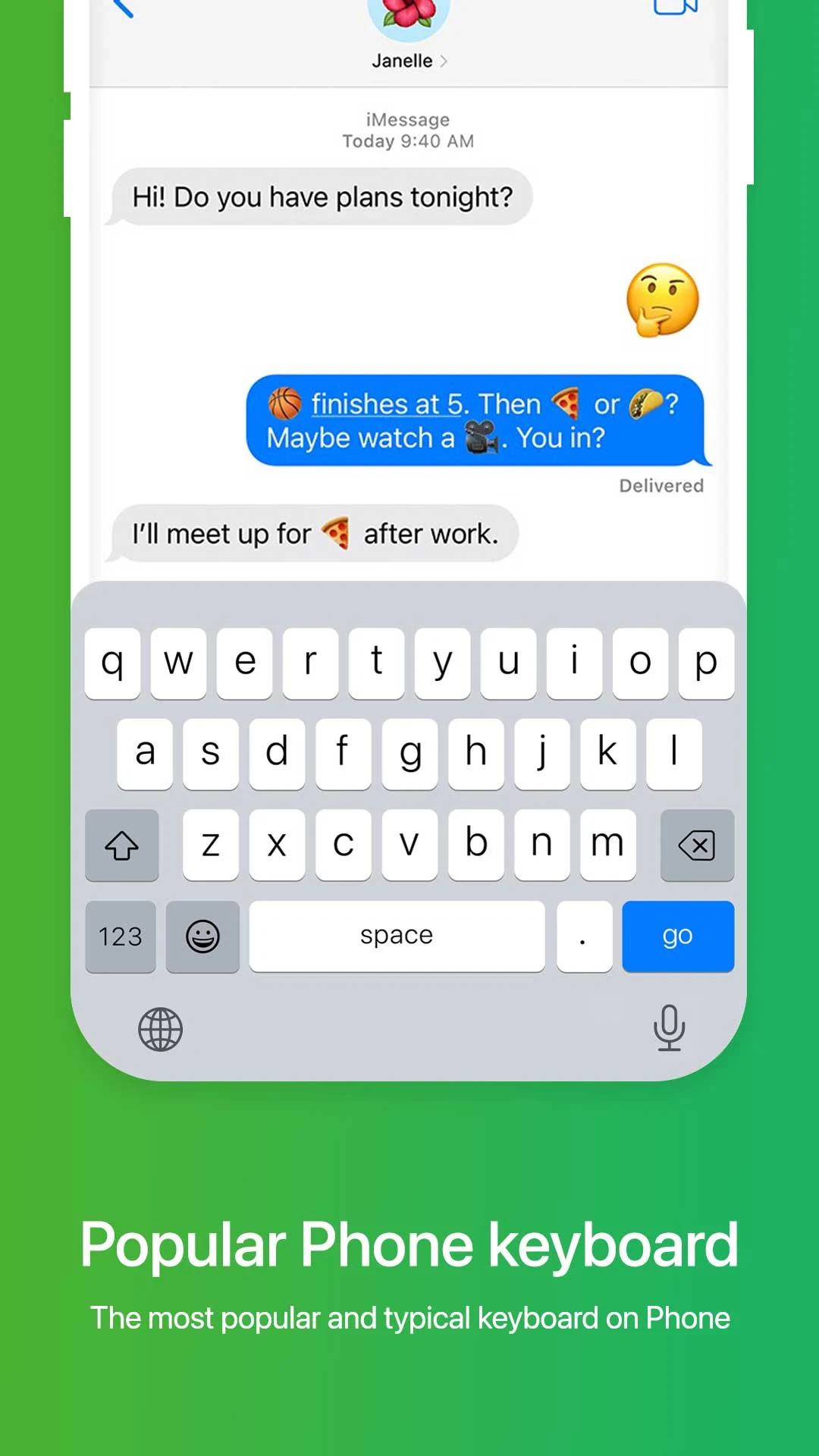
You can long-press the spacebar to select from over 100 supported languages. Additionally, tapping the globe icon enables you to switch between popular phone keyboard and swipe-to-type modes.
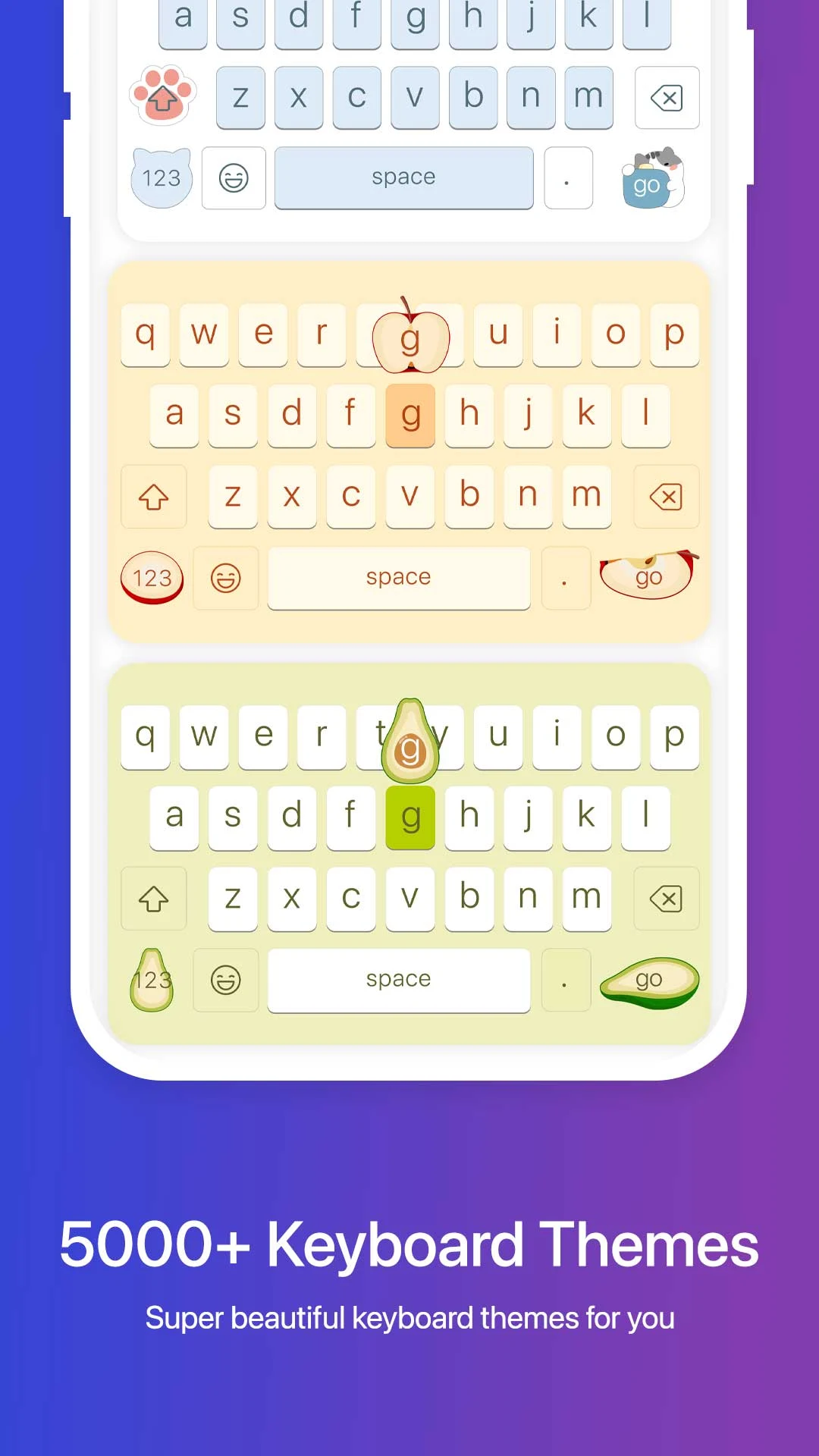
> Can I customize the look of the keyboard?
Yes, you can choose from a variety of keyboard themes, including Neon, Minimal, Anime, and Nature. You also have the option to create a DIY theme by uploading your own photo and selecting key pop-colors and key-press sounds.
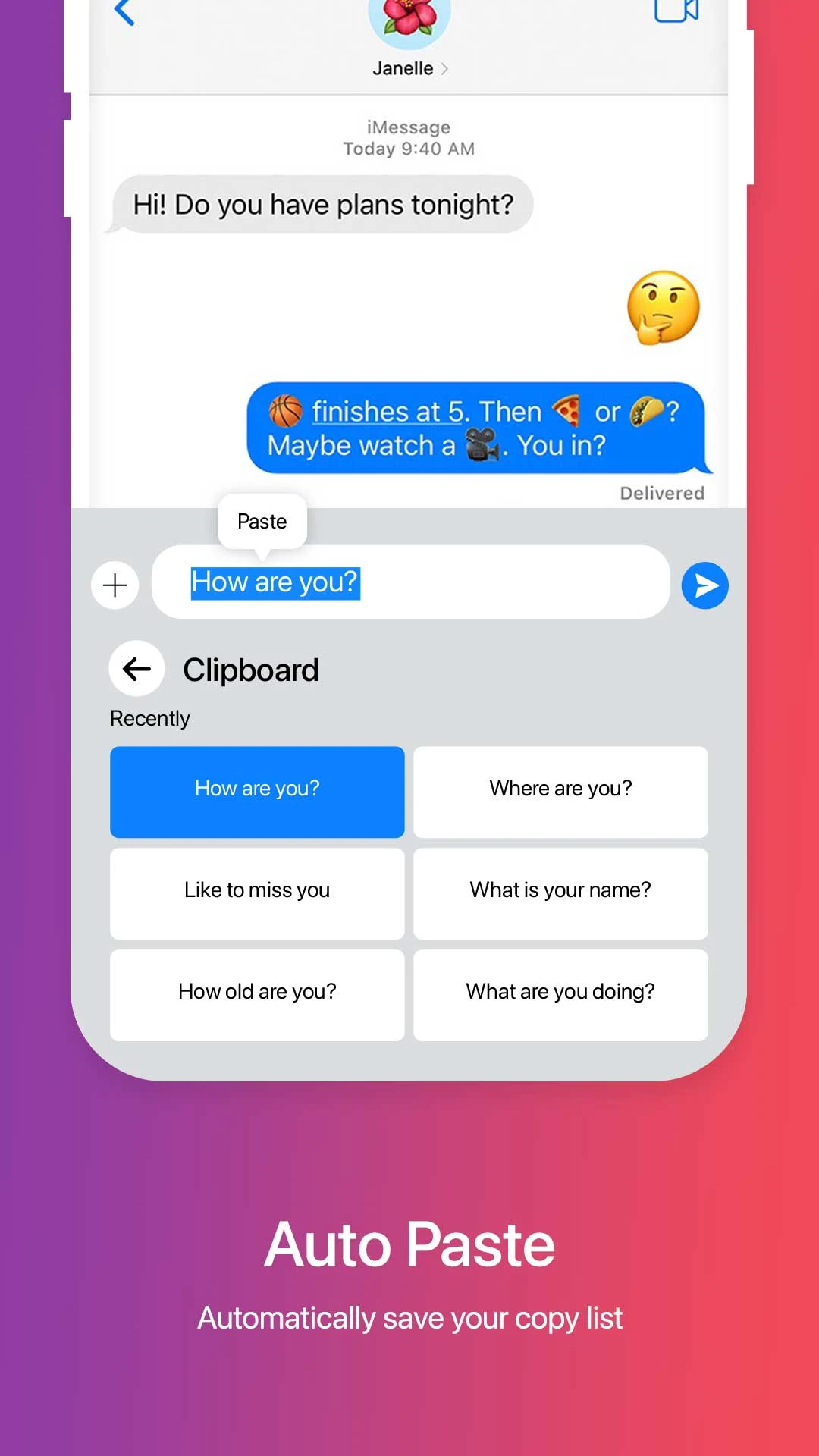
> How does the Auto-Paste feature work?
Simply copy any text and Faceboard will display an "Auto-Paste" chip above the keyboard. Tap the chip to paste the text or swipe left to save it permanently. You can access your clipboard history and manage saved items with ease.
Conclusion
With an extensive collection of emojis, support for multiple languages, smart swipe typing, and convenient features like voice-to-text and Auto-Paste, Faceboard: Font,Emoji Keyboard offers a user-friendly and enjoyable typing experience. Download Faceboard: Font,Emoji Keyboard today to enhance your messaging and social media interactions!
- No virus
- No advertising
- User protection
Information
- File size: 43.20 M
- Language: English
- Latest Version: 1.1.2
- Requirements: Android
- Votes: 395
- Package ID: com.faceboard.emoji.keyboard
- Developer: Do It Myself
Screenshots
















Explore More
Explore an immersive world of entertainment with our media software. Watch, listen, and engage with your favorite shows, music, movies, and more. Access exclusive content, personalized recommendations, and innovative formats. Enhance your experience with our suite of cutting-edge applications. Discover hidden gems tailored to your unique tastes. Create, share, and connect over personalized playlists, reviews, and forums.

Tik - Study Planner

Text Repeater Tool

AR Drawing Easy Pro
Kick & Snare: Live Beatmaker

Kiolix Pulse - Global Trends

Happy Mail

Joust Kindle Fair Coral

Best Phone Ringtones