Introduction
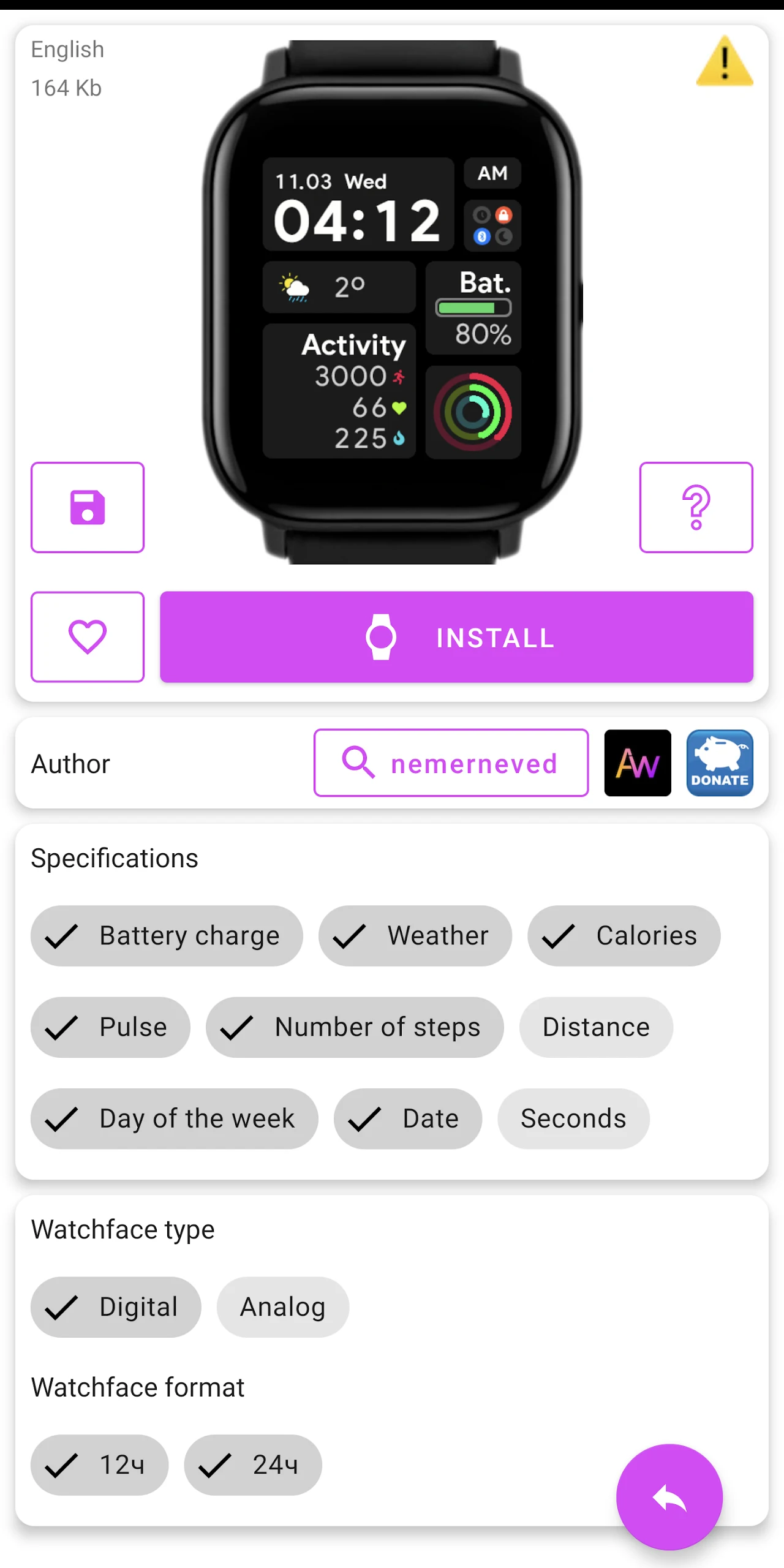
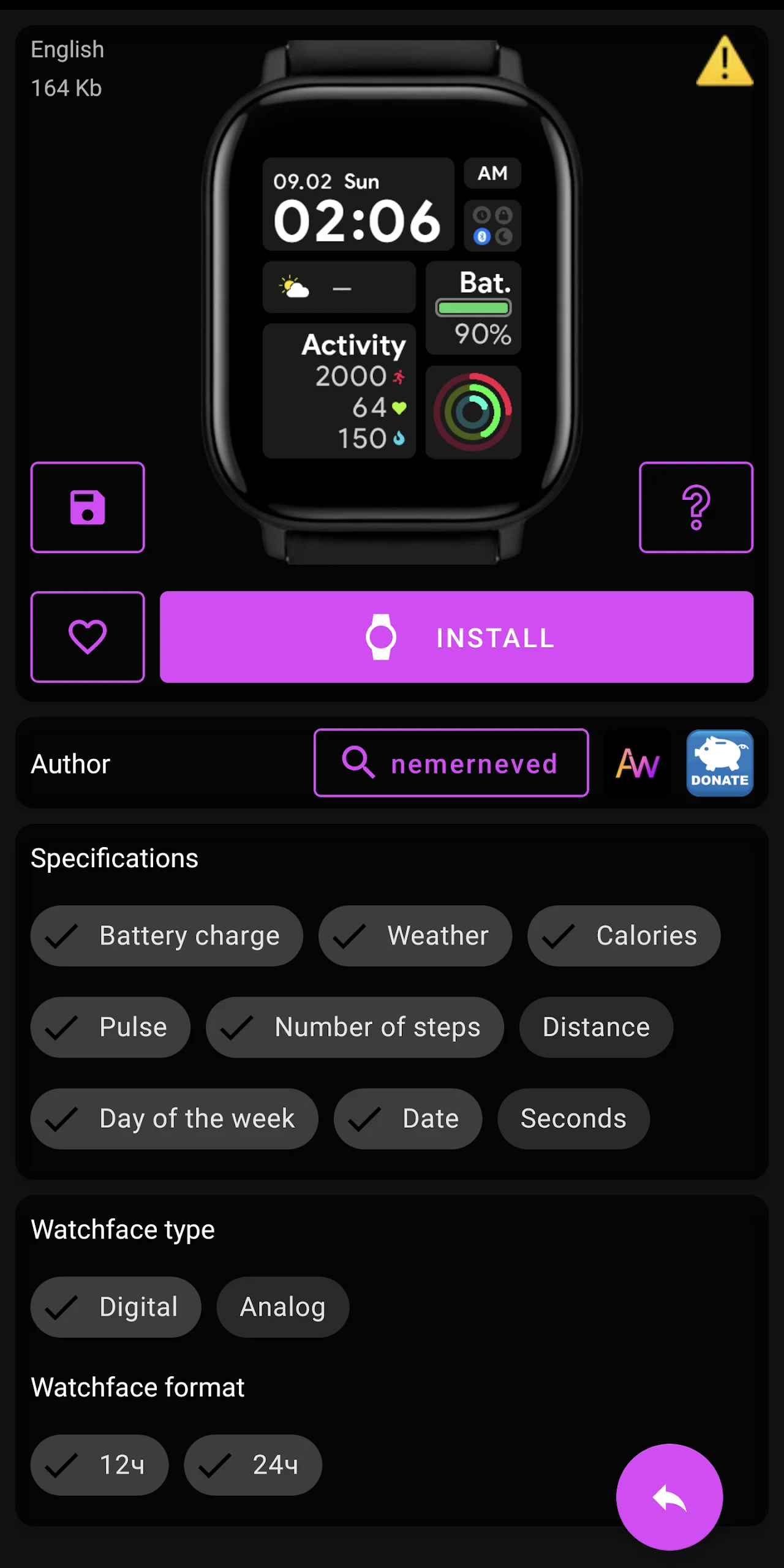
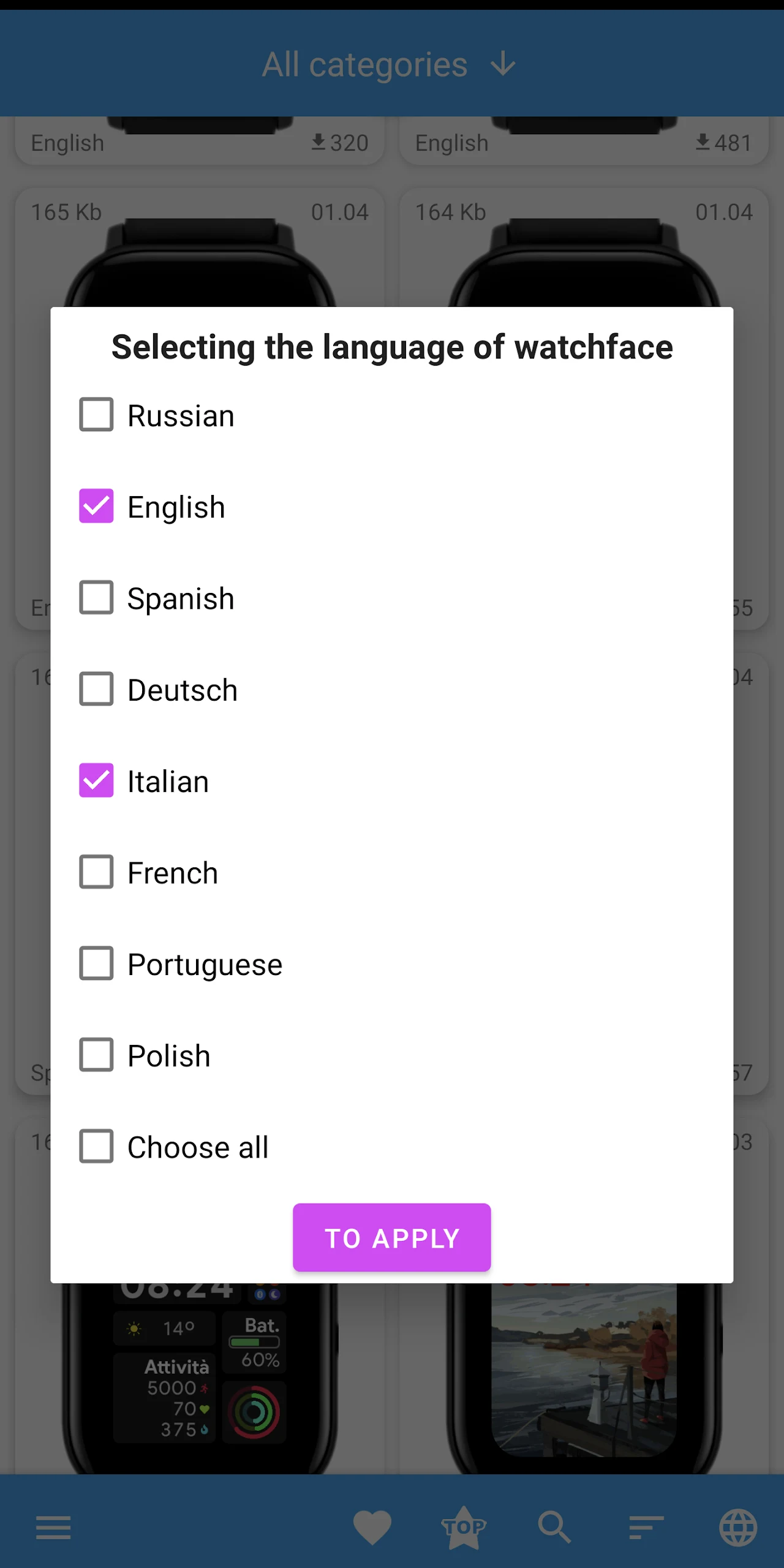
Amazfit GTS 2 WatchFaces within the app and offers additional features for a more premium experience. How do I mark my favorite watch faces?Simply click the heart icon next to a watch face to mark it as a favorite. You can access your favorite designs by tapping the heart icon in the bottom menu. Are there community features available?Yes, you can view the Top 50 installed watch faces, filter designs based on specific criteria, and even view watch faces by weekly, monthly, or all-time popularity. Language selection for watch faces is also available.
Features of Amazfit GTS 2 WatchFaces:
- Compatibility with all Android versions from -1 to Android -
- Streamlined installation process with detailed instructions.
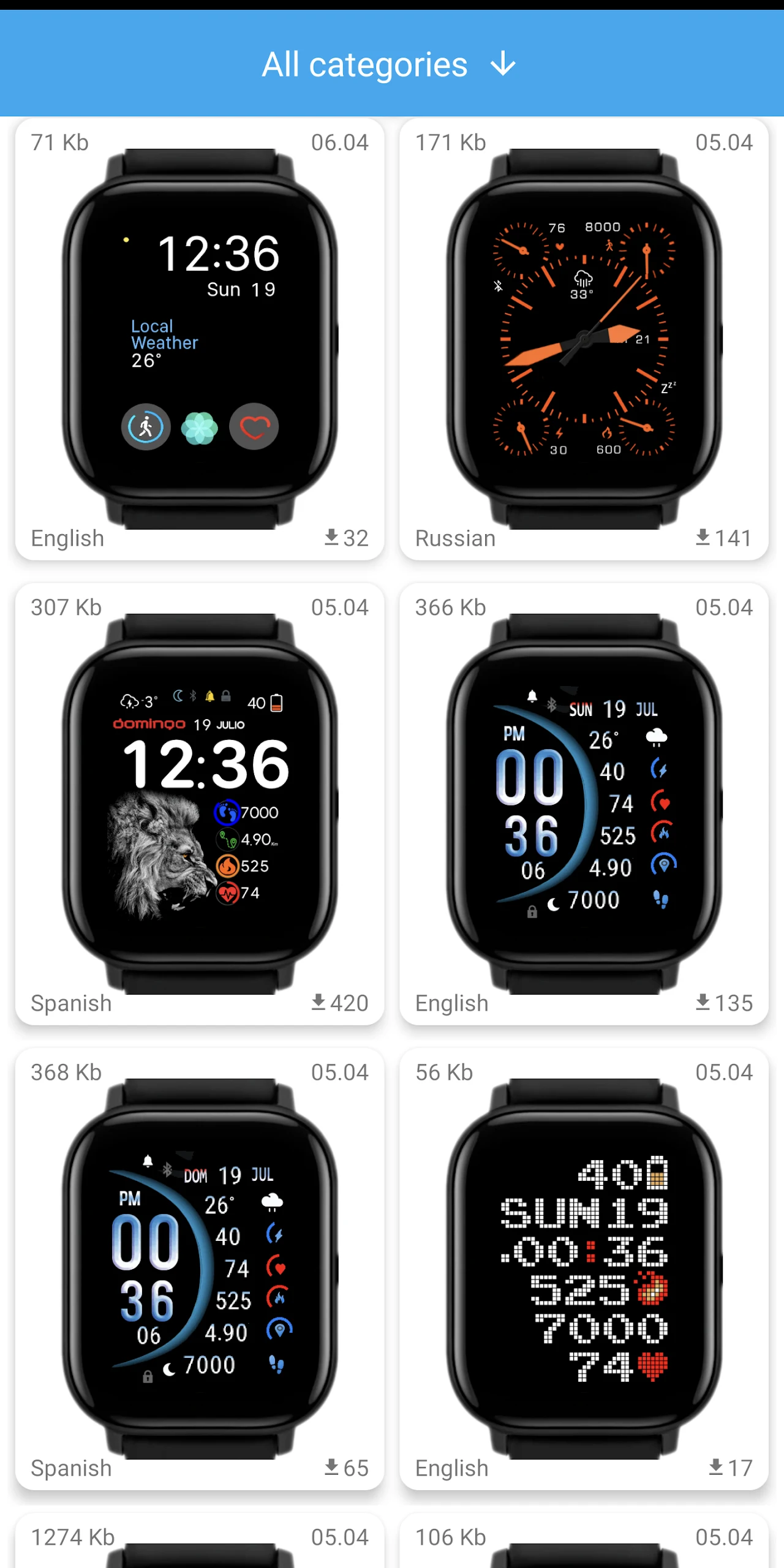
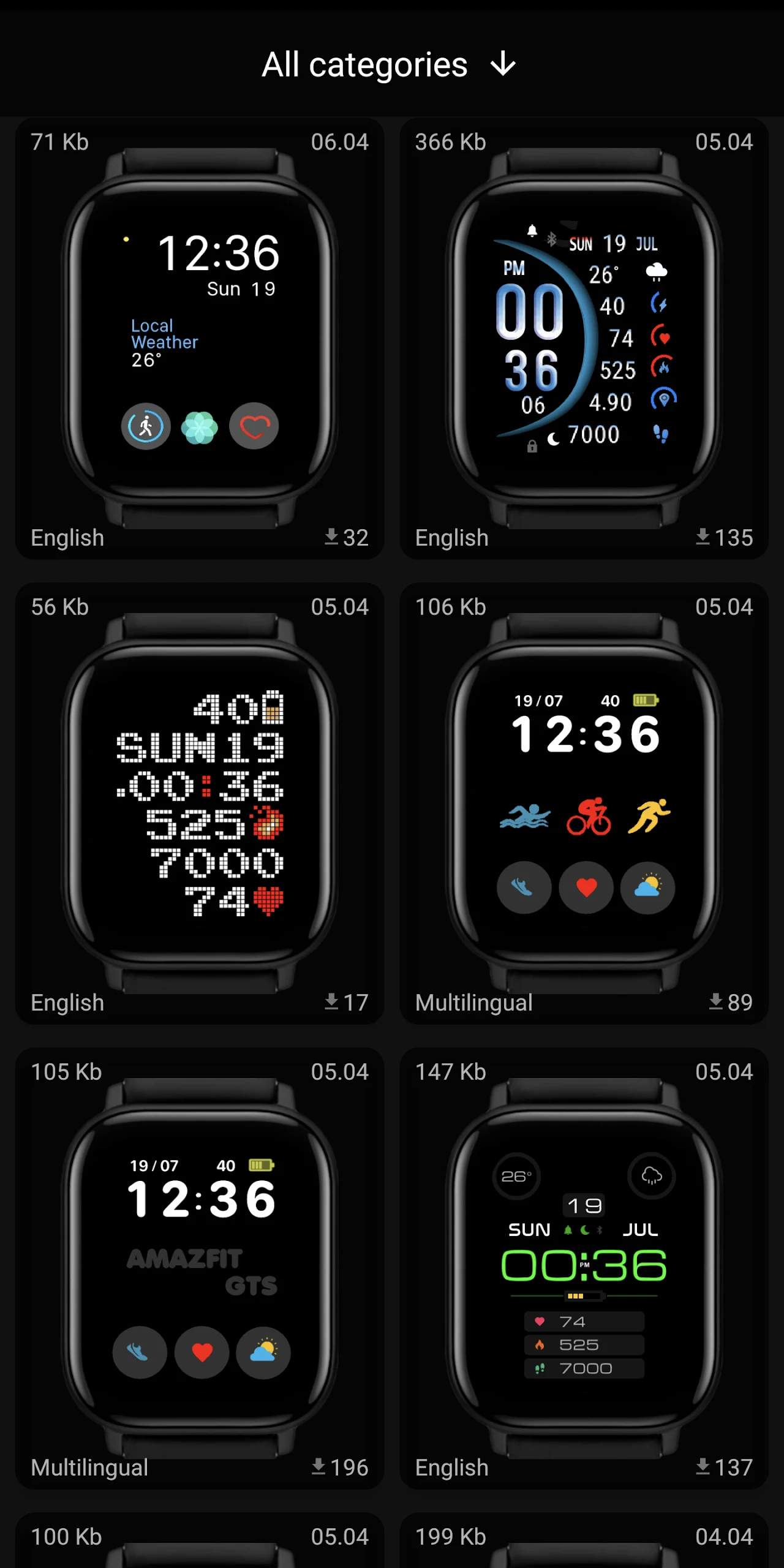
- Categorized watch faces for easy navigation and selection.
TIPS Amazfit GTS 2 WatchFaces
- Option to mark favorite watch faces and view top 50 installed faces.
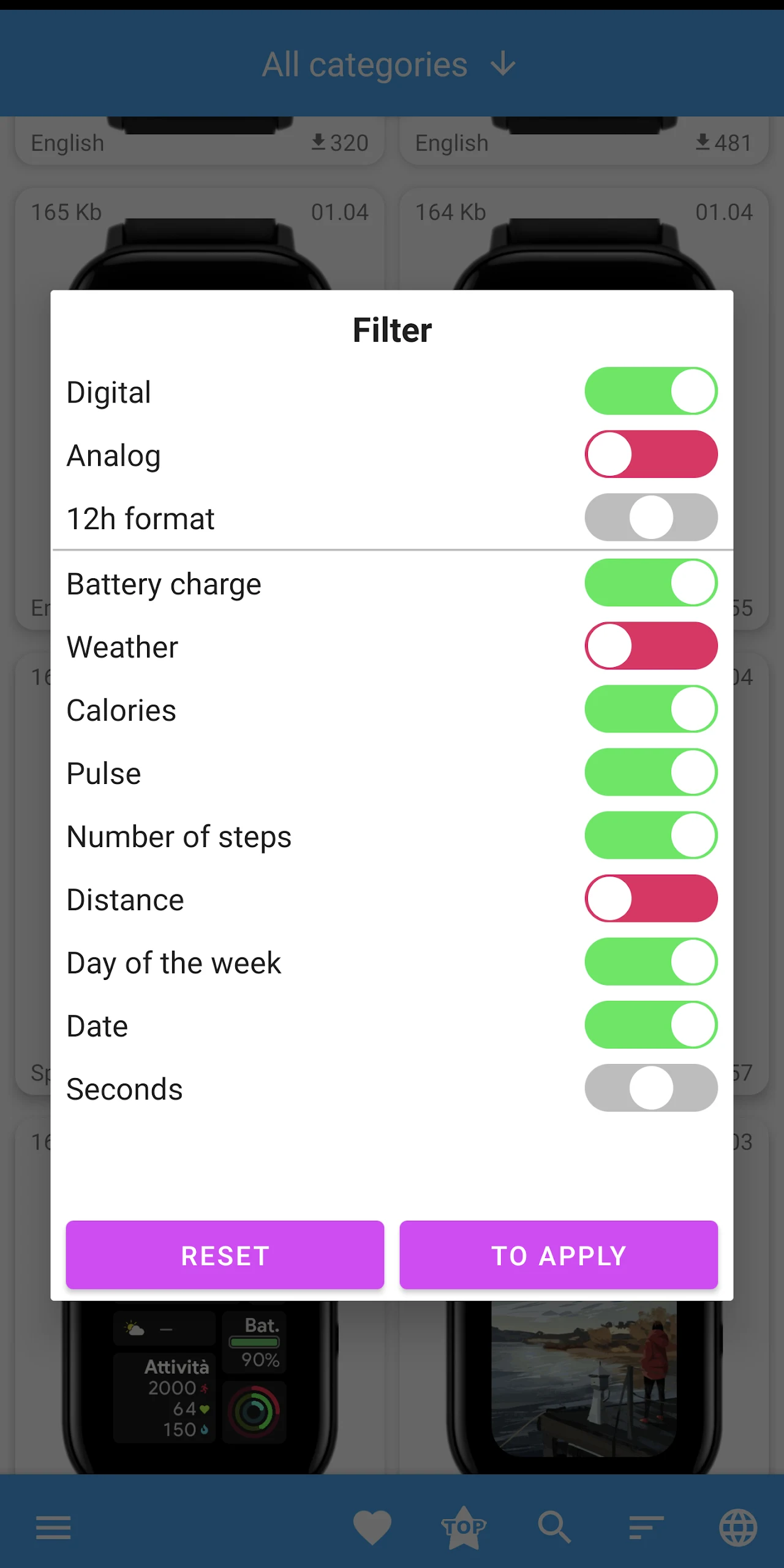
- Ability to filter and sort watch faces based on specific characteristics.
- Additional features accessible via the menu icon for added functionality.
Conclusion:
Unlock endless personalization for your Amazfit Watch with this custom watch face installer app. Transform your experience with your Amazfit GTS 2/2e/E Square/2 mini by effortlessly customizing your watch face daily. Enjoy the intuitive interface that allows you to easily navigate through a wide variety of themed watch face categories. The streamlined installation process and additional features like favoriting designs and filtering options make finding the perfect watch face a breeze. Experience the joy of discovering new faces and rekindle your excitement for wearable tech with this user-friendly app. Click to download now and personalize your Amazfit watch to suit your unique style and mood.
- No virus
- No advertising
- User protection
Information
- File size: 24.70 M
- Language: English
- Latest Version: 2.1.3
- Requirements: Android
- Votes: 180
- Package ID: dev.rokitskiy.gts2_watchface
- Developer: Rokitskiy.DEV
Screenshots
















Explore More
Explore the real potential of personalization with our exceptional mobile software downloads! Set your imagination free and customize your smartphone to perfectly reflect your unique personality. Our amazing assortment of options caters to a diverse range of tastes. Choose from trendy themes, exclusive wallpapers, inventive widgets, and personalized ringtones to truly make your phone your own. Elevate your mobile experience and make a statement.

Good Morning and Good Night

Tronsmart

Whatsapp News &Android Updates
AppLock Theme Universe
Gem Space

Orion TV

Crosshair & Nickname Generator

掌上KD