Introduction
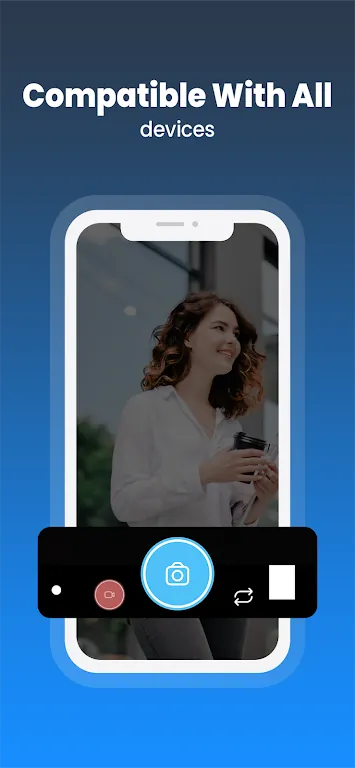
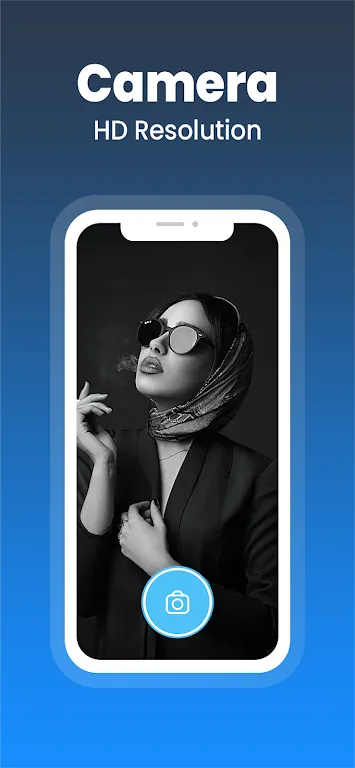
Camera GCam is an advanced camera app that offers enhanced photography capabilities for Android devices. Initially designed for Google Pixel phones, this app has been ported to work on many other Android devices, bringing its exceptional image processing features to a broader audience. Camera GCam makes it easy to take professional-quality photos with its powerful algorithms, allowing users to capture sharp, vibrant, and detailed images. Whether you’re shooting landscapes, portraits, or low-light scenes, Camera GCam is the perfect tool for improving your smartphone photography experience. Thanks to its advanced features, you can now enjoy stunning results without needing a professional camera.
Features of Camera GCam:
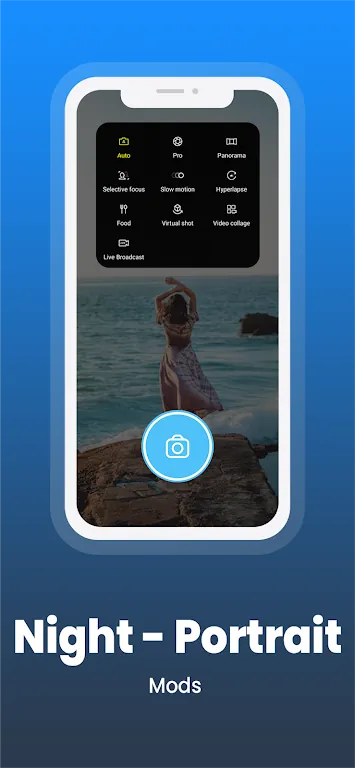
- Night Sight: Capture stunning low-light photos with enhanced clarity and brightness, even without a flash.
- HDR+ Mode: High Dynamic Range (HDR+) improves photo quality by balancing highlights and shadows for vibrant, lifelike colors.
- Portrait Mode: Take beautiful portrait shots with a bokeh effect that blurs the background, emphasizing the subject in focus.
- Super Res Zoom: Zoom in on distant objects without losing image quality, thanks to Camera GCam's superior digital zoom technology.
- Astrophotography: This feature enables you to take breathtaking photos of the night sky, capturing stars and celestial objects with stunning clarity.
Playing Tips for Camera GCam:
- Experiment with different settings to see how they affect your photos, such as adjusting exposure and white balance for different lighting conditions.
- Use the Night Sight mode for taking low-light photos in both indoor and outdoor settings, ensuring clearer and brighter images.
- Try Portrait Mode when photographing people or pets for a professional-looking blurred background that highlights the subject.
- Enable the Astrophotography feature when taking photos of the night sky to capture stunning star trails and celestial objects.
- Take advantage of HDR+ mode for outdoor shots to preserve details in both bright skies and darker areas of the photo.
Conclusion:
Camera GCam is an incredibly powerful app that brings advanced camera features to non-Google devices, offering enhanced photography performance across a variety of conditions. With its innovative modes like Night Sight, HDR+, and Astrophotography, Camera GCam elevates smartphone photography to new heights. Despite being initially developed for Pixel devices, it has become a go-to app for Android users looking for professional-quality photos. Whether you’re a photography enthusiast or just looking to improve your everyday shots, Camera GCam provides everything you need to capture stunning images in all lighting situations.
- No virus
- No advertising
- User protection
Information
- File size: 15.90 M
- Language: English
- Latest Version: 2.7
- Requirements: Android
- Votes: 458
- Package ID: com.sgmediapp.gcam
- Developer: Gcam
Screenshots
















Explore More
Photography - the art of capturing images through the use of light. With the advent of digital photography, it has never been easier to capture and share your photos with the world. But with so many different camera apps available, it can be difficult to know which one is right for you. That's where we come in. We've tested and reviewed the best photography apps for Android and iOS, so you can be sure you're getting the best possible experience.
Open Camera

Beautiful Birds

CCTV RUSH HOUR
TOK CAM - Analog Camera

Virtual Light - ZambelisLights

Sotaone FPV

Decathlon Vital Sport

ASIAIR