Introduction
Lens Distortions - LD, the ultimate photo editing app, provides users with a wide array of stunning photo effects and presets to elevate their images to the next level. From beautiful lens flares and sun rays to atmospheric effects and refined color presets, this app has everything you need to make your photos stand out. Additionally, you can easily incorporate text into your images using a variety of stylish fonts. If you're looking for outstanding overlays, effects, and color grading presets for your photographs, then Lens Distortions is the perfect app for you. Download it now and start creating visually captivating content today.
Features of LD:
Stunning Photo Effects and Presets
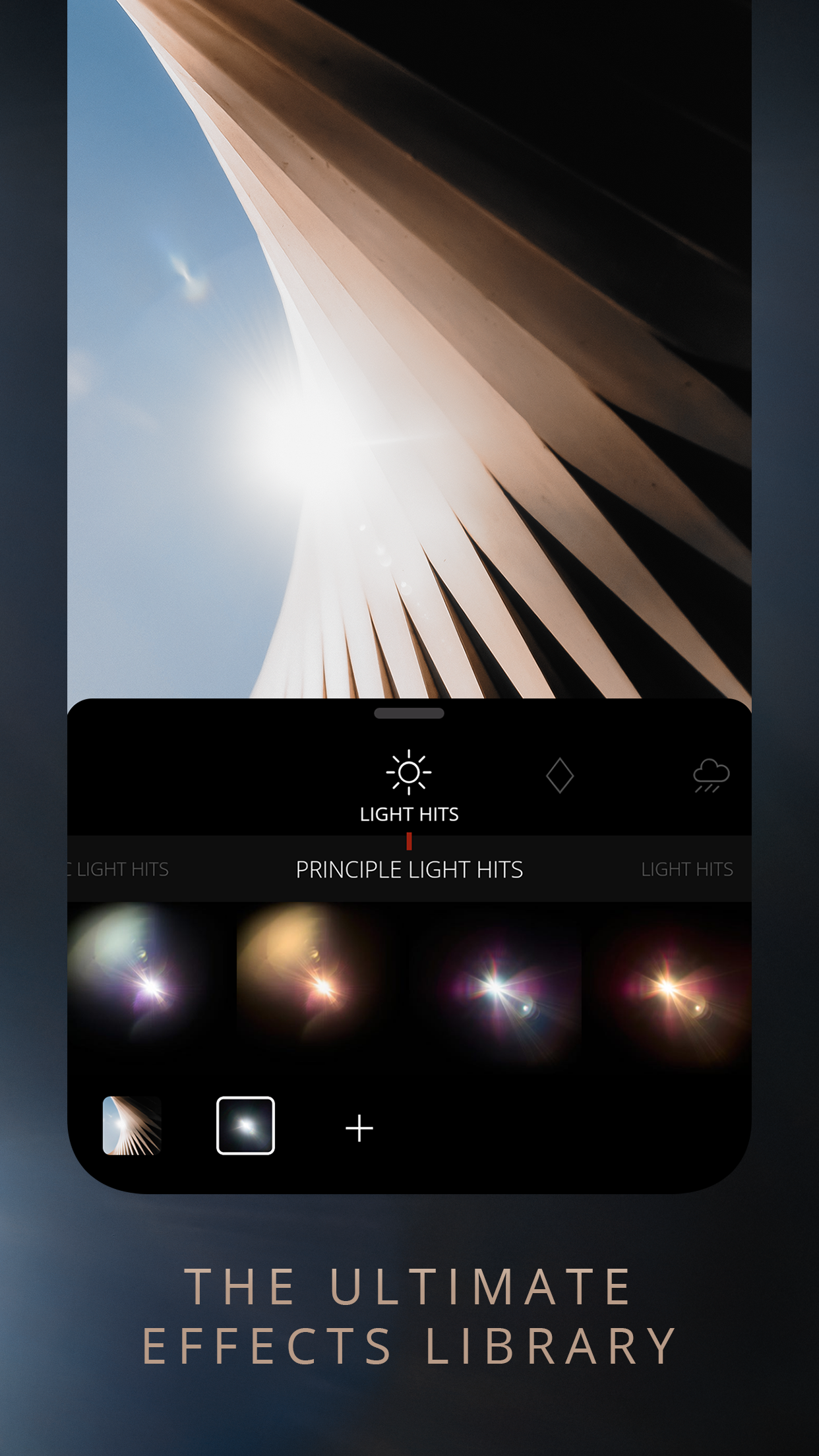
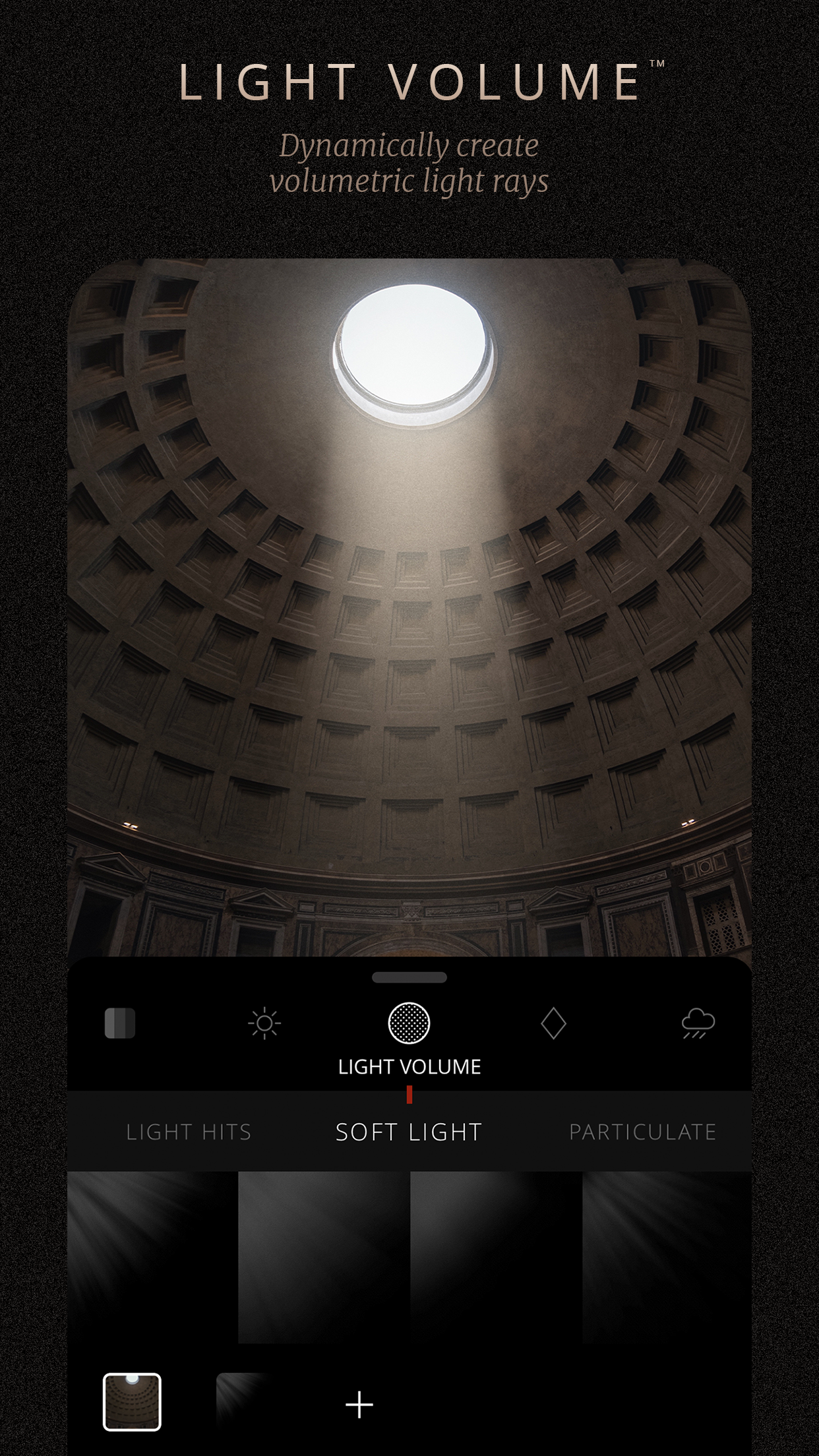
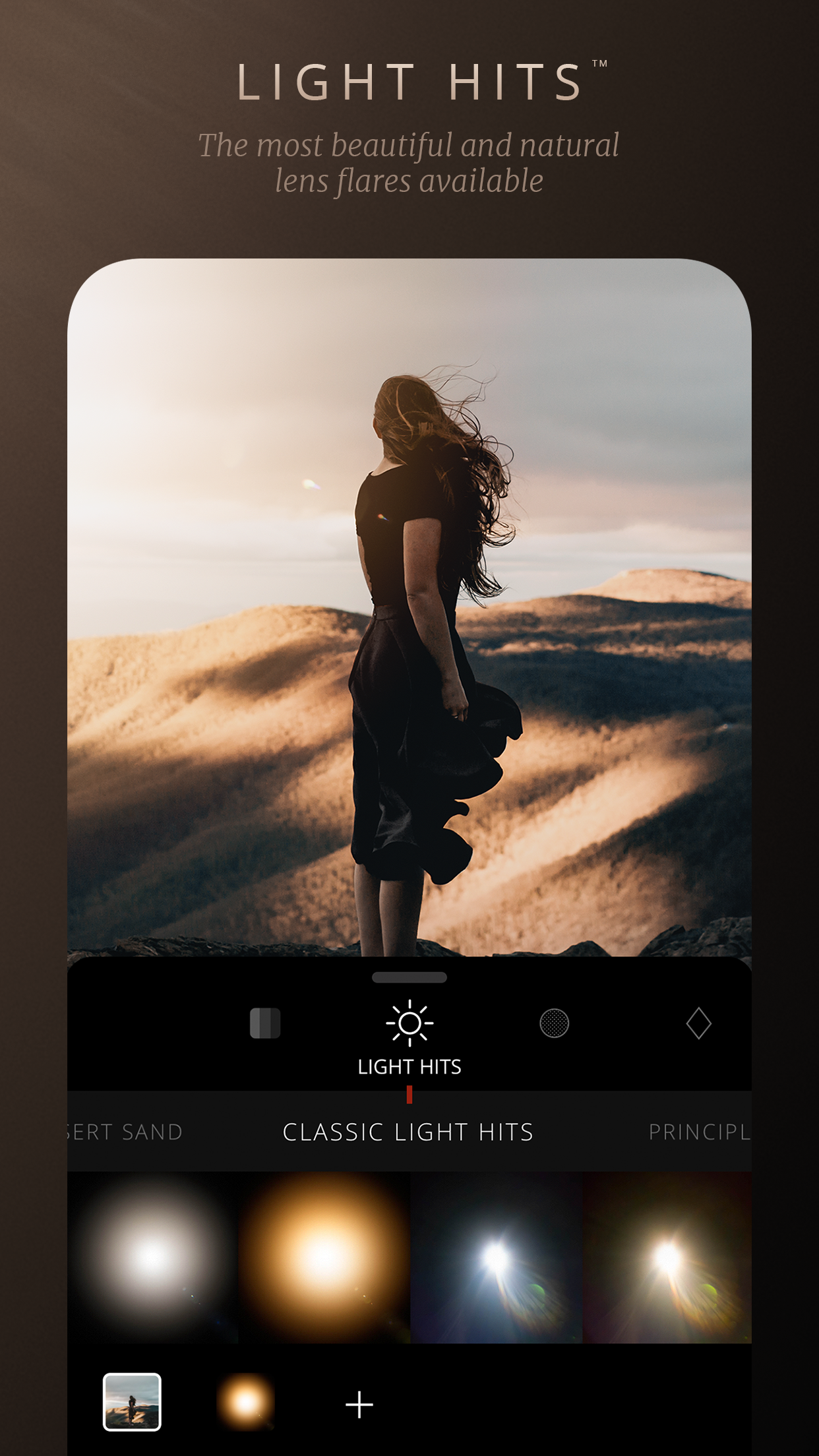
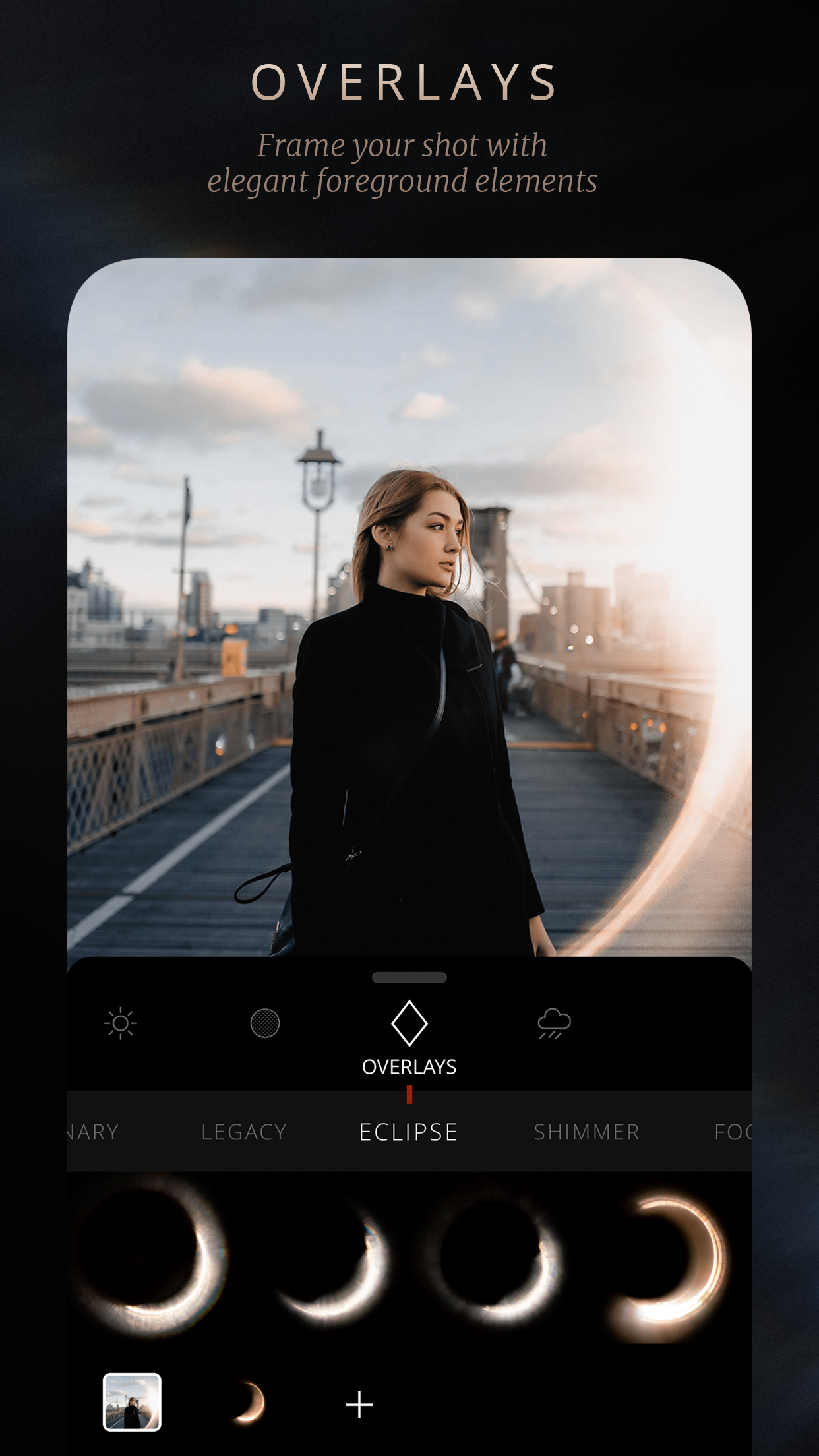
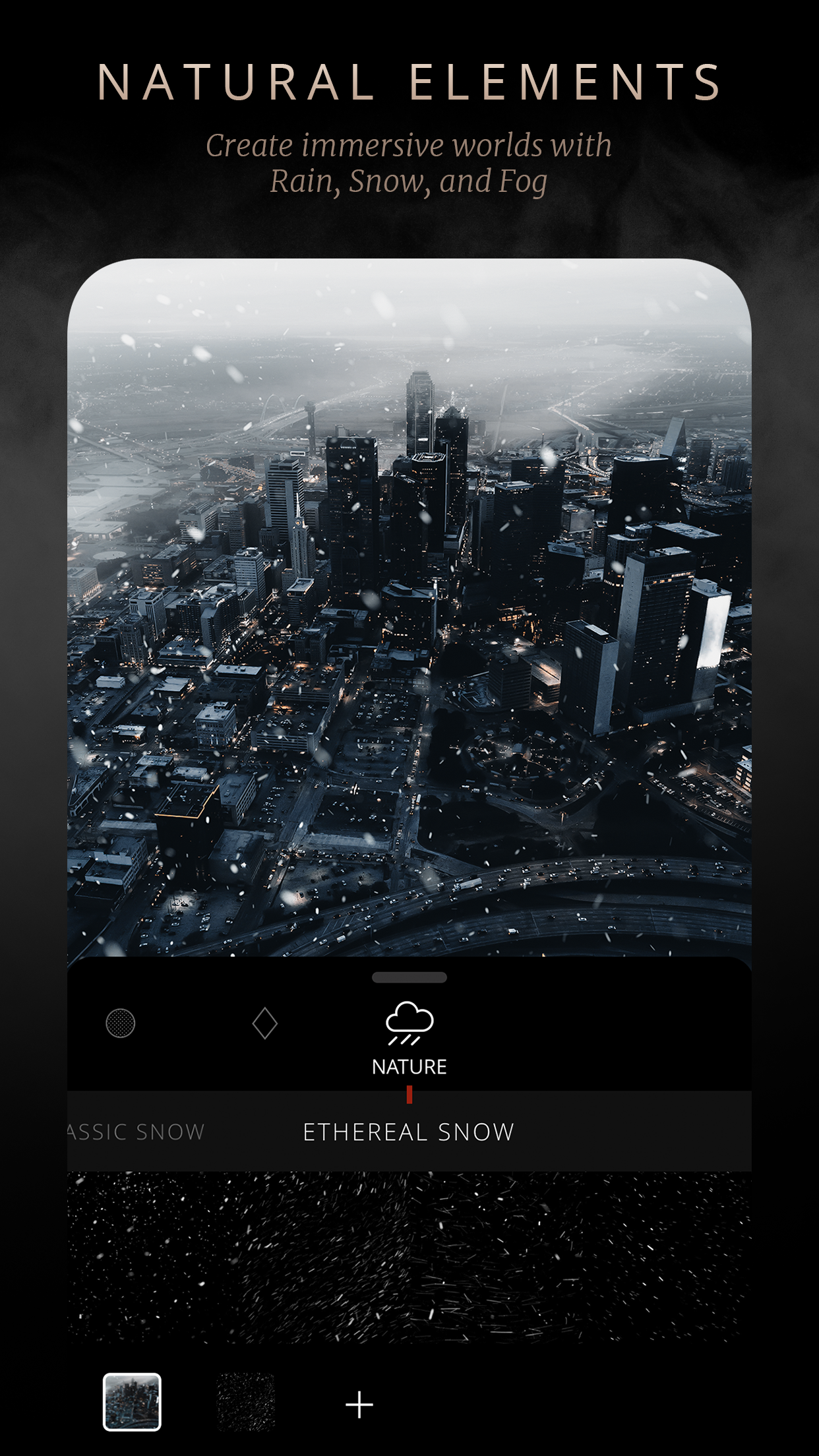
Lens Distortions provides users with a wide range of stunning photo effects and presets to enhance their images. From lens flares to sun rays, atmospheric effects, and refined color presets, this app has everything you need to take your photos to the next level.
Stylish Fonts for Text Overlay
With Lens Distortions, you can easily incorporate text into your photos using a carefully chosen assortment of stylish fonts. Whether you're adding a caption, quote, or watermark, the app offers a variety of options to suit your needs.
Overlays, Effects, and Color Grading Presets
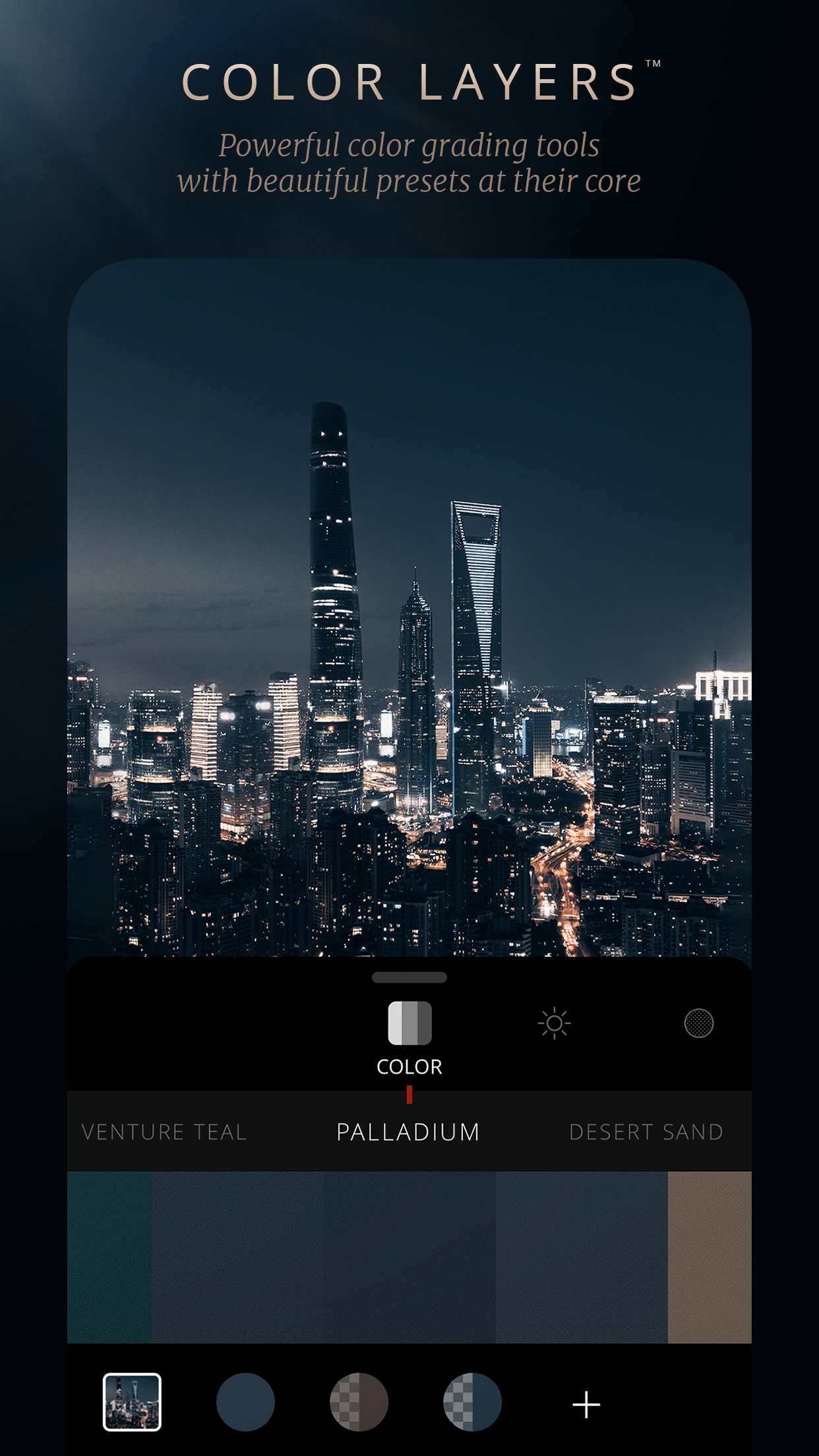
If you're looking for outstanding overlays, effects, and color grading presets for your photographs, Lens Distortions is the perfect app for you. Elevate your content with professional-grade tools that will make your images stand out.
Playing Tips LD:
Close and Reopen the App
If you encounter issues with exporting blank or black images, try completely closing the app and reopening it. This simple step may resolve the problem and allow you to export your edited photos successfully.
Restart Your Device
Sometimes, restarting your device can free up memory and address export issues in Lens Distortions. Give your phone a quick restart before attempting to export your images again.
Edit Smaller Resolution Images
If you're having trouble exporting high-resolution images, try editing smaller resolution photos instead. Images captured on your device typically work best for editing in the app, ensuring smooth processing and high-quality results.
Conclusion:
Lens Distortions is a powerful tool for enhancing your photos with stunning effects, overlays, and presets. Whether you're a seasoned photographer or a casual user looking to elevate your images, this app offers a wide range of features and tools to help you achieve your creative vision. With a user-friendly interface and professional-grade effects, Lens Distortions is a must-have for anyone who wants to take their photography to the next level. Download the app today and start creating visually captivating images that truly stand out.
- No virus
- No advertising
- User protection
Information
- File size: 98.64 M
- Language: English
- Latest Version: v4.15.2
- Requirements: Android
- Votes: 462
- Package ID: com.lensdistortions.ld
- Developer: Lens Distortions
Screenshots
















Explore More
Equip yourself with our all-in-one toolbox app for everyday tasks and projects. Instantly convert between units, calculate tips, scan documents, manage files, and more with handy productivity tools. Includes a level, compass, QR code reader, ruler, speedometer, decibel meter, and flashlight. Save frequently used tools to your customizable dashboard for one-tap access. Track billable hours, wages, budgets, and invoices. Annotate screenshots, magnify labels, and sign PDFs on the go.

MEXC Global: BTC, ETH, Gamefi

Text Art - Write Text On Photo

MERA PROXY PRO

Domino's Pizza Sri Lanka

Hatekhori Shongkha

Halloween Photo Editor -Makeup

Connecting - Friends Near Me

Cartola