Introduction
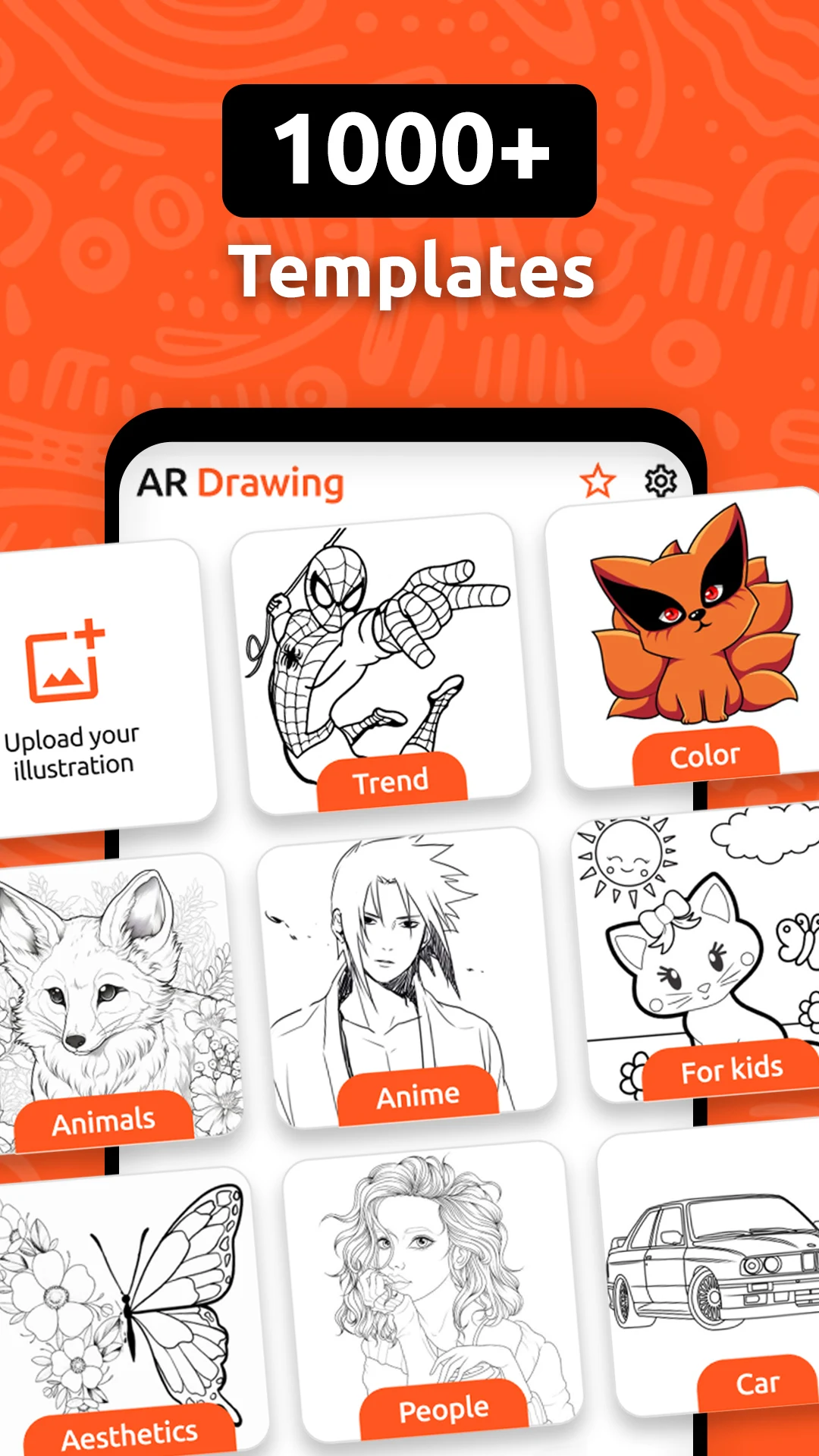
Trace and Draw Sketch Drawing is an easy-to-use mobile app designed for aspiring artists, hobbyists, and anyone who enjoys sketching. It offers a range of tools and features that help users create detailed and accurate sketches by tracing over images or drawing from scratch. The app is perfect for beginners who want to practice their drawing skills or experienced artists looking for a digital platform to enhance their work. With intuitive controls and a variety of drawing aids, Trace and Draw Sketch Drawing turns the art of sketching into a fun and accessible experience for all skill levels.
Features of Trace and Draw Sketch Drawing:
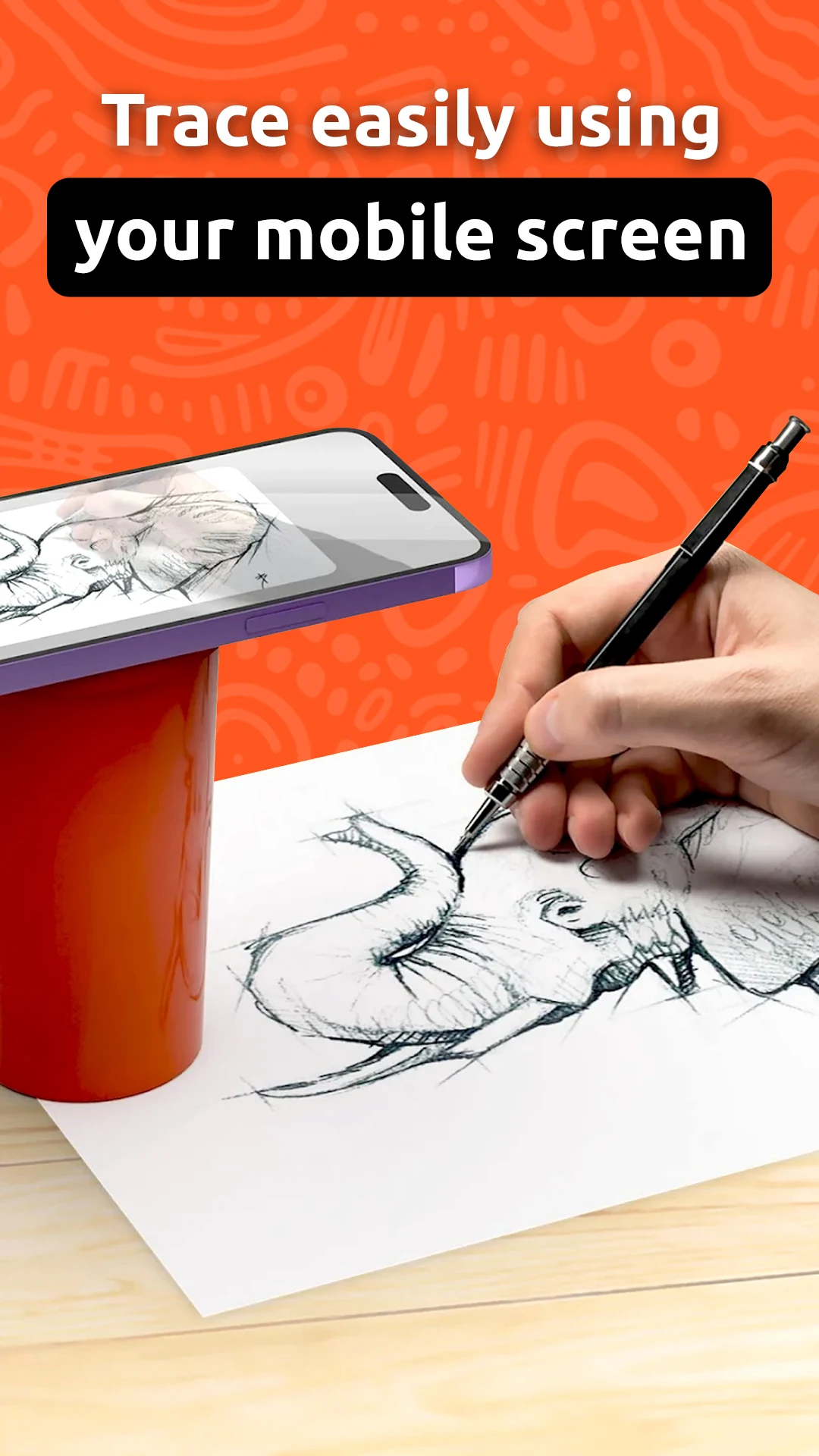
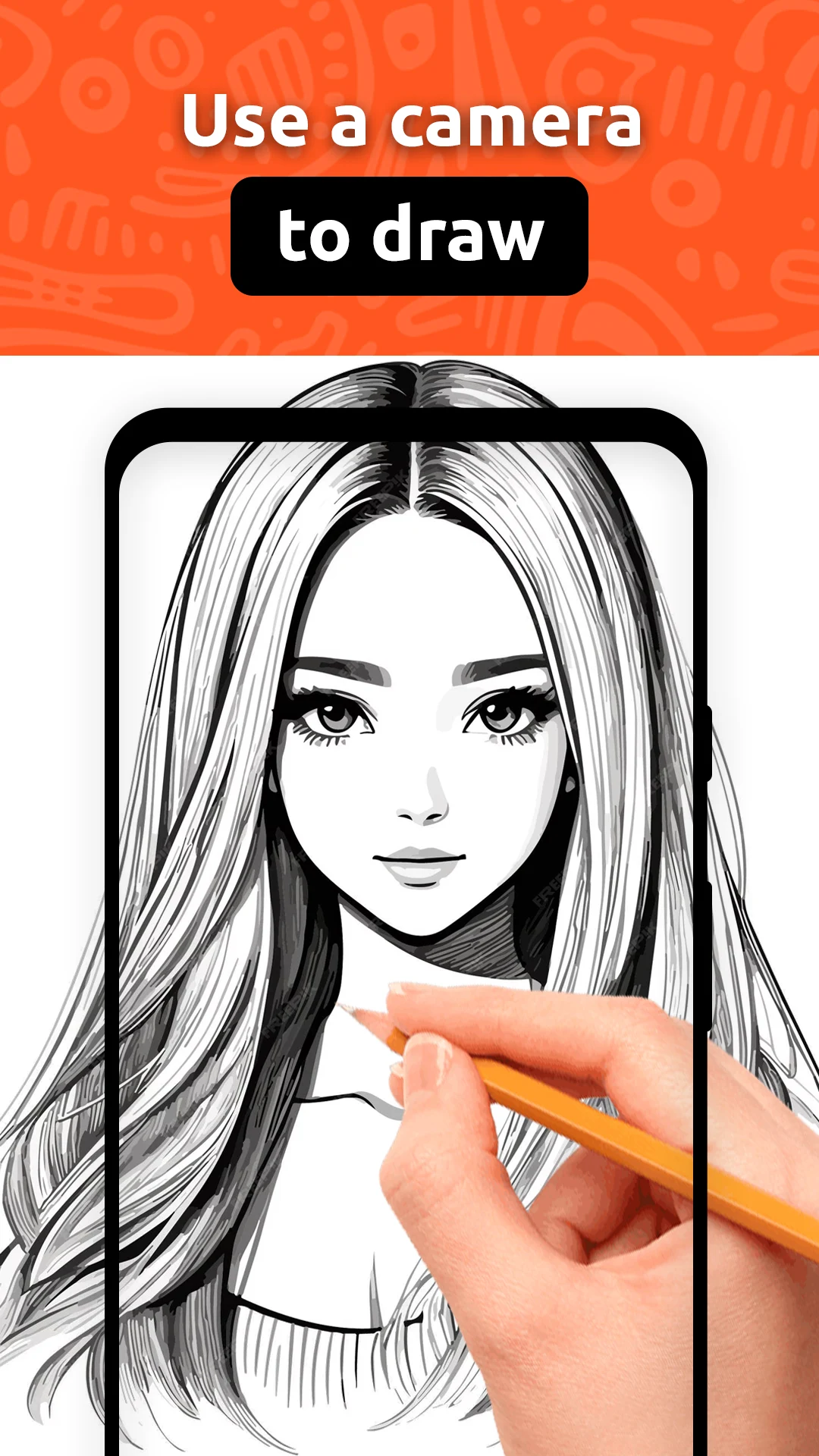
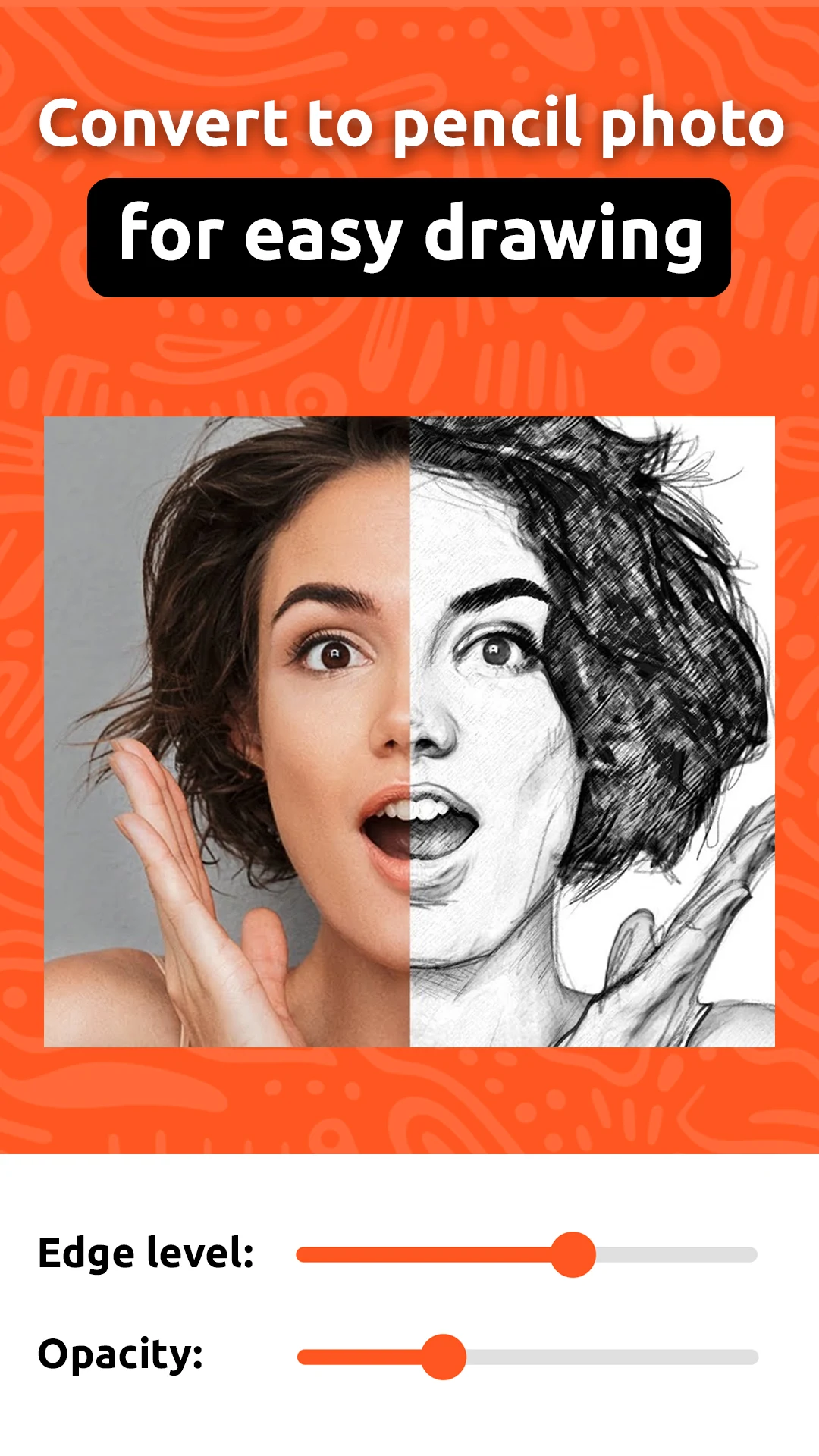
1. Image Tracing: The app allows users to import images and trace over them to create detailed sketches. This feature helps beginners learn proportions and outlines while giving more experienced artists a solid foundation for their work.
2. Customizable Brush Tools: Users can select from a variety of brushes with adjustable sizes and opacity. This feature lets artists customize their drawing tools to suit different styles, whether they are creating fine lines or bold strokes.
3. Layer Support: The app supports multiple layers, allowing users to separate different elements of their drawing. This makes it easier to work on complex sketches, edit individual parts, and make adjustments without affecting the entire piece.
4. Undo/Redo Function: With an intuitive undo/redo feature, users can make quick corrections without worrying about mistakes. This feature is perfect for refining sketches or trying different approaches without losing progress.
5. Export Options: Finished drawings can be easily exported in various formats, including PNG and JPEG. This makes it simple for users to share their artwork on social media or save it for future use.
FAQs of Trace and Draw Sketch Drawing:
1. What devices is Trace and Draw Sketch Drawing compatible with?
- Trace and Draw Sketch Drawing is available on both iOS and Android devices. It is optimized for smartphones and tablets with a minimum of 2GB of RAM for smooth performance.
2. Can I use Trace and Draw Sketch Drawing without any experience?
- Yes! The app is designed for users of all skill levels. Beginners can use the image tracing feature to learn how to sketch, while experienced artists can take advantage of the customizable tools and layer options to create more advanced artwork.
3. Is there a subscription or in-app purchases in Trace and Draw Sketch Drawing?
- The app is free to download and offers in-app purchases for additional features, such as premium brushes and extra storage for your artwork. However, the core functionality, including image tracing and basic drawing tools, is available without any cost.
4. Can I collaborate with others on my drawings?
- Currently, Trace and Draw Sketch Drawing does not support real-time collaboration. However, users can export their work and share it with others for feedback or collaborative projects.
5. How realistic are the drawing tools?
- The app provides realistic drawing tools that mimic traditional sketching techniques, including various brush types and opacity settings. While it doesn’t fully replicate physical drawing tools, the digital features offer a high level of control and customization.
Conclusion:
Trace and Draw Sketch Drawing is an ideal app for anyone looking to improve their sketching skills or create digital artwork. Its combination of image tracing, customizable tools, and layer support makes it suitable for both beginners and seasoned artists. However, those looking for advanced painting features or full-fledged design software may find the app more basic. Overall, it’s a great tool for anyone who enjoys sketching on-the-go and wants an easy, intuitive platform for their creative expression.
- No virus
- No advertising
- User protection
Information
- File size: 43.80 M
- Language: English
- Latest Version: 1.0.4
- Requirements: Android
- Votes: 102
- Package ID: tracanddraw.appssketch.drawing
- Developer: GREEN TECH SOLUTIONS
Screenshots
















Explore More
Equip yourself with our all-in-one toolbox app for everyday tasks and projects. Instantly convert between units, calculate tips, scan documents, manage files, and more with handy productivity tools. Includes a level, compass, QR code reader, ruler, speedometer, decibel meter, and flashlight. Save frequently used tools to your customizable dashboard for one-tap access. Track billable hours, wages, budgets, and invoices. Annotate screenshots, magnify labels, and sign PDFs on the go.

MEXC Global: BTC, ETH, Gamefi

MERA PROXY PRO

Domino's Pizza Sri Lanka

Hatekhori Shongkha

Connecting - Friends Near Me

Cartola

Virink
RegenRadar