Introduction
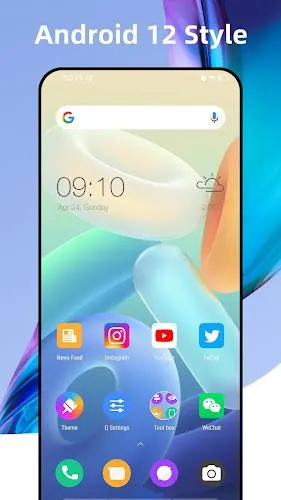
Quick Launcher (Q Launcher) is a customizable Android home replacement that gives your device a modern Android 15 look while adding practical tools to improve efficiency and organization. It recreates familiar Android 15 launcher features on devices running Android 4.4 and up, offering rich theme and icon support, an A–Z app drawer, gesture controls and options to hide or lock apps. Users who want a tidy, personalized home screen with plenty of icon and wallpaper choices will find Quick Launcher (Q Launcher) a convenient way to refresh their phone’s interface.
Key Features
⭐ Quick Launcher (Q Launcher) brings an Android 15-style interface adapted to work on Android 4.4+ devices.
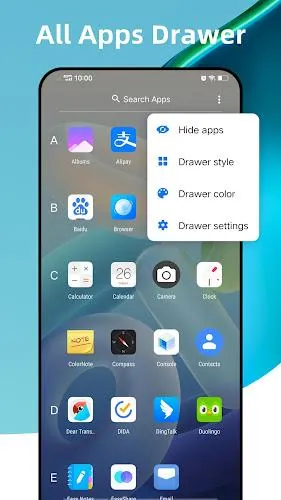
⭐ A–Z classified app drawer makes it quick to find and launch apps.
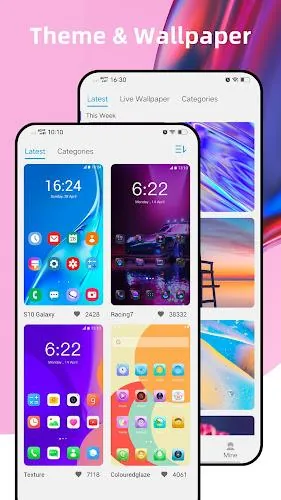
⭐ Supports 2000+ launcher themes and nearly all third-party icon packs, plus many online wallpapers.
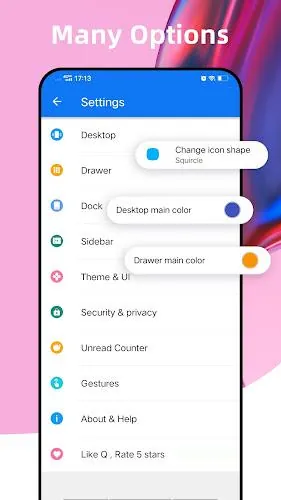
⭐ Flexible icon and desktop options: unify icon shapes (circle/square), adjust icon size, label color and grid size.
⭐ Rich personalization: edit app icons and names individually, choose drawer background color and customize dock background.
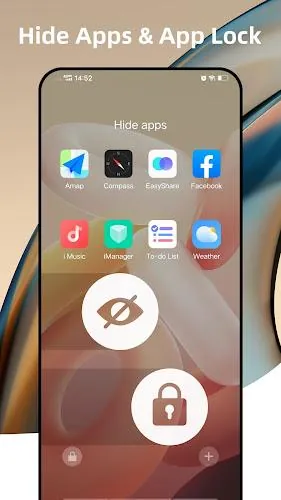
⭐ Gesture and utility support including swipe up/down, double tap, two-finger gestures, hide apps and unread counters for messages and calls.
Advantages
✅ Quick Launcher (Q Launcher) runs across a wide range of Android devices, bringing a consistent modern look without needing a new OS.
✅ Deep customization options let you tailor icons, themes, wallpapers and search bar styles for a unique home screen.
✅ Broad compatibility with third-party icon packs and many ready-made themes speeds up personalization.
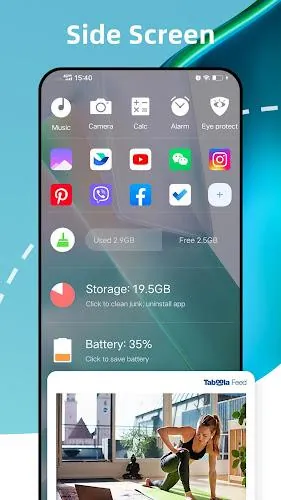
✅ Productivity-friendly features such as gestures, unread counters and desktop locking help keep the interface tidy and efficient.
Disadvantages
❎ Quick Launcher (Q Launcher) is an unofficial launcher inspired by Android 15, so some system-level behaviors may differ from the stock launcher.
❎ Requires Android 4.4 or newer, so devices running older Android versions are not supported.
- No virus
- No advertising
- User protection
Information
- File size: 35.10 M
- Language: English
- Latest Version: 11.8.1
- Requirements: Android
- Votes: 164
- Package ID: com.launcher.plauncher
- Developer: O Launcher Group
Screenshots
















Explore More
Equip yourself with our all-in-one toolbox app for everyday tasks and projects. Instantly convert between units, calculate tips, scan documents, manage files, and more with handy productivity tools. Includes a level, compass, QR code reader, ruler, speedometer, decibel meter, and flashlight. Save frequently used tools to your customizable dashboard for one-tap access. Track billable hours, wages, budgets, and invoices. Annotate screenshots, magnify labels, and sign PDFs on the go.

Bacan4D

Azuki TCG

1xBet zambia

兴业证券优理宝

Desktop VNC Viewer

TicketTT

Aurora FPV

CrossConf – главное IT-событие