Introduction
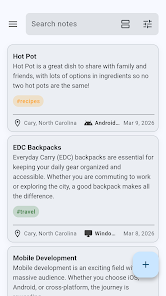
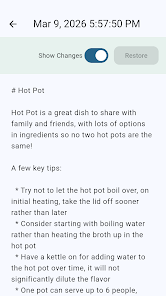
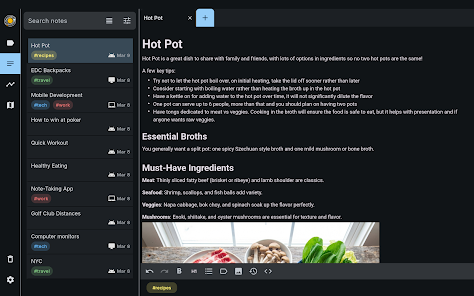
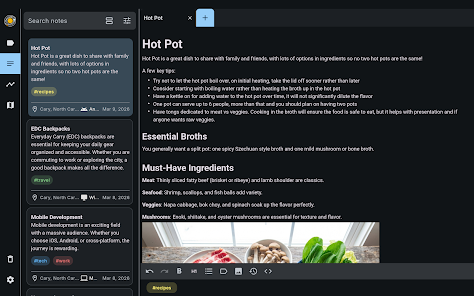
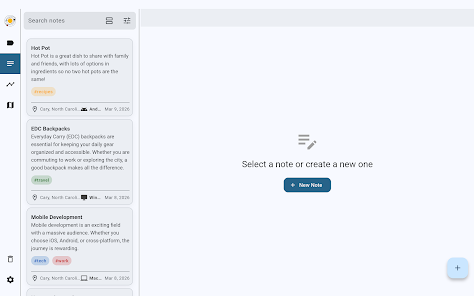
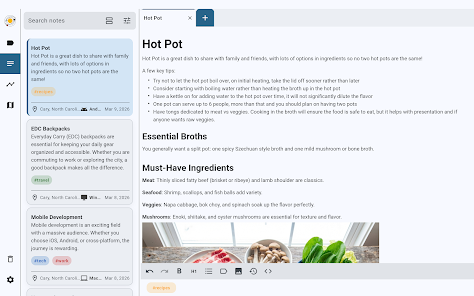
MemNote is a context-aware note-taking app that anchors every note to the time, place, and device where it was created, so you can stop losing ideas and understand why you wrote them. The app automatically geotags entries, timestamps them precisely, and records which device captured each note. Designed for mobile-first use with offline reliability, MemNote keeps notes local for fast searching and offers encrypted cloud sync for backups; you can write in Markdown with LaTeX support for portable, AI-friendly content.
Key Features
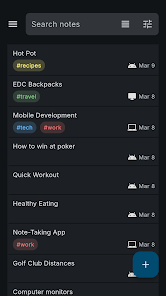
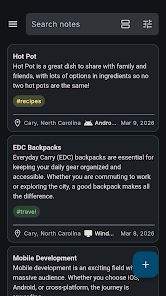
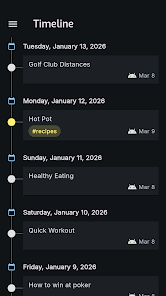
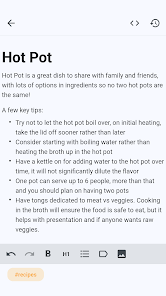
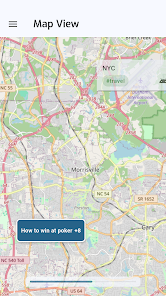
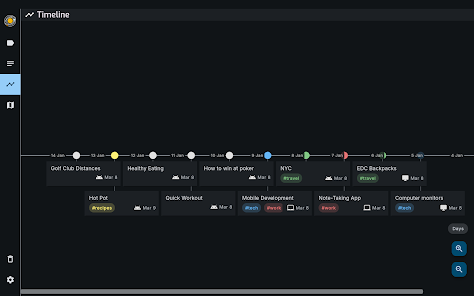
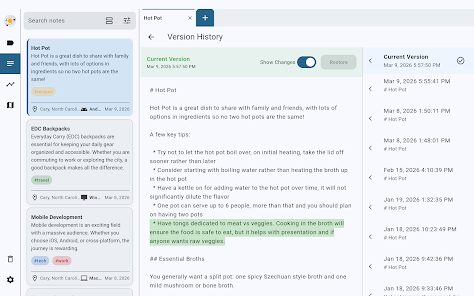
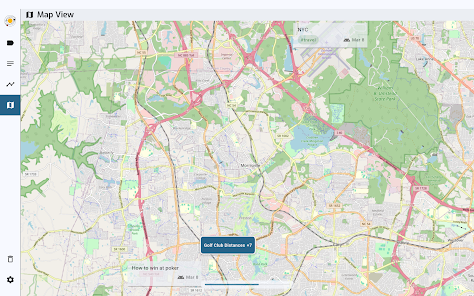
MemNote provides a fast, lightweight mobile experience with offline-first reliability. Context logging passively records location, time, and device for each entry. Browseable map and timeline views help you find notes by place or moment in addition to full-text search. Native Markdown with LaTeX extensions is supported and you can export an organized ZIP that retains attachments and YAML front-matter. Cross-platform synchronization uses encrypted backups while keeping search and storage local for performance.
Advantages
Better recall through association: contextual metadata helps you rediscover ideas by location or time rather than by memory alone. Local storage and search keep data private and responsive, while encrypted cloud backups enable recovery and cross-device access. Portable plain Markdown storage keeps notes readable and compatible with other tools and AI workflows. A clean, distraction-reduced interface combined with fast search and timeline/map views supports everyday productivity.
Disadvantages
Geotagging requires location permission, which some users may prefer not to grant. Cloud synchronization requires an internet connection for backups and cross-device availability. The Markdown-first approach may not suit users who prefer a WYSIWYG editor and visual formatting tools.
- No virus
- No advertising
- User protection
Information
- File size: 34.00 M
- Language: English
- Latest Version: 0.2.6
- Requirements: Android
- Votes: 262
- Package ID: com.randomfact.memnote
- Developer: Random Fact
Screenshots
















Explore More
Equip yourself with our all-in-one toolbox app for everyday tasks and projects. Instantly convert between units, calculate tips, scan documents, manage files, and more with handy productivity tools. Includes a level, compass, QR code reader, ruler, speedometer, decibel meter, and flashlight. Save frequently used tools to your customizable dashboard for one-tap access. Track billable hours, wages, budgets, and invoices. Annotate screenshots, magnify labels, and sign PDFs on the go.

MEXC Global: BTC, ETH, Gamefi

Text Art - Write Text On Photo

MERA PROXY PRO

Domino's Pizza Sri Lanka

Halloween Photo Editor -Makeup

Connecting - Friends Near Me

Cartola

HFonts - font & emoji manager