Introduction
Aurora FPV is a compact Android app that puts first-person view flight control and live video streaming on your smartphone, making it straightforward to pilot 4-axis aircraft over a dedicated WiFi link. Designed for hobby pilots and aerial photographers who want responsive on-screen controls and reliable media capture, Aurora FPV focuses on low-latency video, a clean interface, and local storage of photos and videos so you can review flights immediately. The app balances simplicity for newcomers with enough control to satisfy experienced users who want precise inputs while filming or exploring from the air.
Key Features
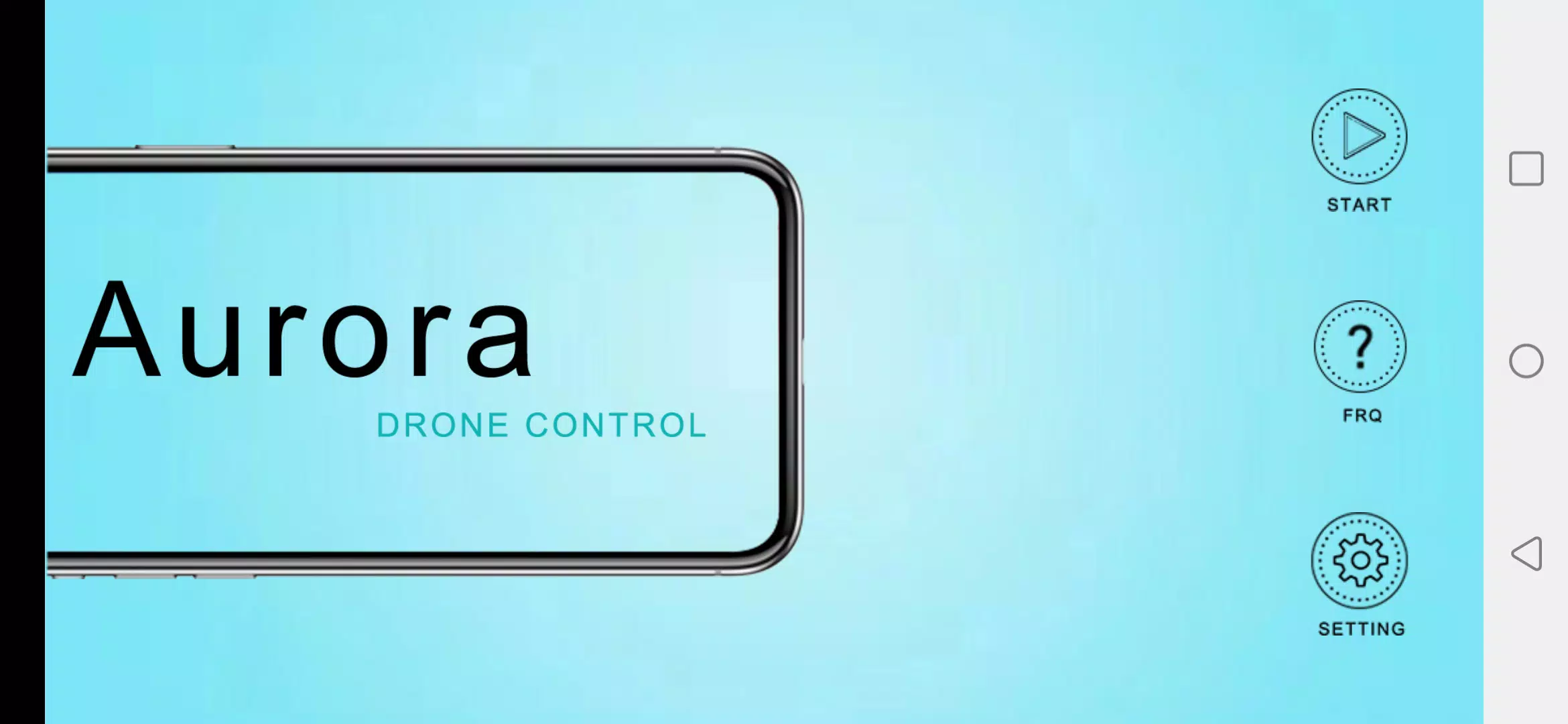
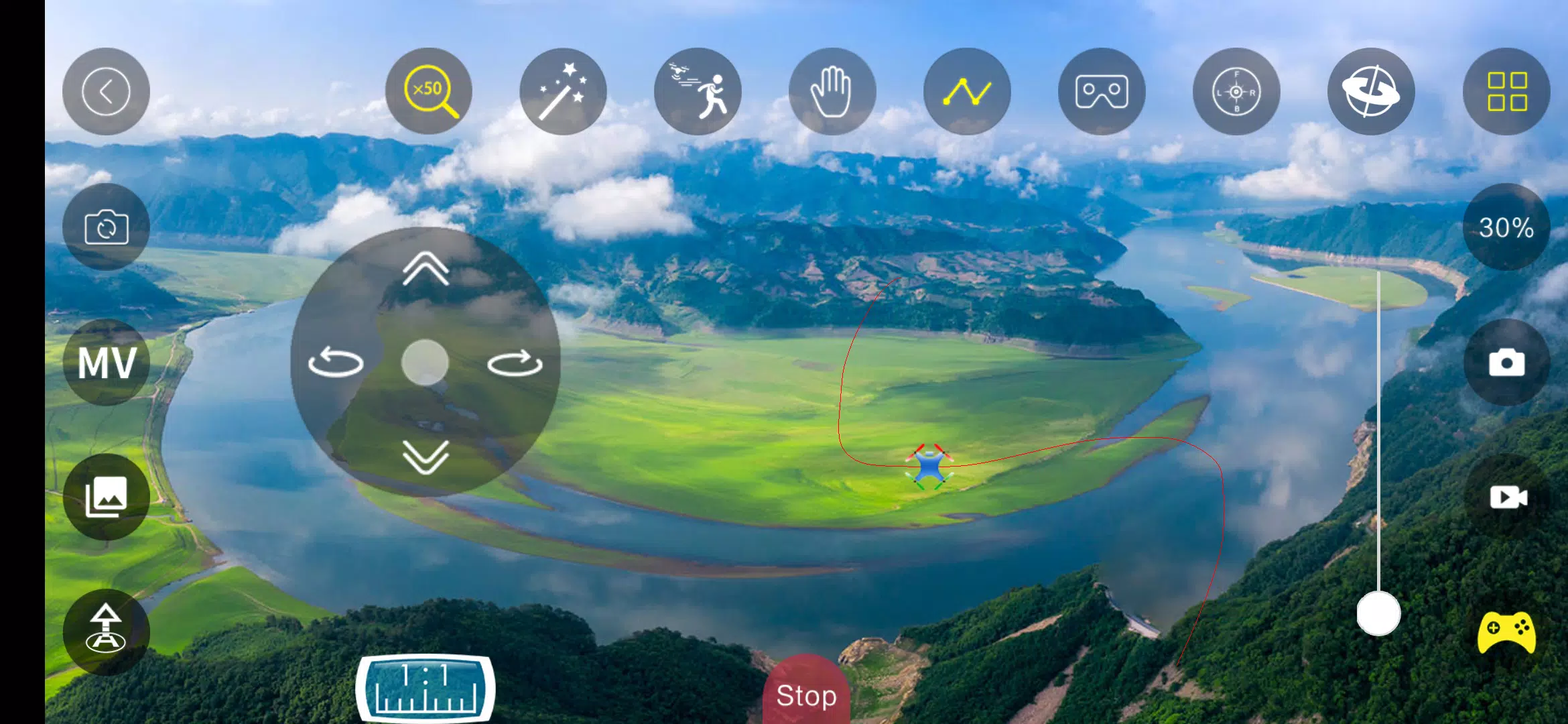
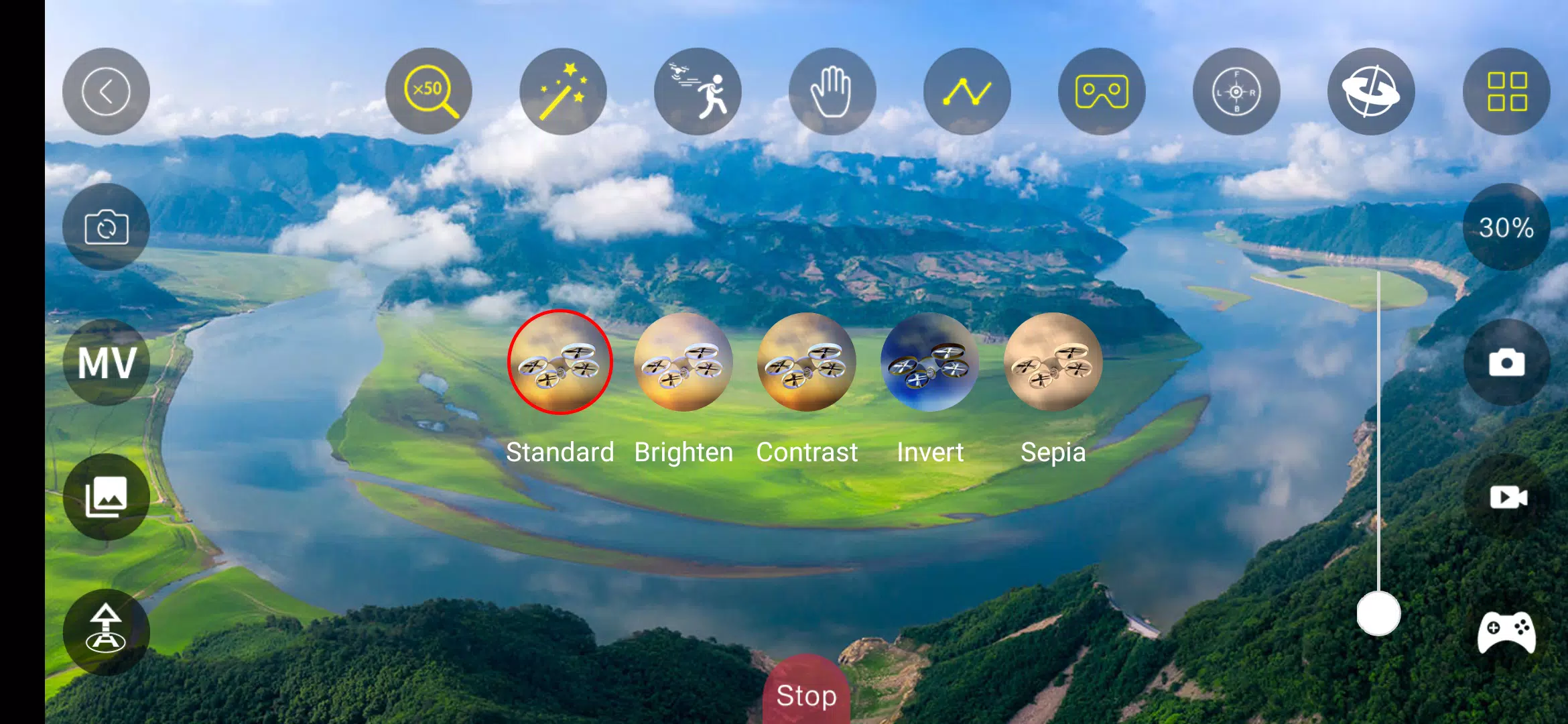
At its core the app provides real-time FPV streaming from the aircraft camera to your Android device, with an emphasis on smooth frame delivery and minimal delay so you can frame shots and navigate accurately. The control panel presents responsive touch controls for pitch, roll, yaw and throttle, along with on-screen indicators that keep the video feed uncluttered. Capture tools let you take photos and record video during flight sessions; media is saved straight to your device for quick transfer, sharing, or post-flight editing with your favorite apps. Aurora FPV also includes simple setup and pairing steps so you can connect your phone to the aircraft’s WiFi network quickly and get in the air without a long configuration process.
Controls & Flight Feel
The interface emphasizes intuitive control mechanics so input-to-response feels natural: touch joysticks and easy trim adjustments make it possible to tune the handling on the fly, and the app maintains consistent responsiveness across a range of Android phones and tablets. Visual feedback is prioritized, with the video feed centered while essential control elements remain accessible but unobtrusive. Pilots will notice that basic calibration and signal status help reduce surprises during flight, and the smooth control mapping keeps maneuvers predictable whether you are learning or refining specific aerial shots.
Customization & Progressive Learning
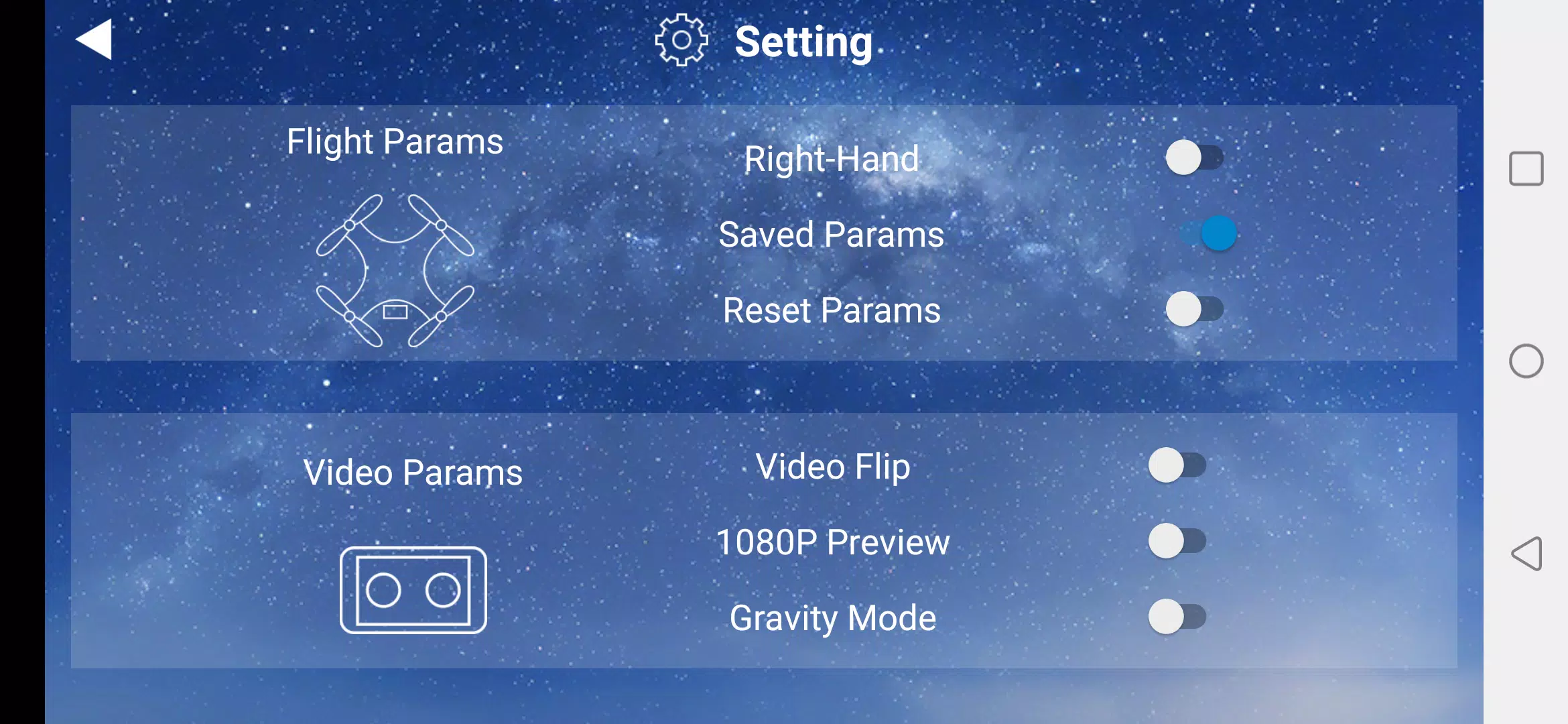
Rather than forcing a single setup, the app supports adjustable control sensitivity and straightforward trim options so you can scale the difficulty to match your skills. New users can start with conservative responsiveness and gradually increase sensitivity as they gain confidence, while experienced pilots can tune controls for sharper responsiveness and more aggressive flight profiles. This approach acts as a light progression system: you retain familiar settings between sessions, which makes steady improvement intuitive and measurable by how you change and reuse presets over time.
Media Management & Replay Value
One of the strongest practical benefits is the way captured imagery is handled: photos and video are written directly to your device storage so you can view, trim, or post-process them immediately without waiting for cloud synchronization. This local workflow increases replay value by making it easy to rewatch flights, compare shots, and refine flight paths for subsequent flights. Because media is stored on the device, you can also use standard Android tools to catalog and back up content to external services when desired.
Compatibility & Performance
Aurora FPV was built to work with a broad range of 4-axis aircraft that expose a WiFi-based video feed and basic remote commands. The app avoids heavy overlays and runs performance optimizations to maintain steady video output on modern Android hardware, reducing jitter and dropped frames where possible. It also keeps battery and resource usage in mind so longer sessions remain practical, with guidance in-app about storage and device temperature to help you plan extended flights.
Accessibility & Practical Use
Accessibility considerations are part of the design: clear on-screen controls, readable labels, and simple pairing steps help pilots with different experience levels get airborne quickly. The app also provides non-flight functionality that remains useful offline, such as browsing captured media or reviewing recorded footage without a WiFi connection to the aircraft. These features support hands-on practice and review even when you are away from the field.
Limitations & Safety Notes
There are a few practical constraints to keep in mind: Aurora FPV requires an active WiFi connection between your phone and the aircraft, and it is designed specifically for 4-axis models; other types of vehicles or proprietary links are not supported. Photo and video functions depend on the aircraft having a functioning onboard camera and sufficient storage on your Android device. For safe operation, always follow local regulations, perform preflight checks, and choose open areas for initial learning flights.
Aurora FPV offers a focused, approachable FPV experience that centers on reliable streaming, simple but responsive controls, and fast access to your captured media — a practical toolset for pilots who want consistent performance and straightforward workflows when flying and filming from the air.
- No virus
- No advertising
- User protection
Information
- File size: 62.60 M
- Language: English
- Latest Version: 1.0.1
- Requirements: Android
- Votes: 119
- Package ID: com.netopsun.aurora_fpv
- Developer: GuanZhi Technology
Screenshots
















Explore More
Equip yourself with our all-in-one toolbox app for everyday tasks and projects. Instantly convert between units, calculate tips, scan documents, manage files, and more with handy productivity tools. Includes a level, compass, QR code reader, ruler, speedometer, decibel meter, and flashlight. Save frequently used tools to your customizable dashboard for one-tap access. Track billable hours, wages, budgets, and invoices. Annotate screenshots, magnify labels, and sign PDFs on the go.

Board Game Stats

Text Art - Write Text On Photo

MERA PROXY PRO

Domino's Pizza Sri Lanka

Hatekhori Shongkha

Halloween Photo Editor -Makeup

Connecting - Friends Near Me

HFonts - font & emoji manager