

Introduction
Home Design 3D is a powerful yet approachable interior design and remodeling tool that helps you plan, furnish and visualize homes in both 2D and realistic 3D. It’s designed for anyone who wants to prototype layouts, test materials and lighting, or stage interiors before making real-world changes. With quick drawing tools, a large object library and VR export for immersive walkthroughs, Home Design 3D makes it easier to explore options, avoid costly mistakes and communicate ideas to contractors or family members.
Key Features
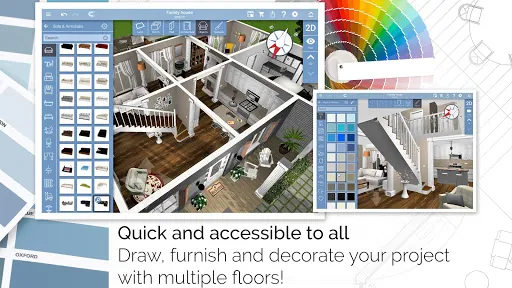
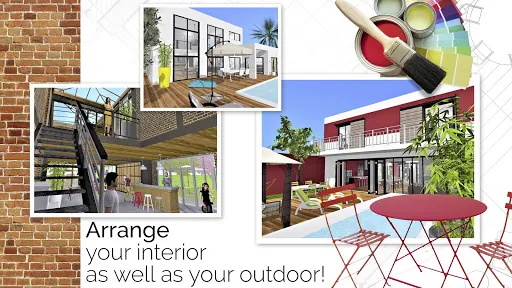
⭐ Draw precise floorplans in 2D and switch to 3D for instant visualization, with adjustable wall height and thickness.
⭐ Add fully resizable doors and windows and create complex corners to match real layouts.
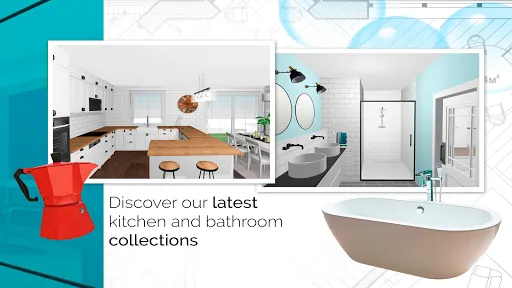
⭐ Furnish from thousands of pieces and accessories, customize size, color and textures, and import images to use as materials.
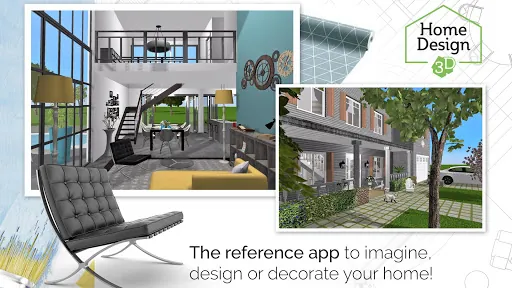
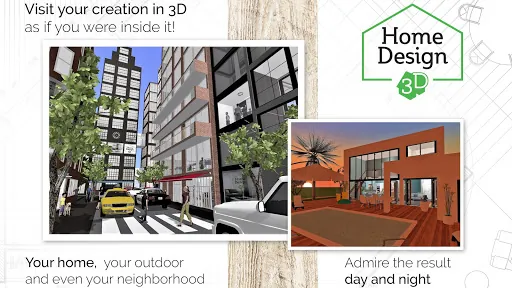
⭐ Photo-realistic 3D rendering and real-time walkthroughs, plus VR export to visit your project in virtual reality.
⭐ Import existing plans, export projects between devices and share files via email or cloud services.
⭐ Optional GOLD PLUS upgrade enables multiple floors and larger projects subject to your device’s capacity.
Advantages
✅ Intuitive interface that speeds up layout and decoration tasks for both beginners and professionals.
✅ Extensive furniture and texture library with the ability to add custom images and materials.
✅ Works offline and includes an illustrated tutorial to help you get started quickly.
✅ VR export and realistic rendering let you evaluate light, materials and circulation before committing to changes.
✅ Cross-device export and sharing make it easy to continue projects on other devices or collaborate with others.
Disadvantages
❎ Very large or multi-floor projects can be constrained by your device’s processing power and memory.
❎ Some advanced capabilities, including unlimited floors, require the GOLD PLUS upgrade.
❎ High-quality rendering and complex scenes may run slowly on older or low-end devices.
Version Information
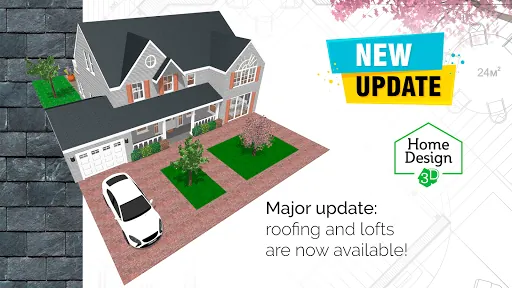
Home Design 3D recently added dormer window elements and over 600 new textures, and enhanced VR export so you can experience projects in virtual reality.
Market Performance
Home Design 3D is supported by a global community of more than 90 million users, providing inspiration, shared projects and a lively exchange of design ideas.
- No virus
- No advertising
- User protection
Information
- File size: 34.30 M
- Language: English
- Latest Version: 5.3.2
- Requirements: Android
- Votes: 180
- Package ID: fr.anuman.HomeDesign3D
- Developer: Anuman
Screenshots
















Explore More
Equip yourself with our all-in-one toolbox app for everyday tasks and projects. Instantly convert between units, calculate tips, scan documents, manage files, and more with handy productivity tools. Includes a level, compass, QR code reader, ruler, speedometer, decibel meter, and flashlight. Save frequently used tools to your customizable dashboard for one-tap access. Track billable hours, wages, budgets, and invoices. Annotate screenshots, magnify labels, and sign PDFs on the go.

MEXC Global: BTC, ETH, Gamefi

Text Art - Write Text On Photo

MERA PROXY PRO

Domino's Pizza Sri Lanka

Hatekhori Shongkha

Halloween Photo Editor -Makeup

Connecting - Friends Near Me

Cartola





























