Introduction
MittFit is a compact, user-focused fitness app that helps users build personalized exercise routines, track progress, and stay motivated with adaptive plans. It centralizes workouts, nutrition notes, and performance metrics into a clean mobile interface designed for daily use across different fitness levels.
What MittFit Does
MittFit combines guided workouts, goal tracking, and scheduling tools to make consistent training straightforward. The app adapts to your progress, suggesting adjustments to intensity or volume and highlighting trends so you can improve safely. Workouts include strength, cardio, mobility, and mixed sessions with clear instructions and timers.
Core Features
- Personalized Plans: Create programs based on time availability, equipment, and target areas. Plans evolve as you log sessions.
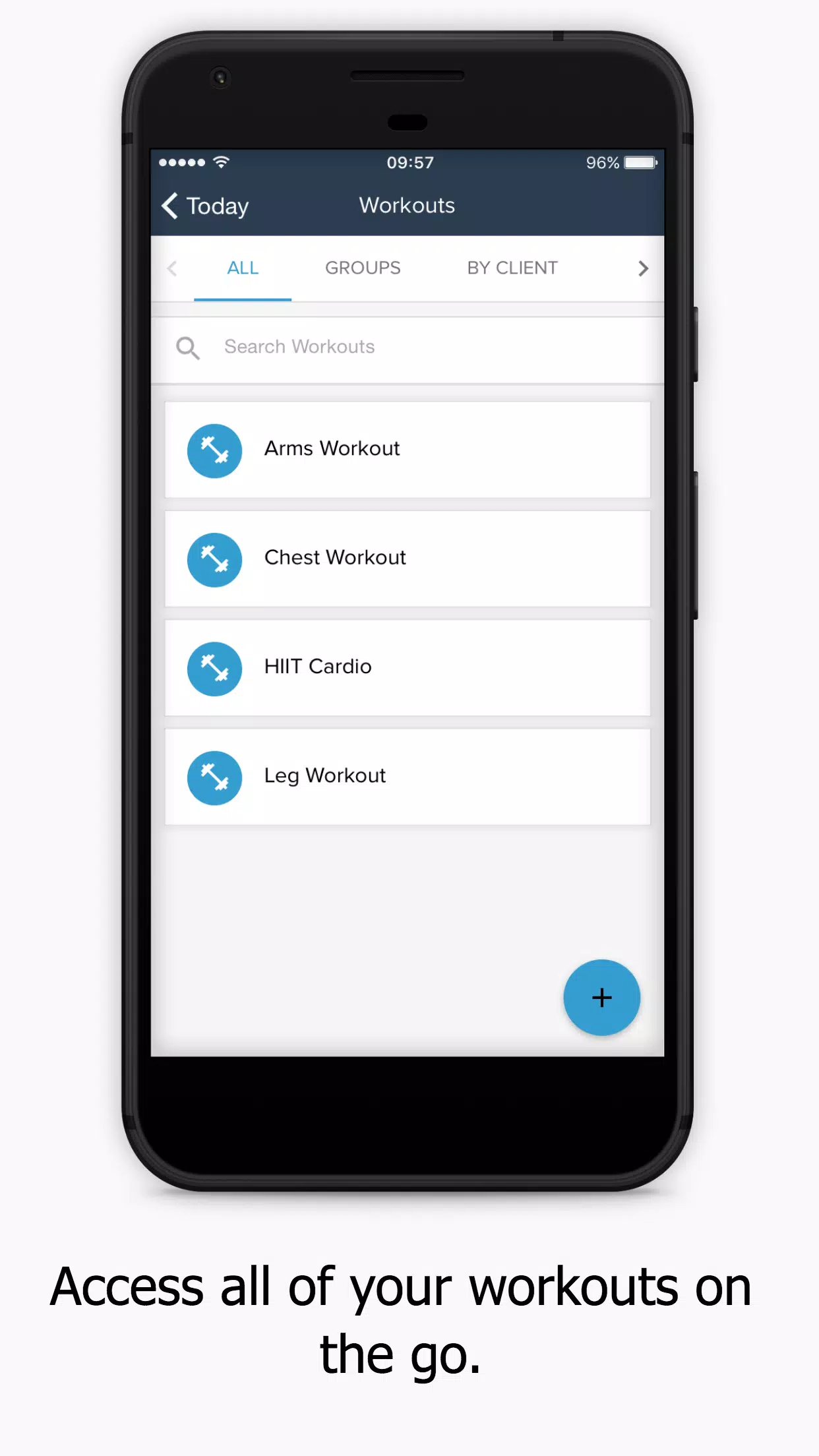
- Workout Library: Access a growing catalog of exercises with written cues and progressions for each movement.
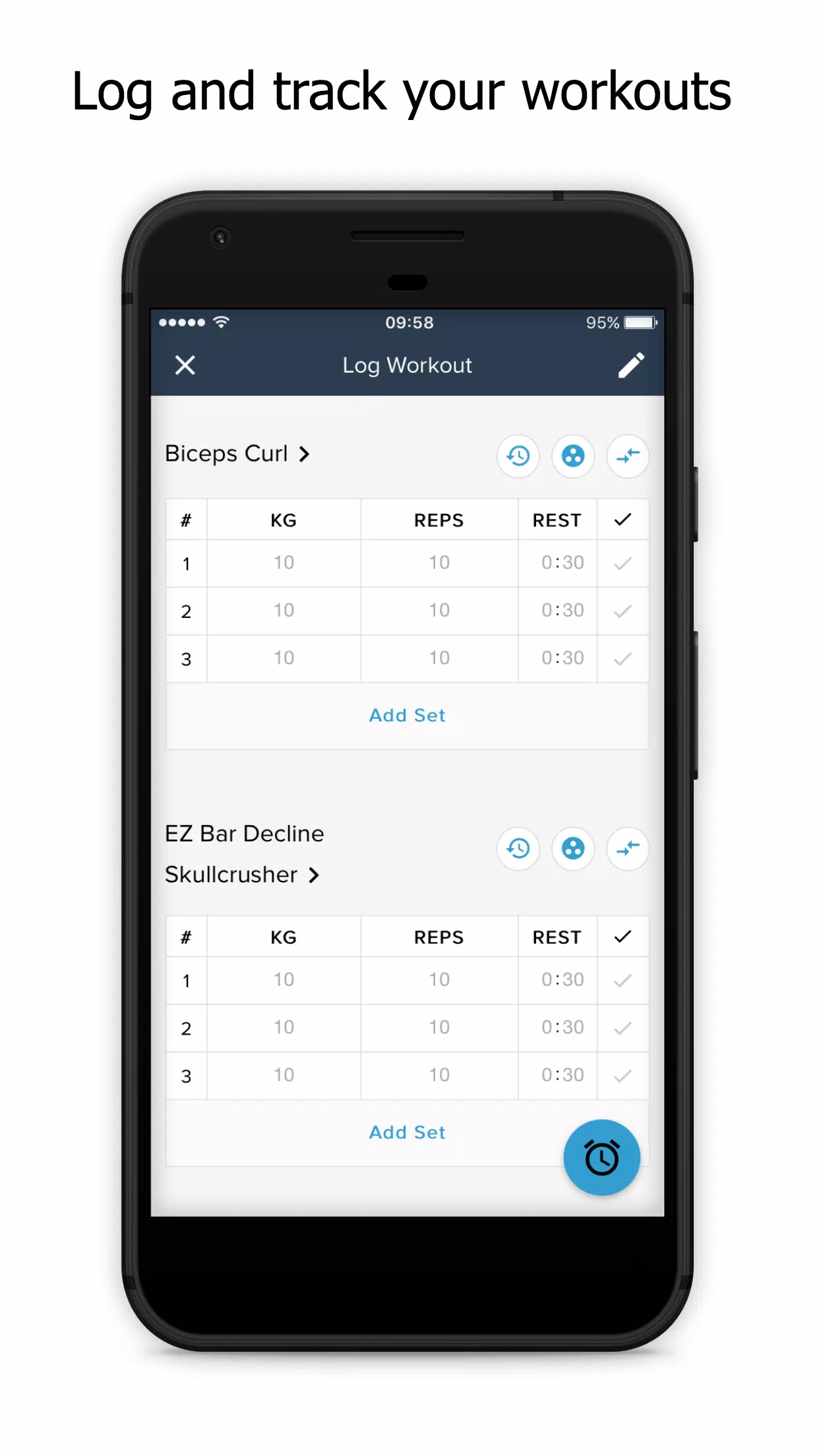
- Progress Tracking: Log sets, reps, weights, and perceived effort. Visual charts track improvements over weeks and months.
- Scheduling & Reminders: Sync workouts with your calendar and get smart notifications to keep momentum.
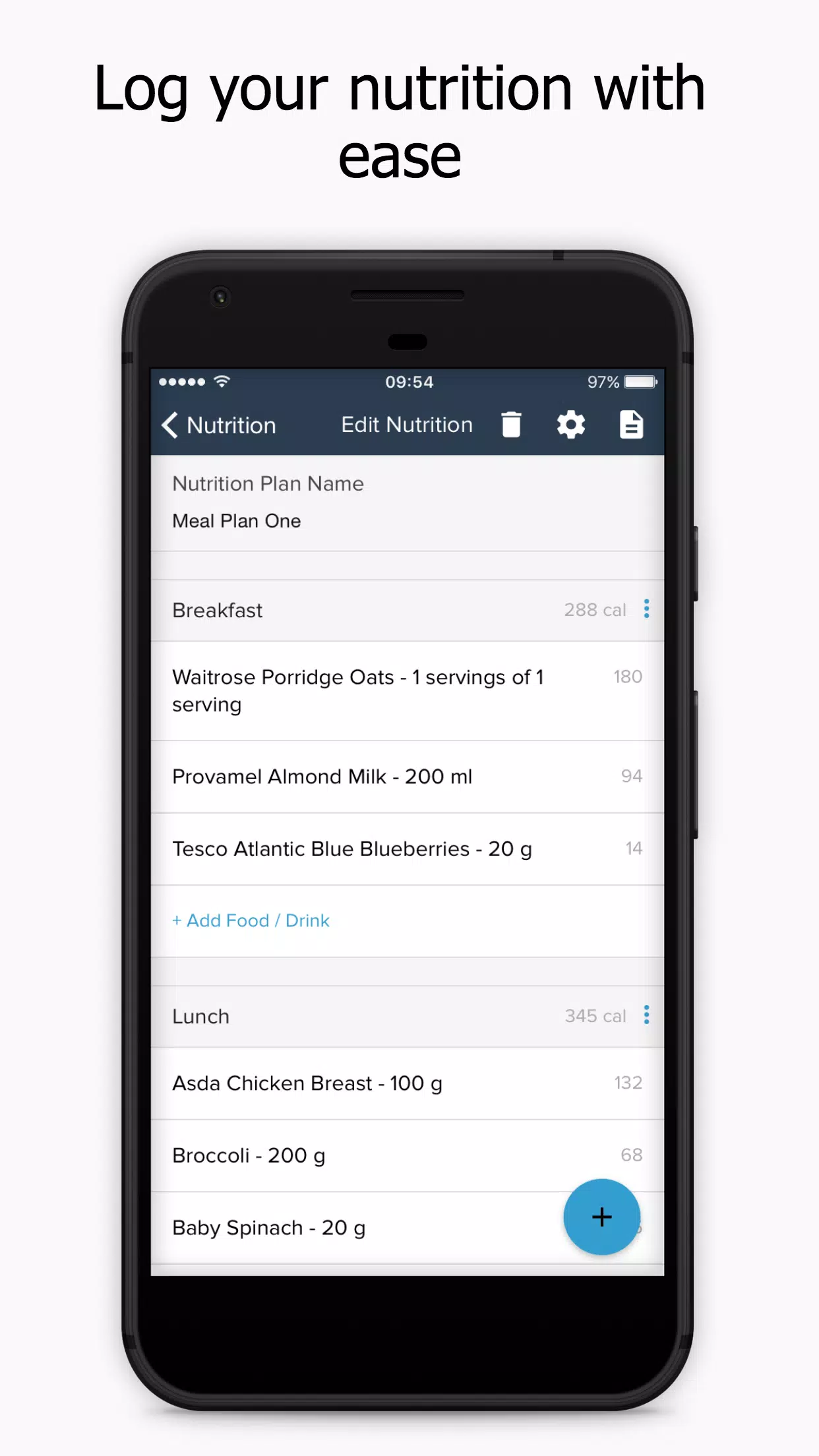
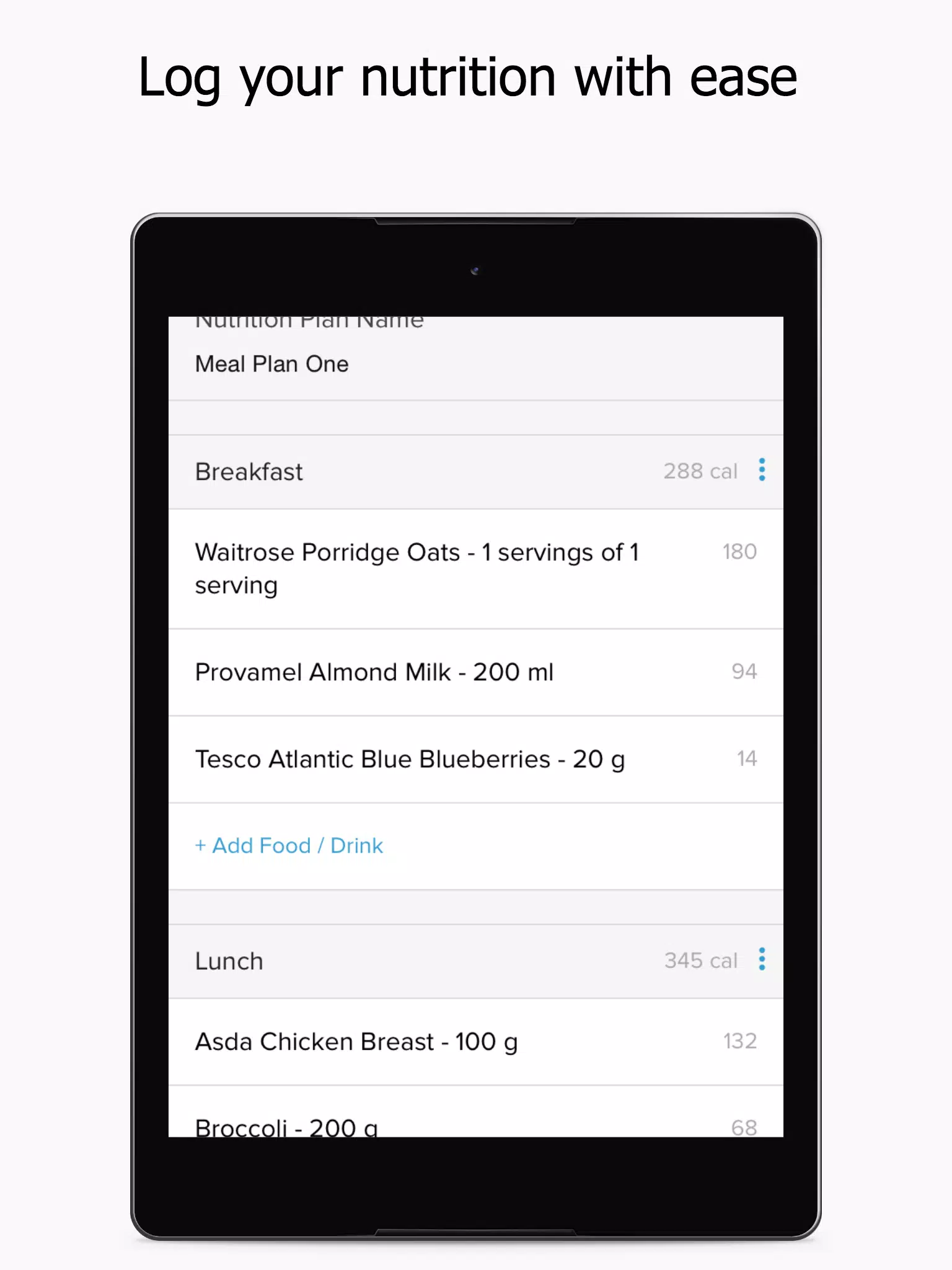
- Nutrition Notes: A lightweight journaling tool for meal patterns and hydration tracking that complements training data.
Interface and Workflow
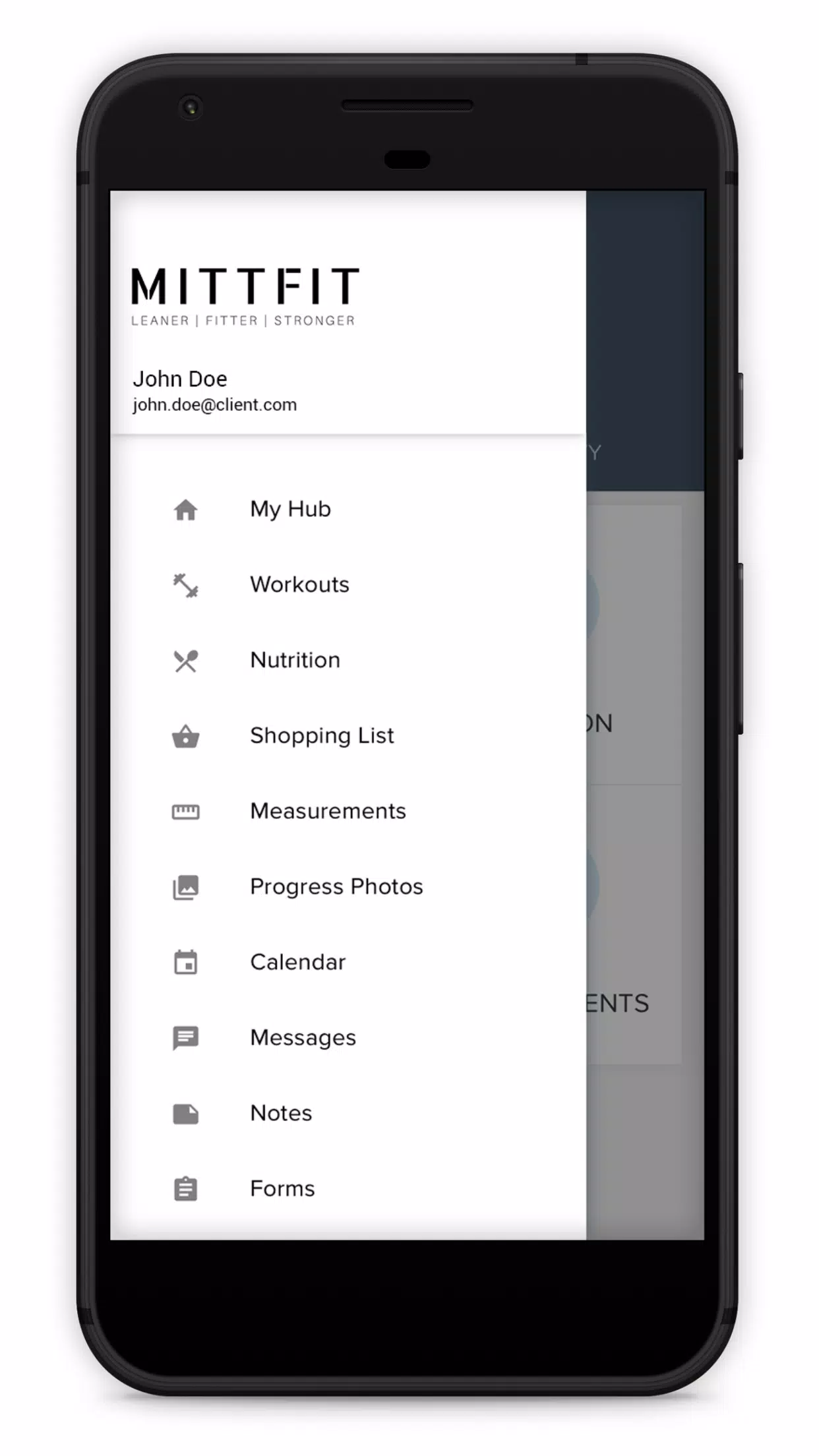
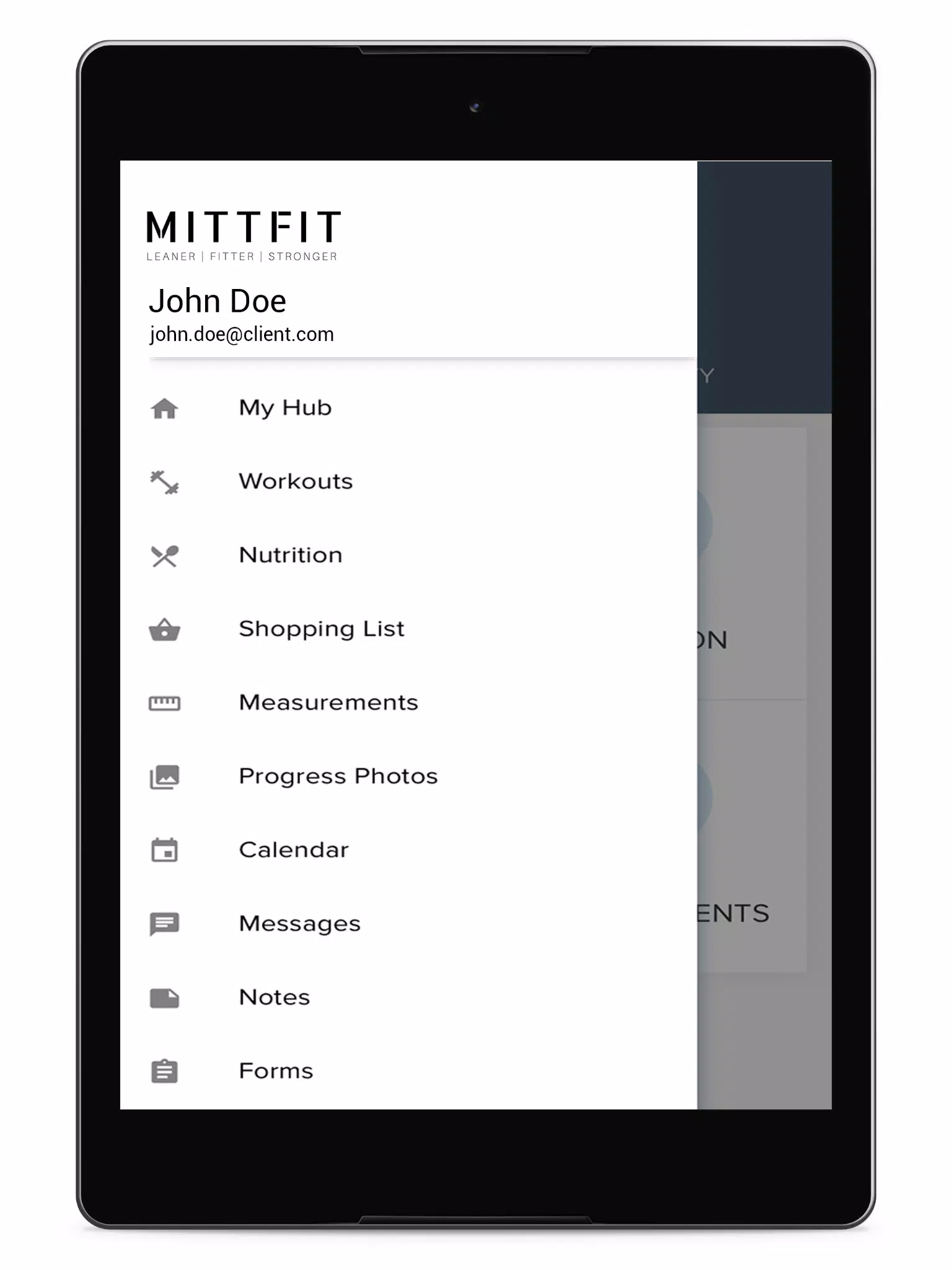
The MittFit interface focuses on speed and clarity. Workout screens prioritize the current exercise with large timers and swipeable controls to move between sets. The dashboard surfaces today's plan, recent achievements, and a weekly summary. Navigating between routines, calendars, and analytics requires only a few taps, supporting efficient gym or home sessions.
Customization and Adaptability
Customization is a strong suit of MittFit. Users can modify any plan element: swap exercises, change set schemes, or alter rest intervals. Adaptive recommendations take your recent performance into account, proposing incremental increases or recovery periods when needed. Templates are available for common goals like fat loss, hypertrophy, endurance, and mobility.
Tracking, Analytics, and Motivation
Logging workouts is straightforward—enter numbers or use quick presets for bodyweight sessions. The analytics module translates raw entries into meaningful metrics: training load, consistency streaks, and personal bests. Motivational features include achievement badges and a history feed that highlights milestones so users can review past progress and stay accountable.
Compatibility and Performance
MittFit is optimized for modern Android devices and keeps resource usage minimal to avoid battery drain during long sessions. The app can export workout history and supports basic sync with calendar apps. Offline mode lets you view plans and record sessions without an internet connection, syncing data when a connection is restored.
Security and Privacy
Privacy controls allow users to manage what data is stored and shared. MittFit emphasizes local data storage with optional cloud backup. Clear permissions and export options make it easy to retain control of training logs and personal notes.
Getting Started
Begin by completing a quick setup: choose goals, indicate available equipment, and select a weekly time commitment. The onboarding questionnaire helps generate an initial plan you can immediately try. Short tutorial prompts appear in-app to explain timers, logging, and customization tools so new users can jump into a session right away.
Helpful Tips for Best Results
- Keep entries consistent—logging every session improves adaptive recommendations.
- Use the notes field to record context such as sleep or stress, which clarifies performance dips.
- Start with conservative progression settings and let MittFit increase load gradually.
- Sync reminders with your calendar to build long-term adherence.
With a focus on practical tools and a clear interface, MittFit is built to support steady improvement without overwhelming complexity. Whether you prefer short daily sessions or more structured training blocks, the app helps organize effort, visualize gains, and maintain a consistent routine.
- No virus
- No advertising
- User protection
Information
- File size: 24.90 M
- Language: English
- Latest Version: 4.7.2
- Requirements: Android
- Votes: 206
- Package ID: com.mypthub.mittfit
- Developer: Fitii Ltd
Screenshots
















Explore More
Make your house a home with our suite of helpful home apps. Discover clever tools to organize closets, streamline chores, and simplify cooking. Take the stress out of cleaning and maintenance with handy checklists and schedules. Enhance security and control appliances and lighting with our smart home integrations. Design, visualize, and renovate like a pro using our 3D planning software.

All Recovery - Photos & Videos

Tax Calculator India 2024-2025

OnDjoss

Park4Me

Scary sound effects

Home Workouts - Lose Weight

Juice Recipes

HFonts - font & emoji manager