


Introduction
IDLogiq is a streamlined identity and access management app designed to centralize user credentials, access controls, and audit trails in one intuitive dashboard. It simplifies onboarding, policy enforcement, and reporting for teams of any size while prioritizing security and ease of use across platforms.
Core Capabilities
IDLogiq provides a suite of features for administrators and end users alike. At its heart are role-based access controls, single sign-on integrations, and a searchable directory that links identities to resources. Automated provisioning and deprovisioning reduce manual steps, while customizable policies let organizations enforce multi-factor authentication and session restrictions without complex scripting.
Interface and Workflow
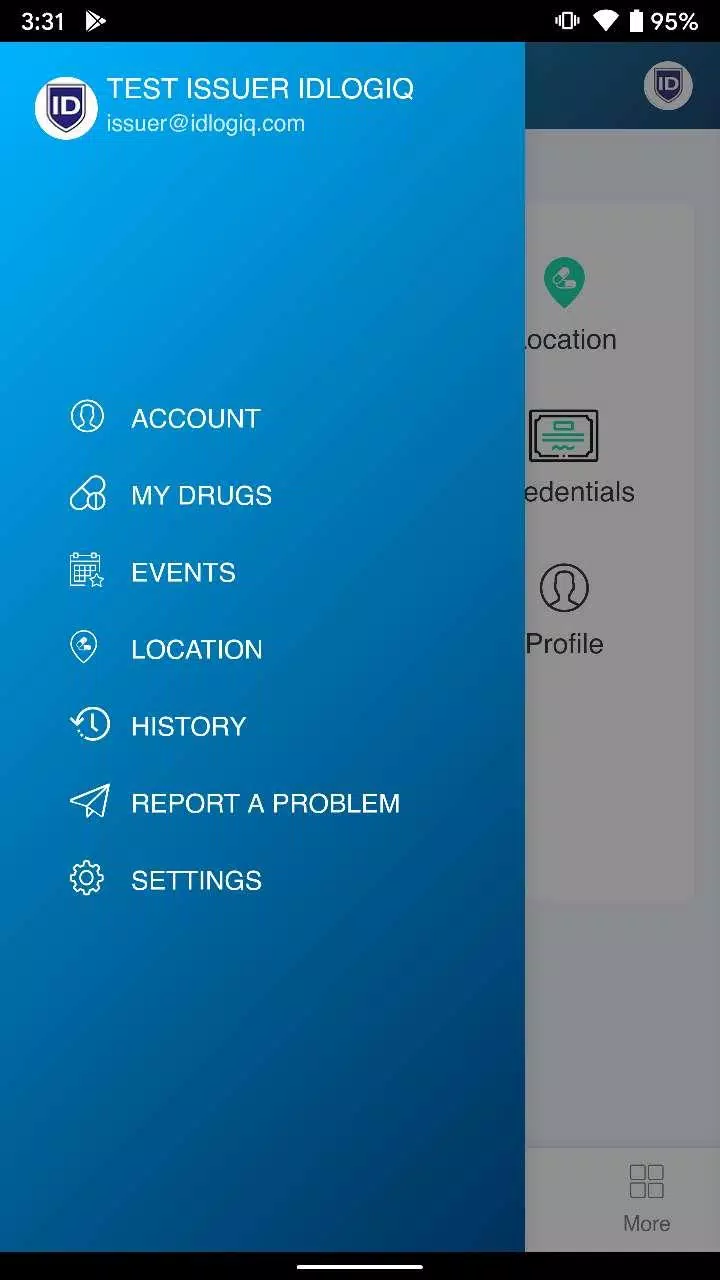
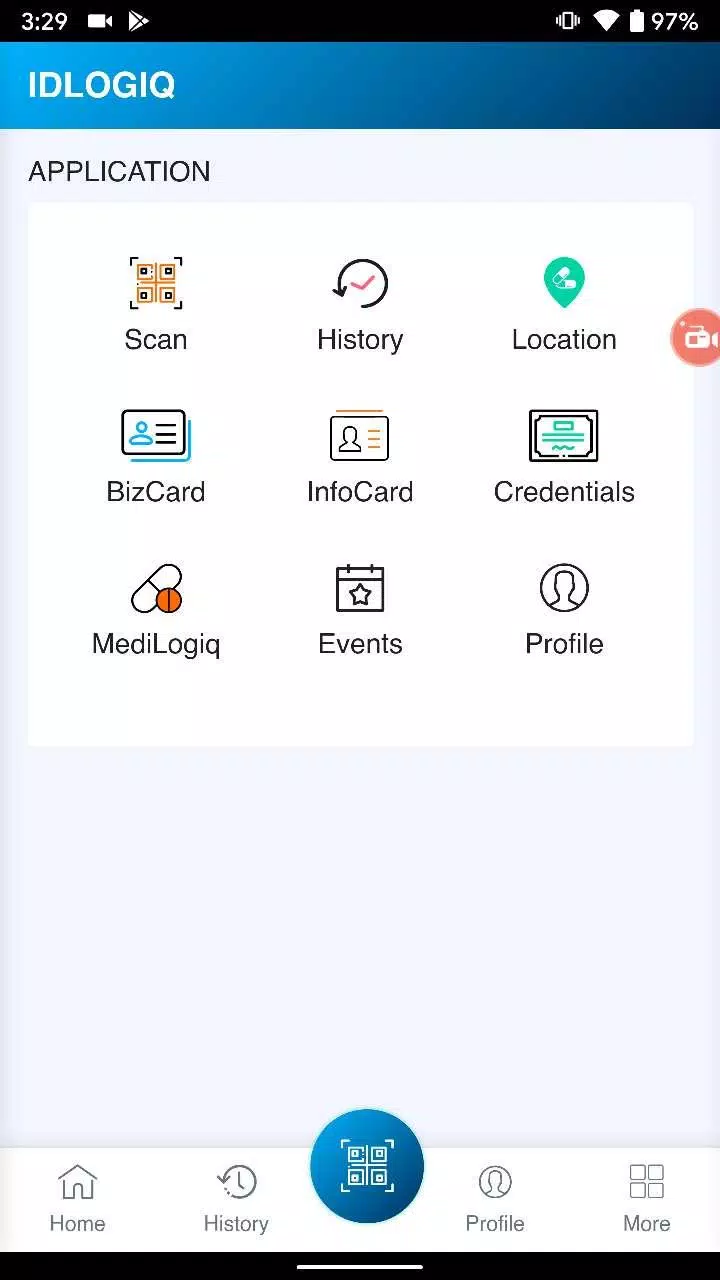
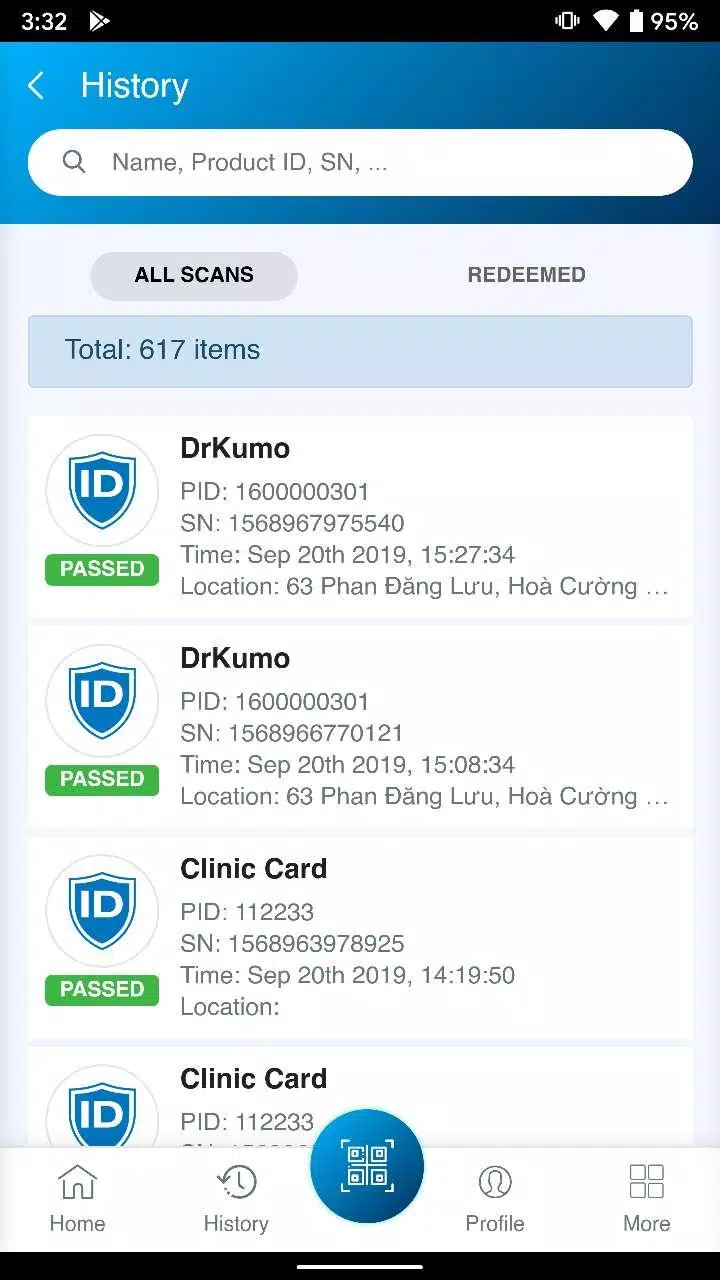
The interface is laid out to minimize friction: a left-hand navigation bar guides you through users, groups, applications, and reports. Dashboards surface the most critical items — pending requests, recent sign-ins, and policy violations — so teams can respond quickly. IDLogiq’s workflow engine models approval chains and can trigger notifications via email or messaging platforms, keeping stakeholders informed at every stage.
Integration and Compatibility
IDLogiq supports common enterprise protocols and services, including SAML, OAuth, LDAP, and SCIM. Prebuilt connectors make it straightforward to link cloud applications, on-prem systems, and directory services without heavy development work. The platform also offers APIs and webhooks for custom integrations, enabling developers to extend functionality or synchronize identity data with existing asset systems.
Security and Compliance Features
Security is central to IDLogiq’s design. Detailed audit logs capture who accessed what and when, with exportable reports suitable for compliance reviews. Granular permission settings allow least-privilege configurations, and adaptive authentication rules can increase verification requirements based on risk signals like location or device. Encryption at rest and in transit, combined with role-separated administration, helps meet regulatory standards.
Performance and Scalability
Built to scale, IDLogiq handles high authentication volumes and large user directories without noticeable slowdowns. Caching strategies reduce repetitive backend calls, and background processing handles bulk imports and sync operations efficiently. Whether deployed for a startup or a global enterprise, the system maintains consistent responsiveness and predictable latency under load.
Administration Tools
Administrators benefit from bulk user management, templates for common roles, and a policy simulator that previews the impact of rule changes before they go live. The app includes scheduled reporting, anomaly detection alerts, and an activity feed for tracking administrative actions. These tools reduce administrative overhead and improve governance across teams.
User Experience and Self-Service
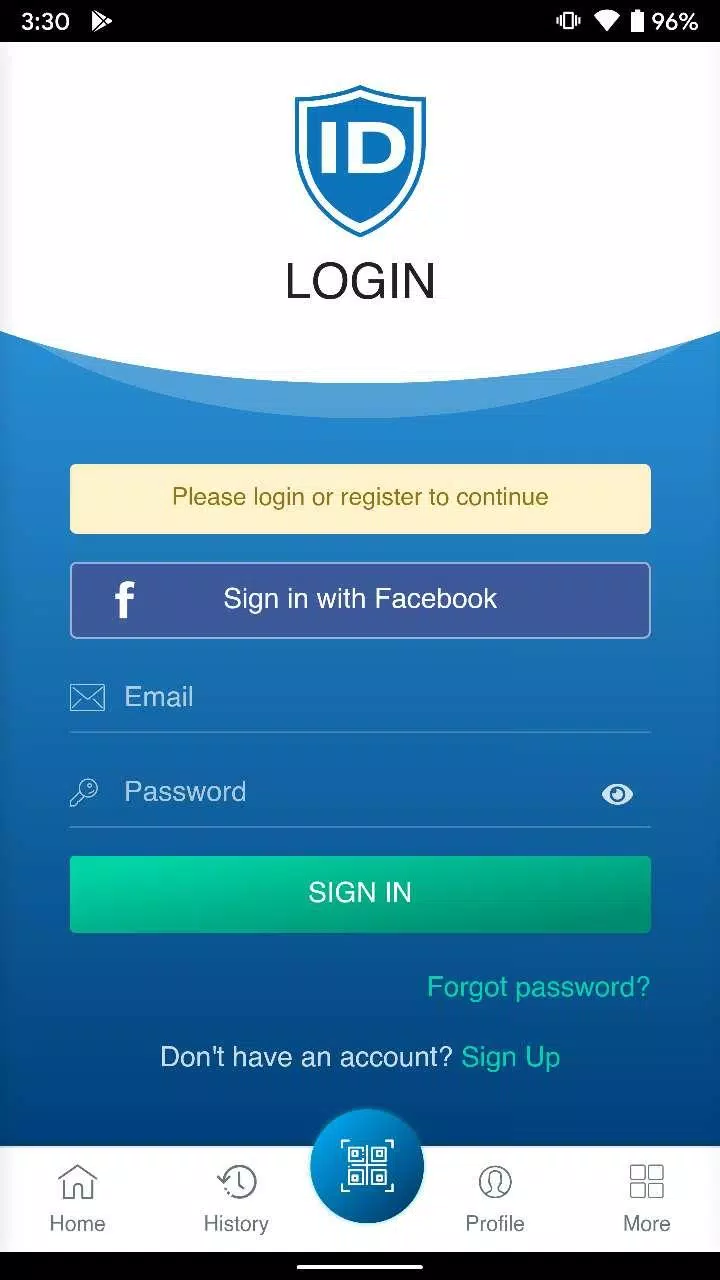
IDLogiq enhances the end-user experience with self-service password resets, device registration, and a single portal for application access. Users can request temporary privileges through a controlled approval flow, and helpdesk teams get contextual tools for quick support. Clear status indicators and contextual help reduce support tickets and accelerate productive access.
Best Practices for Deployment
Successful rollouts follow a phased approach: inventory resources, map roles, pilot with a small group, and refine policies before broad adoption. IDLogiq offers templates and migration tools to streamline transitions from legacy directories. Training materials and inline guidance reduce friction during migration, helping teams adopt the platform with minimal disruption.
Tips to Maximize Value
- Automate routine tasks: Use provisioning rules to keep access current.
- Enforce principle of least privilege: Start with restrictive defaults and grant only necessary rights.
- Monitor in real time: Set alerts for unusual access patterns to catch risks early.
- Leverage APIs: Integrate IDLogiq with ticketing and asset management systems for smoother operations.
Getting Started
Getting started with IDLogiq involves creating an administrator account, connecting your primary directory, and onboarding a pilot group. Initial setup focuses on mapping roles and configuring critical integrations; once these are in place, teams can expand coverage and refine access policies. Documentation and support resources guide each step, making adoption predictable and manageable.
IDLogiq streamlines identity management with practical tools that reduce risk, improve visibility, and automate repetitive tasks. Its combination of robust security controls, flexible integrations, and user-friendly workflows makes it a practical choice for organizations seeking a centralized way to control access and maintain compliance.
- No virus
- No advertising
- User protection
Information
- File size: 12.10 M
- Language: English
- Latest Version: 4.3.2
- Requirements: Android
- Votes: 222
- Package ID: co.idlogiq.go
- Developer: DrKumo Inc.
Screenshots

















Explore More
Equip yourself with our all-in-one toolbox app for everyday tasks and projects. Instantly convert between units, calculate tips, scan documents, manage files, and more with handy productivity tools. Includes a level, compass, QR code reader, ruler, speedometer, decibel meter, and flashlight. Save frequently used tools to your customizable dashboard for one-tap access. Track billable hours, wages, budgets, and invoices. Annotate screenshots, magnify labels, and sign PDFs on the go.

MEXC Global: BTC, ETH, Gamefi

Text Art - Write Text On Photo

MERA PROXY PRO

Domino's Pizza Sri Lanka

Hatekhori Shongkha

Halloween Photo Editor -Makeup

Connecting - Friends Near Me

Cartola





























