Introduction
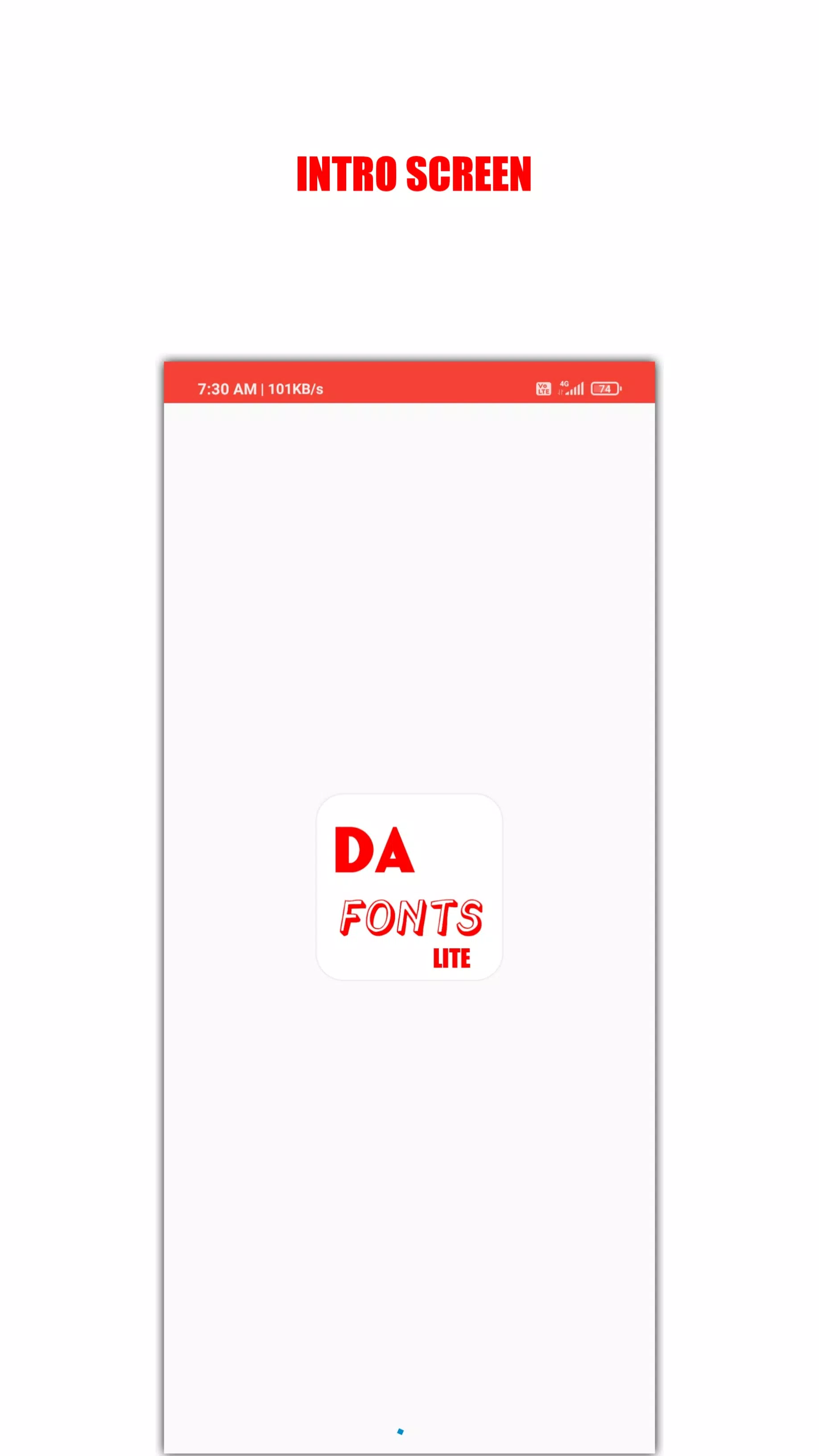
DaFonts Lite is a compact Android utility that gives quick access to a huge catalog of typefaces while keeping the app footprint under 3 MB. The app connects you to a broad collection of fonts for social posts, graphic mockups, document styling and other mobile design tasks, and is designed to browse, preview and download fonts quickly without unnecessary complexity. If you are looking for a lightweight tool to explore many styles on the go, DaFonts Lite offers straightforward tools for discovery and sharing that work well on phones and tablets.
Key features
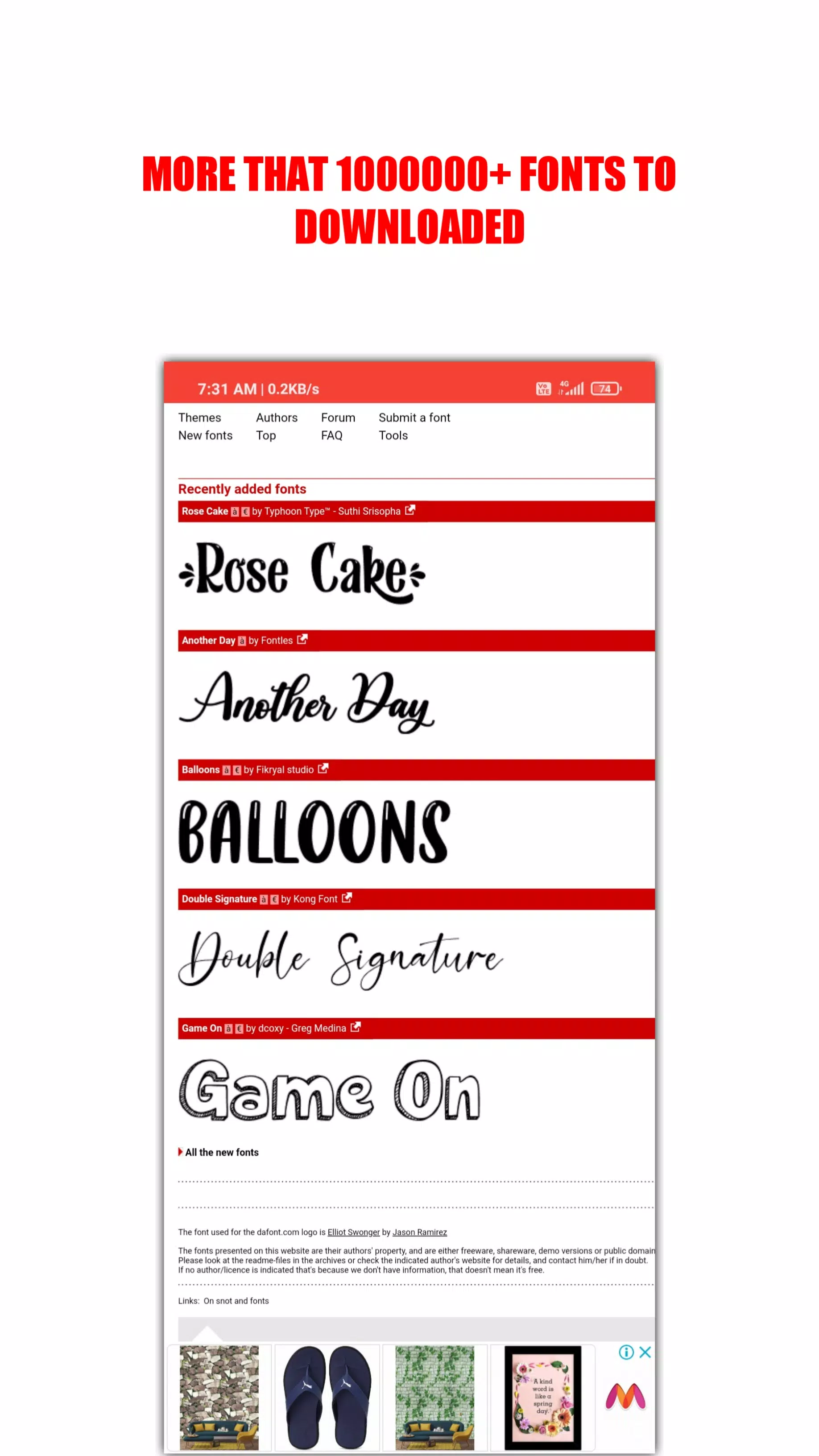
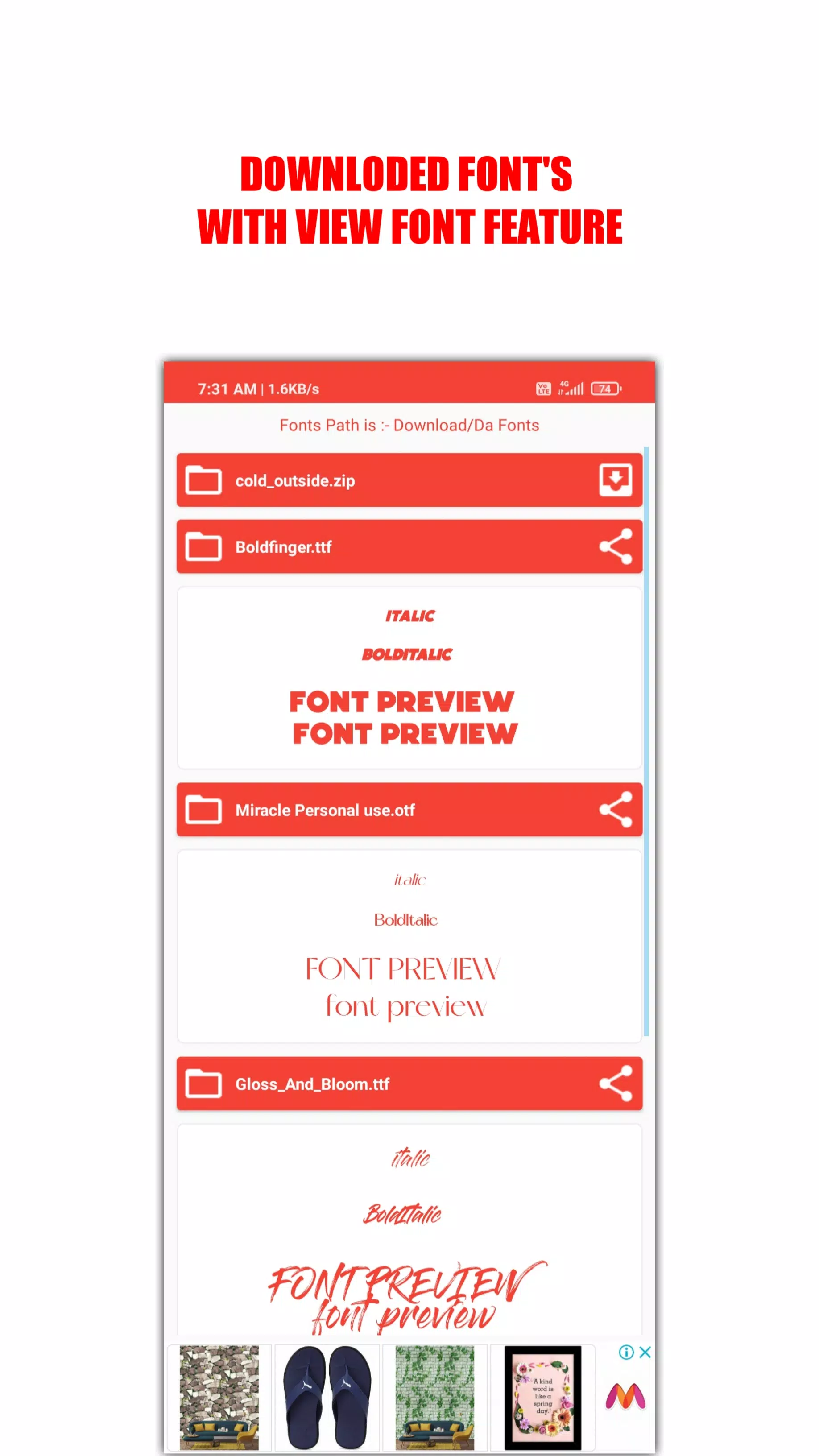
The interface centers on fast browsing and focused search. You can filter fonts by style tags, keywords and popularity to narrow results, and each font includes a live preview so you can test text, size and weight before downloading. Search and filter controls are responsive, and preview rendering is optimized to keep the experience fluid even on lower-end devices.
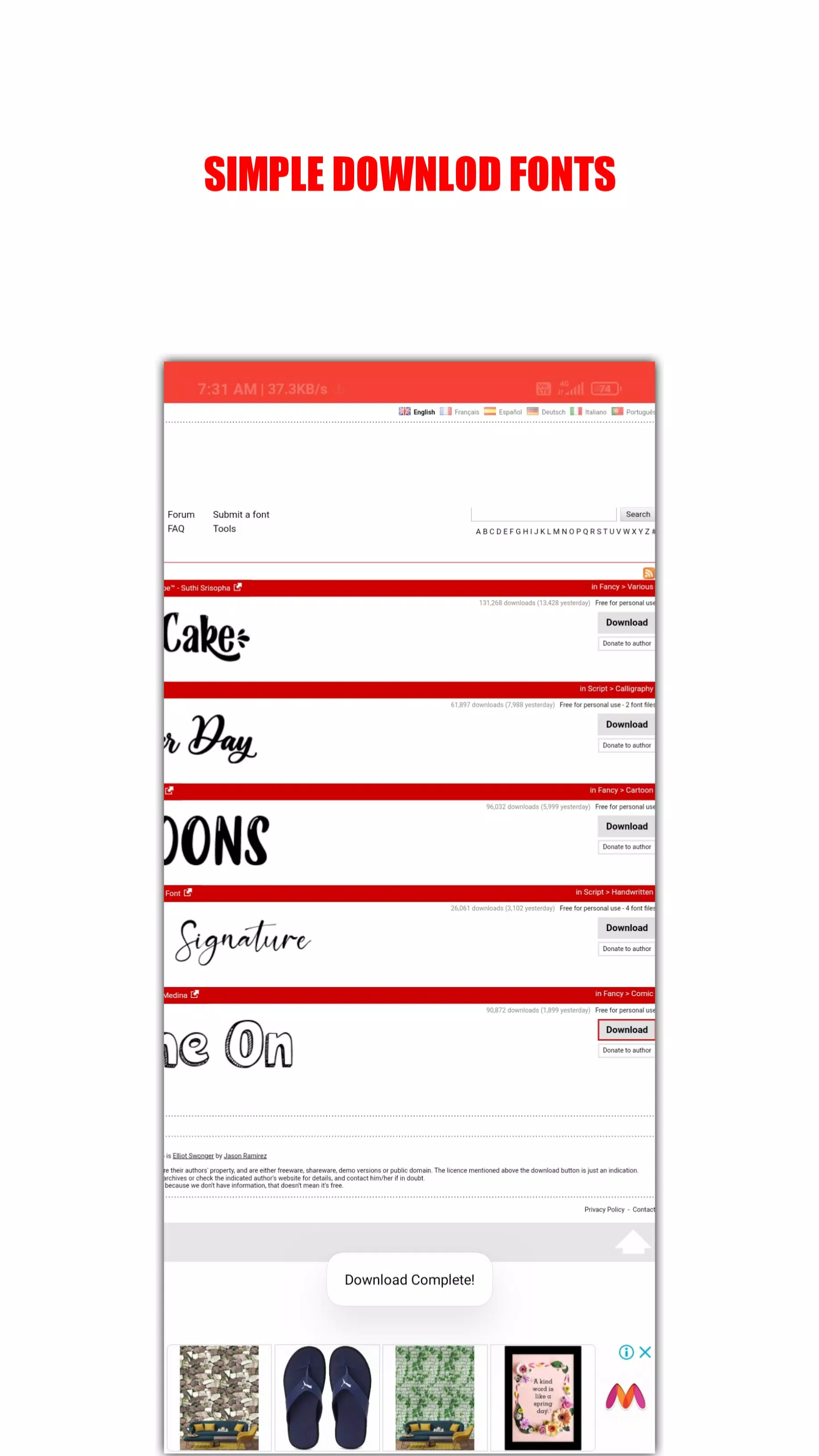
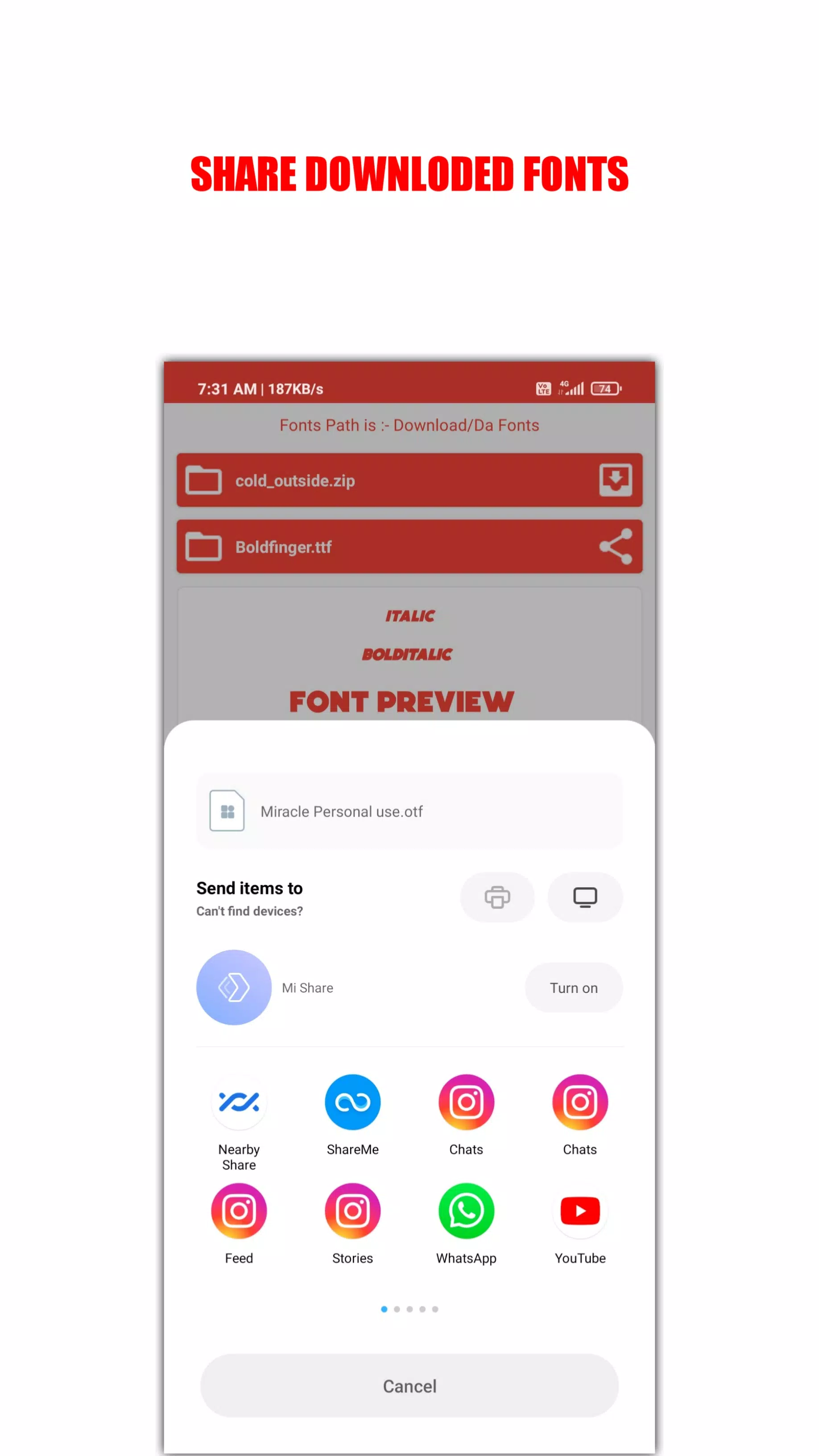
Downloads are intentionally streamlined: tapping a font starts a compact download process and stores the file locally for immediate use in other apps that accept custom fonts. Sharing options let you send font files via standard Android share targets or save them to device storage. Where licensing permits, fonts are available for both personal and commercial use; license information is surfaced with each font so users can confirm allowed uses before integrating a typeface into paid work.
Resource efficiency is a core advantage. With an installation size around 3 MB, DaFonts Lite conserves storage and memory, letting designers keep a large font library without sacrificing space for projects, photos or other productivity tools. The app uses minimal background services and avoids heavy on-device processing to maintain responsiveness.
How browsing mechanics and controls work
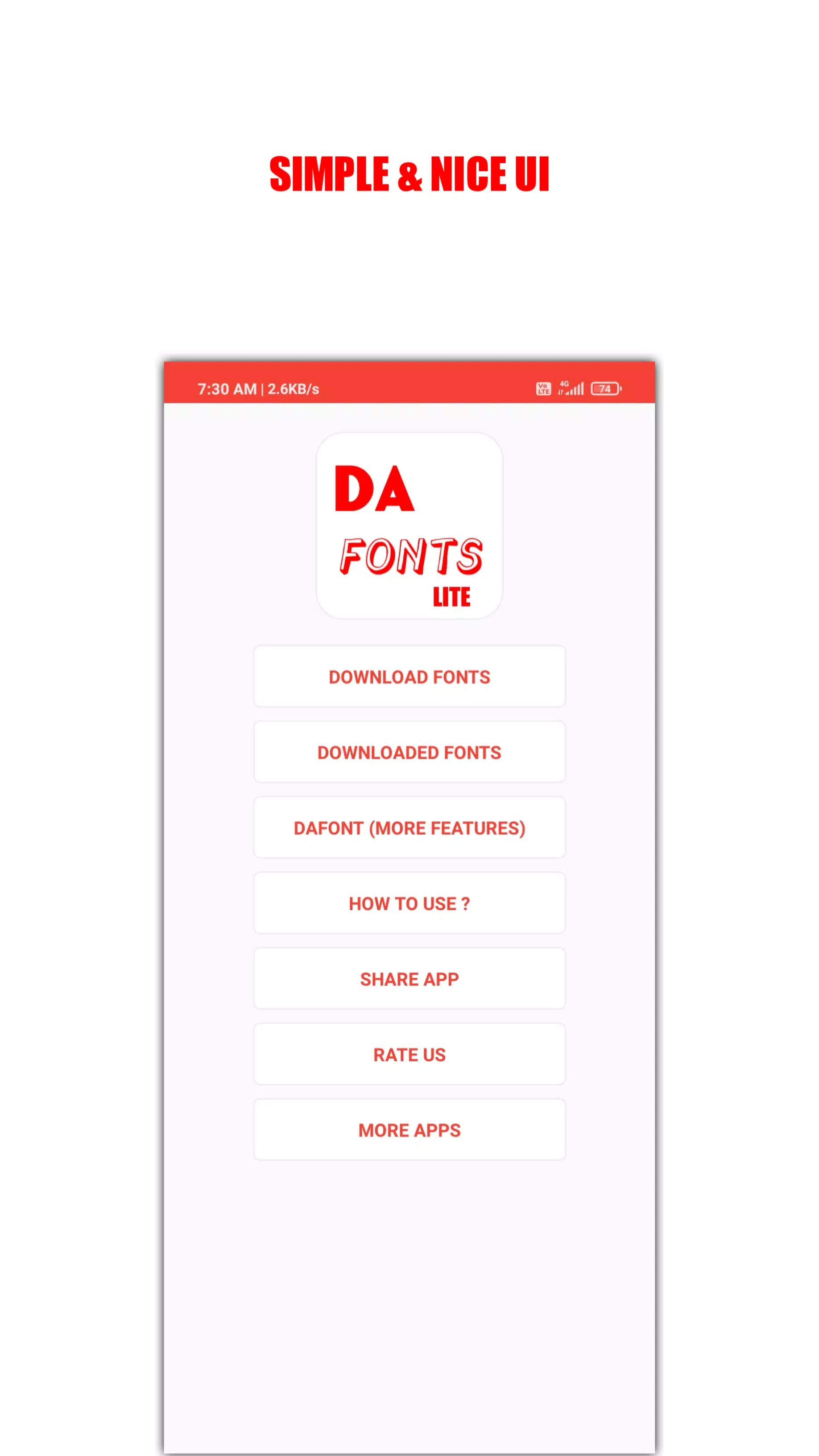
Navigation relies on common mobile gestures and controls for intuitive use: tap to preview, long press to view file details or quick actions, and simple swipe gestures to move between search results. The search bar supports smart suggestions and incremental filtering so you can refine results as you type. Controls are kept consistent across screens to reduce the learning curve for new users.
Organization, progression and customization
DaFonts Lite helps you organize fonts into personal collections and favorites so you can build a curated library as your projects evolve. This lightweight progression system lets you mark frequently used typefaces, track recent downloads and group fonts by project or style. Custom preview text, adjustable size and color options allow you to see how ideas will look in context before committing to a download.
Visual style and level structure
The app uses a clean, minimal visual style with clear typography and restrained iconography to keep attention on font previews rather than app chrome. Content is organized into topical categories and curated lists rather than complex menus, which functions like a level structure that guides users from broad categories into narrower choices without overwhelming them. Each category page focuses on readability and quick comparison between similar styles.
Replay value and ongoing use
Because the catalog is extensive and new additions are added over time, DaFonts Lite encourages repeated use when working on different projects or seasonal content. Saved collections and favorites improve reuse, while the compact size and fast search make it easy to re-open the app whenever a new design task appears. The practical utility of a font library means the app remains useful long after initial installation.
Accessibility, offline use and device compatibility
Accessibility considerations include scalable text in the app UI, high-contrast display options for previews and touch targets sized for comfortable tapping. Downloaded fonts remain available offline so you can install or share them without a constant internet connection once the files are stored locally. DaFonts Lite is built for a wide range of Android devices and preserves basic functionality on older system versions whenever possible.
Limitations and maintenance
As a lite utility, DaFonts Lite intentionally focuses on font discovery and simple management rather than advanced font editing or professional desktop-level management features. It does not include built-in font editors or complex kerning tools that belong in specialized desktop suites. The app receives regular maintenance updates to improve stability and expand content coverage, and the developer notes ongoing improvements will refine search, preview fidelity and licensing clarity over time.
Version information
Each release of DaFonts Lite aims to preserve the small installation size while improving compatibility and user experience. Users can expect occasional content updates and performance patches; the change log included in the app highlights bug fixes and incremental enhancements rather than major feature overhauls, ensuring the core lightweight approach remains intact.
- No virus
- No advertising
- User protection
Information
- File size: 6.10 M
- Language: English
- Latest Version: 1.0
- Requirements: Android
- Votes: 89
- Package ID: app.kousick.dafont.lite
- Developer: DEVOLOPER KRISHTAM
Screenshots
















Explore More
Equip yourself with our all-in-one toolbox app for everyday tasks and projects. Instantly convert between units, calculate tips, scan documents, manage files, and more with handy productivity tools. Includes a level, compass, QR code reader, ruler, speedometer, decibel meter, and flashlight. Save frequently used tools to your customizable dashboard for one-tap access. Track billable hours, wages, budgets, and invoices. Annotate screenshots, magnify labels, and sign PDFs on the go.

Board Game Stats

MEXC Global: BTC, ETH, Gamefi

MERA PROXY PRO

Domino's Pizza Sri Lanka

Hatekhori Shongkha

Connecting - Friends Near Me

Cartola

Virink