Introduction
Photo Curves is a color grading application for photos and videos that gives you precise control over tones, hues, and contrast, putting advanced color tools in a compact mobile-friendly package. Photo Curves makes it straightforward to create, tweak, and save custom looks instead of relying on fixed filters, and it is suitable for photographers and videographers who need fine control over white balance, tonal shaping, and color relationships for both images and short clips. The interface balances detailed curve editors and color wheels with masking tools so you can correct exposure, craft cinematic color styles, swap or enhance tones, and export finished grades for use in other software.
Key Features
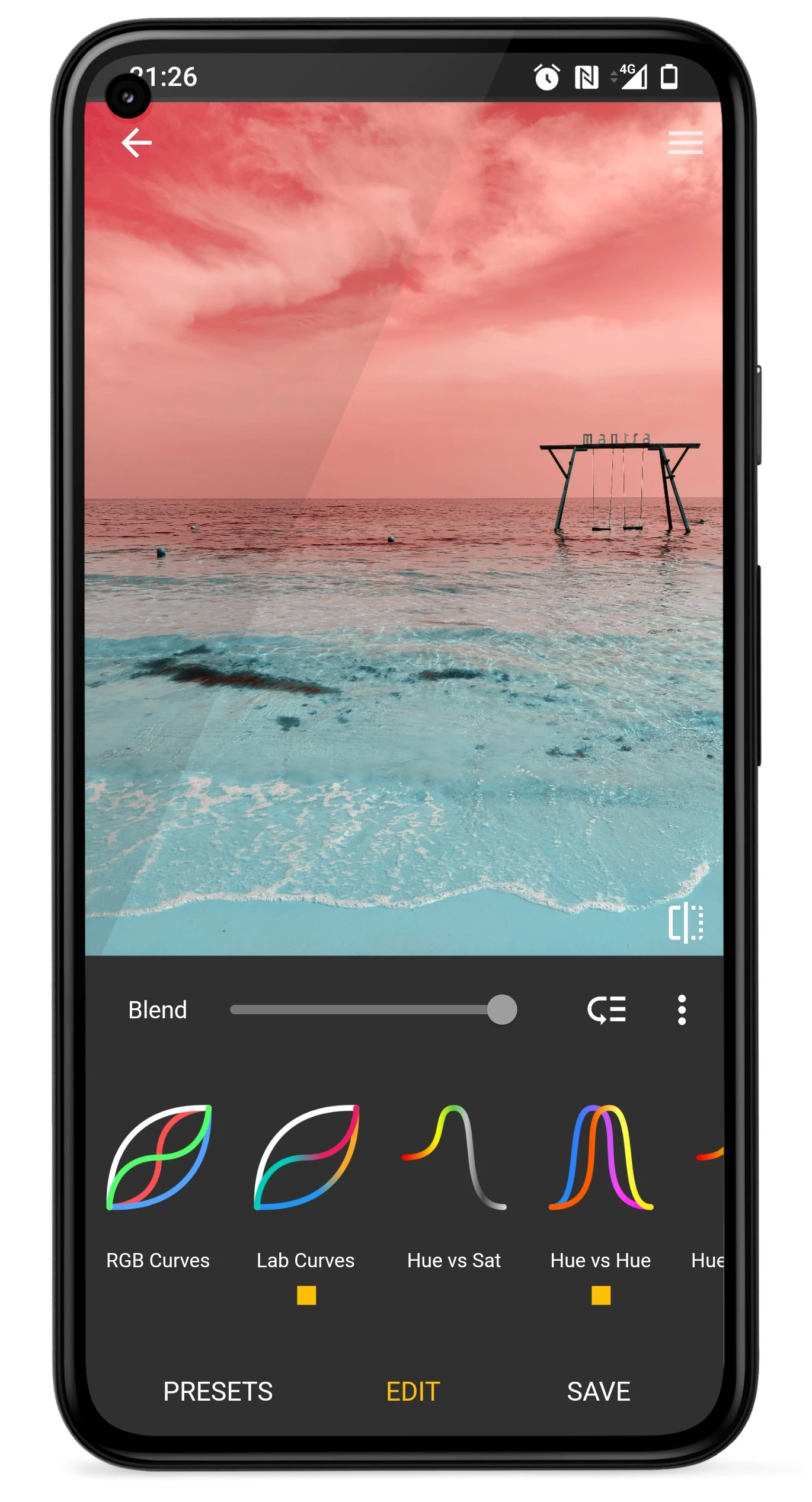
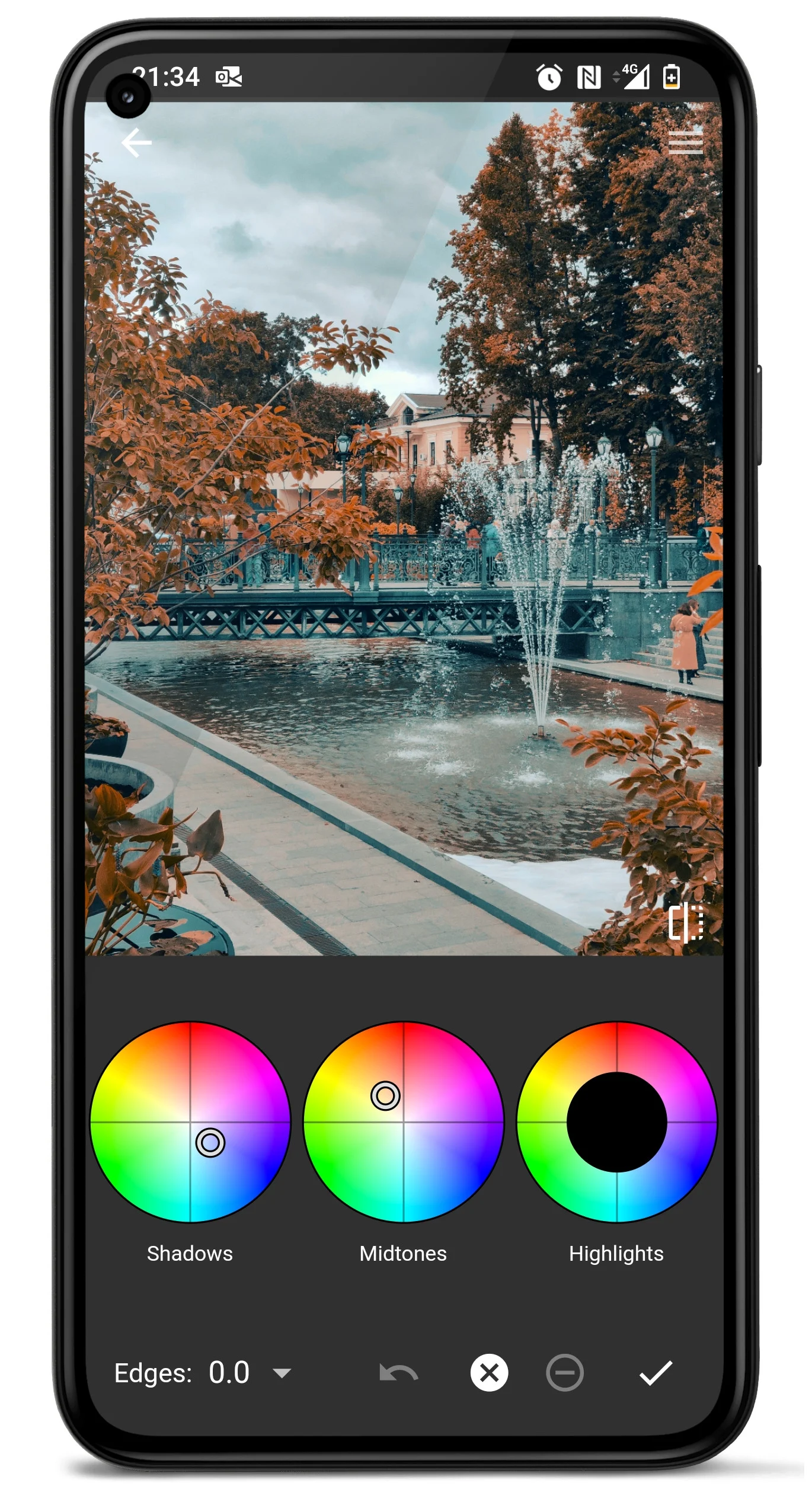
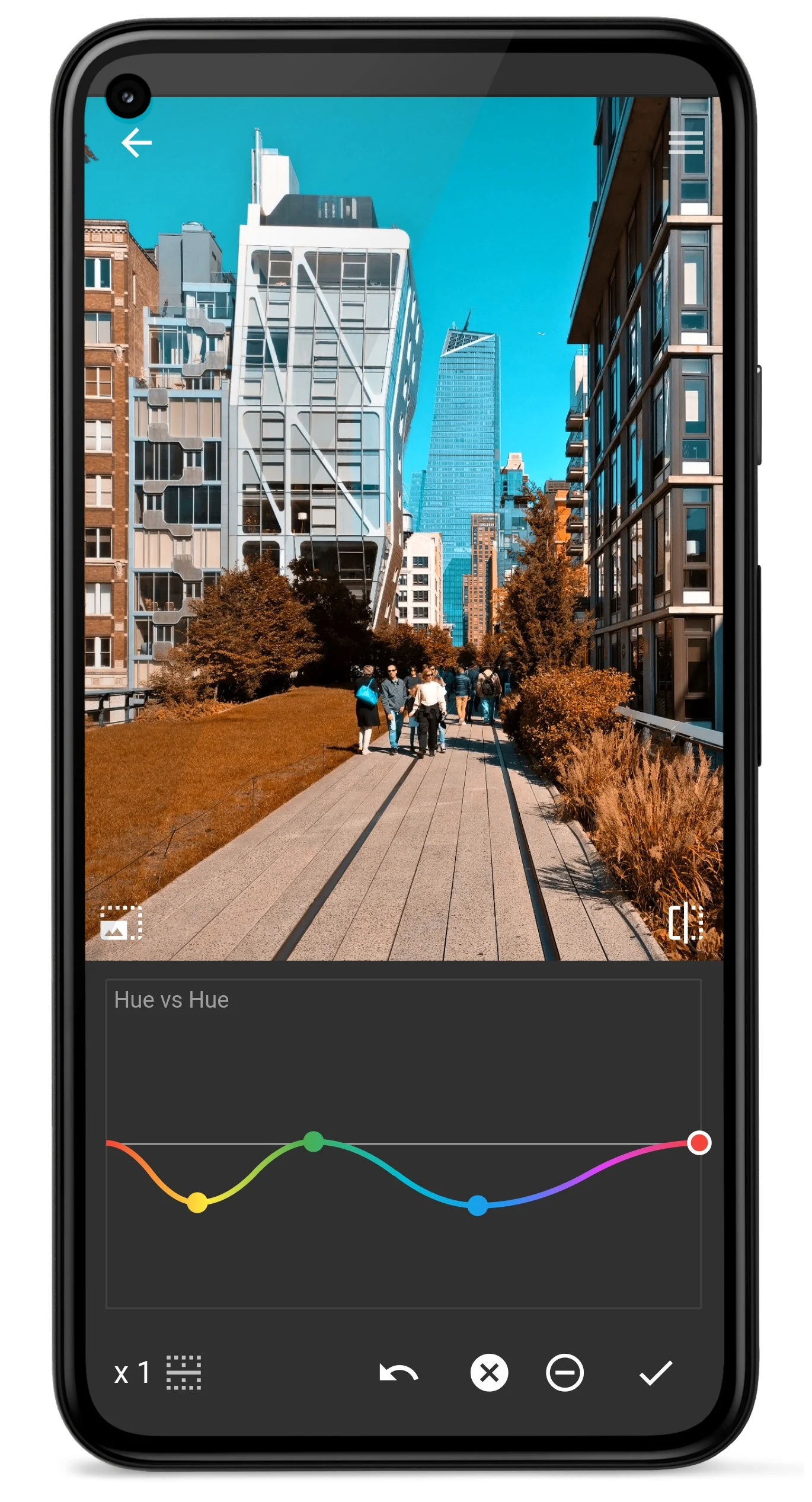
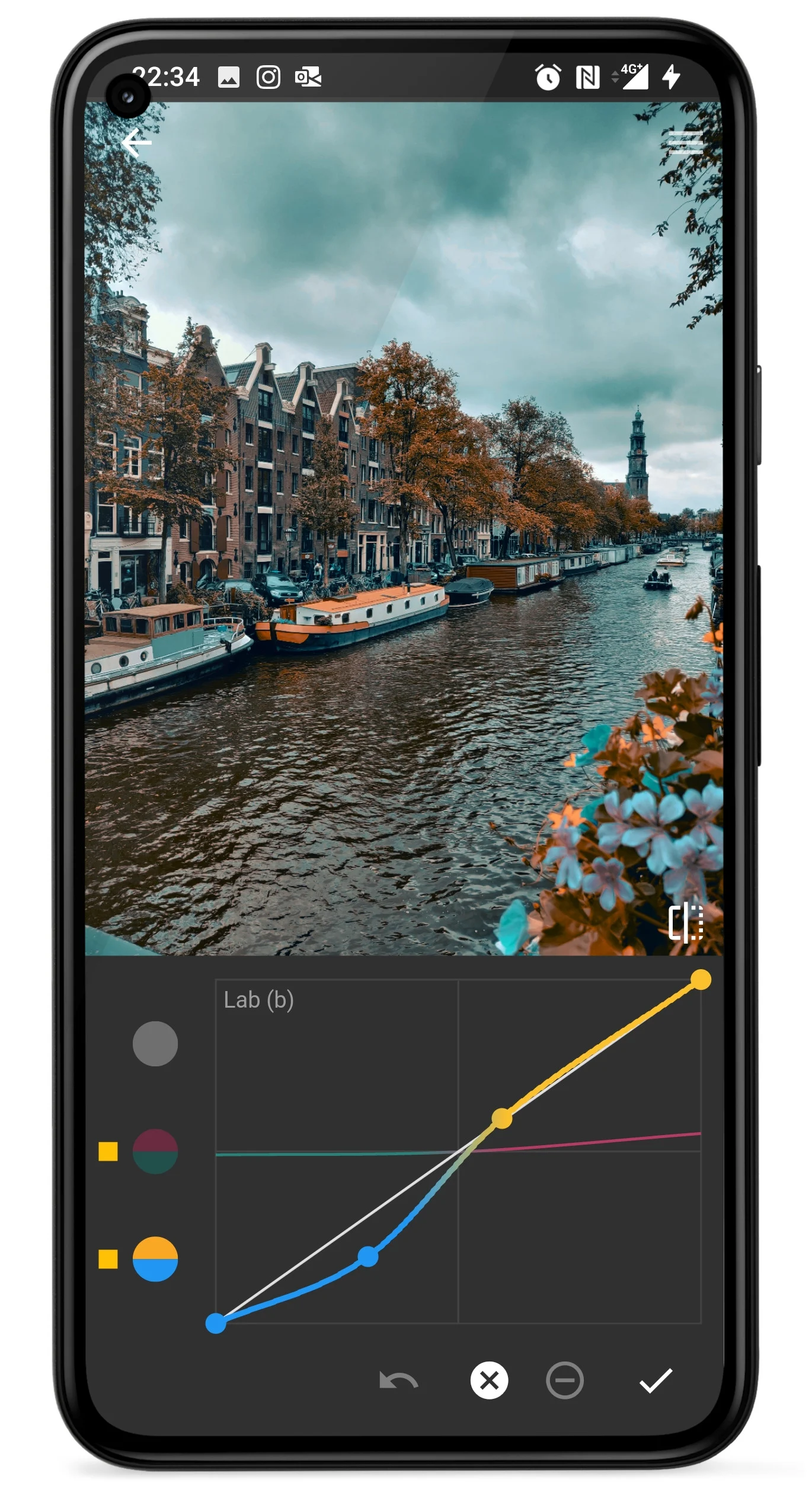
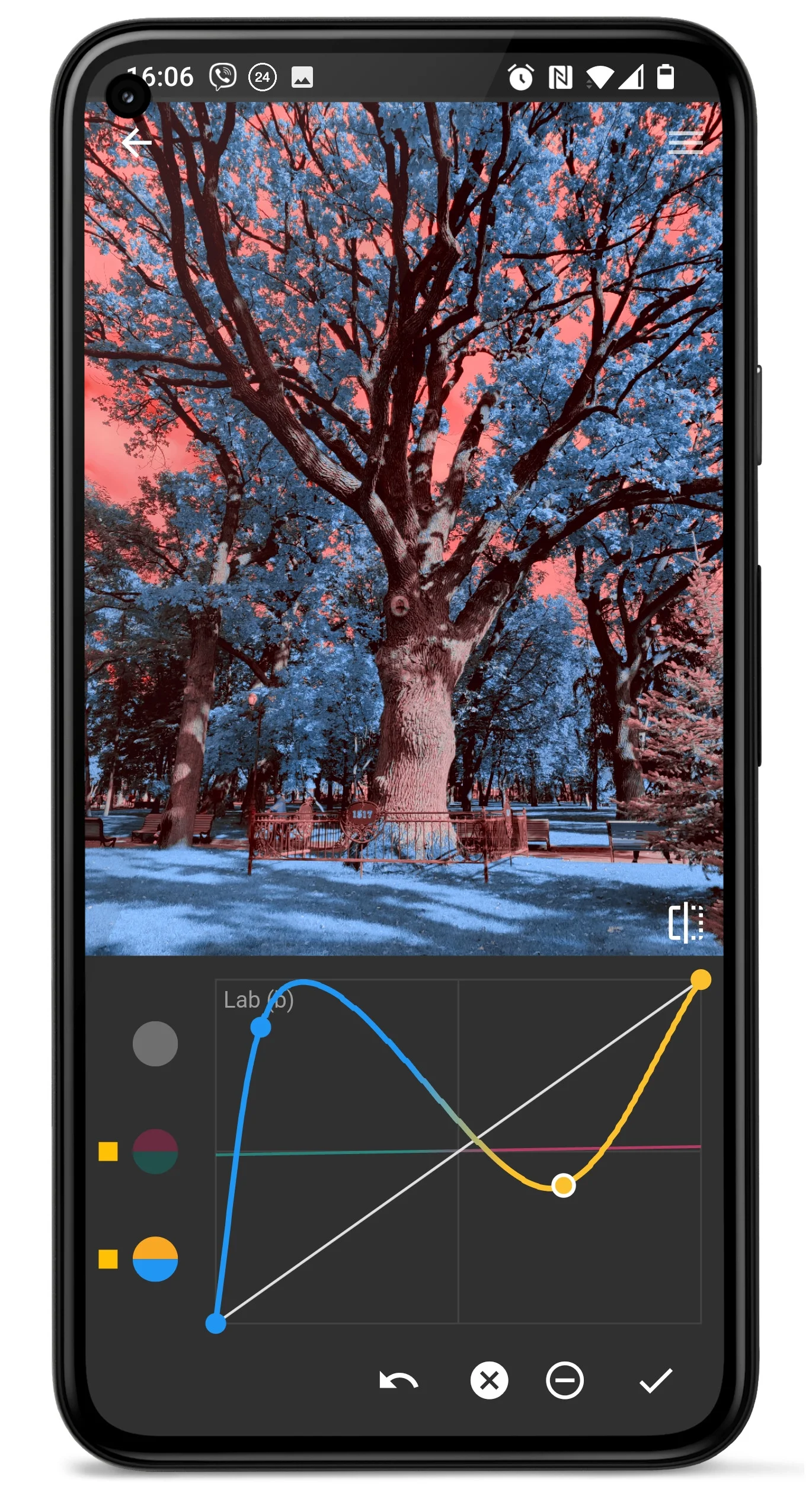
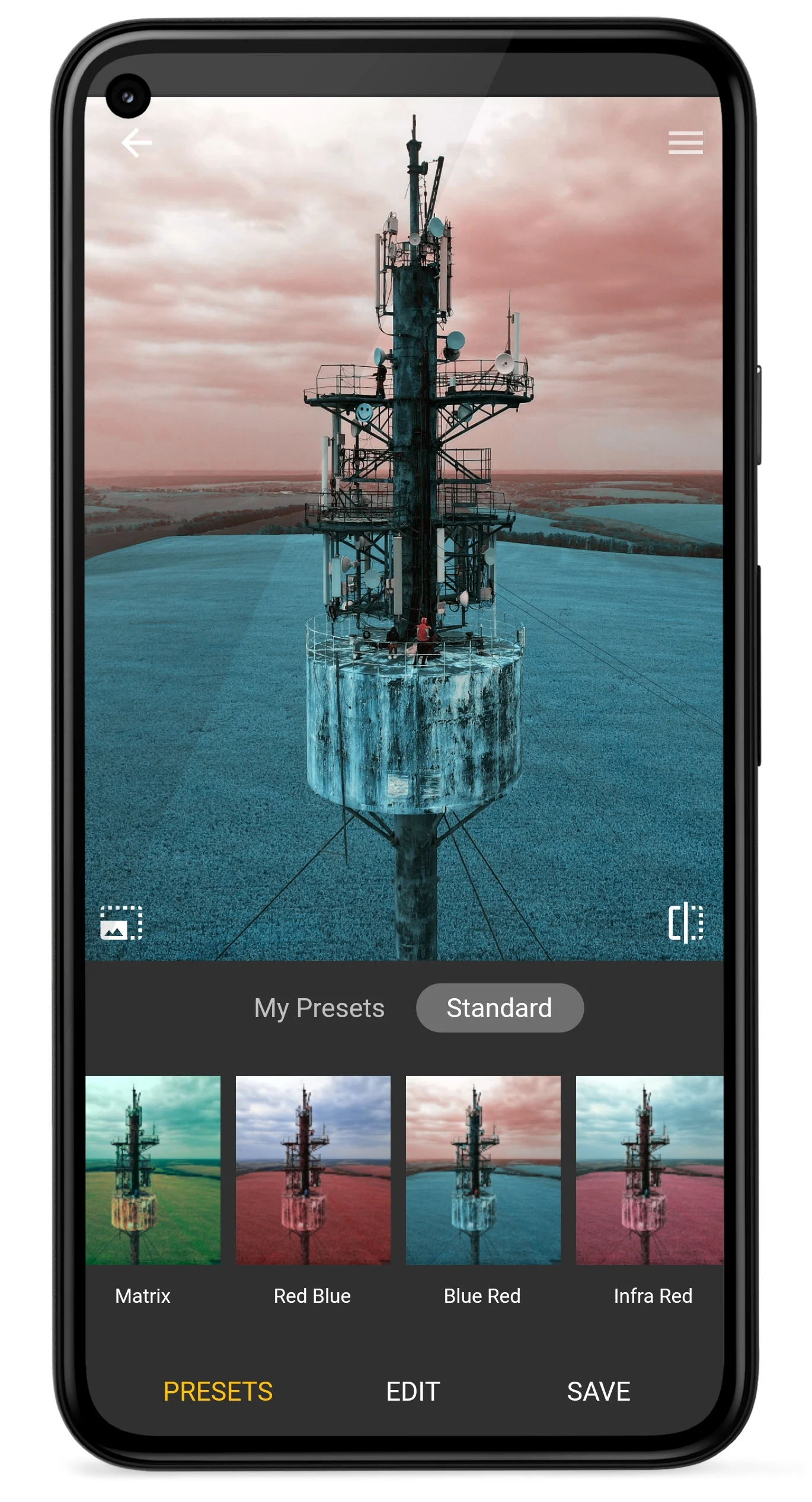
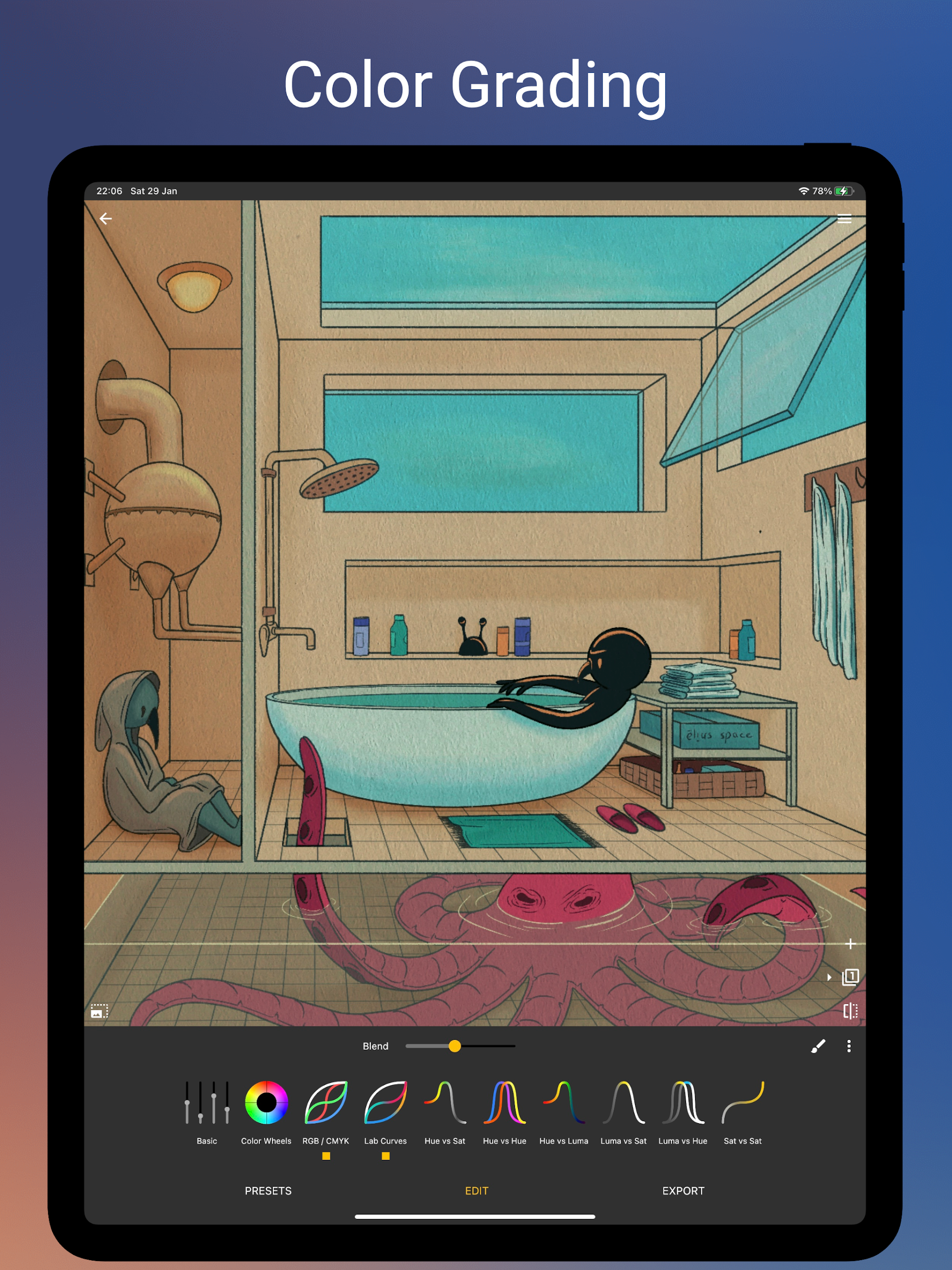
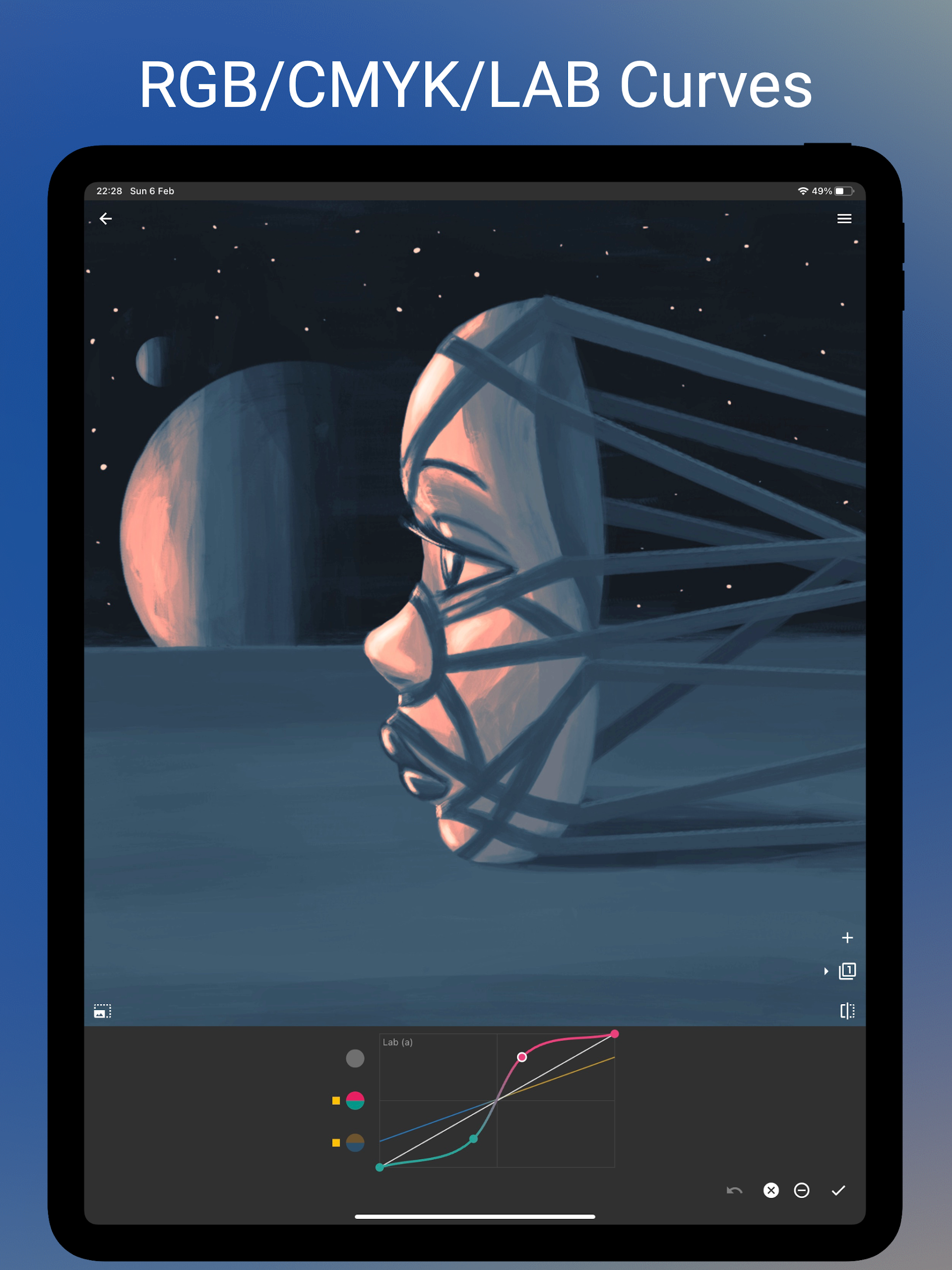
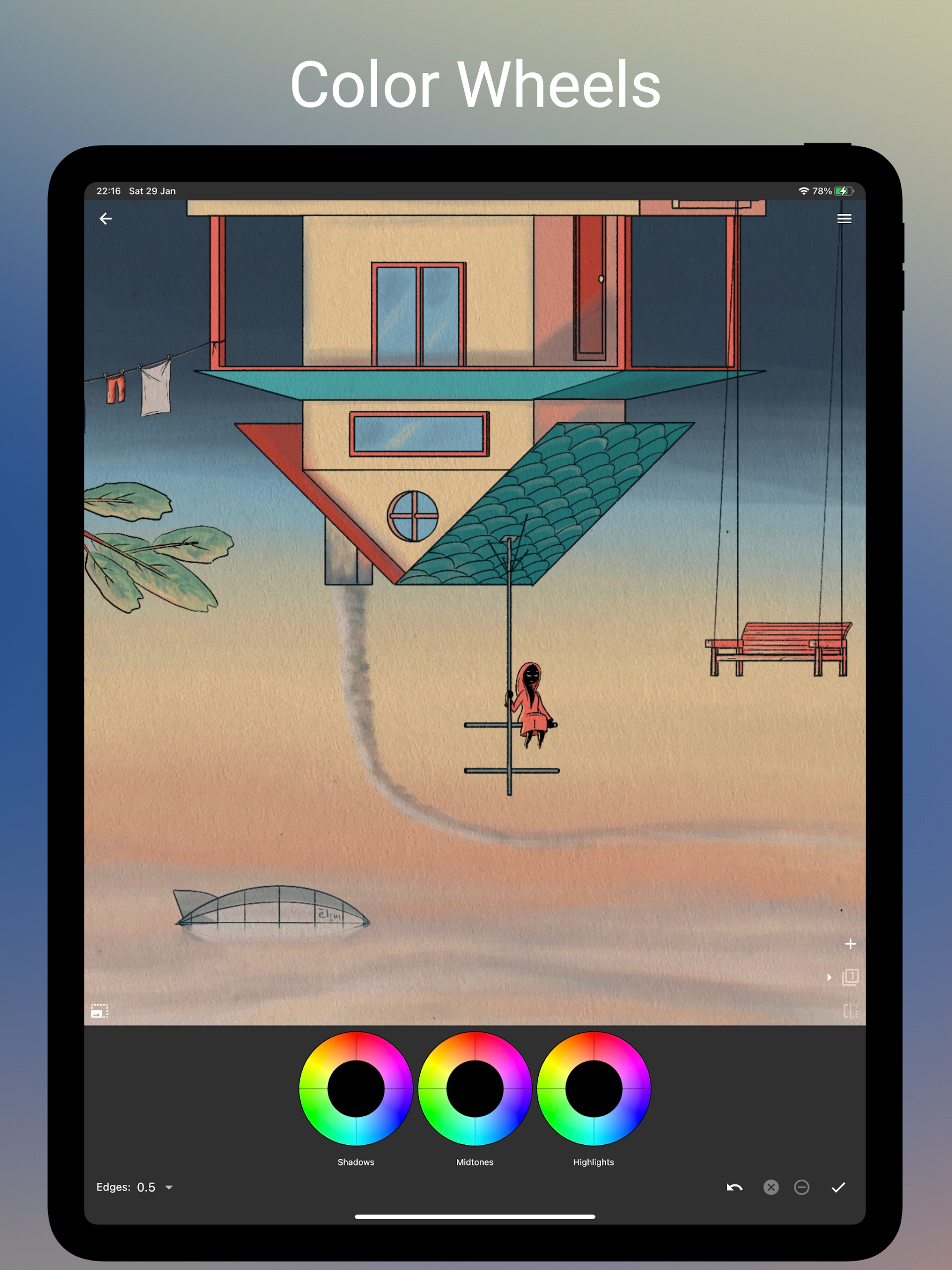
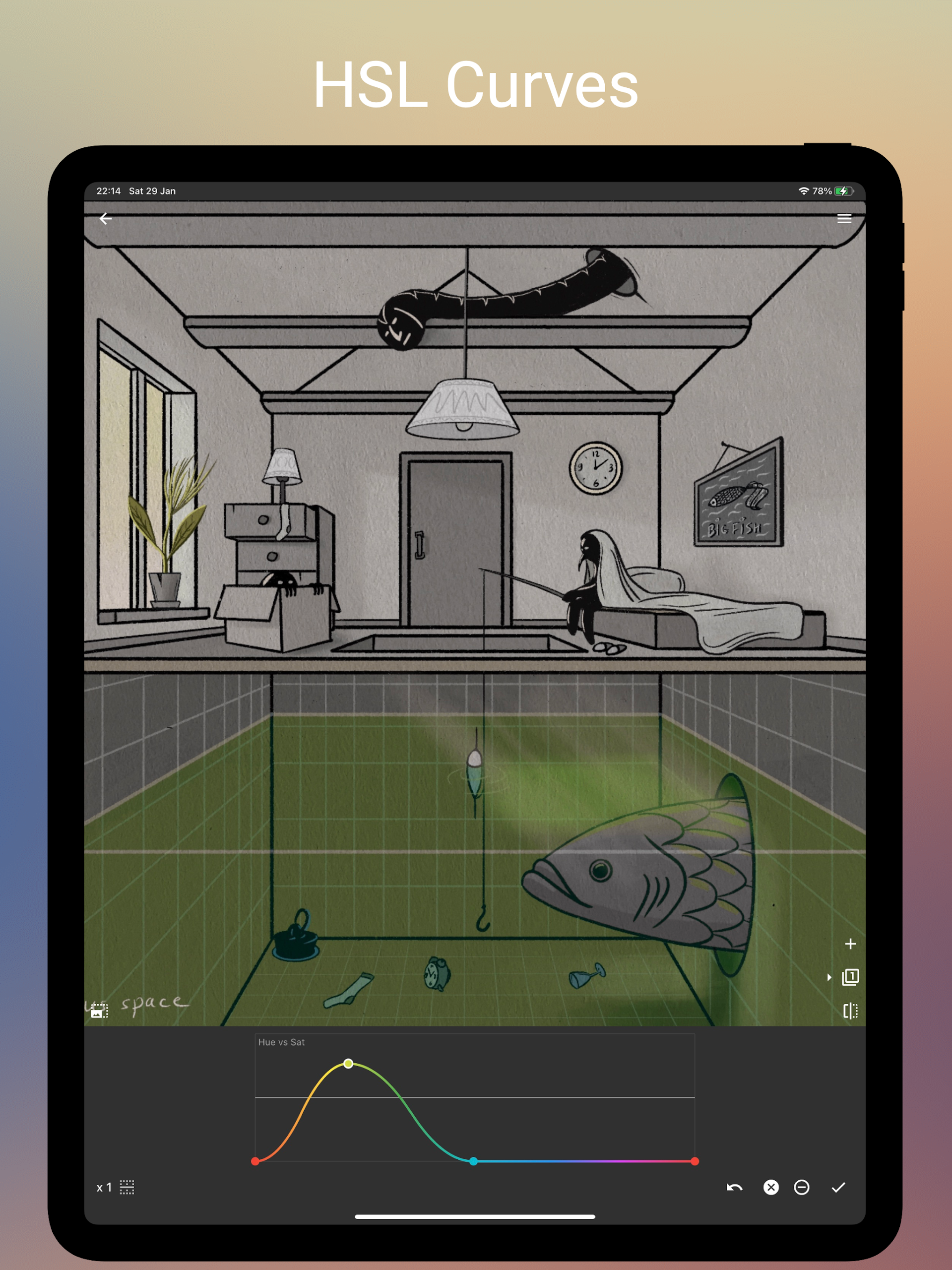
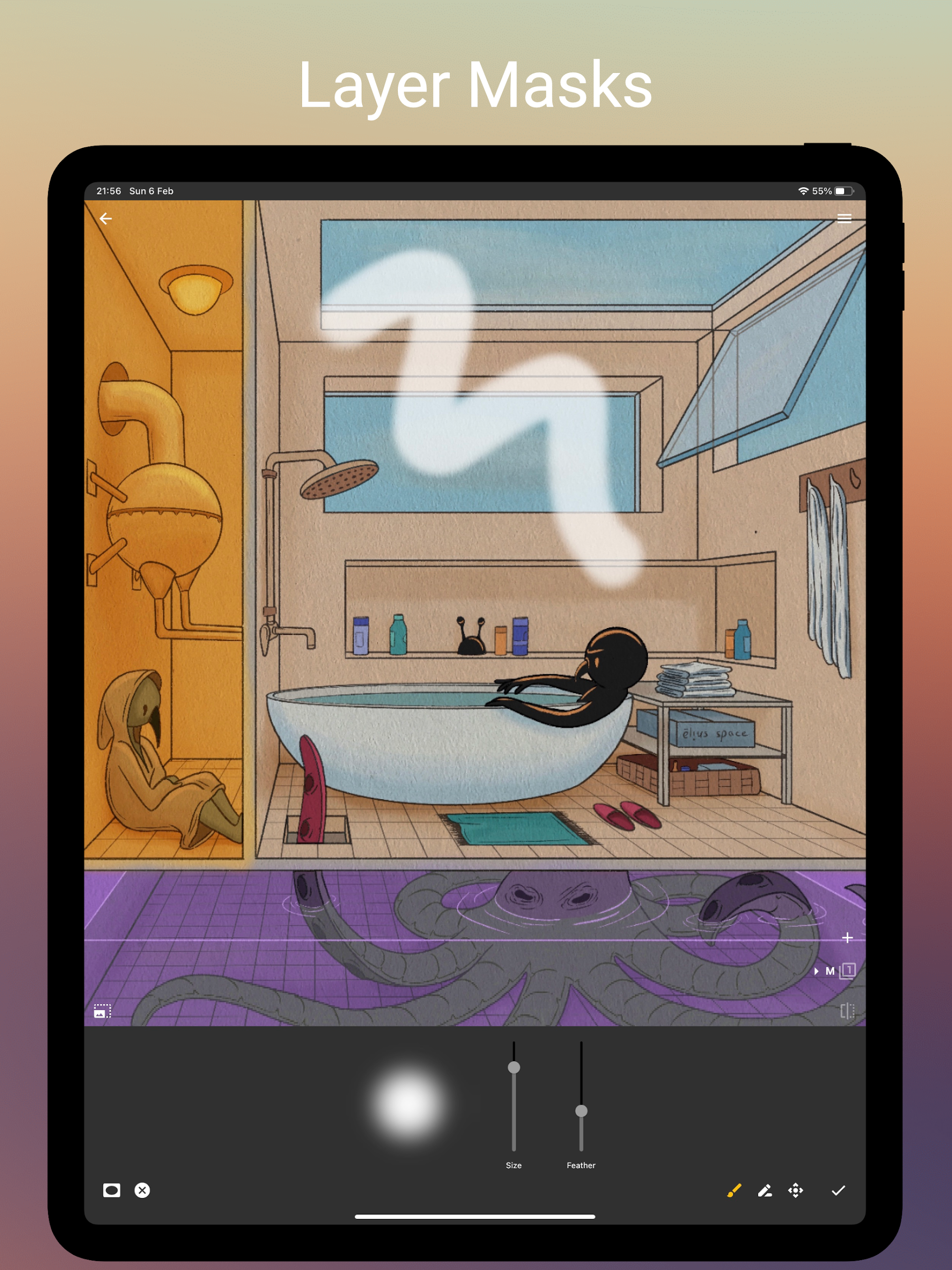
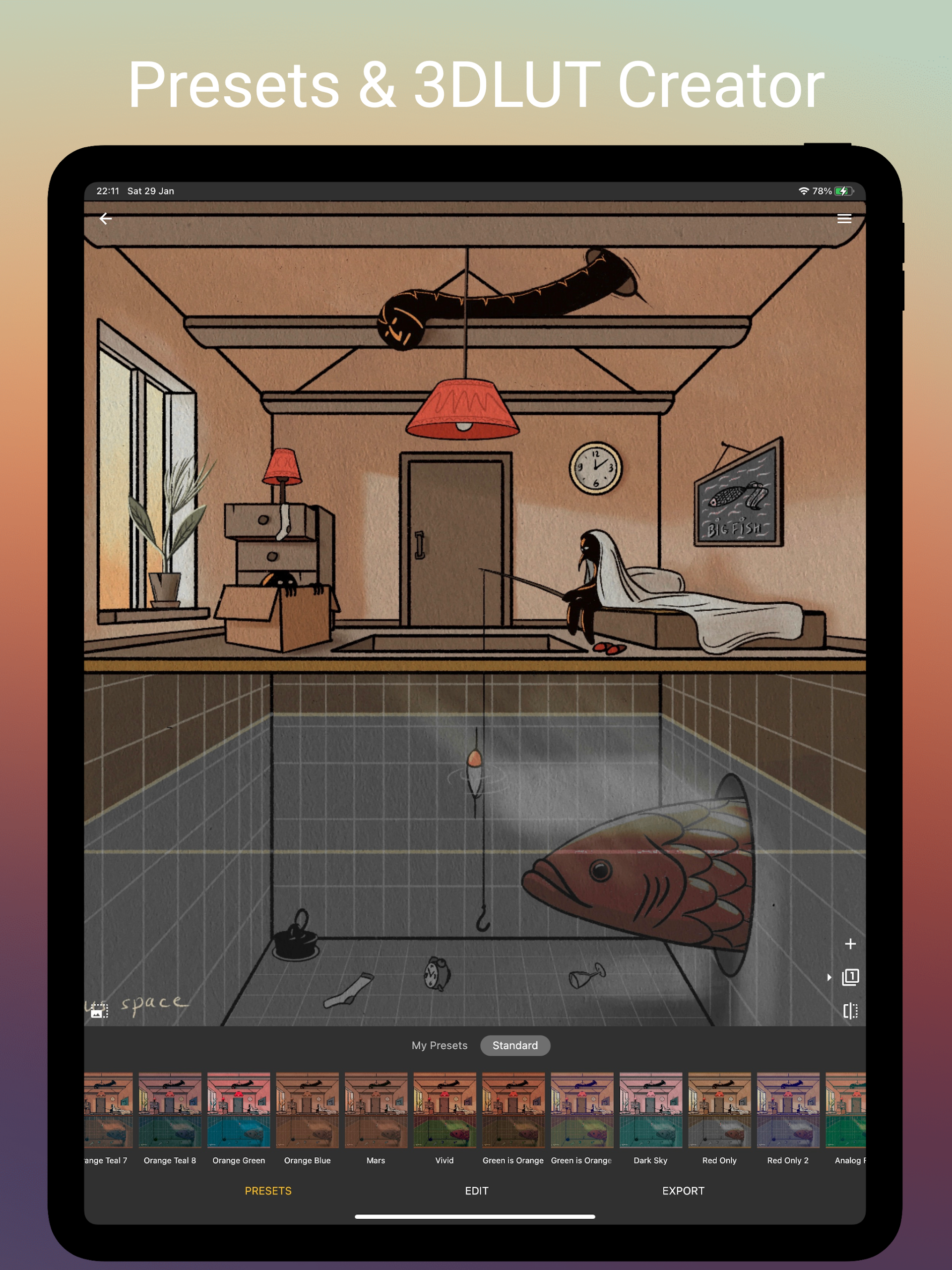
The app includes multiple curve editors that go beyond a single RGB curve: you can work with separate channels and alternative color spaces to sculpt color and contrast with precision. Photo Curves offers Hue and Luma relationship tools such as Hue vs Saturation, Hue vs Hue, Hue vs Luma and Luma vs Saturation to target specific color interactions without affecting unrelated tones. Color wheels allow you to tint shadows, midtones and highlights independently, and masking with adjustment layers lets you confine edits to faces, skies, or other regions for selective grading. When you finish a grade you can export it as a 3DLUT (.cube) to share or reuse in other projects, and the preset library within the app stores your custom looks for quick application to new photos or frames.
Controls and Workflow
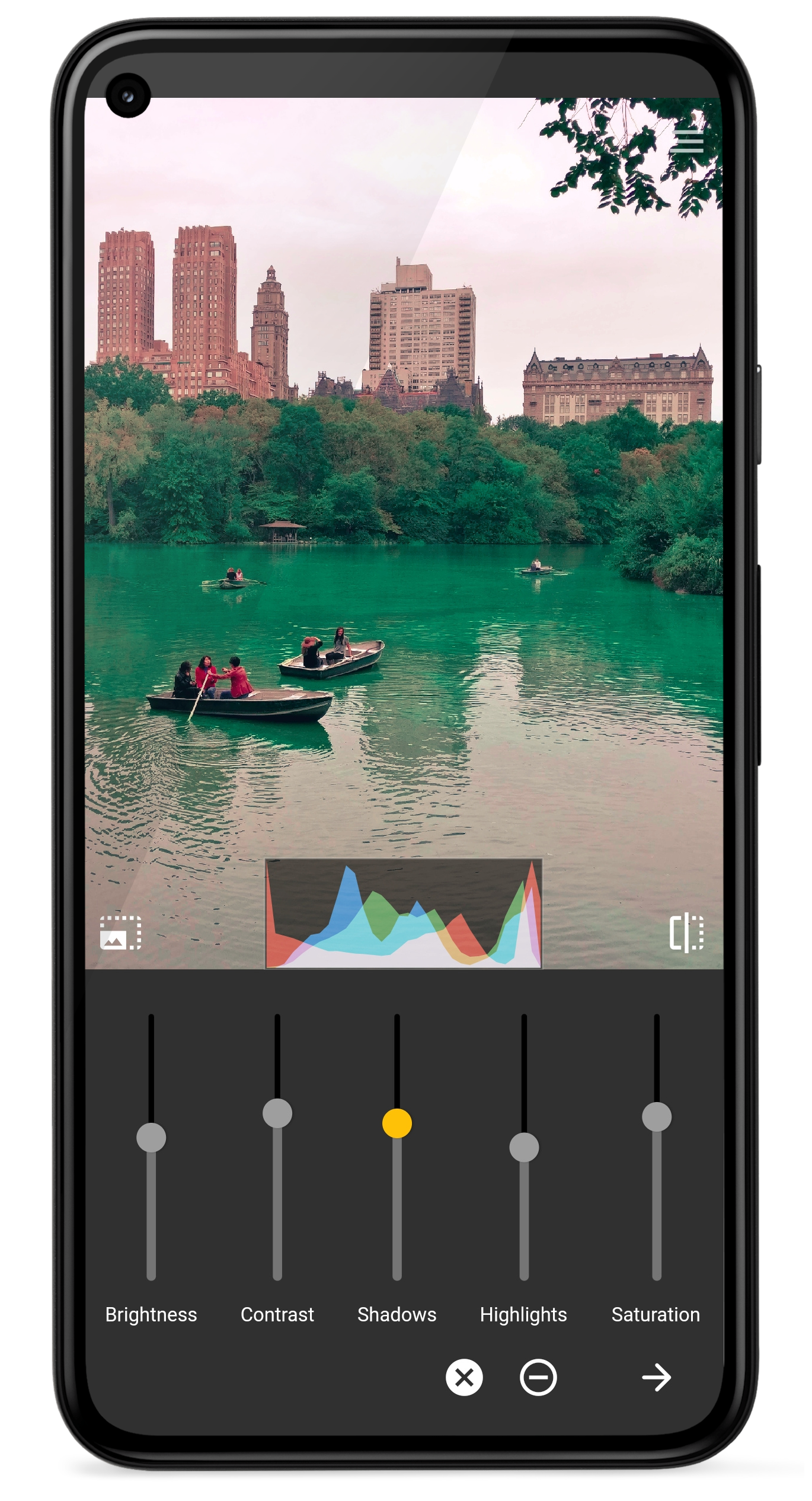
Photo Curves supports a workflow that moves from broad base corrections to fine creative shaping: start with exposure, contrast and white balance, then refine with curves and finally apply localized edits with masks and layers. Controls are responsive and designed for touch: curve points can be added and dragged for delicate adjustments, color wheels respond to radial gestures, and masks can be painted or applied using luminance-based selection to target highlights or shadows. The app’s structure encourages iterative refinement — adjust a global curve, add a masked layer for skin tones, then flatten or export the result when the look is ready.
Customization and Progression
Rather than fixed one-tap filters, Photo Curves emphasizes buildable workflows: every preset is fully editable so you can start from a base look and evolve it into a signature grade. Users progress naturally from using ready-made presets to crafting multi-layered grades as their understanding of curves and color interactions grows. The preset library helps you manage versions of a grade, duplicate looks for different projects, and export or import .cube files to standardize a visual style across devices and apps. This progression rewards practice; early users gain quick wins with simple adjustments, while more experienced editors unlock subtle control over color balance and tonal separation.
Visual Style and Output
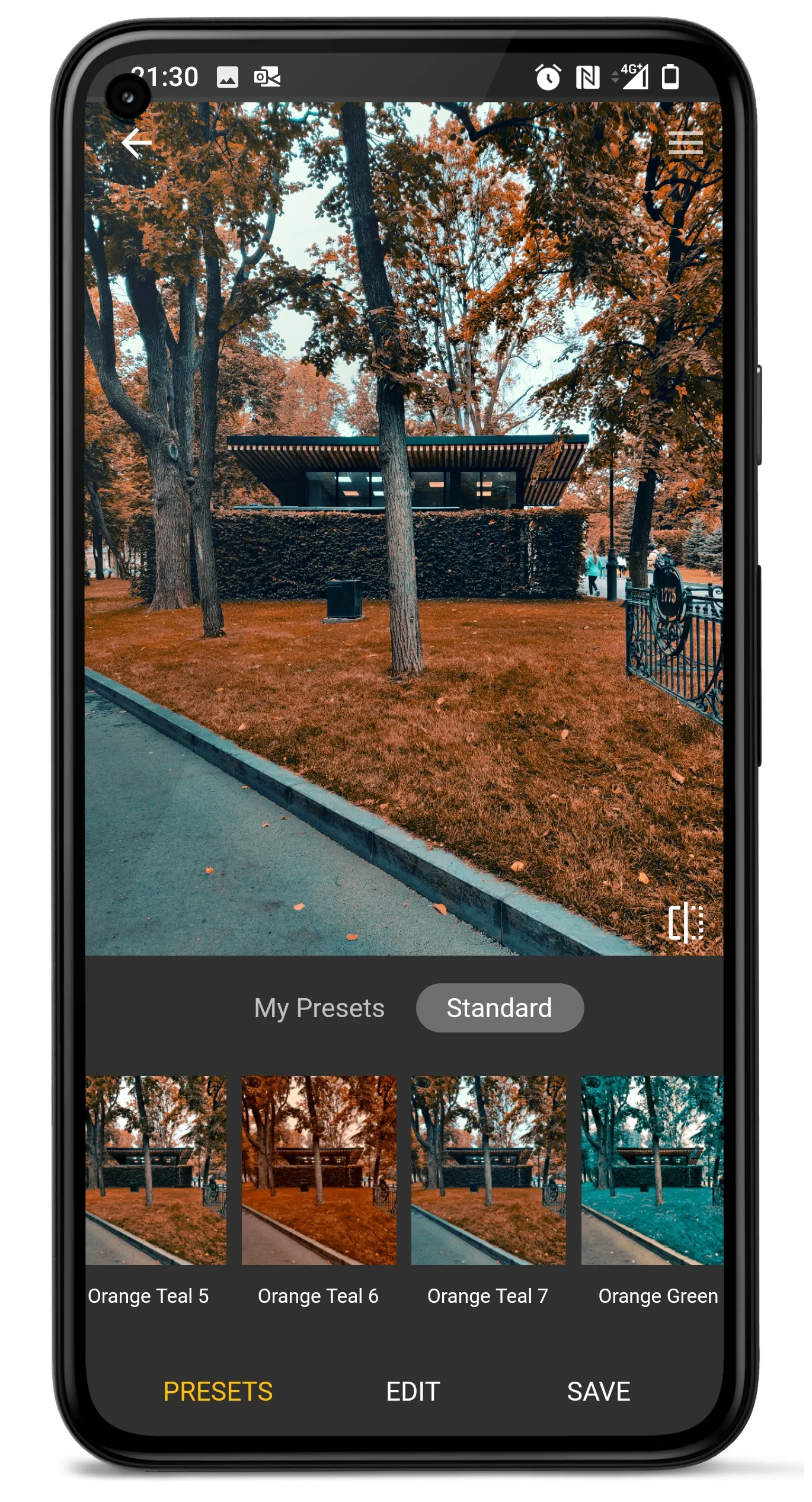
Photo Curves supports workflows geared toward both corrective adjustments and stylized grading. Many users employ it to create cinematic orange-and-teal looks, revive muted colors, or isolate and enhance a subject by desaturating backgrounds. Output options include image resizing and adjustable JPEG quality so you can control final file size alongside color fidelity. Exporting 3DLUT files ensures that grades can be applied consistently in desktop editors or video color pipelines, preserving the visual style you develop in the app.
User Experience and Accessibility
The interface is organized to keep frequently used controls accessible while allowing deeper tools to remain available without clutter. Contextual labels and on-screen feedback help in understanding what each curve or wheel does, reducing trial-and-error. Photo Curves is well suited to users who value tactile, hands-on editing rather than automated filters, and it supports a non-linear creative process where adjustments can be layered and refined until the desired result is achieved. While the app offers technical depth, the core tools let newcomers perform useful corrections quickly and learn advanced techniques over time.
Performance and Offline Use
Editing is designed to be performed locally on the device so you can work offline and retain control over your files. Because grading can be done frame-by-frame for short clips and on individual images, the app is practical for on-the-go color tweaks without needing persistent network access. File export and import are handled locally as well, which simplifies using exported .cube grades in other software or archiving custom presets to device storage.
Limitations and Considerations
Photo Curves exposes professional tools that can be demanding: mastering LAB curves or complex hue-vs-hue relationships takes time and a basic understanding of color theory. For quick one-tap edits, this level of control may feel like overkill, and achieving consistent results across many images requires careful use of masks and adjustment layers. Users should expect a learning curve, but the payoff is precise, reusable grades and exportable LUTs that integrate smoothly with other color grading workflows.
If you need detailed color control, exportable LUTs, and a flexible preset system that grows with your skills, Photo Curves provides a compact but capable toolkit for both photo and short-form video grading.
- No virus
- No advertising
- User protection
Information
- File size: 110.00 M
- Language: English
- Latest Version: 1.2.29
- Requirements: Android
- Votes: 387
- Package ID: com.foreachi.photocurves
- Developer: Curved Nebula
Screenshots
















Explore More
Equip yourself with our all-in-one toolbox app for everyday tasks and projects. Instantly convert between units, calculate tips, scan documents, manage files, and more with handy productivity tools. Includes a level, compass, QR code reader, ruler, speedometer, decibel meter, and flashlight. Save frequently used tools to your customizable dashboard for one-tap access. Track billable hours, wages, budgets, and invoices. Annotate screenshots, magnify labels, and sign PDFs on the go.

Board Game Stats

MEXC Global: BTC, ETH, Gamefi

Text Art - Write Text On Photo

MERA PROXY PRO

Domino's Pizza Sri Lanka

Hatekhori Shongkha

Halloween Photo Editor -Makeup

Connecting - Friends Near Me