


Introduction
Skyworker is a digital assistant that streamlines daily operations for field workers and project managers by combining automated time tracking with project and documentation tools. The app gives field teams quick access to projects, individual task lists, HSE (HMS) documents and site-specific instructions, while project leaders get clear oversight of deviations and documentation control. Skyworker's built-in smart logic automates daily time registration for employees, reducing manual admin, and can be set up by a manager in minutes before inviting team members. It's aimed at teams that need reliable timekeeping and organised HSE documentation without complex setup.
Key Features
⭐ Automatic daily time tracking for employees.
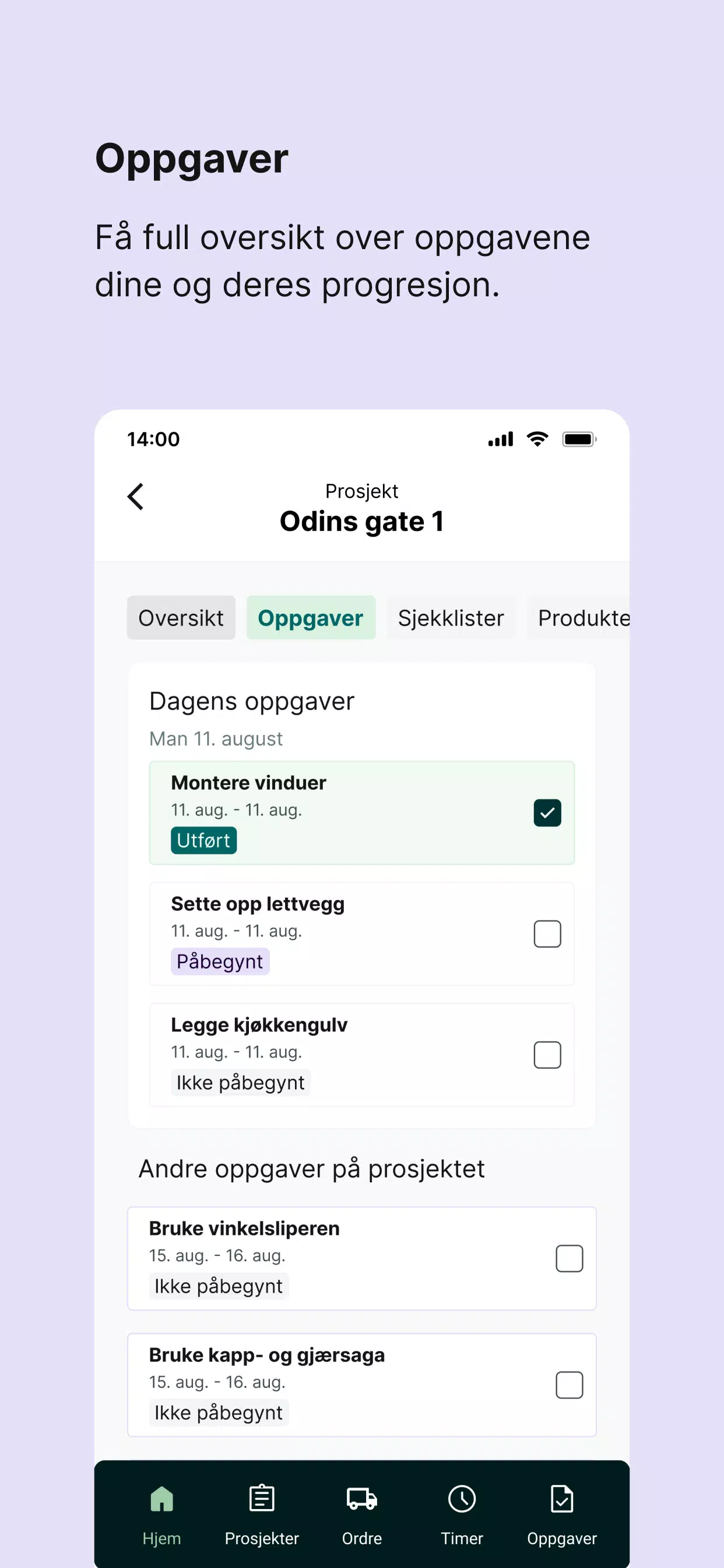
⭐ Project and task management with a user-friendly interface.
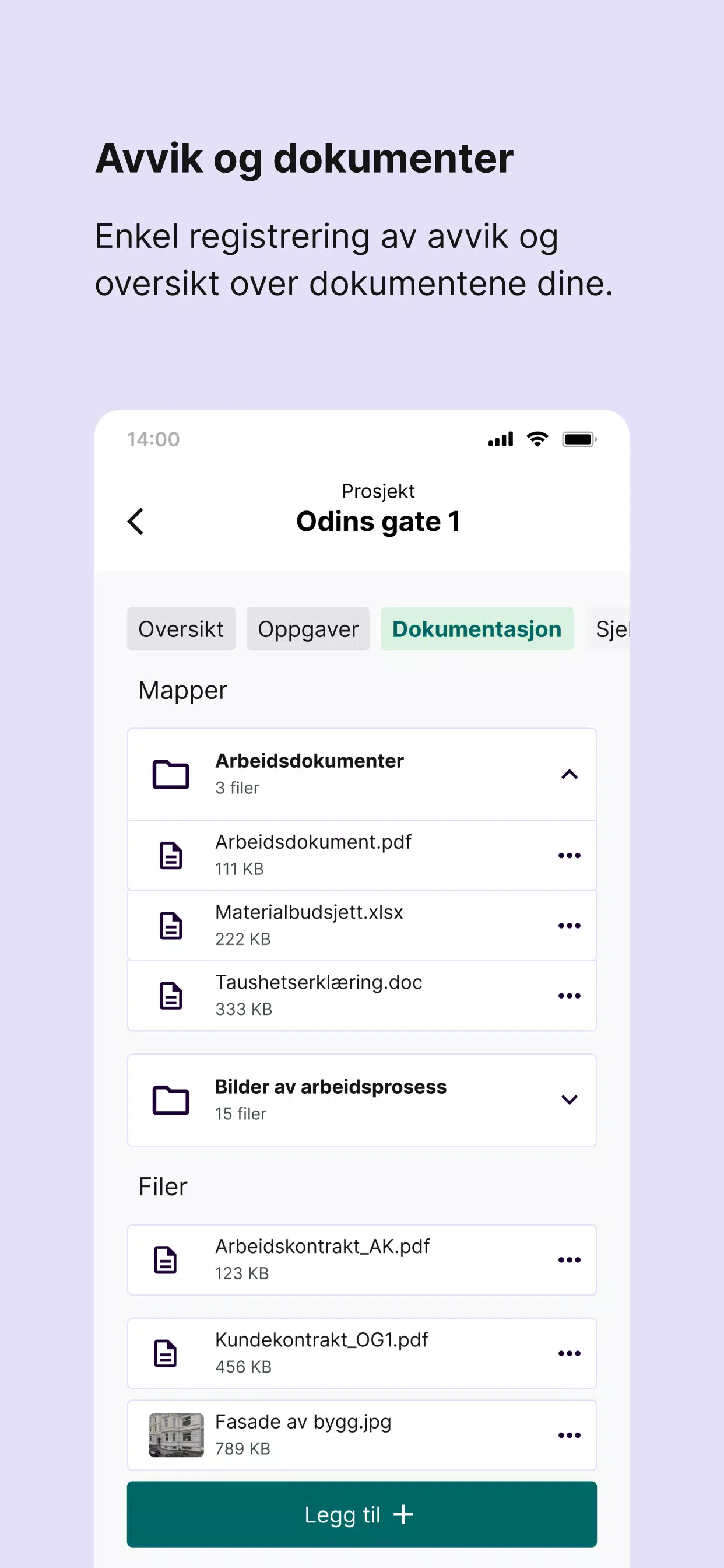
⭐ Centralised deviation and documentation control for clear oversight.
⭐ HSE (HMS) documentation support to keep compliance records organised.
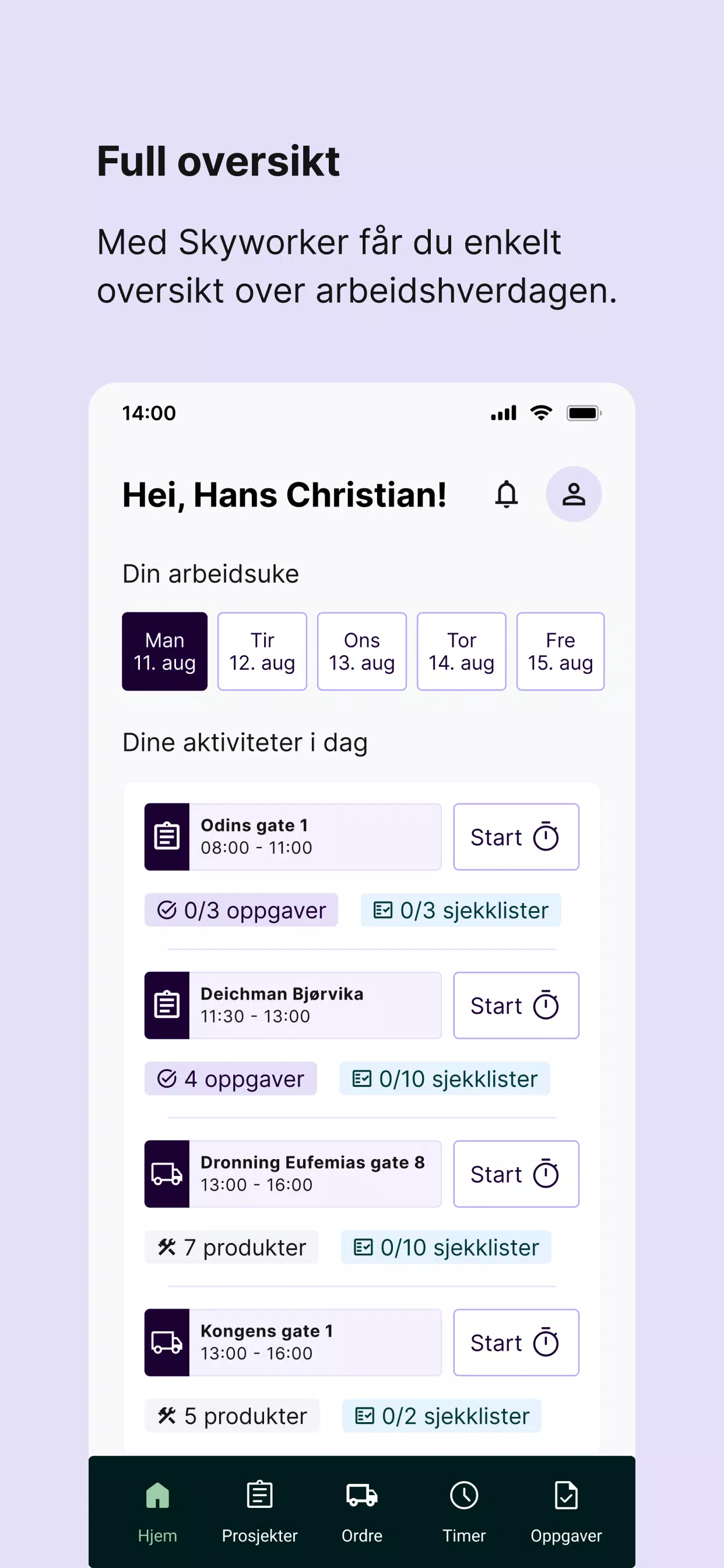
⭐ Field worker access to projects, tasks and personal work lists.
⭐ Fast setup with Skyworker: a manager creates an account and invites staff in minutes.
Advantages
✅ Reduces manual time reporting through smart automation with Skyworker.
✅ Improves visibility across projects and deviations for project leaders.
✅ Keeps HSE documentation organised and easily accessible for field teams.
✅ Simple onboarding—set up and invite employees in a few minutes to get started.
Disadvantages
❎ Designed primarily for field operations and project management, so it may be less suitable for unrelated office-only workflows.
❎ Requires a manager or administrator to set up the account and invite users.
❎ Some company-specific processes may still require manual handling outside the app.
- No virus
- No advertising
- User protection
Information
- File size: 15.30 M
- Language: English
- Latest Version: 2.0.2
- Requirements: Android
- Votes: 411
- Package ID: no.aboveit.skyworkerapp
- Developer: Aboveit
Screenshots
















Explore More
Equip yourself with our all-in-one toolbox app for everyday tasks and projects. Instantly convert between units, calculate tips, scan documents, manage files, and more with handy productivity tools. Includes a level, compass, QR code reader, ruler, speedometer, decibel meter, and flashlight. Save frequently used tools to your customizable dashboard for one-tap access. Track billable hours, wages, budgets, and invoices. Annotate screenshots, magnify labels, and sign PDFs on the go.

Board Game Stats

MEXC Global: BTC, ETH, Gamefi

Text Art - Write Text On Photo

MERA PROXY PRO

Domino's Pizza Sri Lanka

Halloween Photo Editor -Makeup

Connecting - Friends Near Me

Cartola





























