Introduction
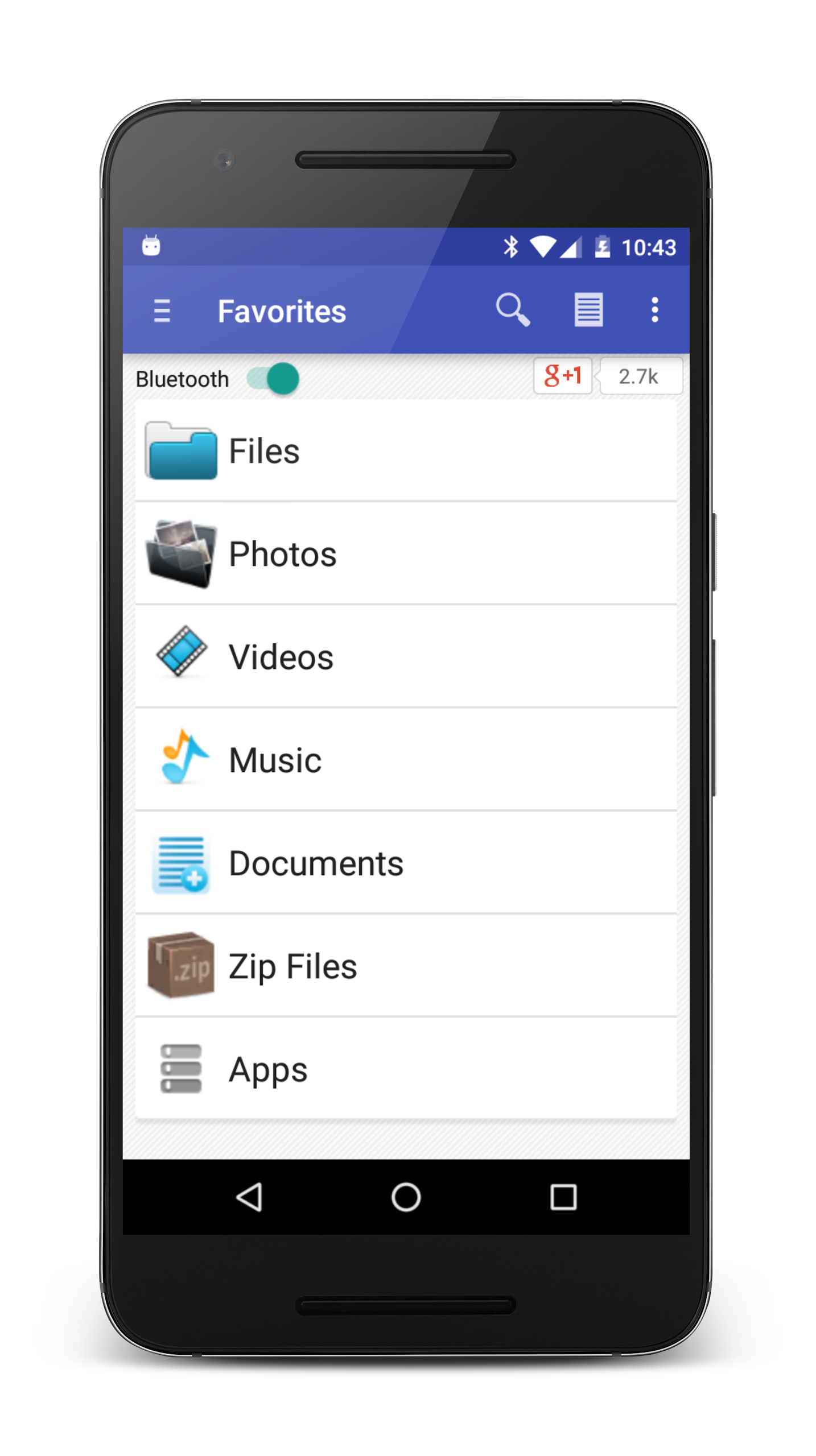
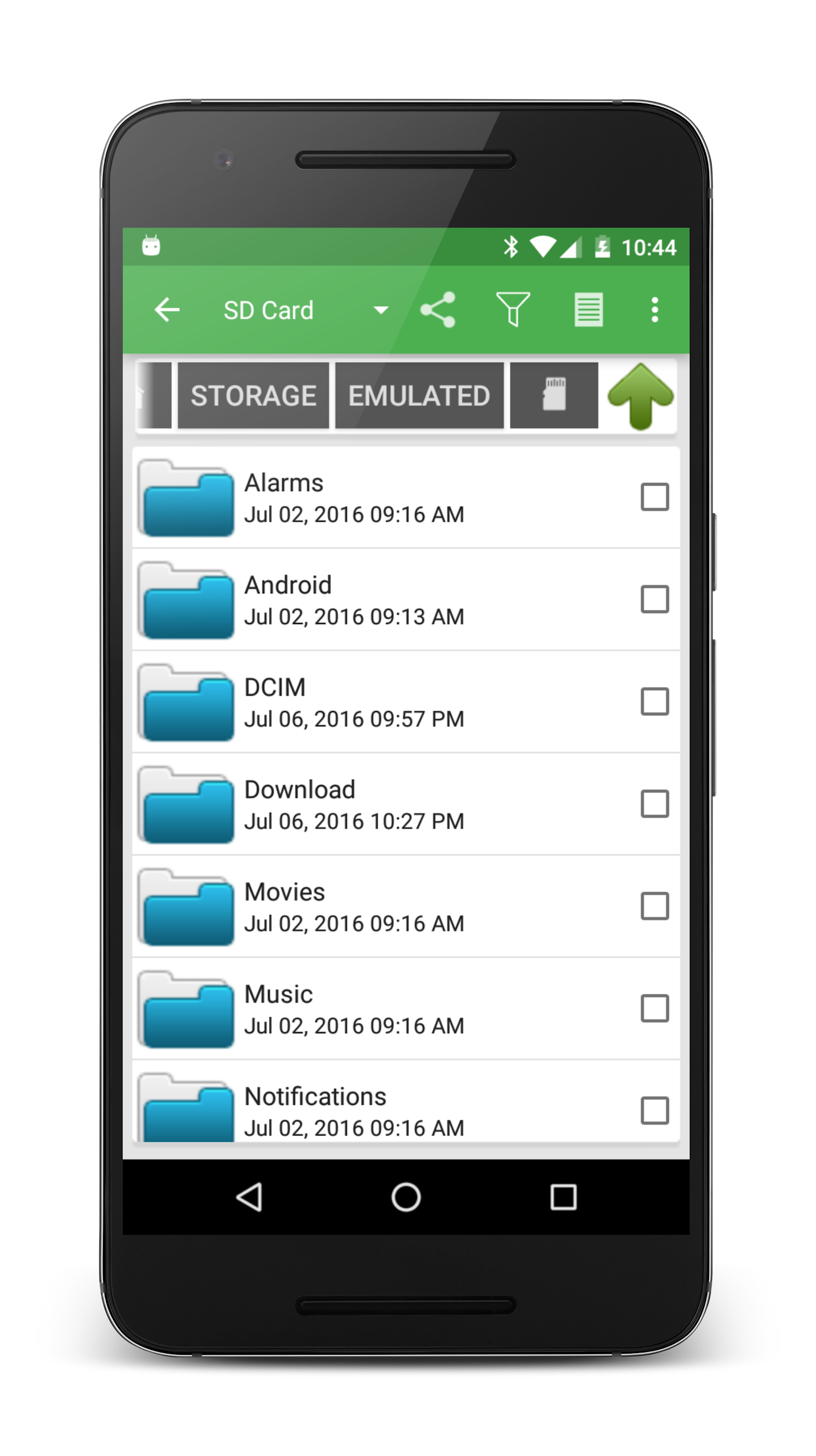
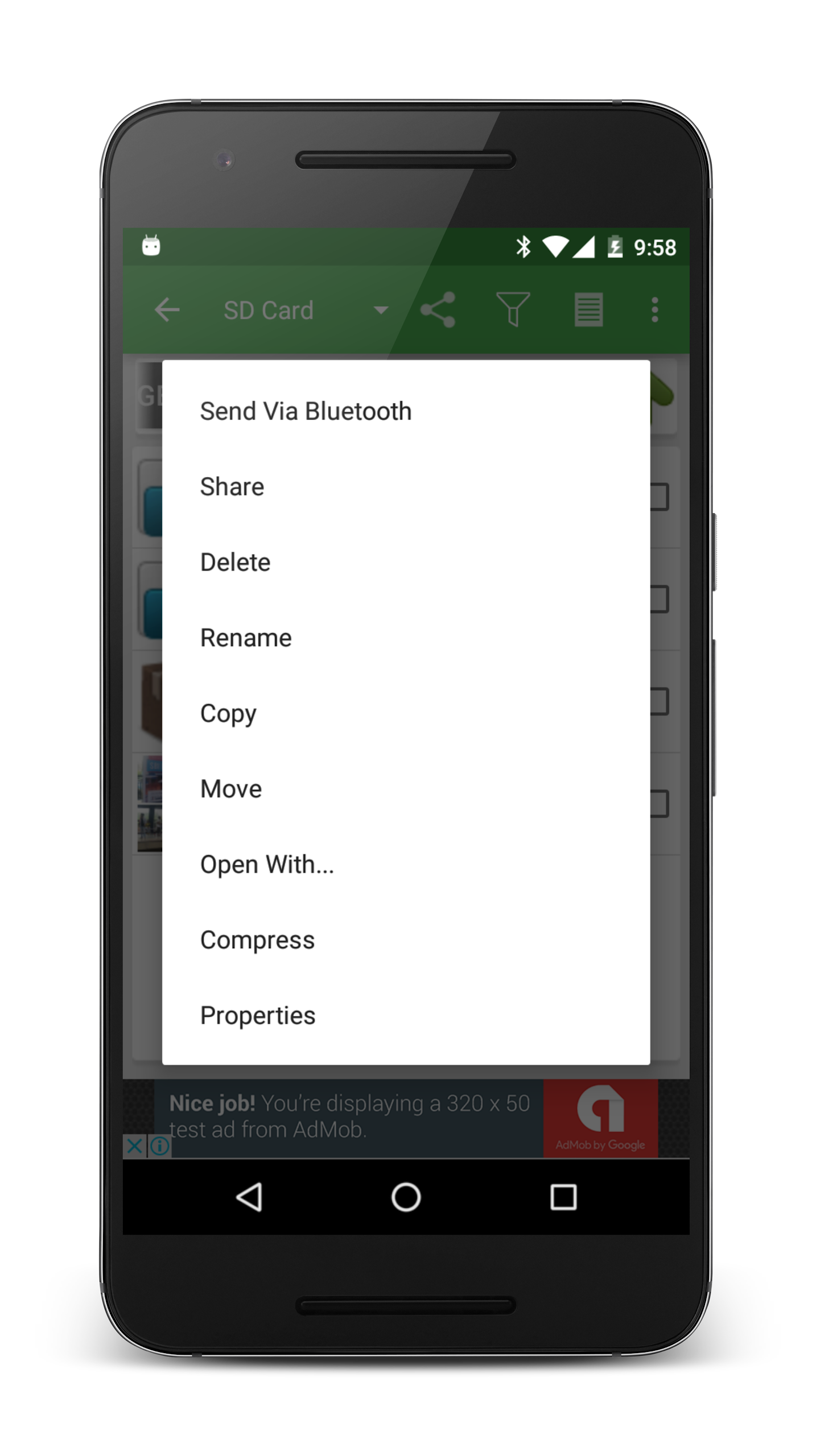
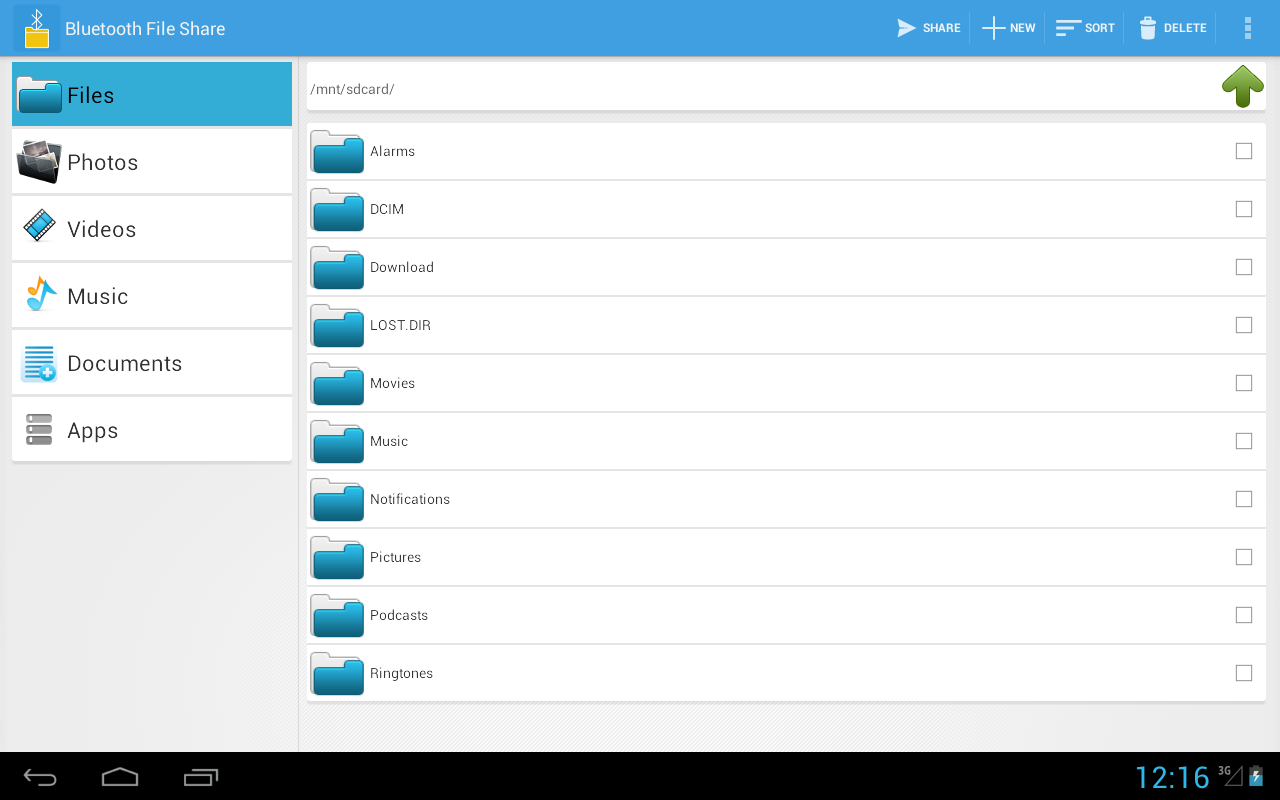
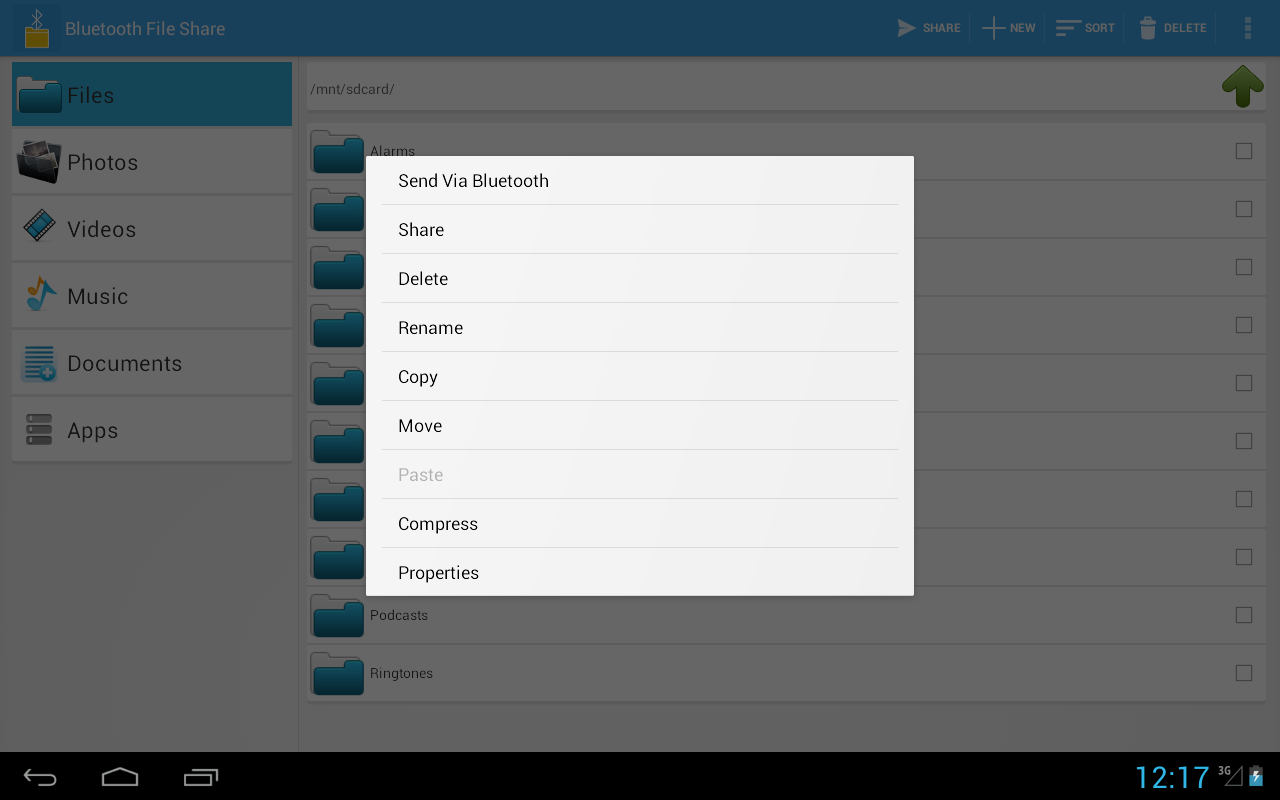
Bluetooth Files Share is the ultimate solution for quick and seamless file sharing between devices. With its user-friendly interface and high-speed performance, you can easily send photos, videos, music, apps, and documents to your loved ones via Bluetooth. This versatile app allows you to browse through files with ease, connect to cloud storage services like Google Drive and Dropbox, and even share files through social media platforms. With the ability to enable Bluetooth directly from the app, managing connections and transferring a wide variety of files has never been easier. Experience fast and efficient sharing without the need for an internet connection.
Features of Bluetooth Files Share:
> User-Friendly Interface: The Bluetooth File Share app offers a clean and intuitive design, making it easy for users to navigate and share files effortlessly.
> High Performance: With exceptional performance, this app ensures that file transfers are quick and efficient, saving users time and frustration.
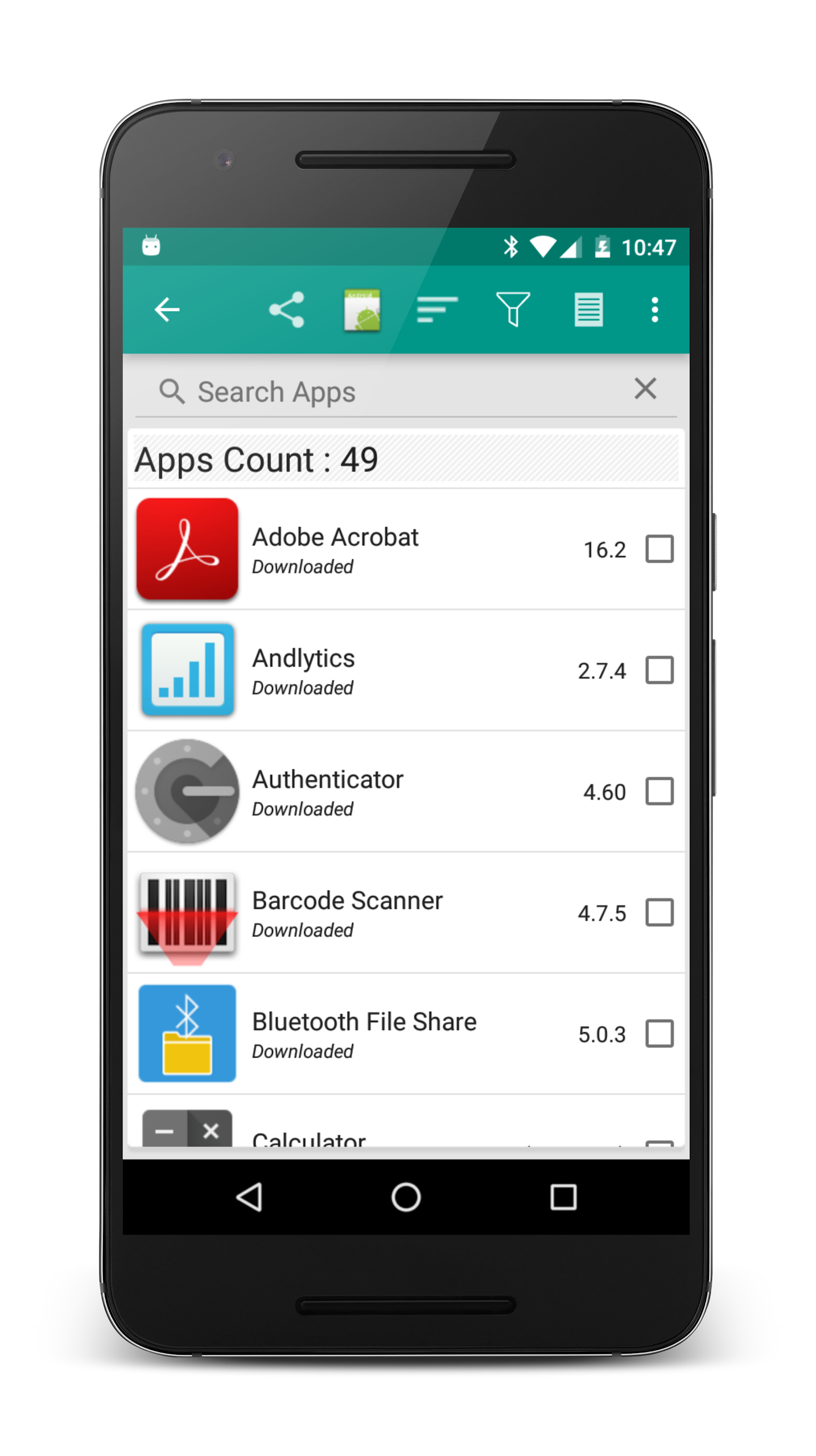
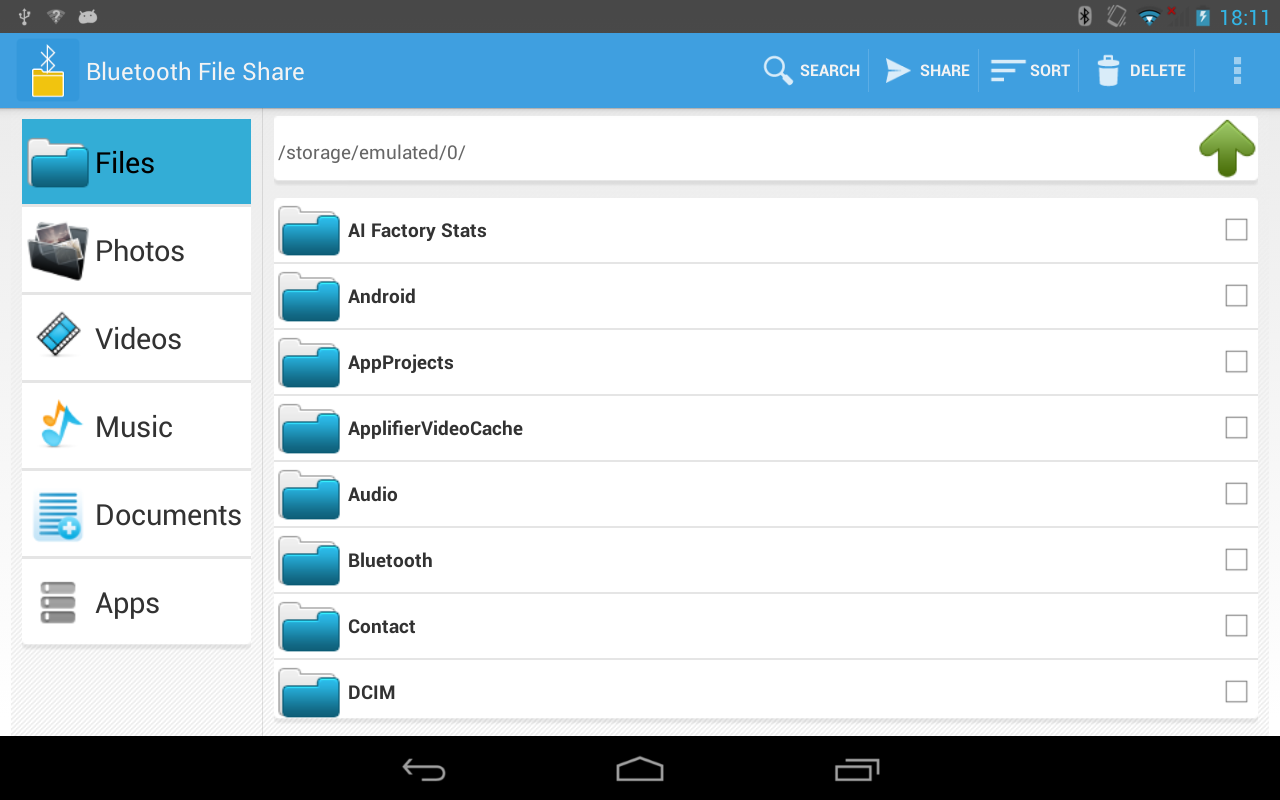
> Versatile File Support: Users can share a wide range of file types, including photos, videos, music, documents, zip folders, contacts, and even full apps as APK files.
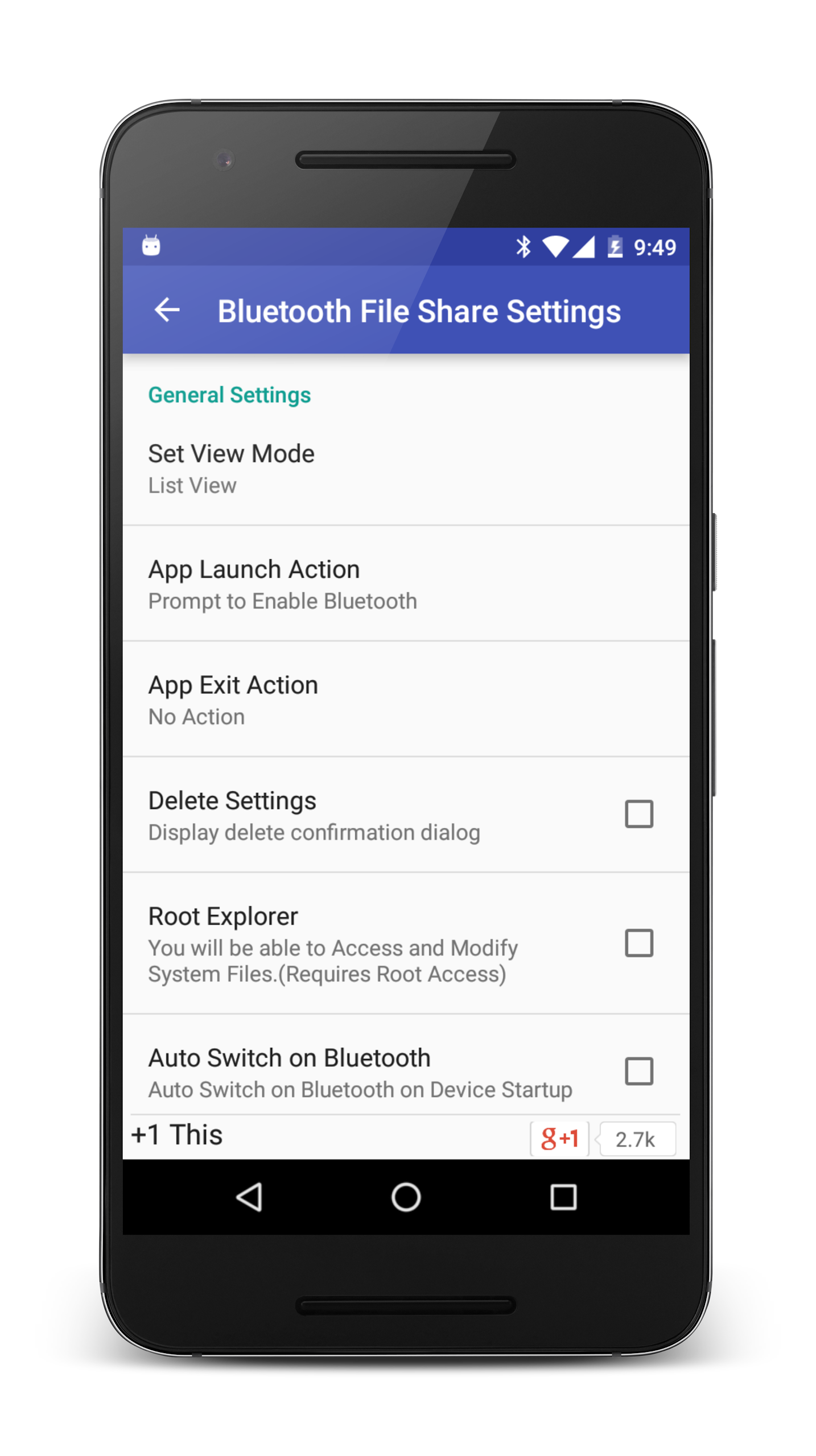
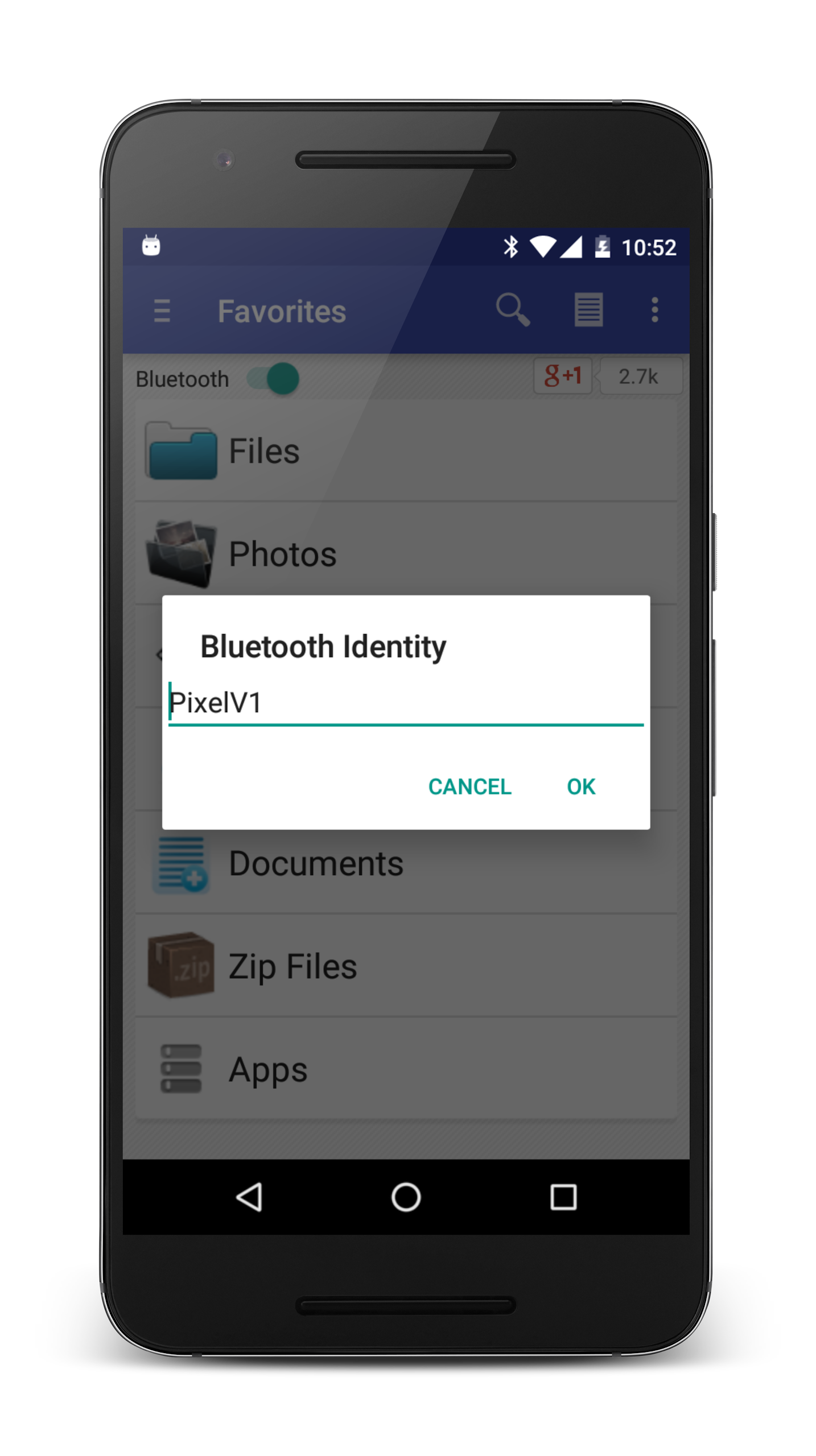
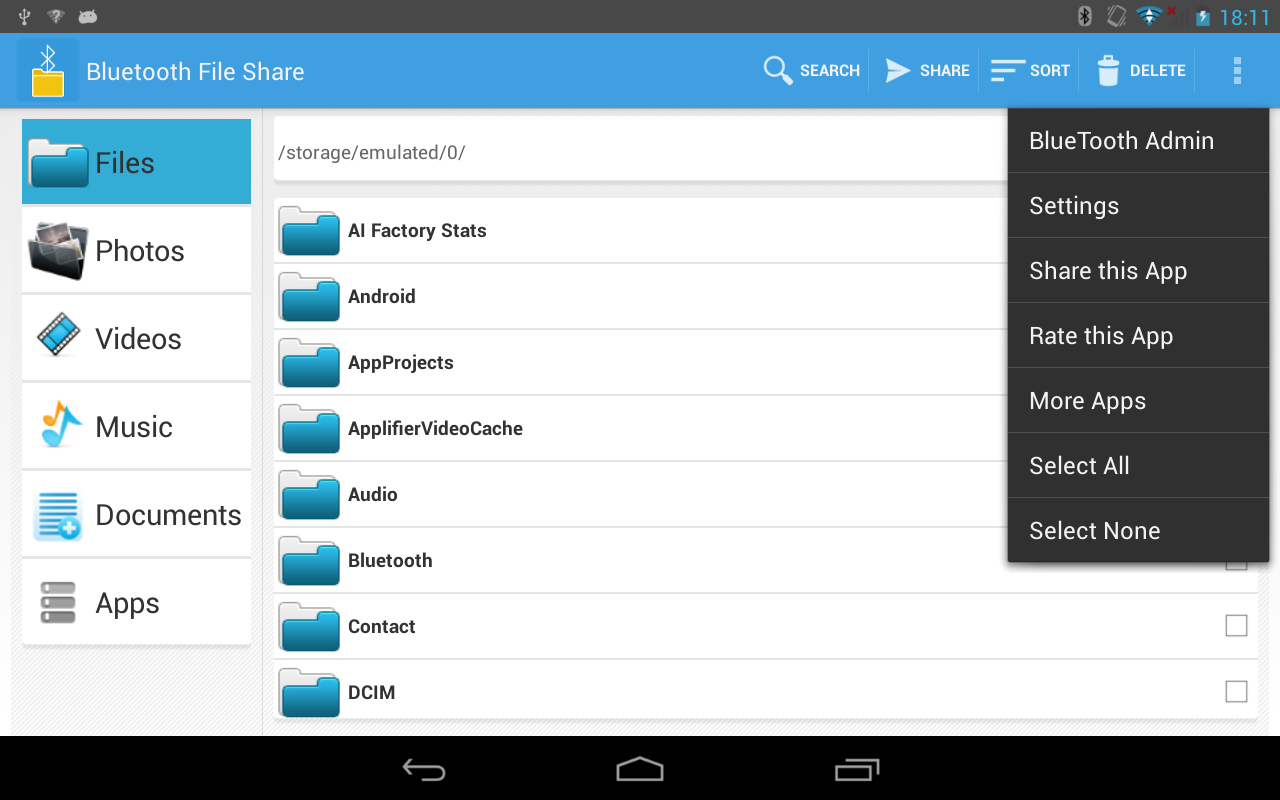
> Direct Bluetooth Activation: Enable Bluetooth directly from the app without the need to switch back and forth between settings, streamlining the file-sharing process.
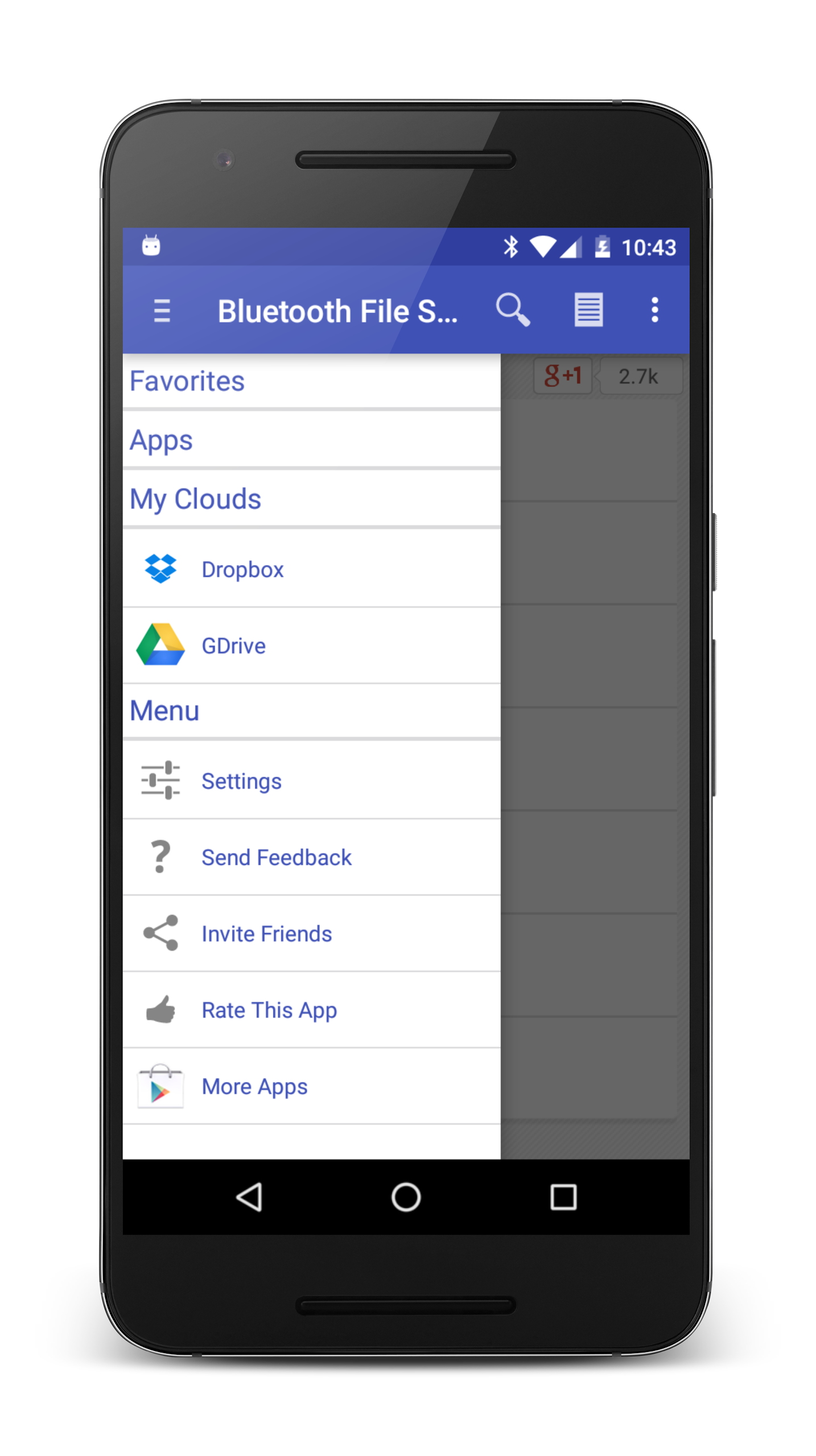
> Cloud Storage Integration: Access files from cloud storage services like Google Drive and Dropbox, expanding the options for sharing content.
> Social Media Sharing: In addition to Bluetooth transfer, users can also share files via social media platforms like Gmail and Facebook, providing flexibility in how content is shared.
FAQs
> What types of files can be shared using Bluetooth File Share?
The app supports a wide variety of file formats, including images, videos, music, documents, zip folders, contacts, and even full apps as APK files.
> Is an internet connection required to use Bluetooth File Share?
No, Bluetooth File Share does not require an internet connection for file transfers—all sharing is done via Bluetooth technology.
> Can I enable Bluetooth directly from the app?
Yes, users can turn on Bluetooth directly from the app, eliminating the need to navigate to device settings for activation.
Conclusion
Experience the convenience and efficiency of file sharing with Bluetooth File Share. With its user-friendly interface, high performance, versatile file support, direct Bluetooth activation, cloud storage integration, and social media sharing options, this app simplifies the process of exchanging photos, videos, music, documents, and apps with friends and family. Say goodbye to complex file-sharing methods and hello to seamless transfers with Bluetooth Files Share. Upgrade your sharing experience today and enjoy hassle-free content exchange at your fingertips.
- No virus
- No advertising
- User protection
Information
- File size: 2.40 M
- Language: English
- Latest Version: 7.9.8
- Requirements: Android
- Votes: 245
- Package ID: my.mobi.android.apps4u.btfiletransfer
- Developer: Avdhesh Yadav
Screenshots
















Explore More
Embark on an extraordinary musical journey with our sensational music app downloads! Immerse yourself in a symphony of melodies, beats, and rhythms that will ignite your soul. Discover an extensive collection of genres, from chart-topping hits to indie gems and everything in between. Create personalized playlists, explore curated recommendations, and enjoy high-quality audio streaming.

NRK P1+ Oslo Radio App NO Station Free Online

Asma-Ul-Husna

Deejay-Radio

Soltiana

Nghe Nhạc Vàng - Nhạc Trữ Tình

Beat Jam - Music Maker Pad

وهشام سماتي- عشقنا راه في خطر

Mazetools Soniface Pro