
Introduction
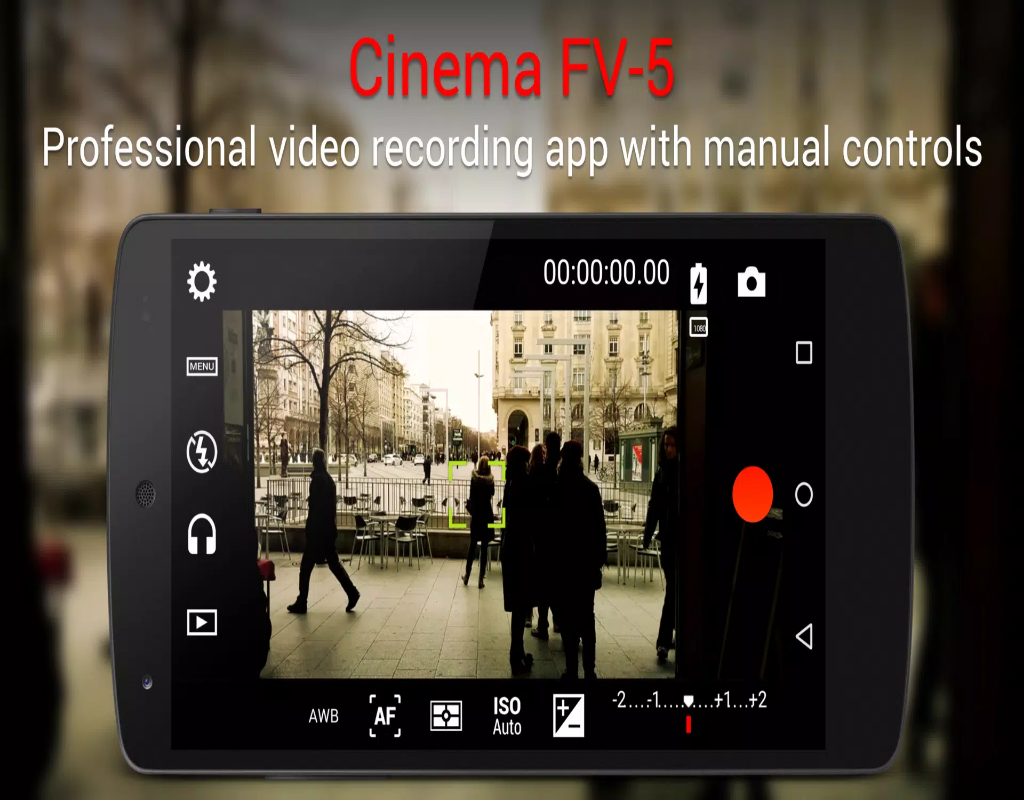
Cinema FV-5 is a powerful and professional video camera app designed for users who want to capture high-quality video with full manual controls on their Android devices. It allows filmmakers, content creators, and enthusiasts to take their video recording to the next level with precise adjustments for exposure, focus, white balance, and more. With a user-friendly interface and advanced features typically found in professional cameras, Cinema FV-5 makes it easy to create cinematic footage on your smartphone. Whether you’re recording a vlog, short film, or any other video project, Cinema FV-5 offers the tools you need to achieve stunning results.
Features of Cinema FV-5:
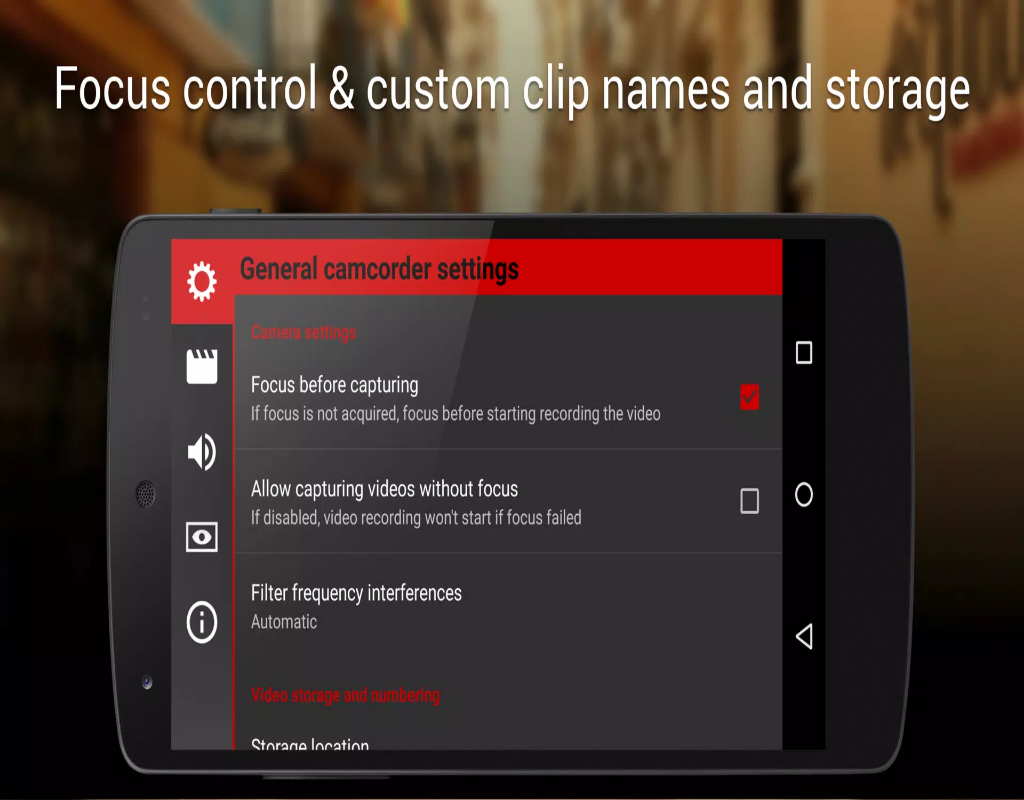
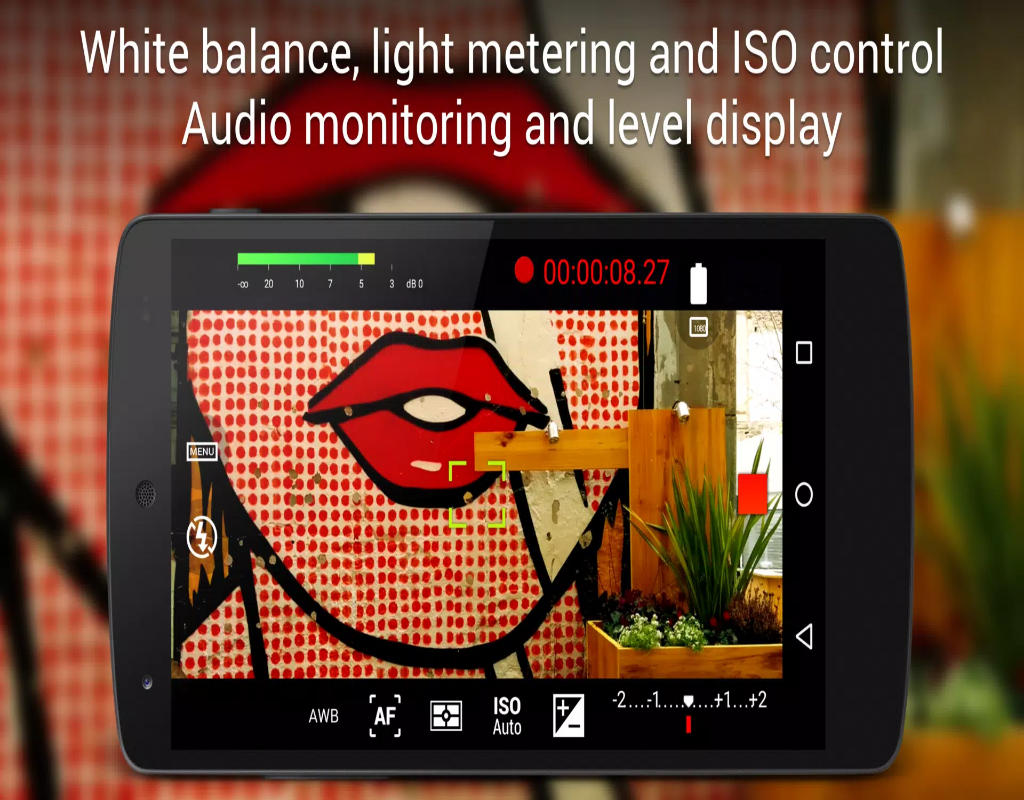
- Full Manual Control: Cinema FV-5 offers full control over exposure, focus, ISO, shutter speed, and white balance, allowing you to customize every shot to perfection.
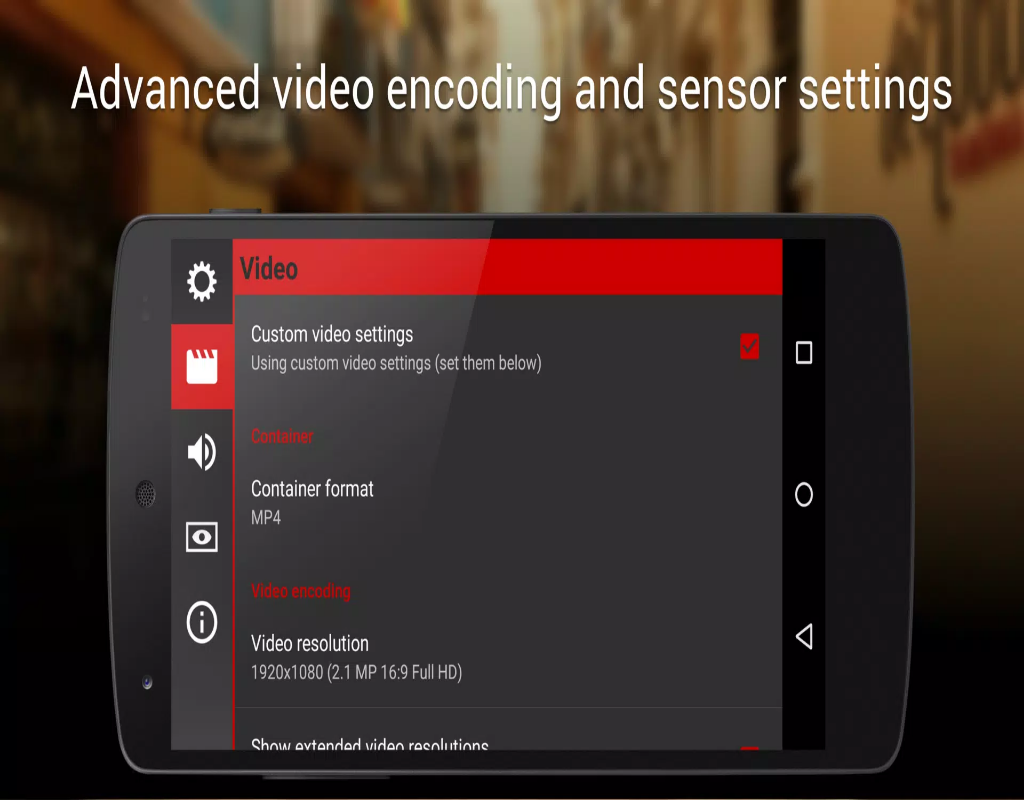
- 4K Video Recording: The app supports 4K video recording on compatible devices, ensuring that your footage looks crisp, detailed, and professional-quality.
- Audio Control: Cinema FV-5 allows you to adjust audio levels and monitor audio input in real-time, giving you precise control over the sound in your recordings.
- Focus Peaking: With focus peaking, you can easily ensure that your shots are in perfect focus, even in challenging lighting conditions.
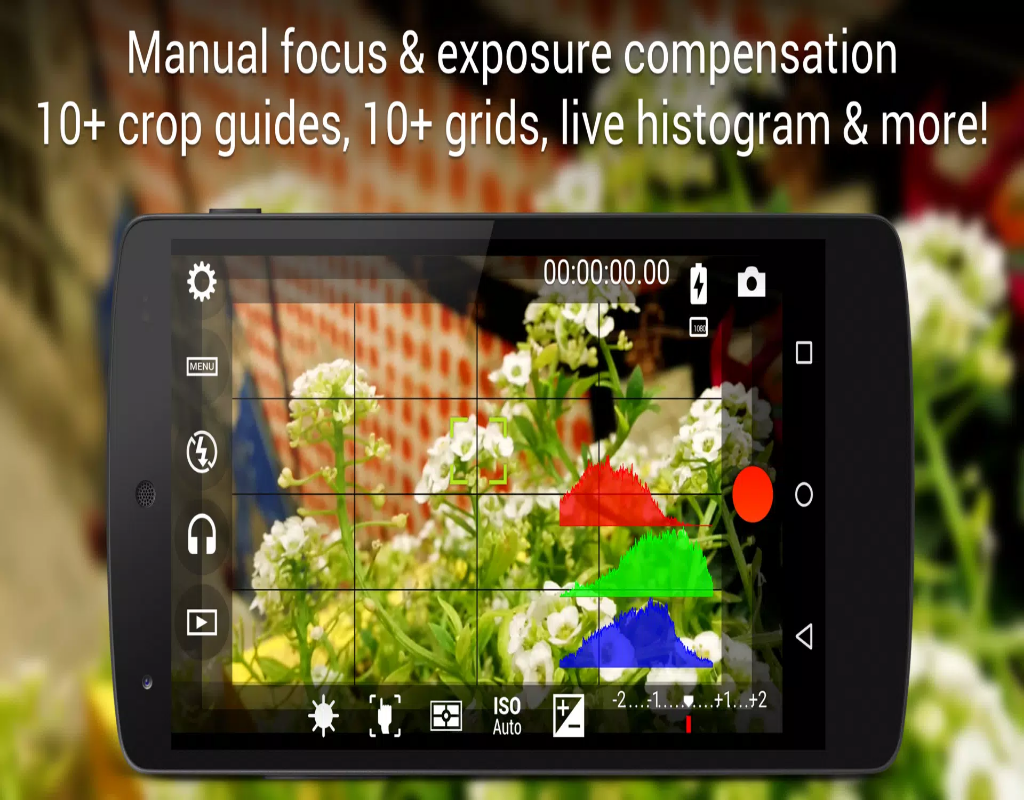
- Real-Time Histogram: The app provides a real-time histogram to monitor the exposure levels of your video, helping you avoid overexposure or underexposure during filming.
Playing Tips for Cinema FV-5:
- Use Manual Focus for Precision: For more control over your shots, use manual focus to ensure your subject is perfectly sharp, especially in close-up shots.
- Experiment with Shutter Speed: Adjust the shutter speed to control motion blur. A lower shutter speed will create a cinematic look, while a higher one can reduce motion blur in fast-moving scenes.
- Balance Exposure: Pay attention to the real-time histogram to maintain proper exposure and avoid blown-out highlights or blocked shadows, especially in bright or contrasting environments.
- Monitor Audio Levels: Always check the audio levels before recording to avoid distortion or unwanted noise. Cinema FV-5’s real-time audio monitoring feature is perfect for this.
- Plan Your Shots: Take full advantage of the manual controls and experiment with settings for different lighting conditions, focal lengths, and motion to create dynamic and engaging footage.
Conclusion:
Cinema FV-5 is an exceptional tool for video creators who want professional-grade features on their mobile devices. With its full manual controls, 4K recording, audio adjustments, and advanced features like focus peaking and histograms, the app provides everything you need to shoot high-quality video. Whether you’re an aspiring filmmaker, vlogger, or hobbyist, Cinema FV-5 offers the flexibility and control to bring your creative vision to life. If you’re looking to elevate your mobile video recording to a whole new level, Cinema FV-5 is the perfect companion for your smartphone.
- No virus
- No advertising
- User protection
Information
- File size: 6.40 M
- Language: English
- Latest Version: 2.1.8
- Requirements: Android
- Votes: 354
- Package ID: com.flavionet.android.cinema.pro
- Developer: FGAE Apps
Screenshots
















Explore More
Equip yourself with our all-in-one toolbox app for everyday tasks and projects. Instantly convert between units, calculate tips, scan documents, manage files, and more with handy productivity tools. Includes a level, compass, QR code reader, ruler, speedometer, decibel meter, and flashlight. Save frequently used tools to your customizable dashboard for one-tap access. Track billable hours, wages, budgets, and invoices. Annotate screenshots, magnify labels, and sign PDFs on the go.

myJersey

Training Feel

7 Bussid Private Bus Mod

1win

Iwan fals Paling Lengkap

CZUR

The Doylo

Radio You FM 106.9