
Introduction
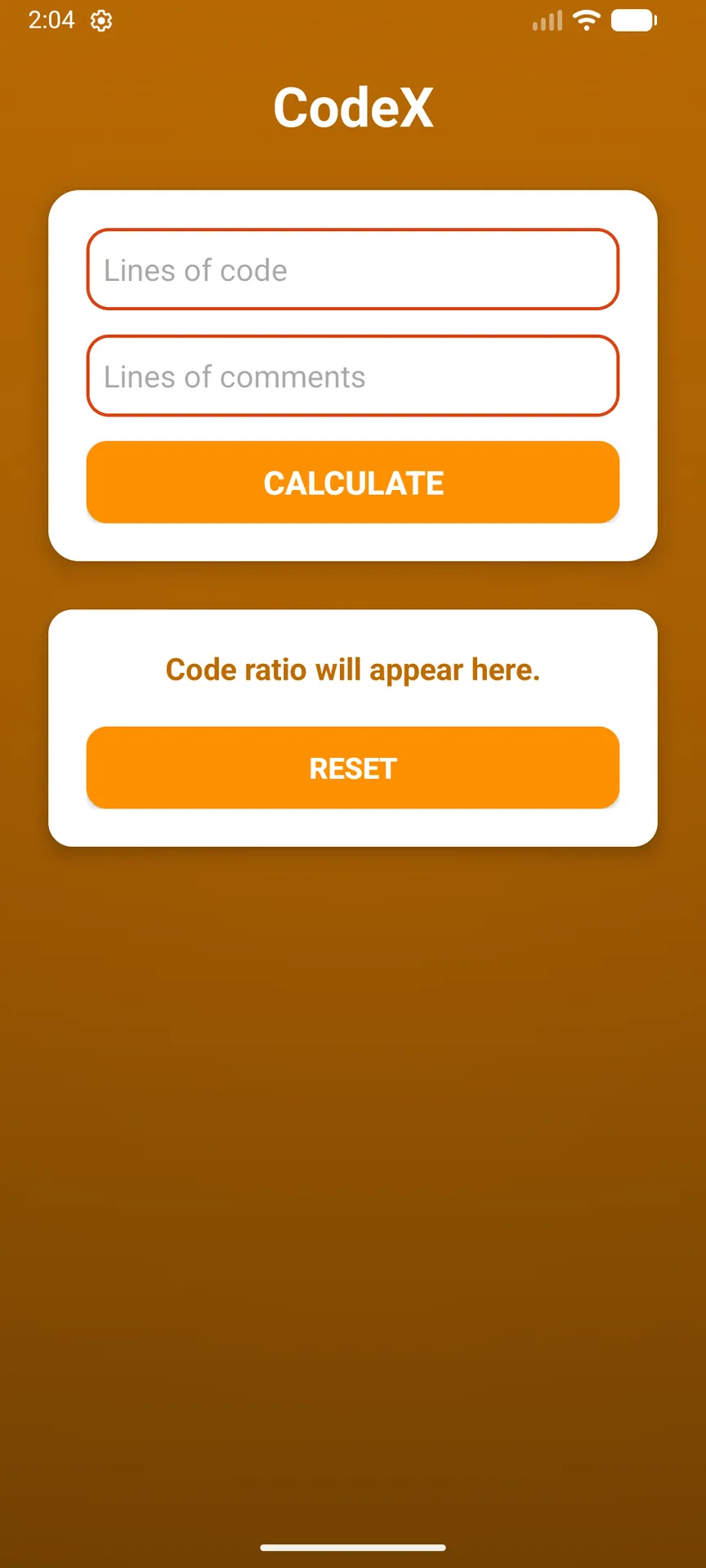
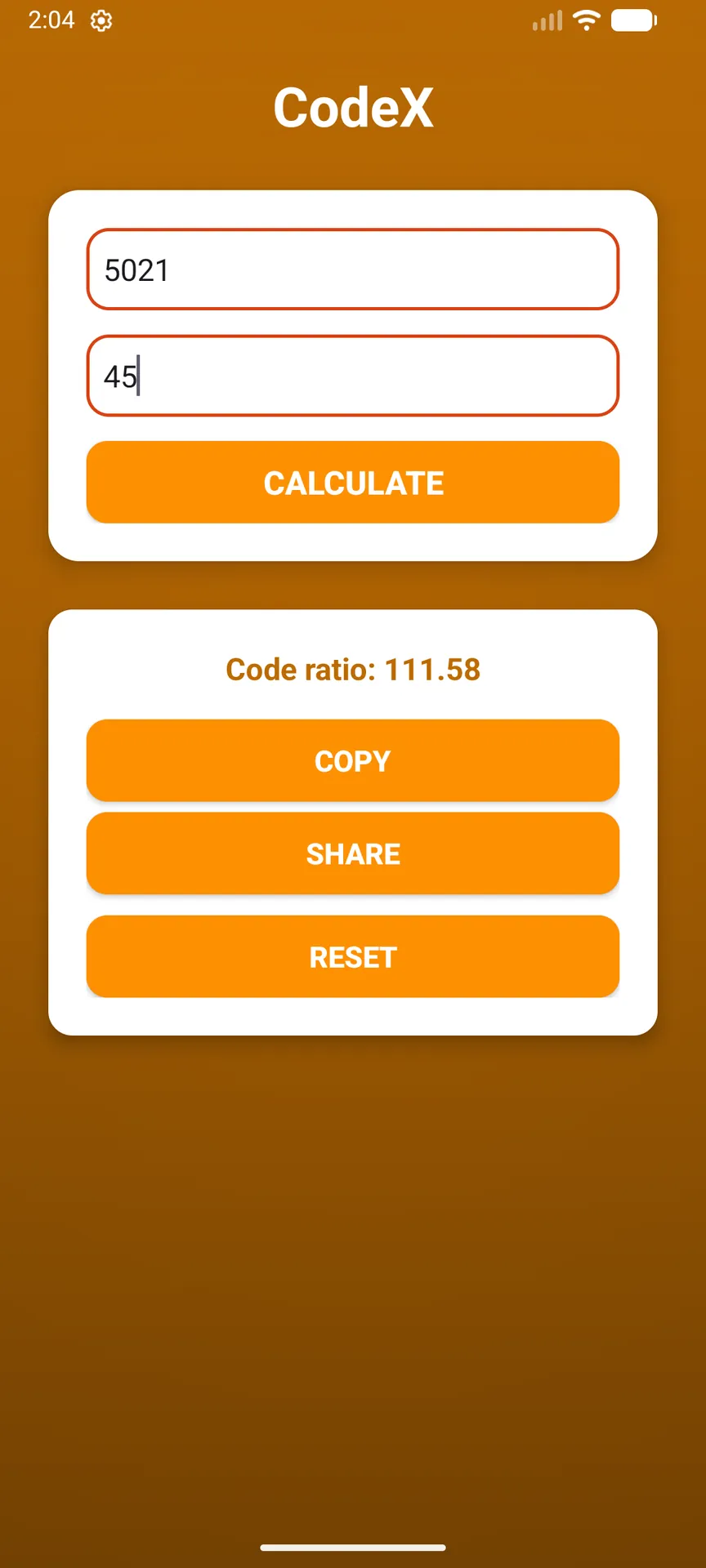
CodeX is a lightweight utility that helps developers and teams measure documentation density by calculating the code-to-comment ratio from simple line counts. Enter the number of lines of code and the number of comment lines, tap CALCULATE, and get an immediate ratio that’s useful during code reviews, quick quality checks, or when tracking project documentation metrics. Its straightforward workflow makes CodeX handy for anyone who needs a fast, no-friction way to quantify how well code is commented without dealing with complex tools or long setup processes.
Key Features
⭐ CodeX accepts manual entry of lines of code and lines of comments for immediate analysis.
⭐ Instant calculation shows the code/comment ratio with a single tap.
⭐ Options to copy, share, or clear results make it easy to record or distribute findings.
⭐ Clean, simple user interface designed for quick checks and minimal distraction.
⭐ Focused toolset geared toward developers, reviewers, and project managers tracking documentation.
Advantages
✅ CodeX delivers rapid feedback so teams can assess documentation levels during reviews or sprints.
✅ Minimal learning curve: enter two numbers and get a meaningful metric without configuration.
✅ Small, focused utility that complements existing workflows without adding complexity.
✅ Shareable results simplify reporting and discussion around code quality and documentation standards.
Disadvantages
❎ Requires manual entry of line counts rather than analyzing source files automatically.
❎ Limited to a single ratio metric and does not perform deeper code quality or style analysis.
- No virus
- No advertising
- User protection
Information
- File size: 11.00 M
- Language: English
- Latest Version: 1.0.1
- Requirements: Android
- Votes: 364
- Package ID: com.papers45asti.codex
- Developer: 9Mail DevTech
Screenshots
















Explore More
Equip yourself with our all-in-one toolbox app for everyday tasks and projects. Instantly convert between units, calculate tips, scan documents, manage files, and more with handy productivity tools. Includes a level, compass, QR code reader, ruler, speedometer, decibel meter, and flashlight. Save frequently used tools to your customizable dashboard for one-tap access. Track billable hours, wages, budgets, and invoices. Annotate screenshots, magnify labels, and sign PDFs on the go.

MEXC Global: BTC, ETH, Gamefi

Text Art - Write Text On Photo

Domino's Pizza Sri Lanka

Hatekhori Shongkha

Halloween Photo Editor -Makeup

Connecting - Friends Near Me

Cartola

HFonts - font & emoji manager