Introduction
PDF Viewer is a lightweight, fast document reader for Android that puts viewing, basic conversion and file management into a single app. It opens PDF and TXT files with one tap, scans your device to list documents, and supports Office formats such as Word, Excel and PowerPoint. The app also converts photos (JPG/PNG) to PDF and can create PDFs from camera scans, making it handy for study, work, and everyday tasks. Files are processed locally to protect privacy, and the uncluttered interface helps you read, convert and organize documents without extra complexity.
Key Features
⭐ Open and read PDFs and TXT files quickly with fast rendering and a simple interface in PDF Viewer.
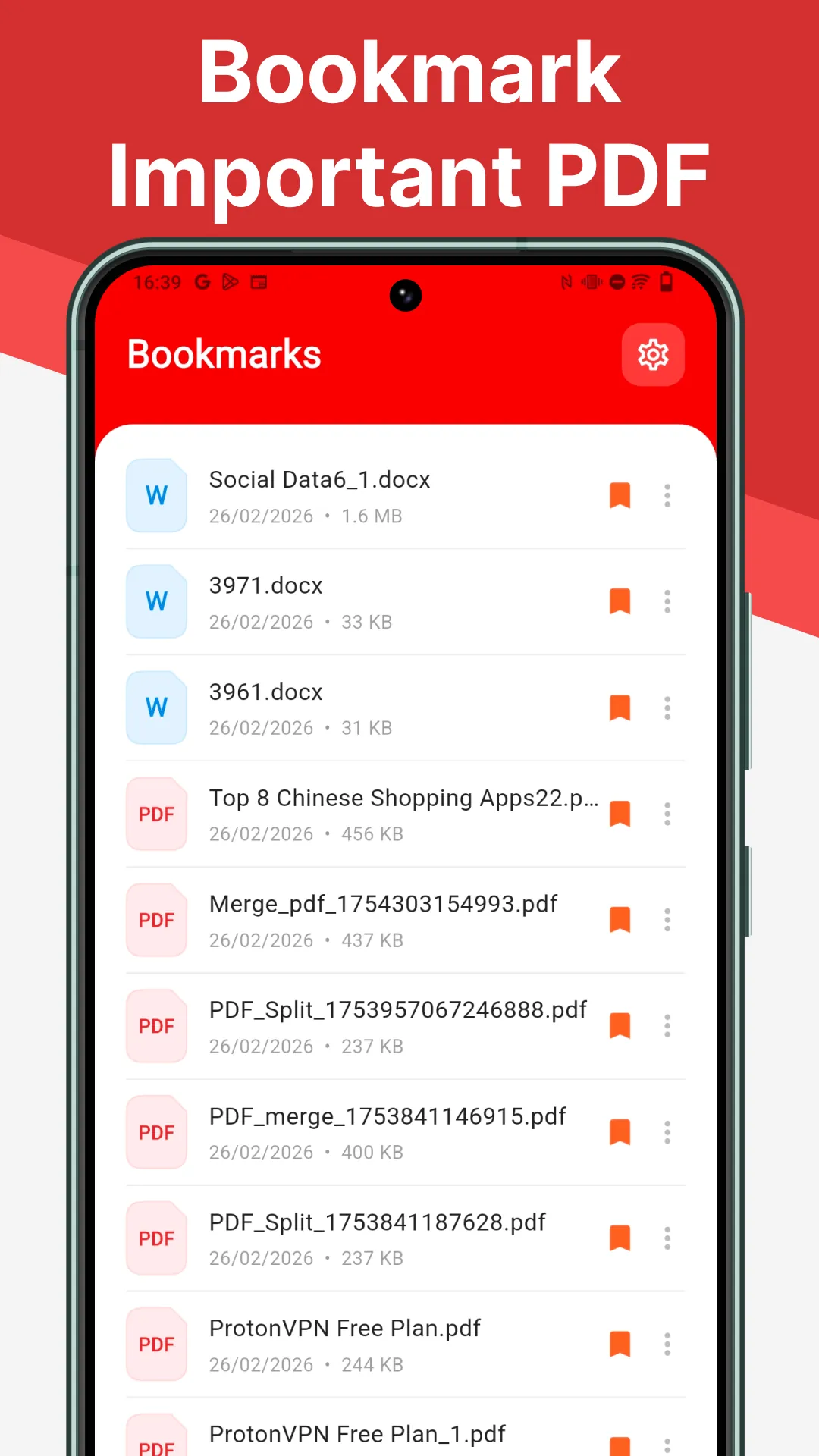
⭐ Automatic scan and catalog of documents on your device so PDFs, TXT and Office files are easy to find.
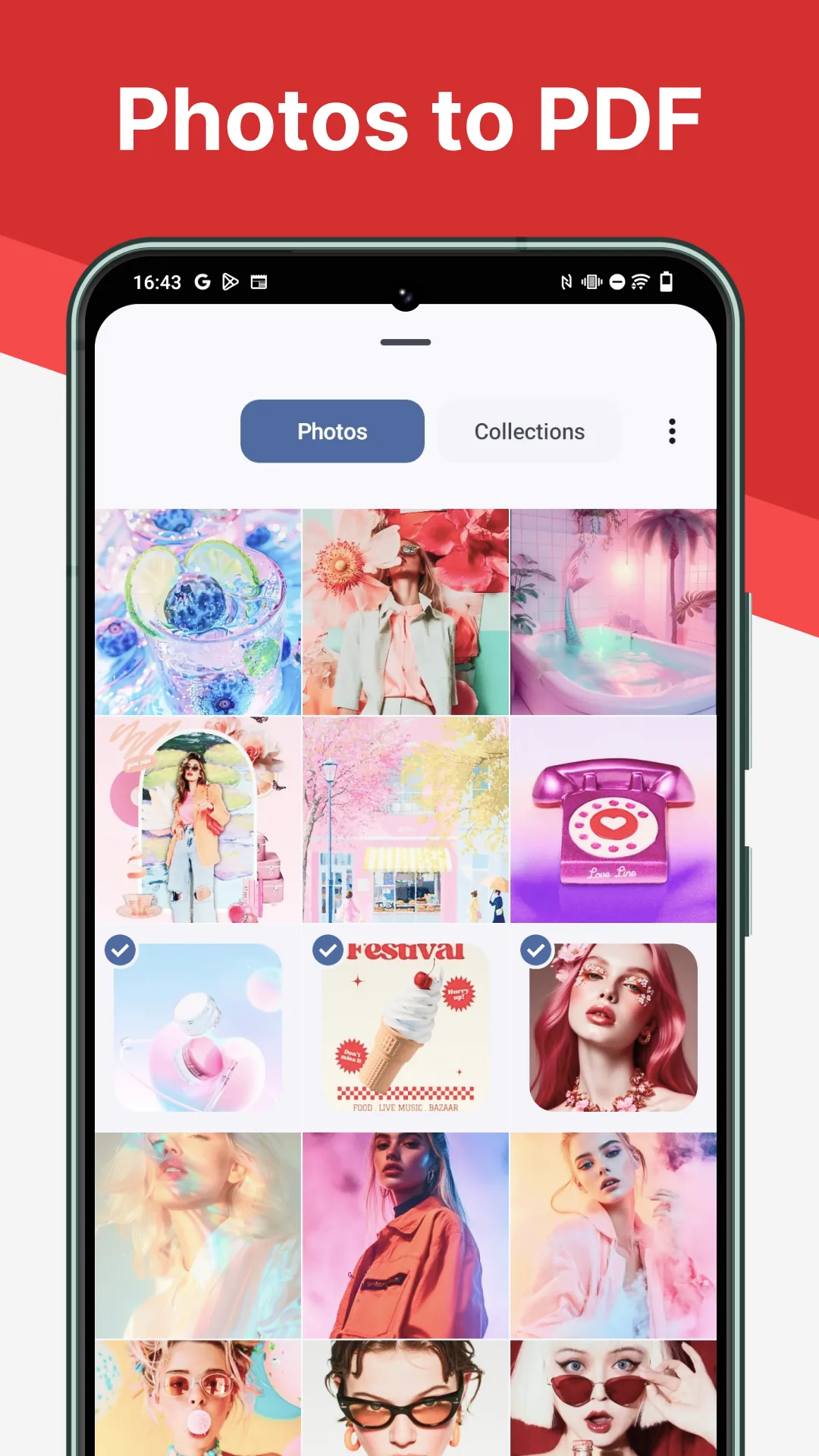
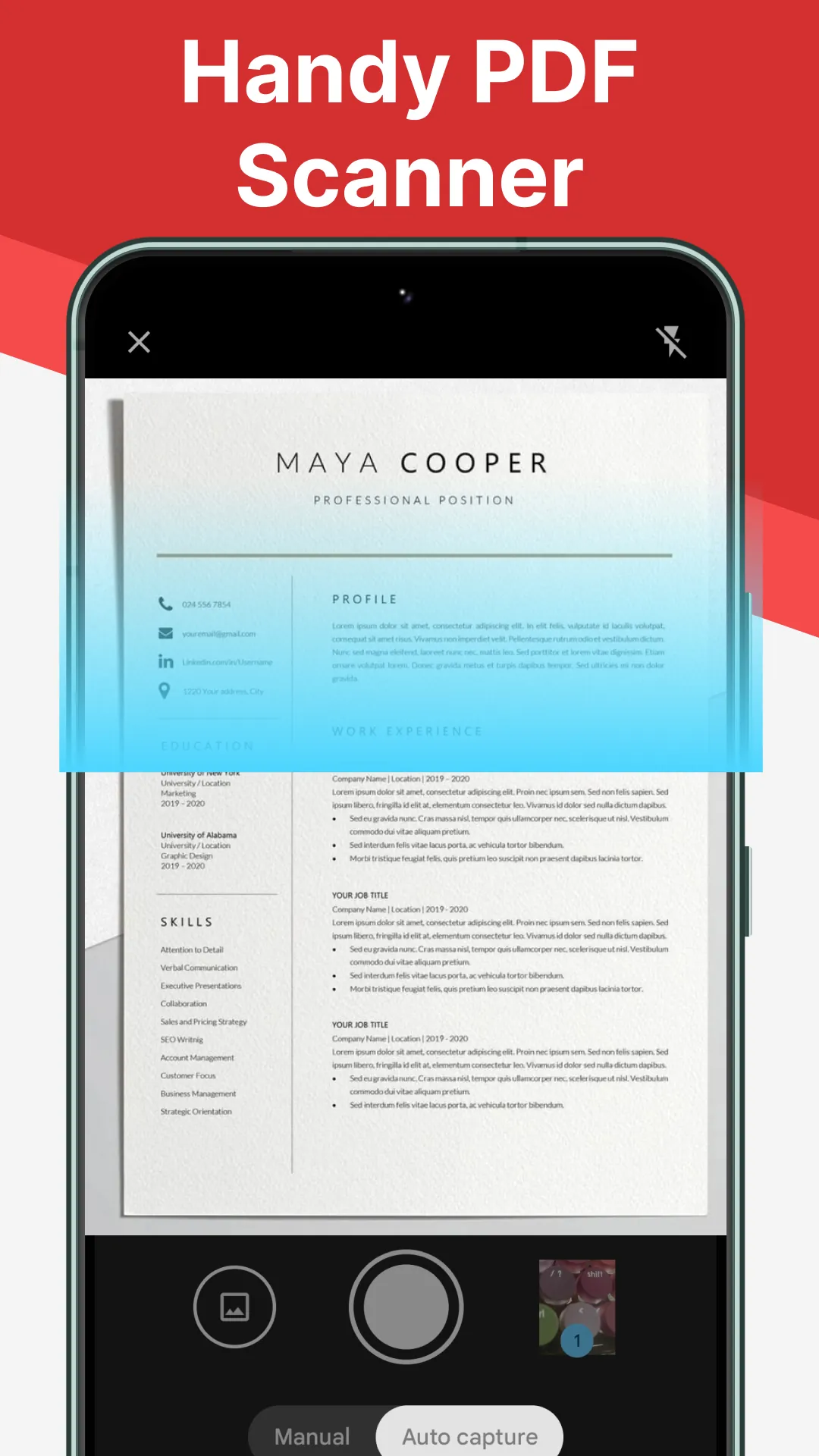
⭐ Photo-to-PDF conversion (JPG/PNG) and camera scan support to produce PDFs from images.
⭐ Basic viewing support for Word, Excel and PowerPoint formats alongside standard PDFs.
Advantages
✅ Lightweight app design that starts quickly and keeps document access uncluttered.
✅ All file processing happens locally, helping protect privacy and sensitive documents when using PDF Viewer.
✅ Combines viewing and simple conversion tools so you don’t need multiple utilities for common tasks.
✅ Practical for students and professionals who need a straightforward reader and quick PDF maker.
Disadvantages
❎ Focused on viewing and conversion, so it may not include advanced editing or annotation tools found in full-featured PDF editors.
❎ Designed for simplicity, which means power users who need extensive document workflow or collaboration features may find it limited.
- No virus
- No advertising
- User protection
Information
- File size: 47.74 M
- Language: English
- Latest Version: 1.0.6
- Requirements: Android
- Votes: 379
- Package ID: com.pdfile.viewer.read
- Developer: MYC Eatery Visuals
Screenshots
















Explore More
Equip yourself with our all-in-one toolbox app for everyday tasks and projects. Instantly convert between units, calculate tips, scan documents, manage files, and more with handy productivity tools. Includes a level, compass, QR code reader, ruler, speedometer, decibel meter, and flashlight. Save frequently used tools to your customizable dashboard for one-tap access. Track billable hours, wages, budgets, and invoices. Annotate screenshots, magnify labels, and sign PDFs on the go.

Nghe Nhạc Vàng - Nhạc Trữ Tình

Beat Jam - Music Maker Pad

وهشام سماتي- عشقنا راه في خطر

Mazetools Soniface Pro

Oldies But Goldies Radio App

Enrique Iglesias - El Perdón

Stream on Screen for Price Tag

荐片播放器