Introduction
Advili driver is a smart companion for professional drivers and delivery teams, combining route optimization, real‑time tracking, and vehicle diagnostics in a single mobile toolkit. It streamlines daily shifts, reduces idle time, and gives clear feedback about fuel use, stops, and schedules without overwhelming the driver.
What the app is designed to do
Built for couriers, fleet supervisors, and solo operators, Advili driver focuses on simplicity and reliability. The app wraps live navigation, delivery sequencing, and basic OBD-style health checks into one interface so drivers can stay productive on the road while managers get the telemetry and reporting they need.
Primary benefits at a glance
- Route efficiency: Prioritizes stops and reduces backtracking.
- Live location: Accurate position updates for dispatch and customer ETAs.
- Vehicle signals: Quick diagnostics to flag common mechanical issues.
- Shift logging: Automatic trip summaries for payroll and compliance.
Core tools and features
The feature set aims to cover everyday driving workflows. A compact dashboard shows current route progress, next stop with turn-by-turn guidance, and a clear indicator for off-route deviations. The mapping engine supports multi-stop optimization and suggests alternative paths when traffic spikes. Push notifications let drivers know about urgent changes without navigating through deep menus.
Data capture and reporting
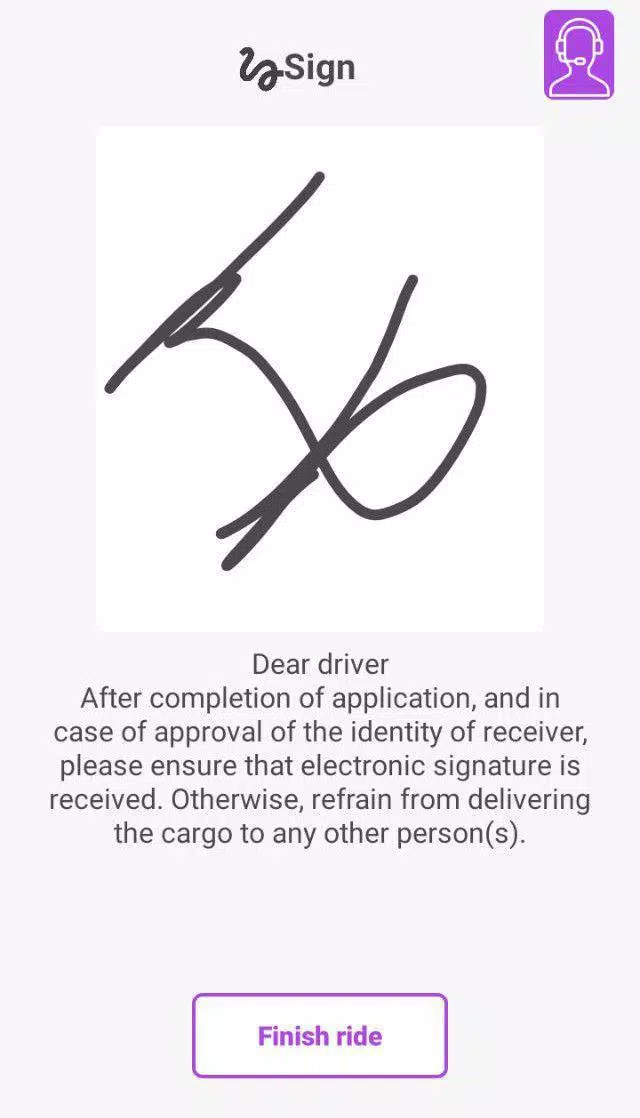
Trip histories are saved with timestamps, distance, fuel estimates, and location snapshots. Reports export easily for managers who need CSVs or PDF summaries. There is also an integrated proof-of-delivery option that stores signatures and photos linked to a specific stop.
How it functions in day-to-day use
Advili driver syncs routes from a central planner or accepts manual entries from drivers. When a route is active the app switches to a focused driving view that reduces clutter and highlights the next action. Background tracking continues to record logs even when the screen is locked, and battery usage is optimized to prevent rapid drain.
Connectivity and integrations
It connects to standard telematics platforms and supports common third-party map providers. For fleets equipped with Bluetooth OBD dongles, the app can read engine codes and basic sensor values. Integrations are modular, so teams can choose just the pieces they need without extra complexity.
Interface and performance notes
The interface emphasizes legibility with large buttons and a dark mode for night driving. Transitions are smooth and the app keeps memory usage modest to run well on mid-range devices. Response times for routing and GPS updates are competitive; occasional delays depend on network coverage rather than the app itself.
Usability strengths
- Minimal learning curve for new drivers.
- Clear visual cues reduce distraction while driving.
- Customizable alerts for speed, route deviation, and idle time.
Practical tips for users
Enable background location permission to maintain reliable logging. Use the multi-stop planner to batch nearby deliveries and reduce unnecessary mileage. If your vehicle supports OBD connectivity, pair the dongle during initial setup to take advantage of early fault detection.
Installation and early setup
When you install Advili driver start with profile setup and vehicle selection, then run a short calibration trip to confirm GPS accuracy. Invite dispatchers or link the app to your fleet account to begin receiving assigned routes. Regularly export trip logs to verify data integrity and to simplify monthly reconciliation.
Final considerations for decision makers
For teams seeking a balanced mobile tool that prioritizes practical workflows, Advili driver delivers a focused feature set without unnecessary extras. It is particularly useful for operations that value clear trip records, modest device requirements, and straightforward integrations with existing dispatch systems.
- No virus
- No advertising
- User protection
Information
- File size: 6.40 M
- Language: English
- Latest Version: 11
- Requirements: Android
- Votes: 94
- Package ID: com.tabaneshahr.rb.agentside
- Developer: Sopiko Khositashvili
Screenshots
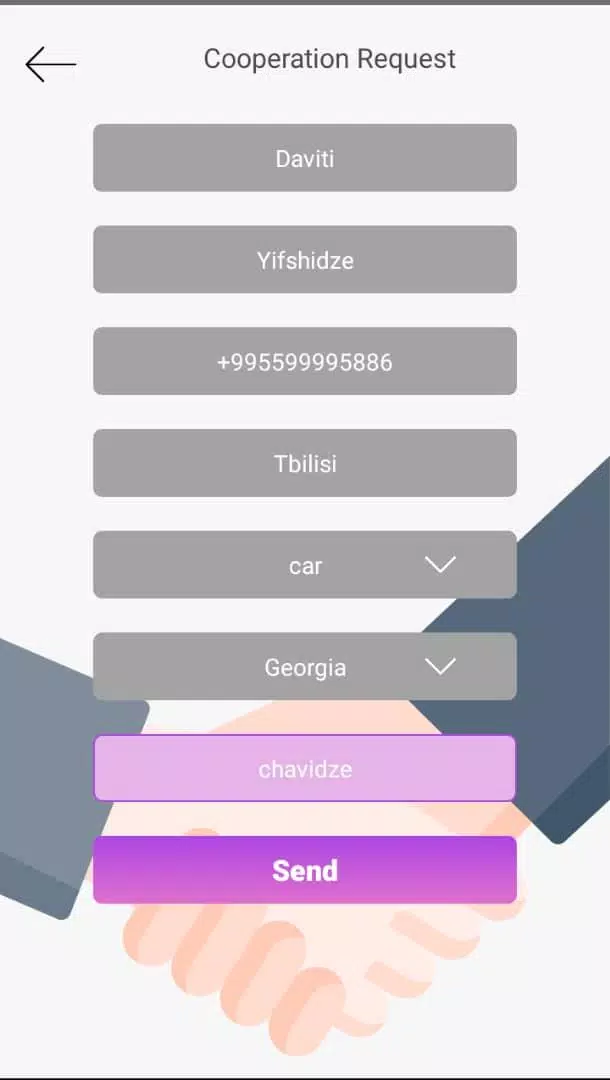
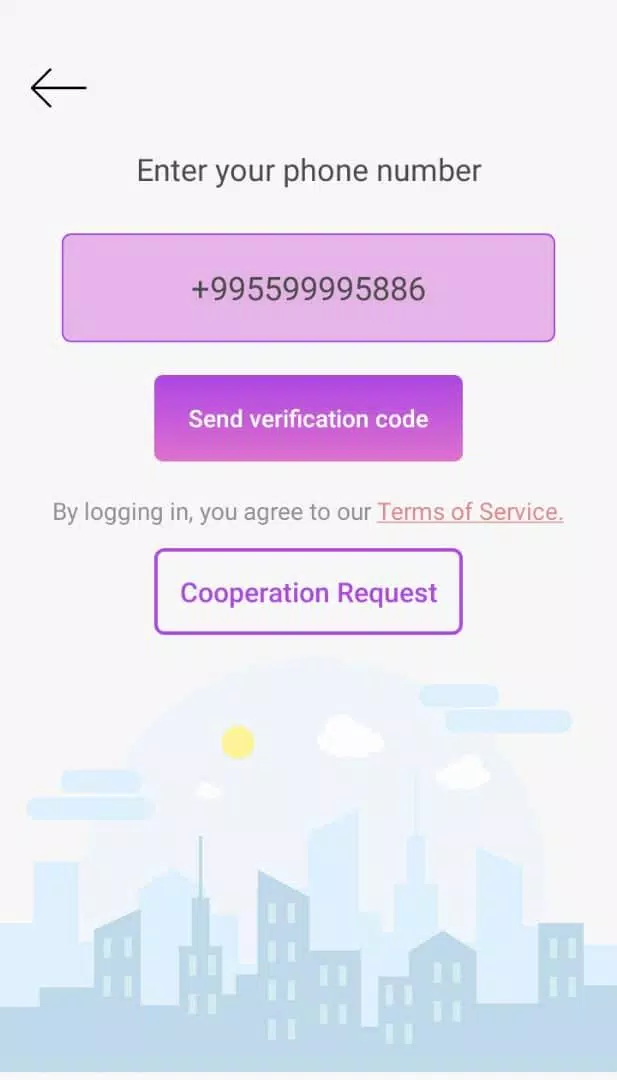
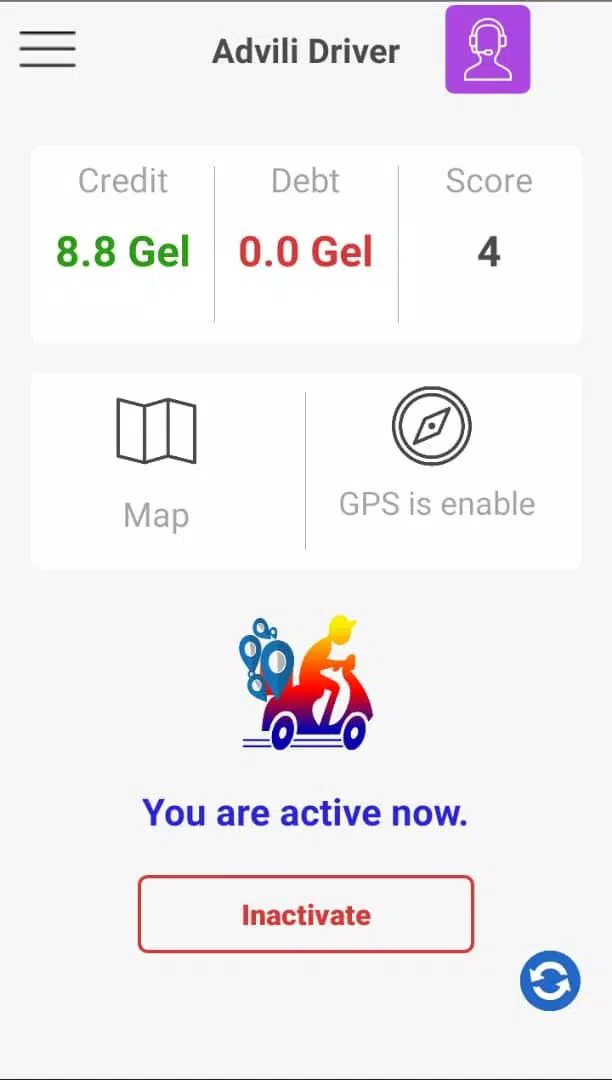
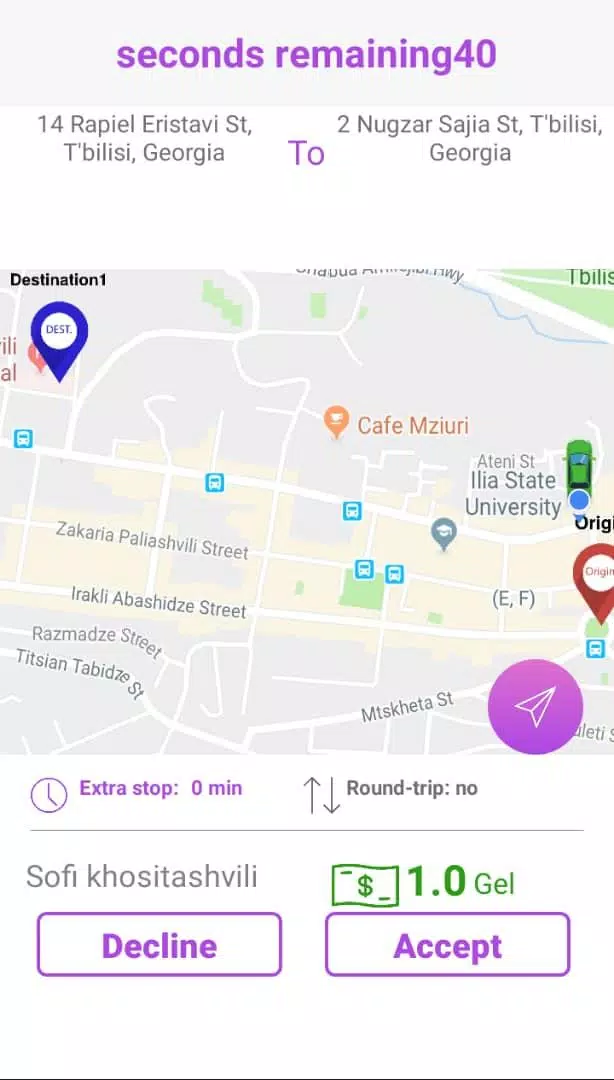
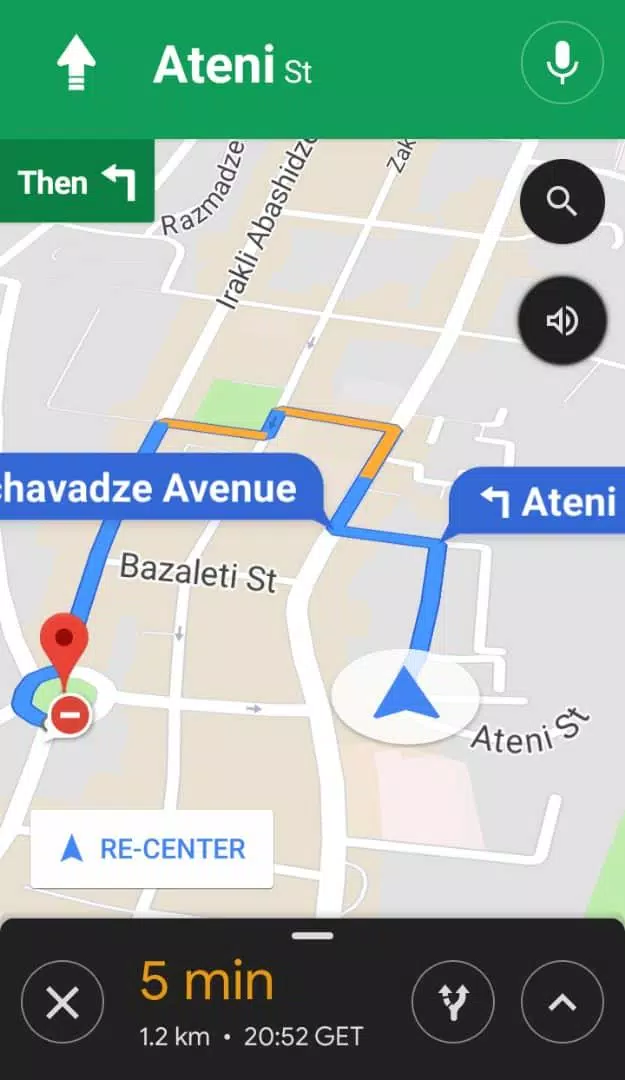
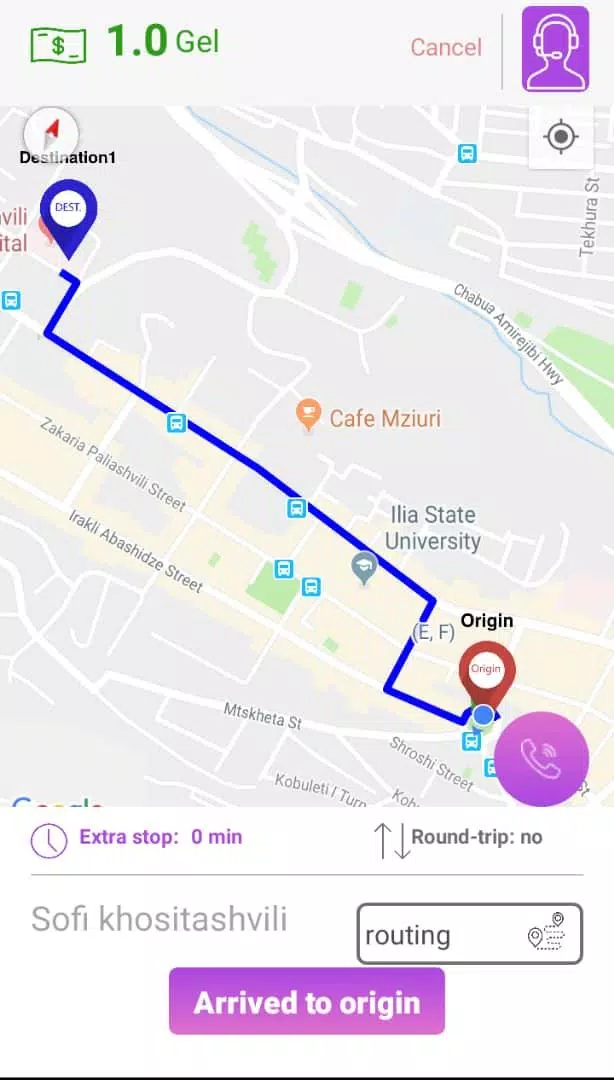
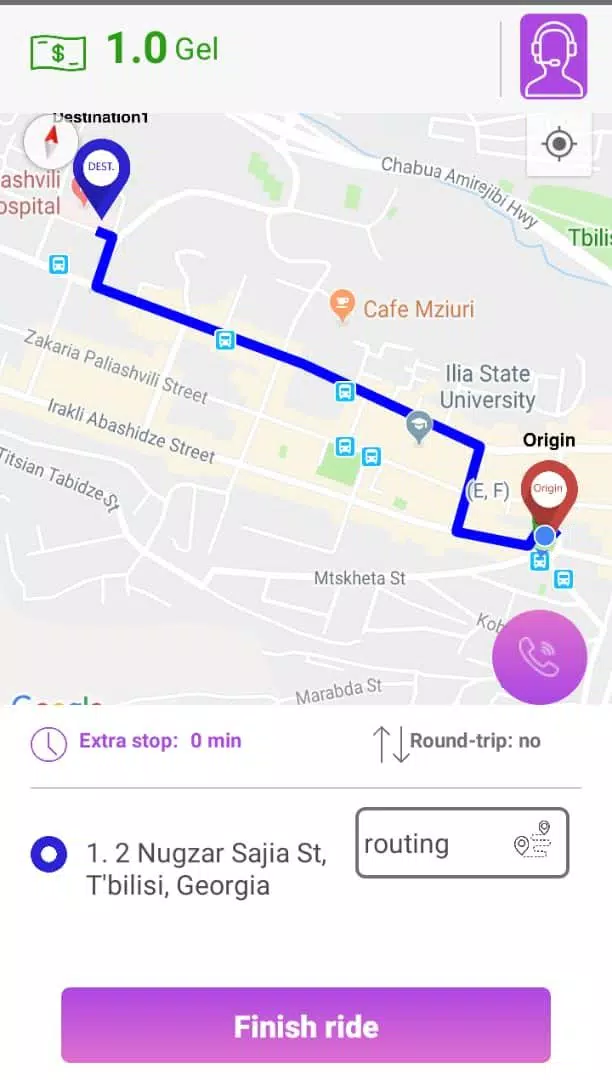
















Explore More
Take charge of your wellbeing with our innovative health and fitness apps. Monitor your activity, sleep, nutrition and more using our advanced tracking tools. Access personalized insights to develop healthy habits. Check symptoms, manage medications, and connect with doctors through our telehealth services. Follow customized workout plans for any fitness level with our virtual coaching.

Tap vpn - fast and safe

Half Marathon Trainer 13.1 21K

DWP Fitness - Diet & Workout

MaaS360 MDM for Android

AD Program

Health Connect (Beta)

Kidcare – Parental Control App

Ultimate IPTV Playlist Loader