


Introduction
AI Cleaner is a lightweight Android utility designed to analyze storage, remove junk files, and optimize system performance with minimal effort. It offers one-tap cleanup, background monitoring, and targeted cache clearing to free space and improve responsiveness on phones and tablets.
What AI Cleaner Does
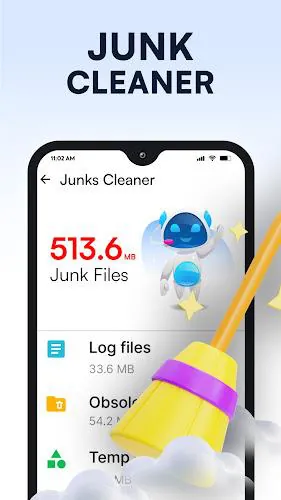
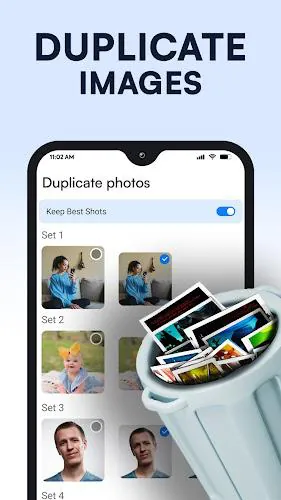
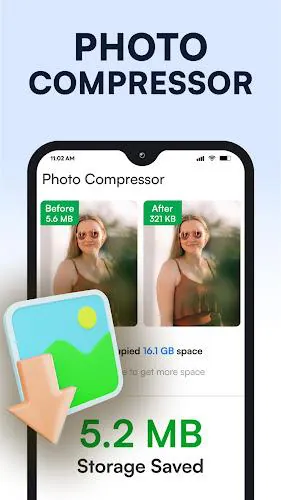
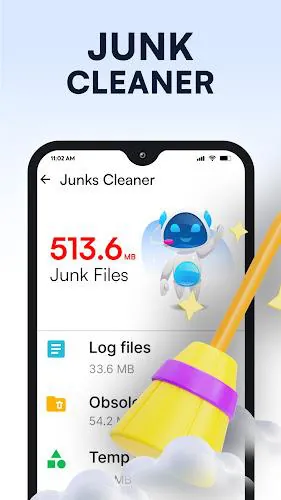
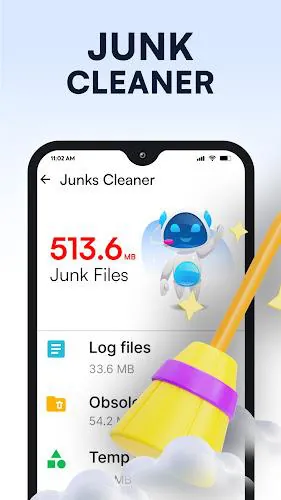
AI Cleaner scans your device to locate obsolete files, redundant downloads, and temporary caches that rarely contribute to daily use. Beyond basic deletion, it identifies large media, duplicate images, and unused APK installers so you can reclaim gigabytes without manually hunting through folders. The app groups items by category and impact so cleanup decisions are quick and informed.
Key Tools and Features
- One-tap Cleanup: A consolidated action removes safe-to-delete items across caches, residual files, and app-specific temporary data.
- Smart Scan: Prioritizes files based on size and last access time to recommend high-impact removals first.
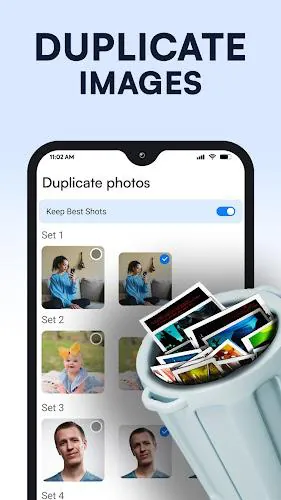
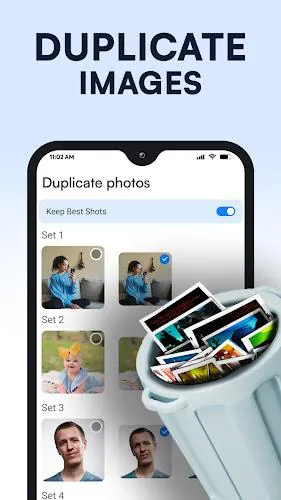
- Duplicate Finder: Detects repeated photos and downloads so you can keep the best copy and discard extras.
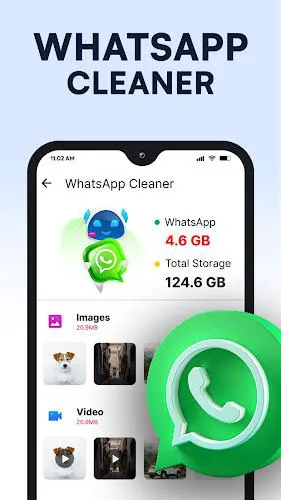
- Storage Analyzer: Visual breakdowns show where storage is consumed—apps, media, system, and documents.
- Scheduled Maintenance: Set automatic cleanups to run at convenient intervals to avoid accumulating clutter.
User Interface and Workflow
The interface is designed for clarity: a dashboard presents current storage usage, recent scans, and a clear action button to start cleanup operations. Notifications are concise and actionable, and a step-by-step review screen allows you to preview items before deletion. AI Cleaner separates system-critical files from disposable data to reduce the chance of accidental removal.
Performance and Battery Impact
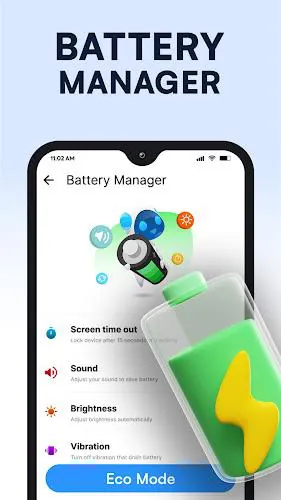
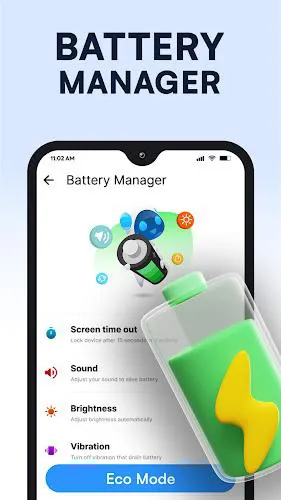
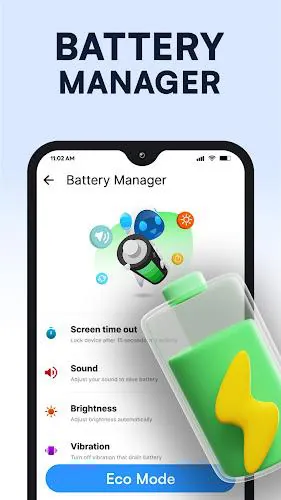
Optimizing for low overhead, AI Cleaner performs scans using incremental checks and avoids heavy background processing when the device is active. Background monitoring is throttled to preserve battery life while still alerting you to sudden storage spikes. The app offers an optional low-power mode that further limits scans when battery is below a chosen threshold.
Compatibility and Device Support
Designed to run on a wide range of Android versions, AI Cleaner supports both phones and tablets and adapts to different storage formats such as internal memory and adopted SD cards. Permissions are requested only for necessary functions; file access and storage permissions are explained during setup so you can make informed choices about what the app can manage.
Privacy and Safety Measures
AI Cleaner focuses on local analysis and cleanup without uploading personal data to remote servers. The app keeps logs of actions locally so you can review previous cleanups and undo specific removals when an undo option is available. Sensitive files are never deleted without explicit user confirmation.
Getting Started
Begin by granting storage access and running an initial scan. The checklist that follows highlights the largest safe-to-delete categories and suggests a recommended cleanup size. If you prefer a conservative approach, use the manual review mode to select items individually. Most users regain significant space after the first cleanup and notice smoother app launches and reduced lag.
Advanced Tips
For power users, AI Cleaner includes an exclusion list to preserve folders or file types you never want removed. Enable scheduled cleanups and pair them with nightly charging periods to keep the device tidy without interrupting usage. Regularly review the duplicate finder results before mass-deleting similar photos to ensure you keep important memories.
Why Choose AI Cleaner
AI Cleaner balances powerful cleaning capabilities with a cautious approach to data safety. Its combination of automated recommendations, manual controls, and modest system footprint make it a practical choice for users seeking to reclaim storage and maintain steady performance. The app’s straightforward workflow helps reduce clutter fast while keeping you in control of the process.
- No virus
- No advertising
- User protection
Information
- File size: 20.26 M
- Language: English
- Latest Version: 1.0.55
- Requirements: Android
- Votes: 420
- Package ID: myfiles.filemanager.fileexplorer.cleaner
- Developer: Brain Trust
Screenshots
















Explore More
Equip yourself with our all-in-one toolbox app for everyday tasks and projects. Instantly convert between units, calculate tips, scan documents, manage files, and more with handy productivity tools. Includes a level, compass, QR code reader, ruler, speedometer, decibel meter, and flashlight. Save frequently used tools to your customizable dashboard for one-tap access. Track billable hours, wages, budgets, and invoices. Annotate screenshots, magnify labels, and sign PDFs on the go.

Board Game Stats

MEXC Global: BTC, ETH, Gamefi

Text Art - Write Text On Photo

Domino's Pizza Sri Lanka

Hatekhori Shongkha

Halloween Photo Editor -Makeup

Connecting - Friends Near Me

Cartola





























