

Introduction
Find lost phone: Phone Tracker helps you locate, ring, and secure misplaced Android devices instantly, combining real-time GPS tracking, remote locking and smart alerts. Designed for ease of use, this tool gives clear location history, safe access control and quick recovery options when a phone goes missing.
Core features you’ll use every day
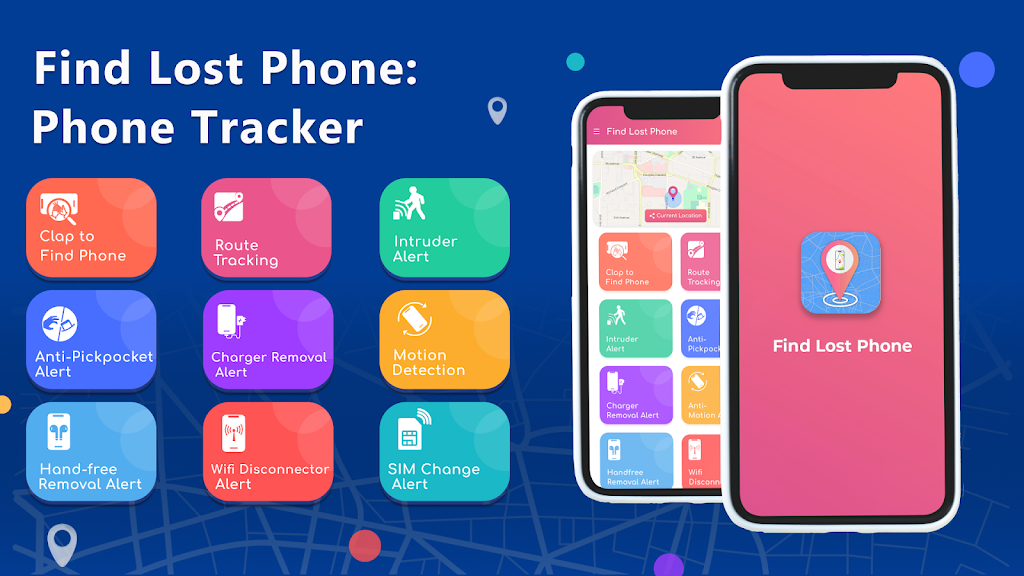
Find lost phone: Phone Tracker provides a streamlined toolkit focused on recovery and device safety. Real-time GPS positioning shows the device on a map with timestamped updates. A remote ring function forces the phone to sound an alarm even when it’s in silent mode, making nearby retrieval faster. Remote locking and password reset options let you block unauthorized access. The app also supports location history, geo-fencing alerts and an emergency contact notification system so trusted people are informed if your device leaves a safe zone.
How tracking works
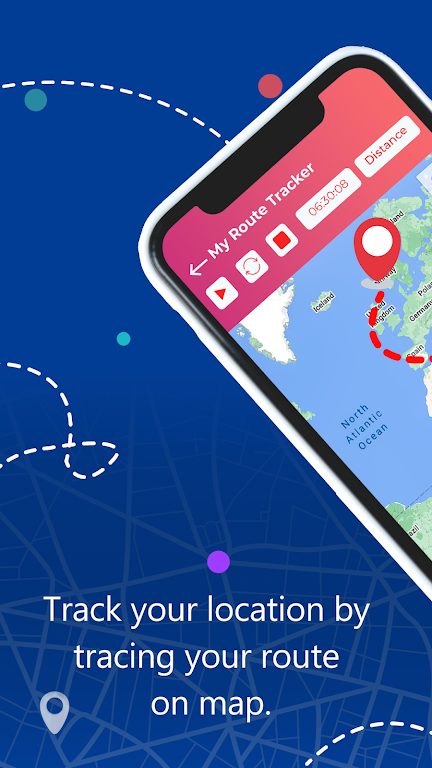
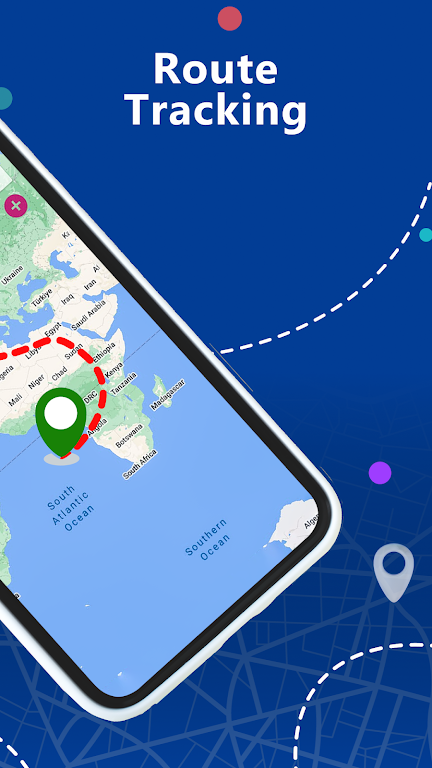
The app leverages built-in Android services to share location data securely. When tracking is enabled, the device periodically transmits its coordinates to a protected server, allowing you to view its position on a dashboard through a web link or companion device. Accuracy improves in areas with GPS visibility and Wi-Fi access points, while fallback to cellular triangulation helps in low-signal environments. Location updates are shown with time stamps so you can follow movement and estimate last-known whereabouts.
User interface and workflow
Navigation is kept simple: open the app or sign in online, choose the lost device and view its current location. Essential actions—ring, lock, wipe—are available with a single tap. The layout emphasizes clarity with large buttons and short descriptions to avoid confusion during stressful moments. Settings let you customize alert tones, update frequency and the level of location precision reported to your account.
Privacy, permissions and security
Find lost phone: Phone Tracker requests only the permissions required for its functions: location access, remote device management and internet connectivity. Data transmission is encrypted to protect your information in transit, and account access can be secured with two-factor authentication. Local privacy settings allow you to control what historical data is stored and for how long, and you can delete tracking records at any time.
Battery use and performance
To minimize battery drain, the app balances update frequency with device power. You can choose high-frequency updates for critical searches or switch to a low-power mode that checks location less often. The app is optimized for background operation and will use system-friendly methods to maintain performance without overwhelming CPU or network resources, making it practical for everyday protection.
Compatibility and requirements
The tracker is compatible with most modern Android devices and runs on a wide range of OS versions. Required components include active location services and a small persistent permission to enable remote actions. For full functionality, the lost device should have an active internet connection; however, queued commands will apply automatically once connectivity is restored.
Practical tips for recovery
- Act quickly: Open the dashboard immediately to capture recent location data and avoid losing time.
- Trigger audible alerts: Use the remote ring to find phones that are nearby but hard to spot.
- Lock before wiping: If theft is suspected, lock the device first to preserve evidence and attempt recovery; wipe only when recovery is unlikely.
- Use geo-fence alerts: Set safe zones to receive notifications when a device exits or re-enters a location.
- Share access: Add a trusted contact who can assist with tracking and coordinate recovery.
Getting started
Installation and setup are straightforward: install the app on your devices, follow the guided permission prompts and create an account or sign in with an existing email. Enable location permissions and remote management to unlock all features. Once configured, test the ring and lock functions so you’re familiar with the process before you actually need it.
Final considerations
Find lost phone: Phone Tracker focuses on delivering essential recovery tools with a clear interface and strong privacy controls. It’s built to be reliable under stress, offering multiple routes to locate and secure a missing device while keeping data protection at the forefront of its design.
- No virus
- No advertising
- User protection
Information
- File size: 54.54 M
- Language: English
- Latest Version: 2.2.10
- Requirements: Android
- Votes: 210
- Package ID: com.wonderapps.org.findphone
- Developer: Phone Security Apps
Screenshots

















Explore More
Equip yourself with our all-in-one toolbox app for everyday tasks and projects. Instantly convert between units, calculate tips, scan documents, manage files, and more with handy productivity tools. Includes a level, compass, QR code reader, ruler, speedometer, decibel meter, and flashlight. Save frequently used tools to your customizable dashboard for one-tap access. Track billable hours, wages, budgets, and invoices. Annotate screenshots, magnify labels, and sign PDFs on the go.

Board Game Stats

MEXC Global: BTC, ETH, Gamefi

Text Art - Write Text On Photo

Domino's Pizza Sri Lanka

Hatekhori Shongkha

Halloween Photo Editor -Makeup

Connecting - Friends Near Me

Cartola





























